Overview
When you want the application to store each user's data in their respective DID Space, you can configure it to require users to connect their DID Space upon first login and authorize the application to access it.
Prerequisites
- Ensure you have a DID Space available for debugging. If not, refer to Get a DID Space.
- Your app's
blocklet.ymlconfiguration file sets thecapabilities.didSpaceproperty torequiredOnConnect. This means users must provide their DID Space to log in.
Procedure
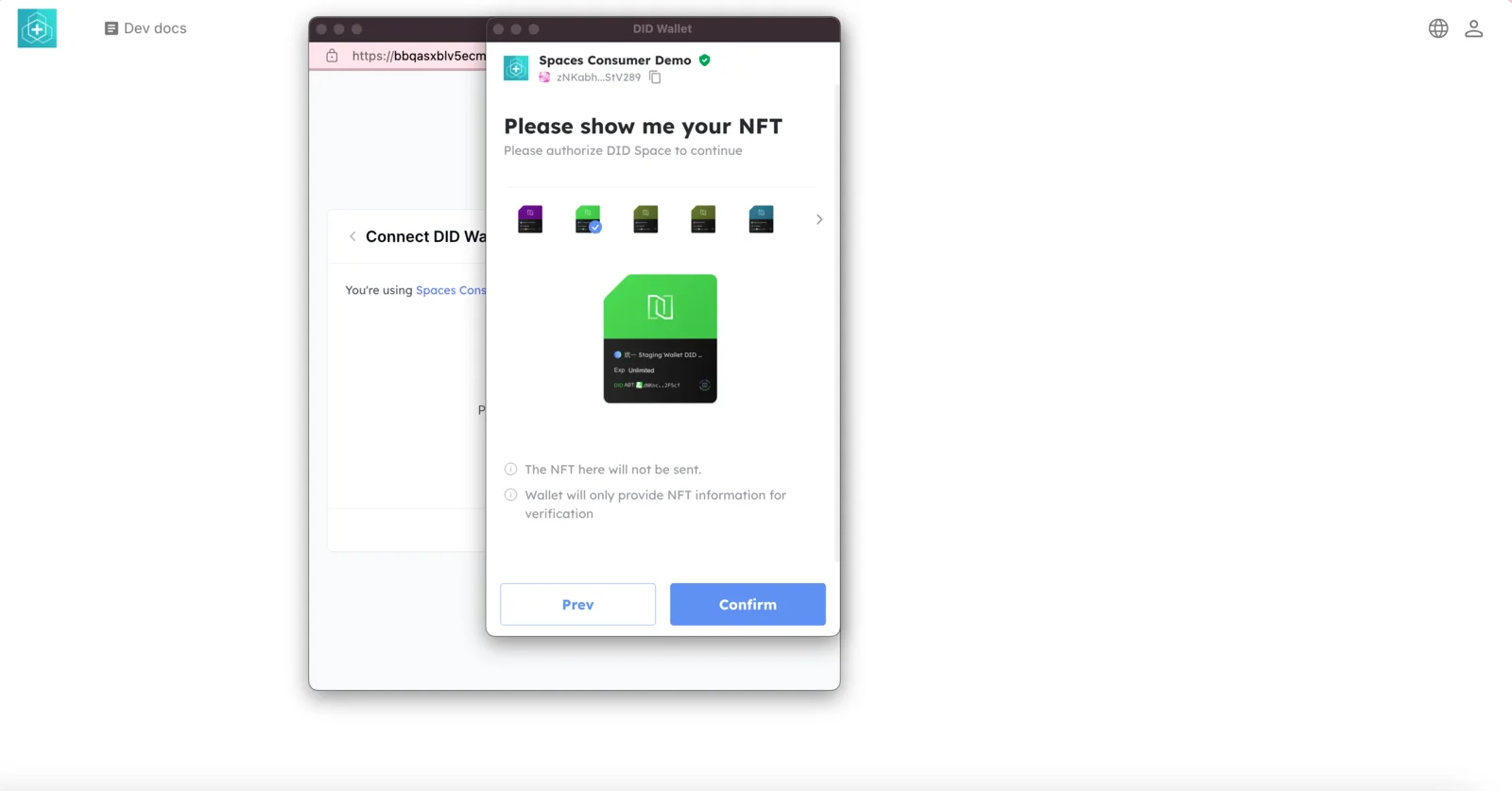
Users are required to connect their DID Space.
When users first log in to your application, they must present their DID Space NFT to access their DID Space.
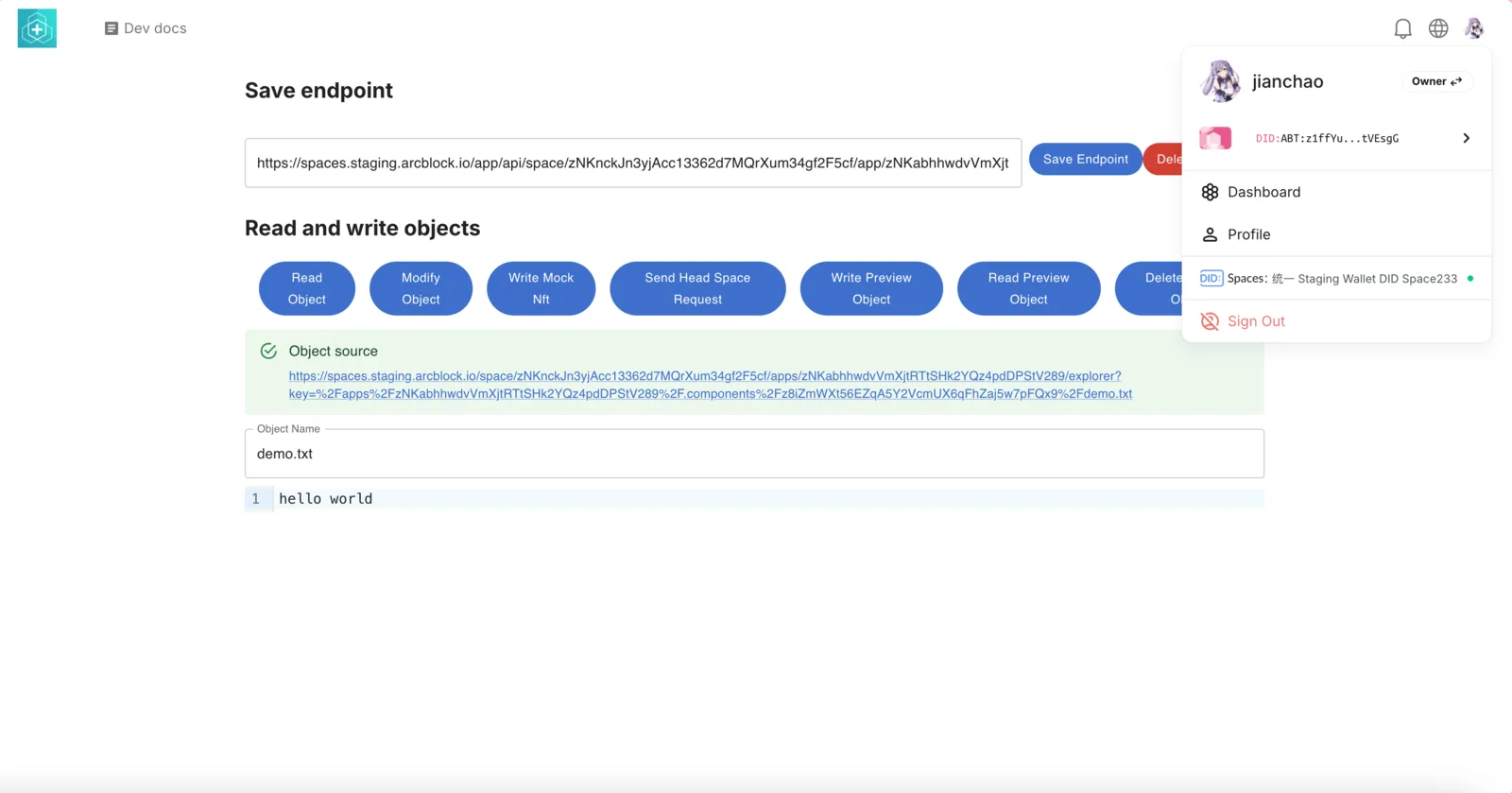
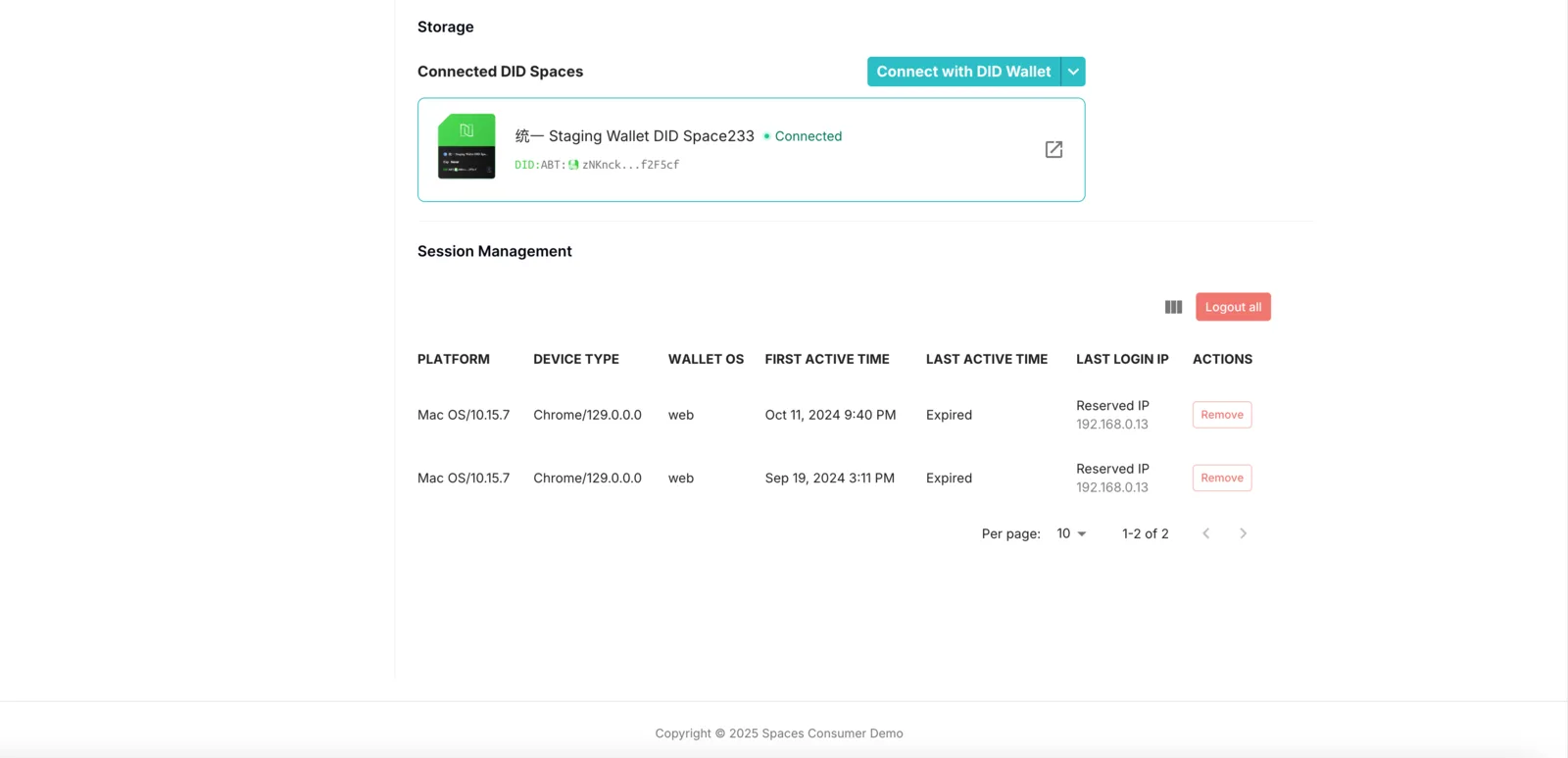
After successfully connecting to their DID Space, users can access it by clicking their avatar in the upper right corner, then clicking DID Spaces.
Applications retrieve the user's DID Space endpoint
During application runtime, the user's DID Space endpoint can be retrieved with the following backend code:
const AuthService = require('@blocklet/sdk/service/auth');

const authService = new AuthService();
const { user } = await authService.getUser(userDid);

console.log(user.didSpace.endpoint);
// 输出形如: https://space.team.arcblock.io/app/api/space/zNKhe8jwgNZX2z7ZUfwNddNECxSe3wyg7VtS/app/zNKfEK9actwBeLhfVvc9U1p1CqVWxtivVxo6/object/
After retrieving the DID Space endpoint, your application can read and write data within this DID Space. For more information, see: Using @blocklet/did-space-js to read and write DID Space.