Overview
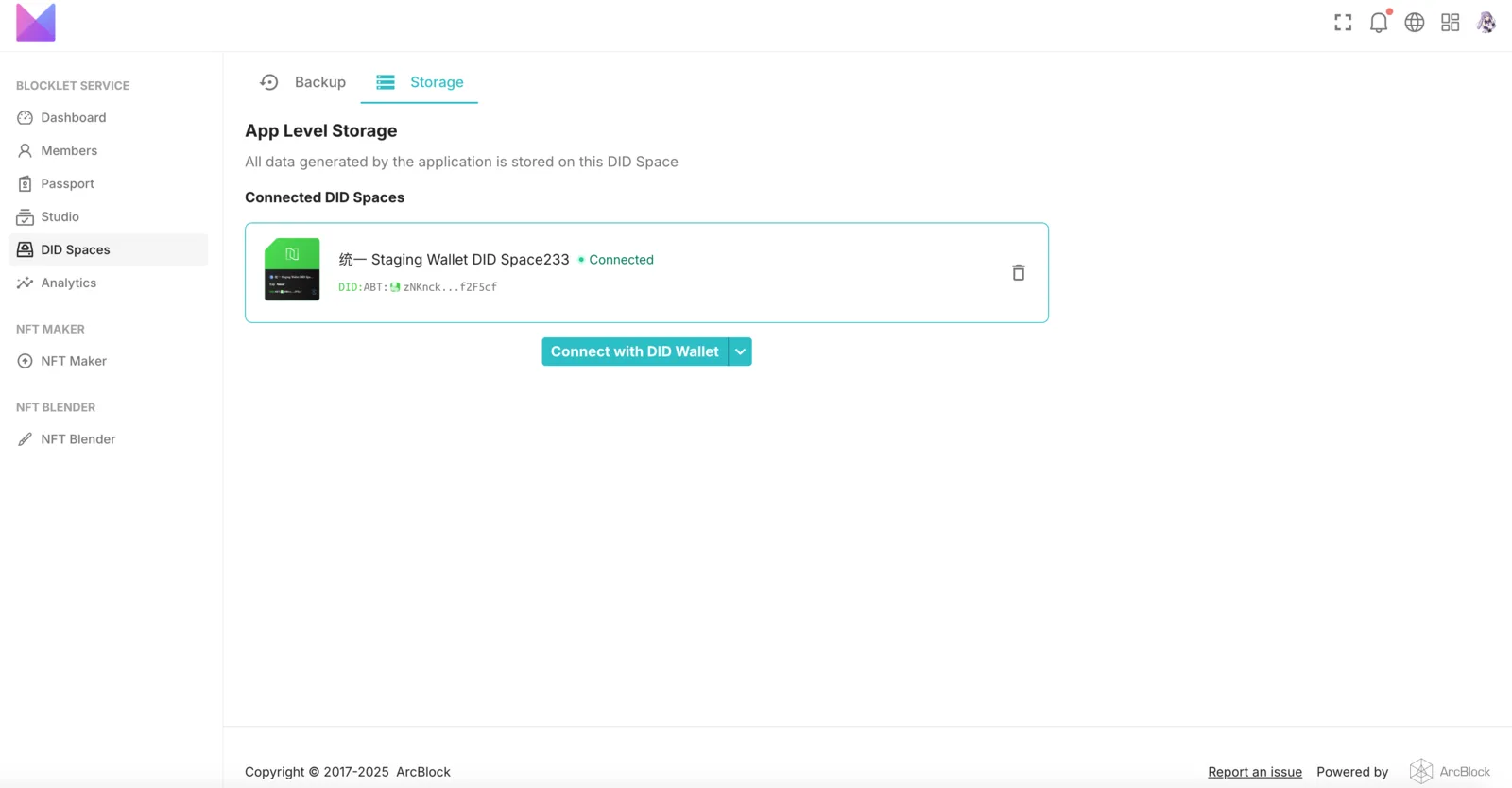
NFT Blender requires users to link a DID Space upon first installation and launch. All NFT data generated by the application will be stored in this DID Space.
If you want to connect NFT Studio to a different DID Space during the process, this article can help you.
Prerequisites
- Please make sure you have installed the NFT Blender app.
Procedure
Access the DID Spaces configuration page
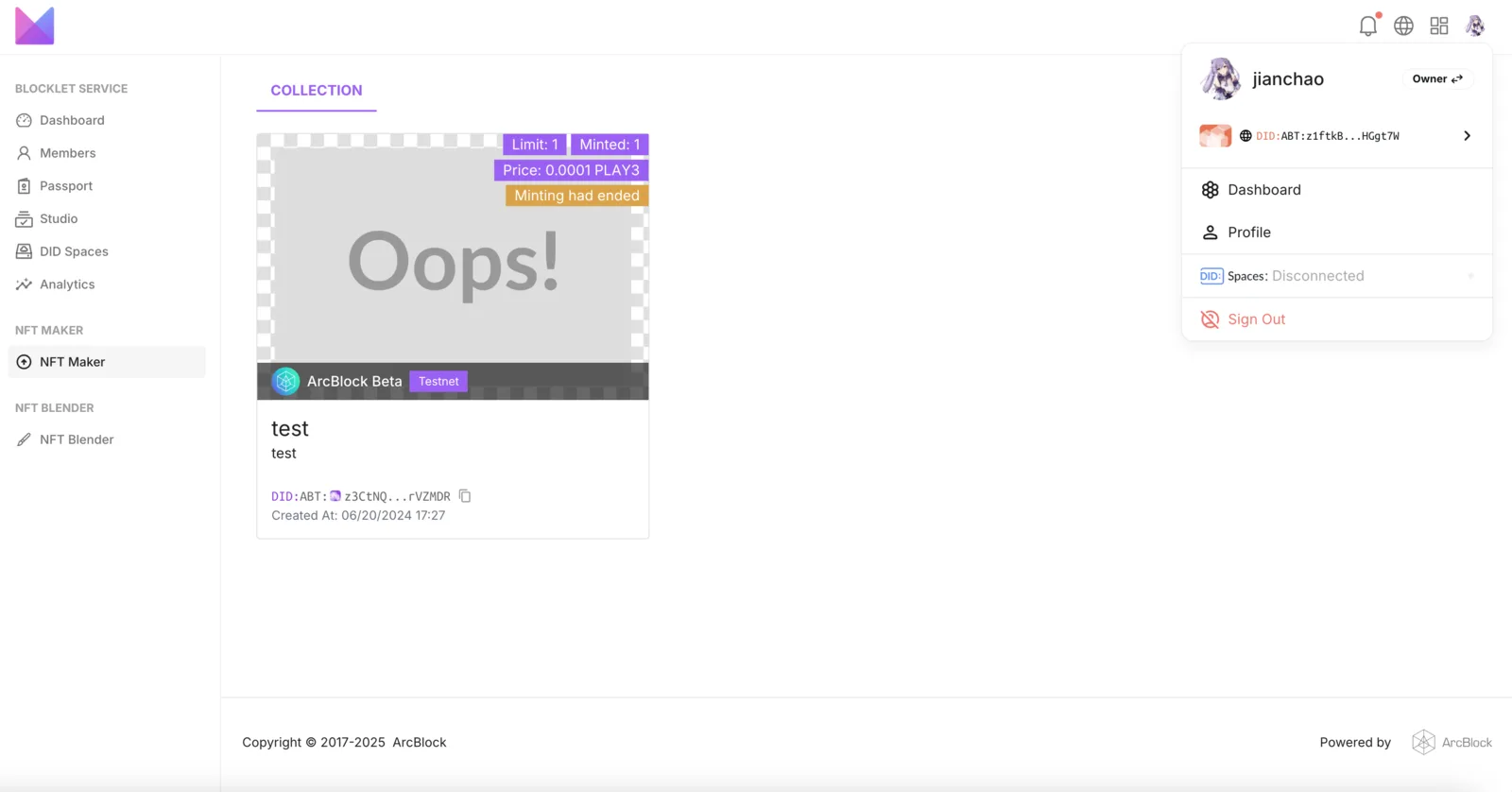
To switch DID Spaces, access the application's component interface. Begin by clicking the avatar in the upper right corner, then select Dashboard to enter the DID Spaces configuration page.
Switch DID Spaces
Under the DID Space configuration page, click the Storage section, and then click the Connect with DID Wallet button below to switch DID Spaces.