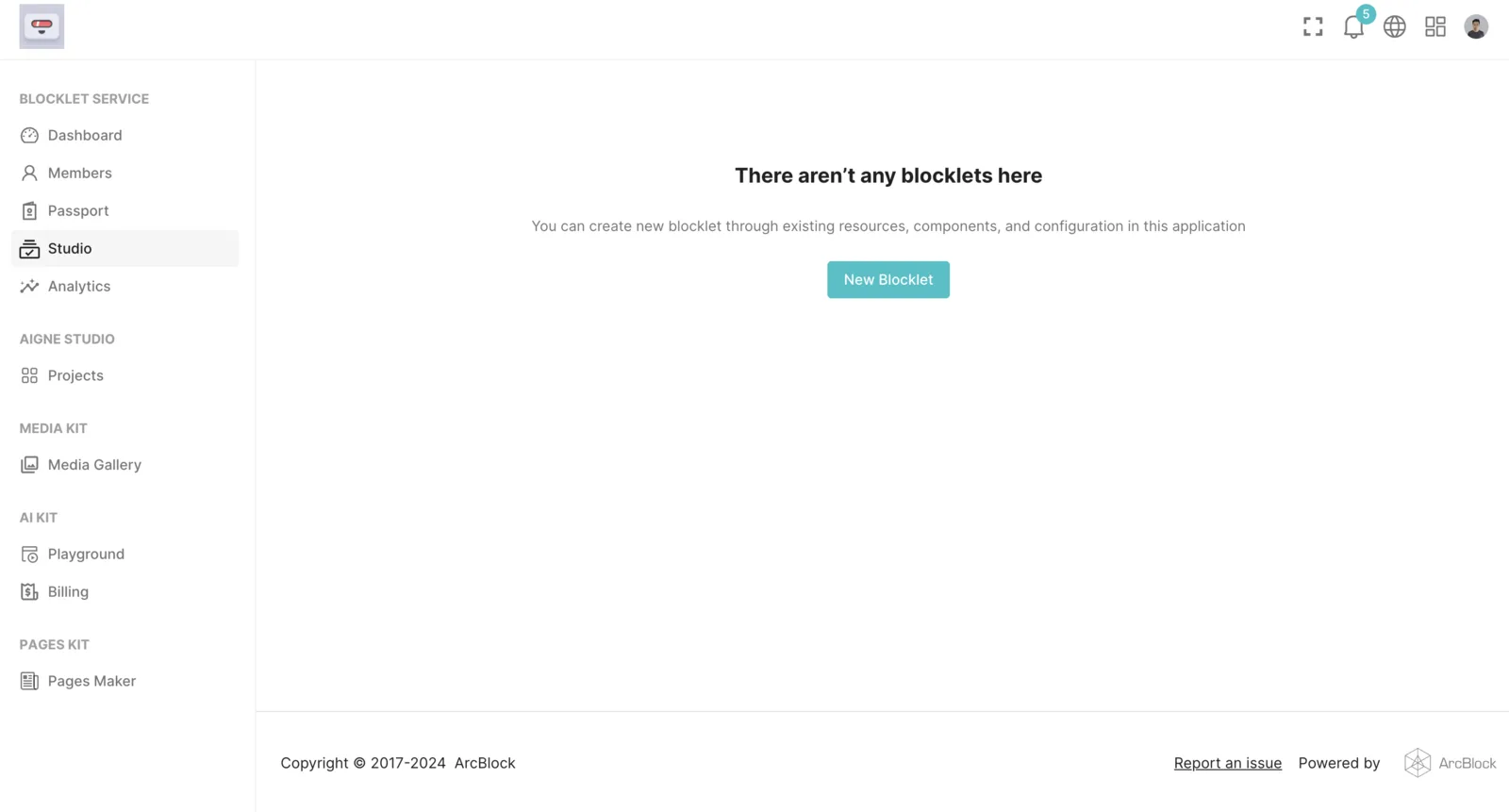
In the Blocklet Studio list, you can click the delete button of a specific Blocklet to remove it:
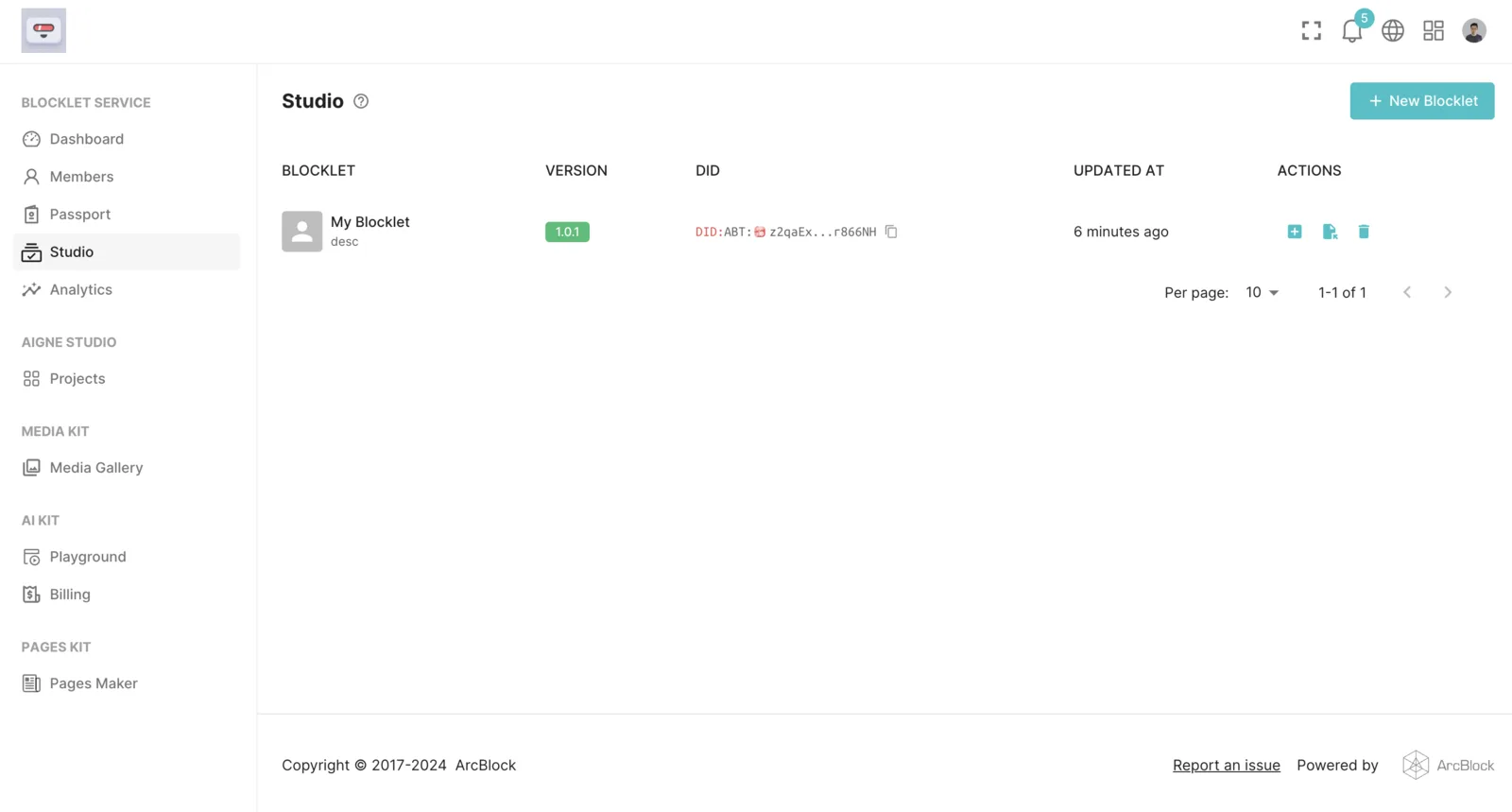 Upon clicking, a prompt message will appear. Please read it carefully as it outlines the risks associated with deleting a Blocklet:
- Once a Blocklet is deleted, it cannot be recovered.
- You will be unable to publish new versions for the deleted Blocklet, meaning it will no longer receive updates in the Blocklet Store.
- Deleting a Blocklet will not affect published versions in the Blocklet Store.
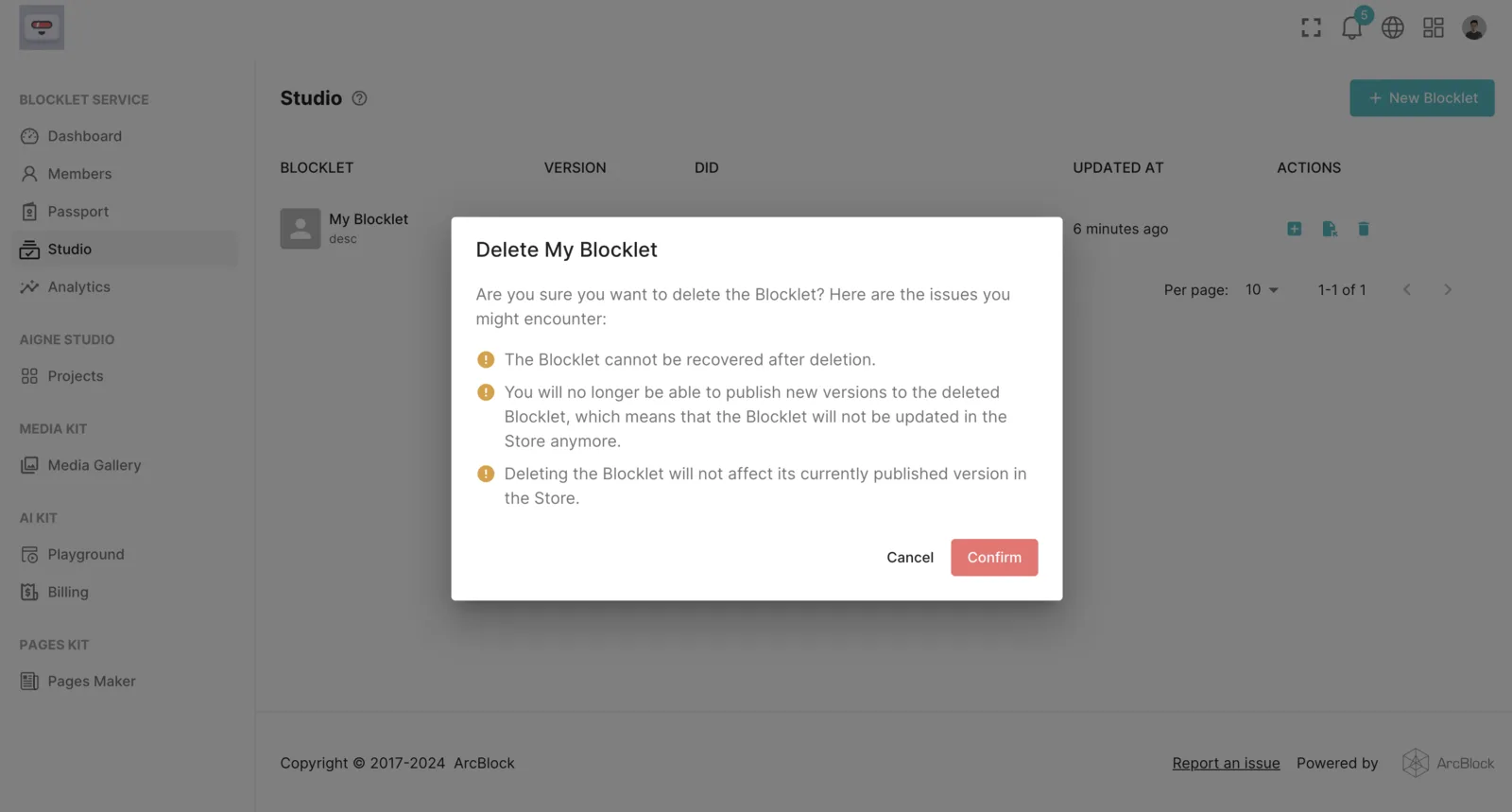
Next, verification of ownership of the Blocklet is required. Please use the wallet used to create this Blocklet for verification:
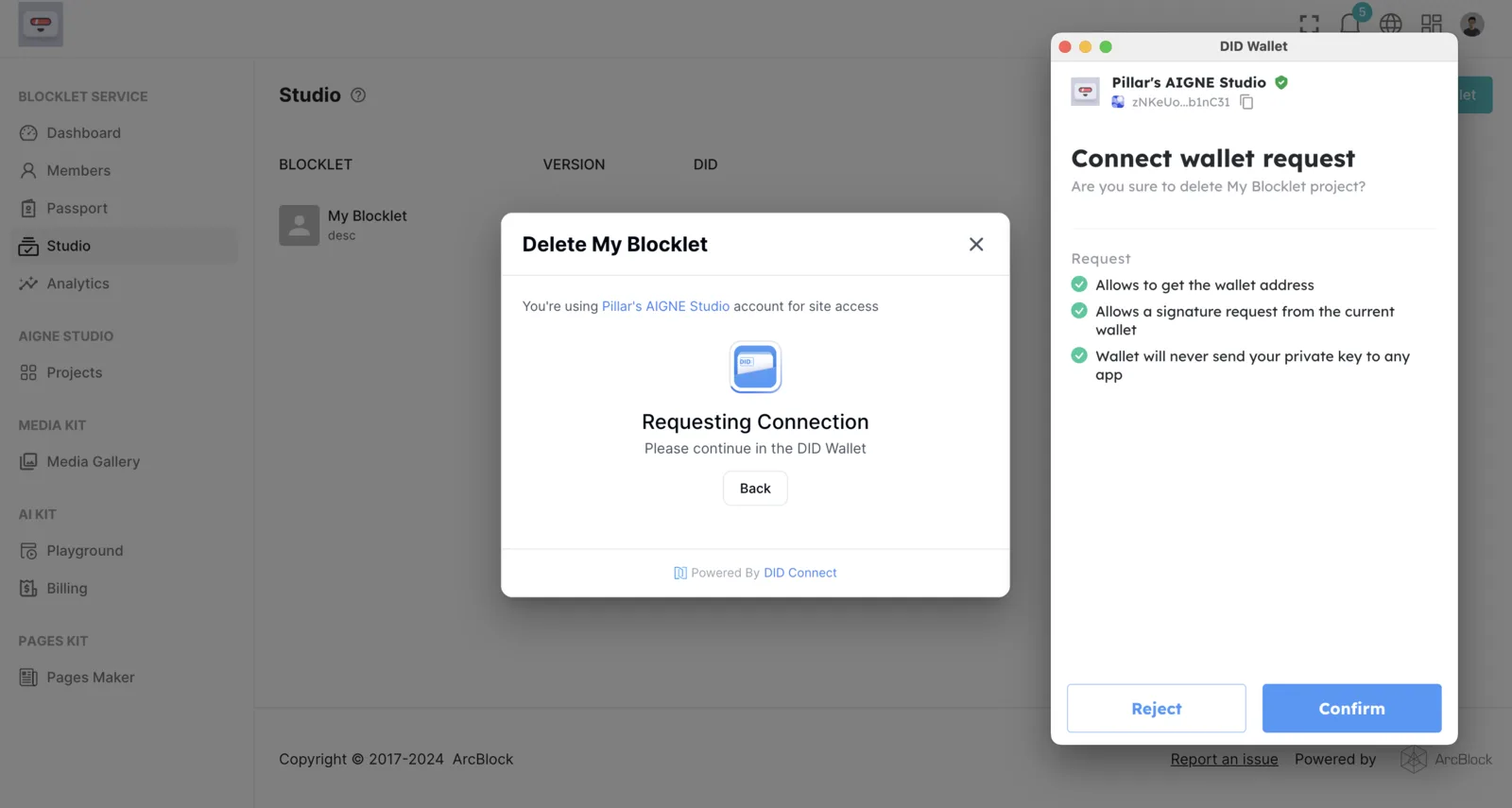
Upon successful verification, your Blocklet will be successfully deleted: