If you can not access your blocklet or server with DID Domain (in the following screenshot)
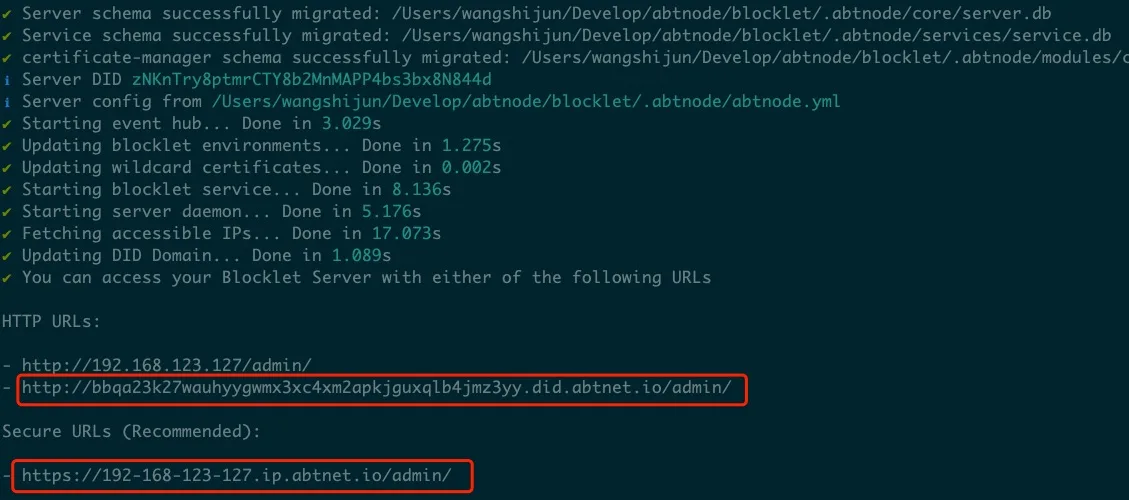
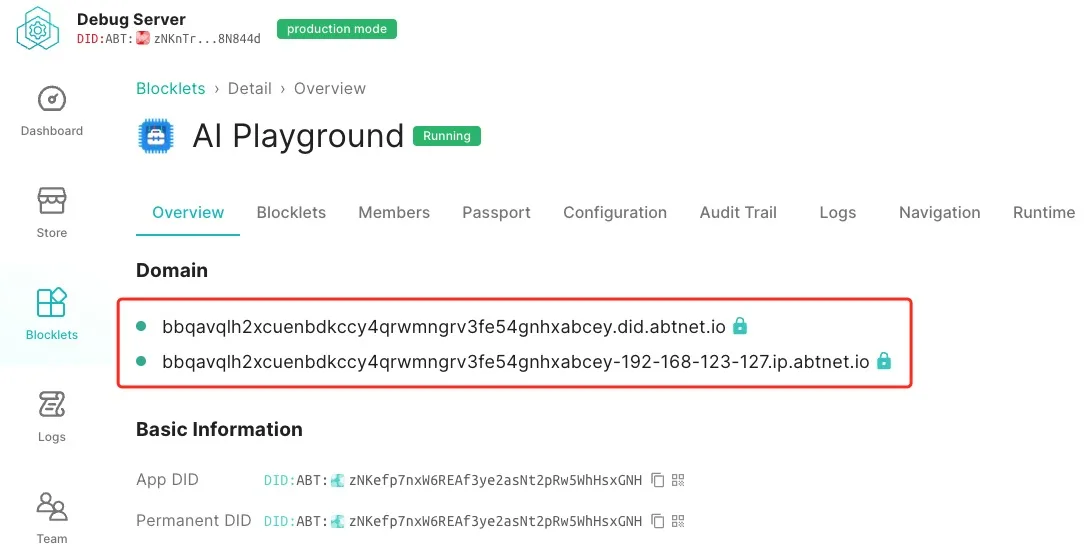
A few things to check:
Ensure no global proxy is turned on in your system
Turn off all global proxy and try restart your server with
blocklet server stop -fblocklet server start
Ensure your DNS settings are correct with dig
If everything is fine, your dig result of DID Domain would be like:
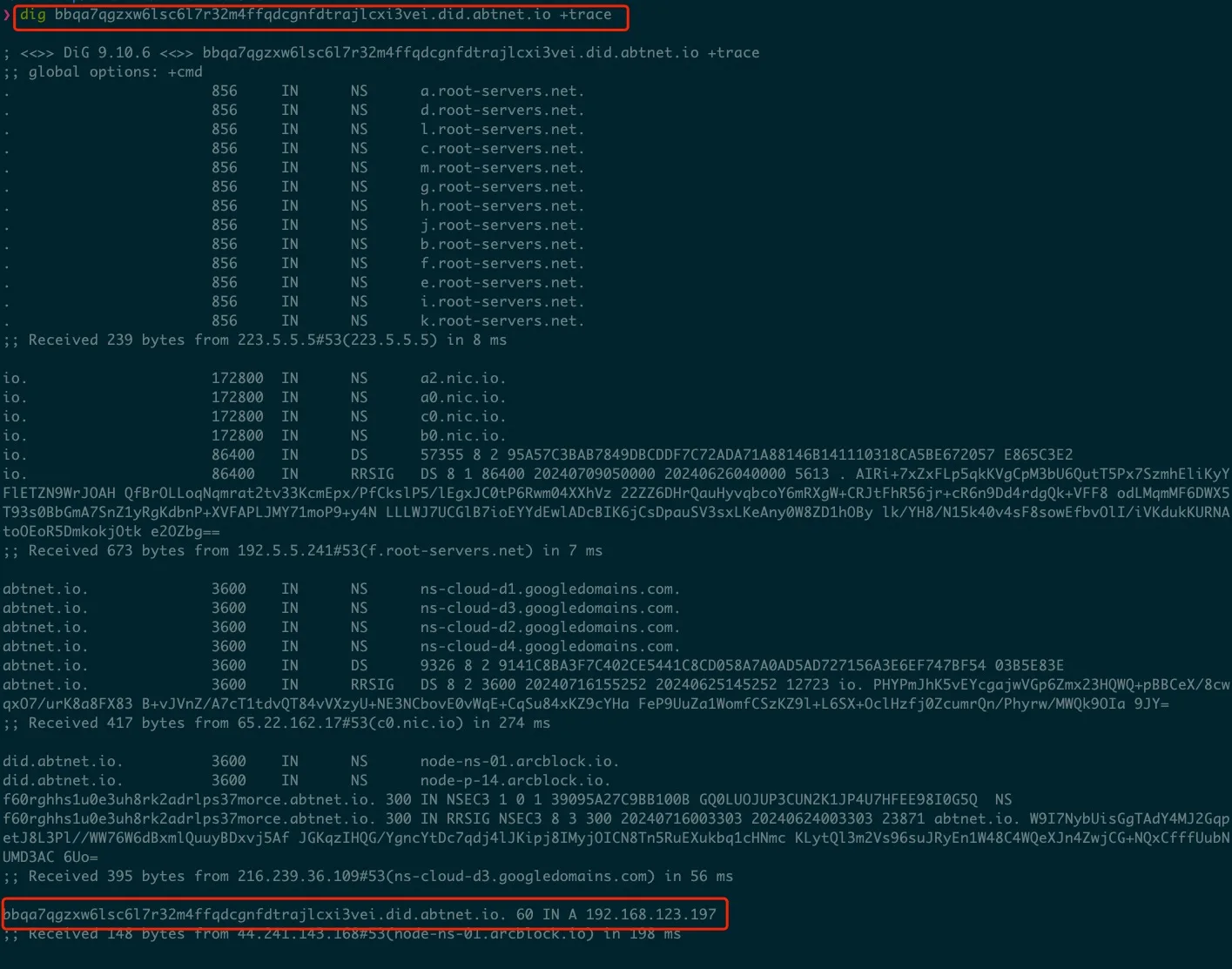
If something went wrong in your network settings, you will not get correct DNS resolution for DID Domain.
Try update your DNS Server settings or Router Settings or Switching Network.