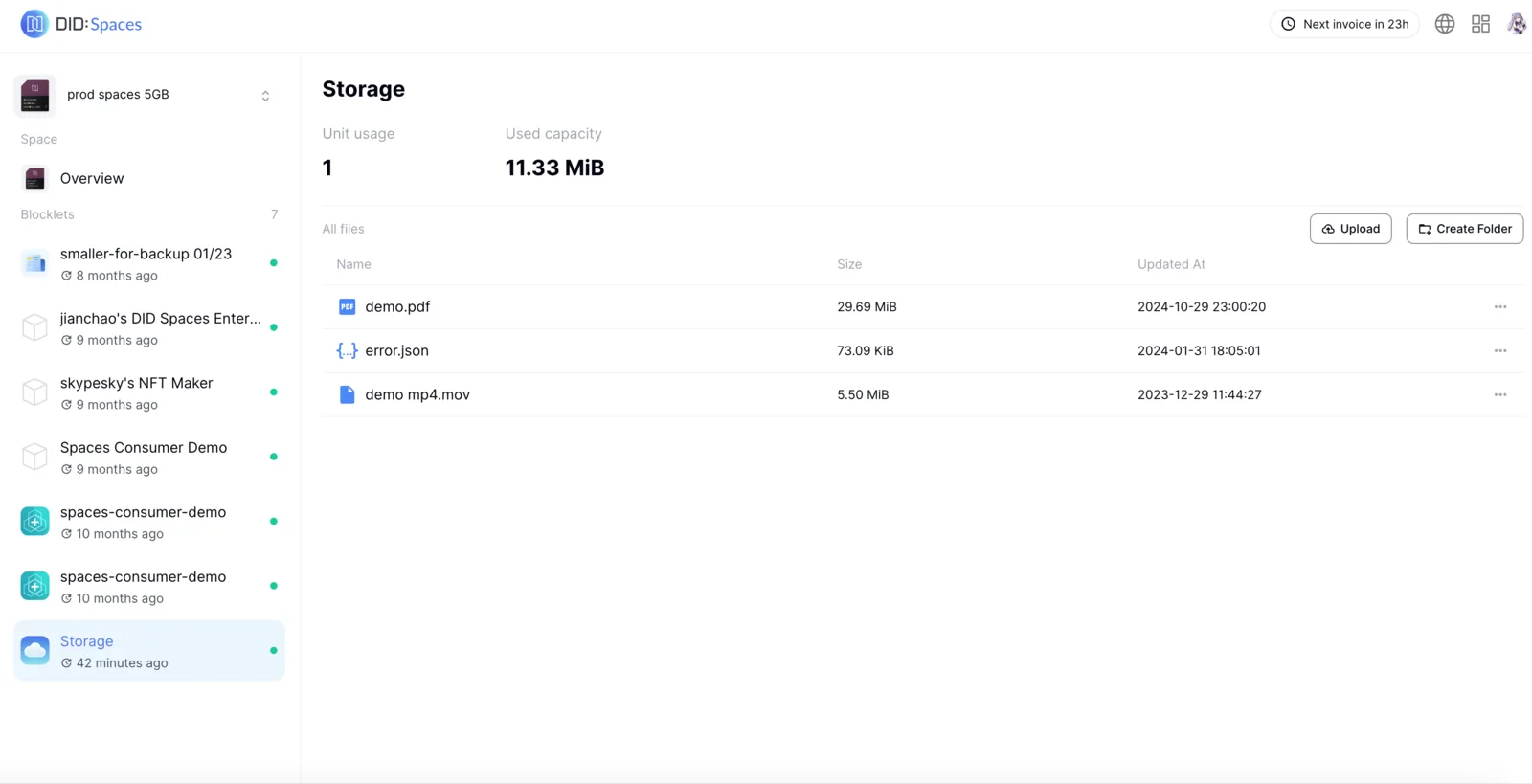
Overview
Beyond offering Blocklet backup and restoration, DID Spaces also empower you to securely store and manage your personal data, providing convenient uploading and access.
Prerequisites
- An available DID Space, see: Get DID Space
Process
Log In to DID Spaces
Log in to your DID Spaces site, then navigate to the DID Space homepage:
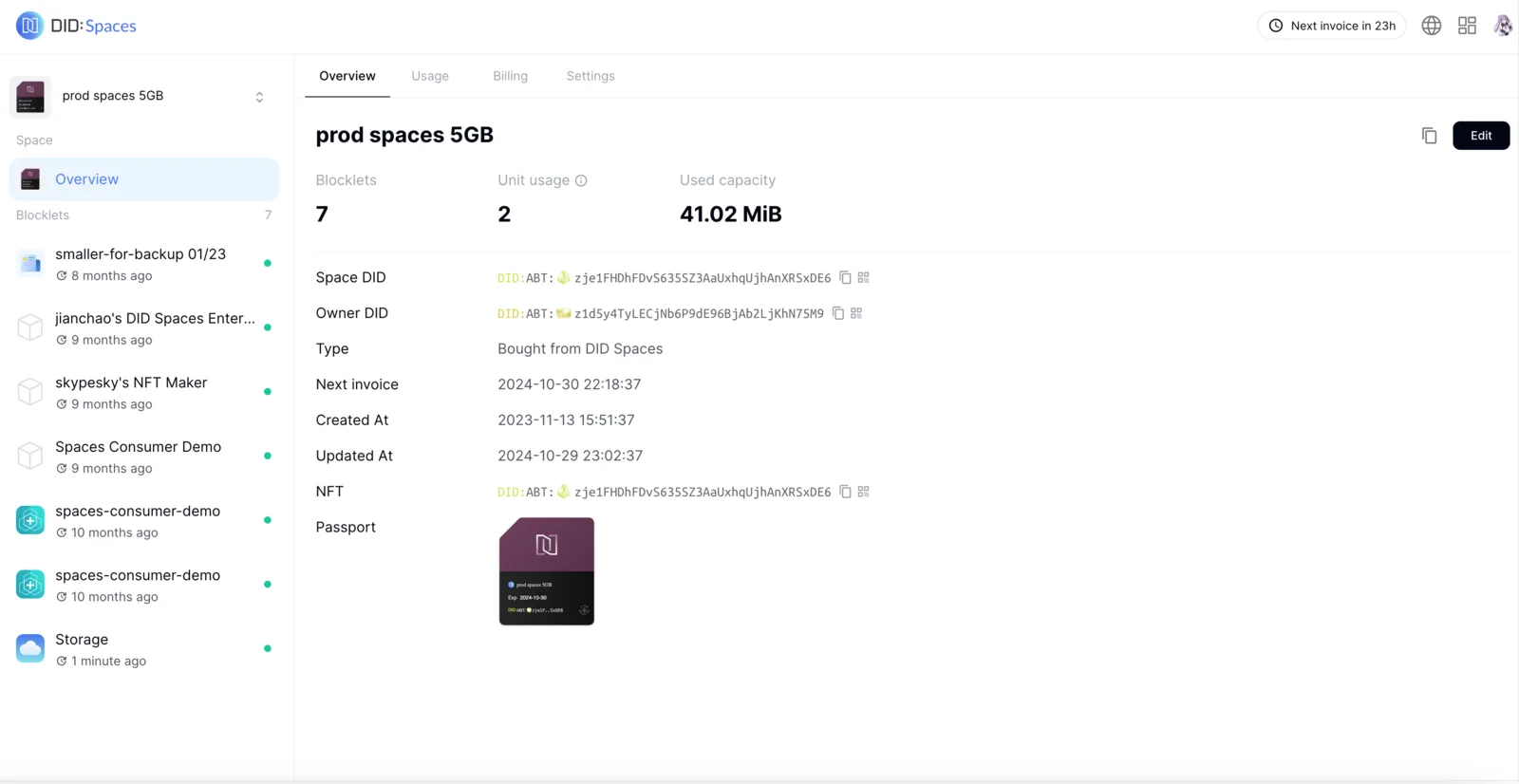
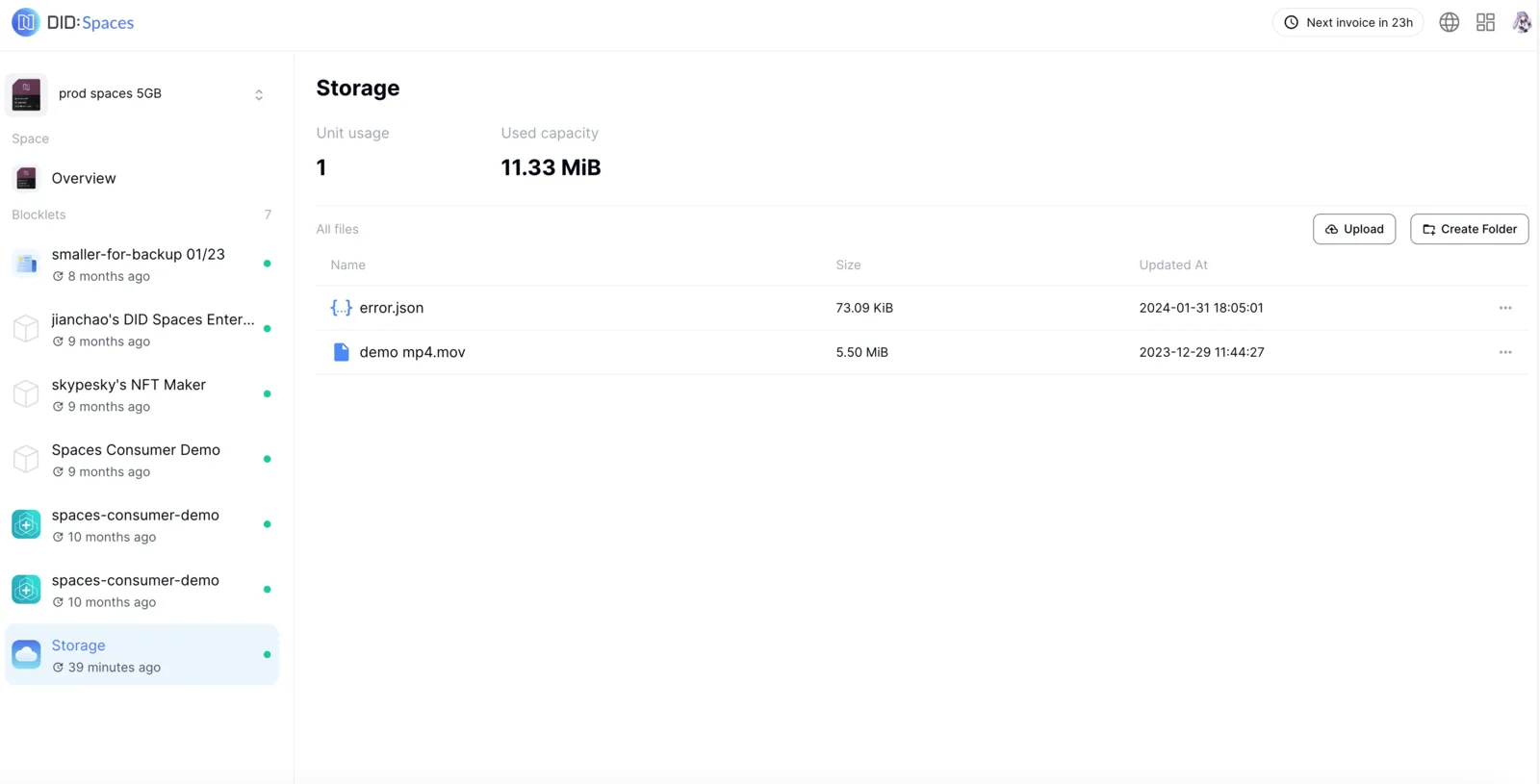
Click the "Storage" tab on the left -> the upload icon in the top right corner -> "Browse Files". Once you've selected the file(s) you want to upload, click "Upload File":
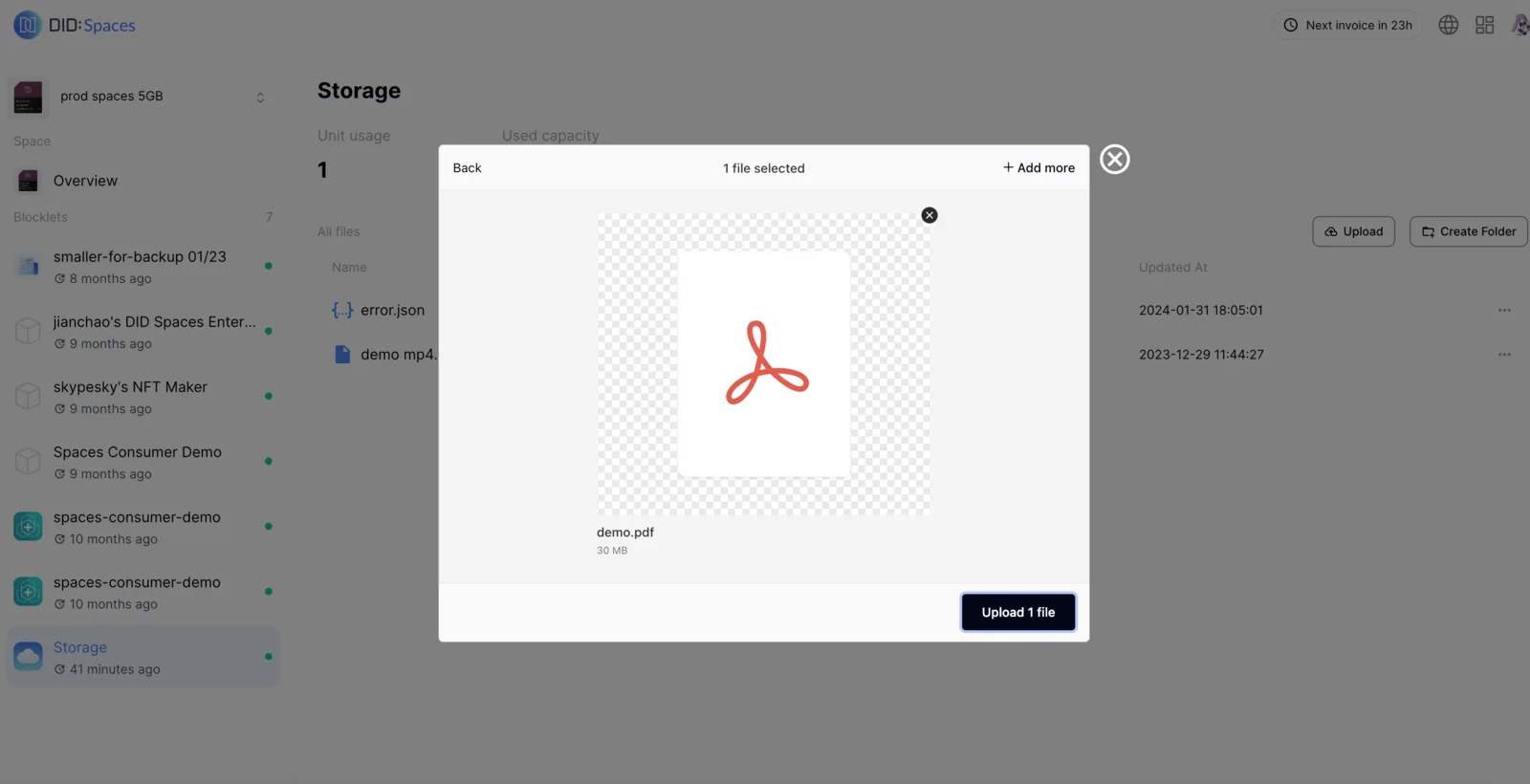
Once uploaded successfully, you can view the new files in Explore.