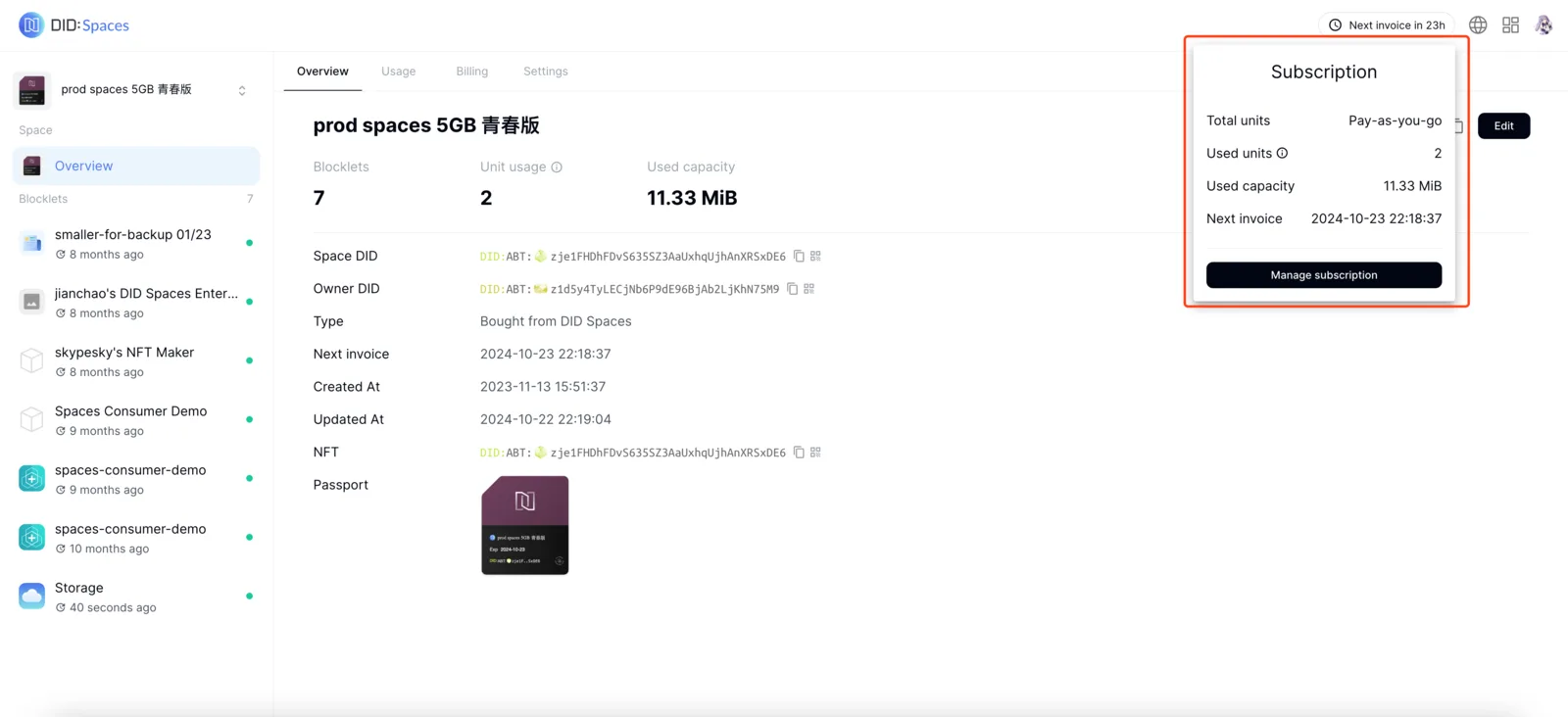
Overview
When your DID Space expires, its corresponding subscription is canceled. The DID Space becomes unavailable and can no longer store data.
If you wish to continue using this DID Space, you can reactivate it by resubscribing.
Prerequisites
- Your DID Space subscription has expired.
Procedure
Resubscribe from the DID Space home page
Navigate to the DID Space homepage, click the tag in the upper right corner, and then click "Resubscribe." This will redirect you to the DID Space subscription purchase page.
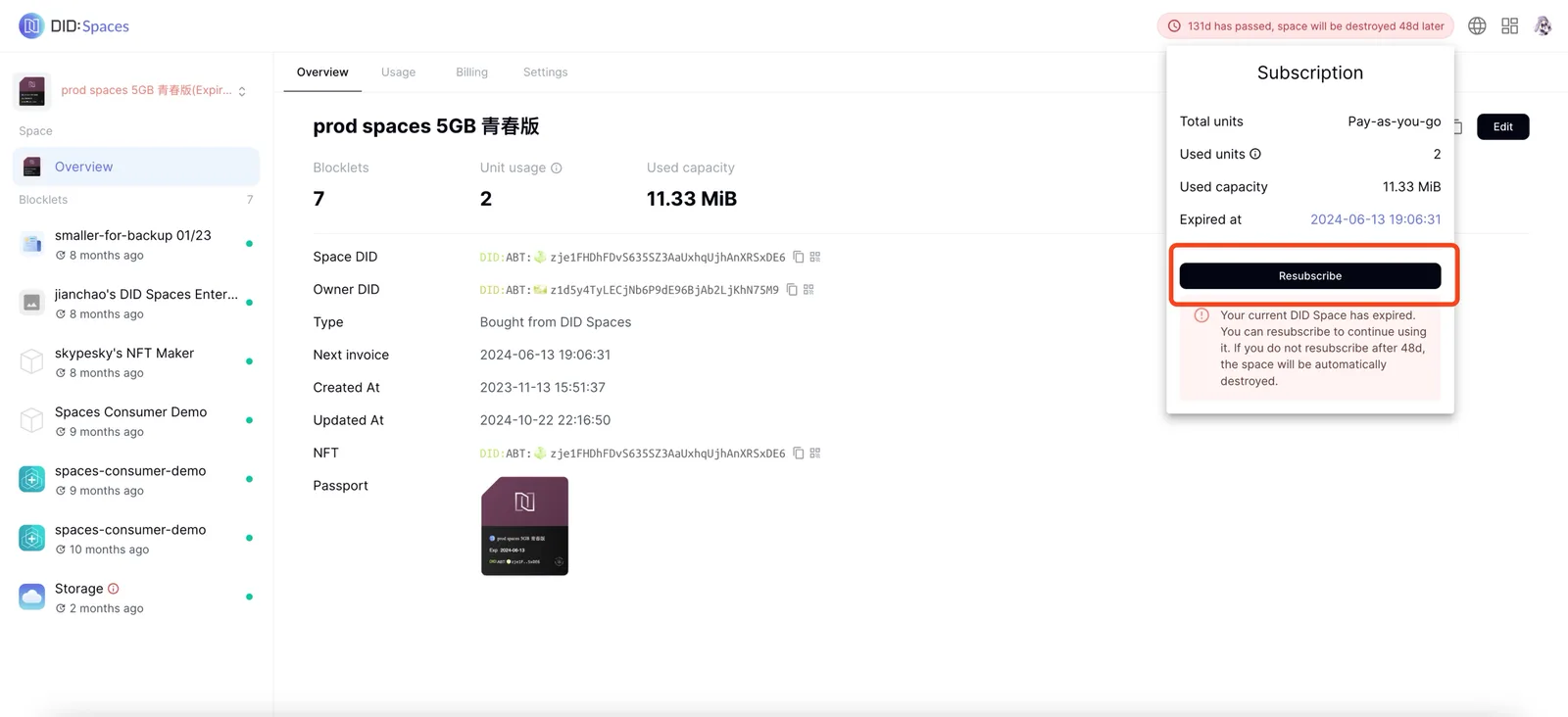
Renew Subscription
On the purchase page, click Subscribe and complete the payment. The page will then redirect to the DID Space homepage.
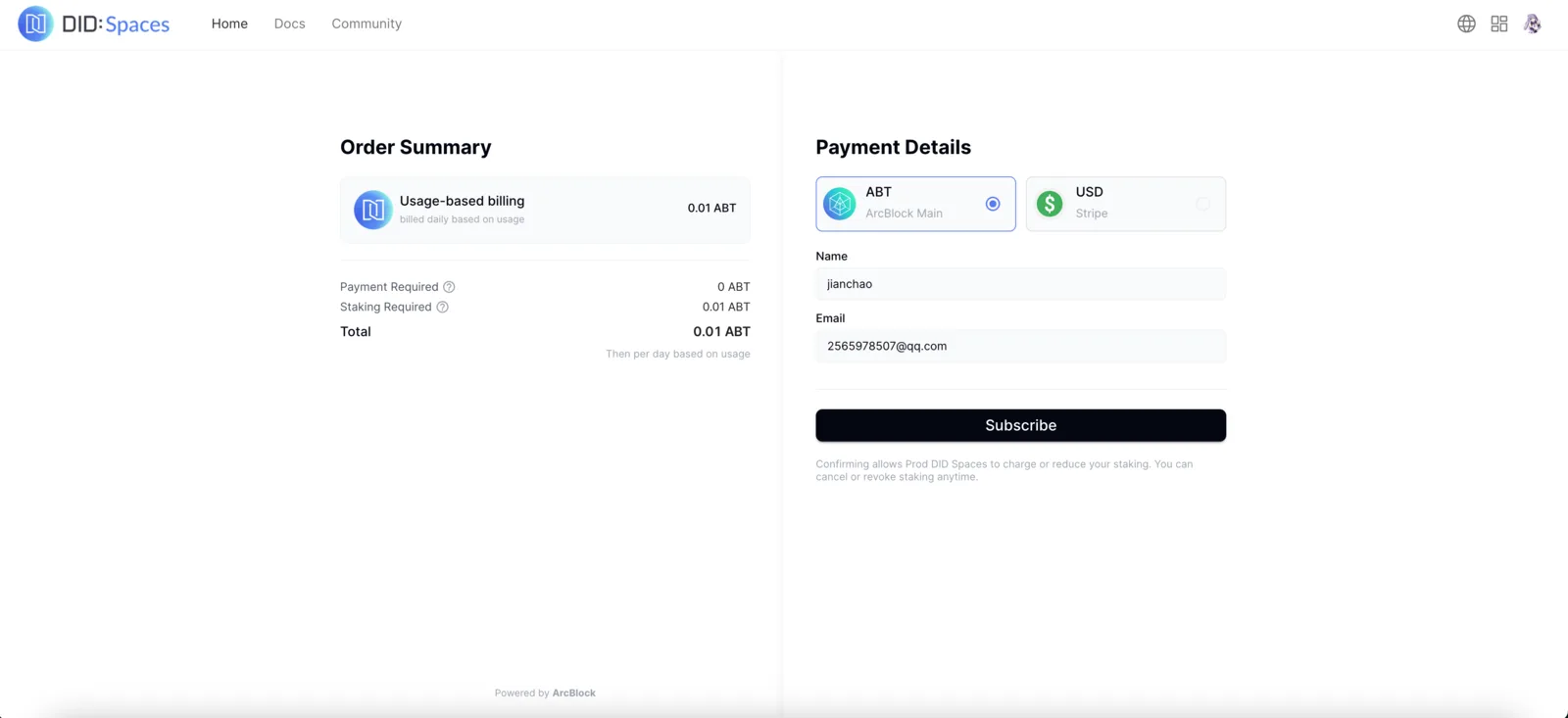
Check DID Space Subscription Status
Your subscription status will be restored in the upper right corner of the DID Space homepage, allowing you to store your data in the DID Space.