Overview
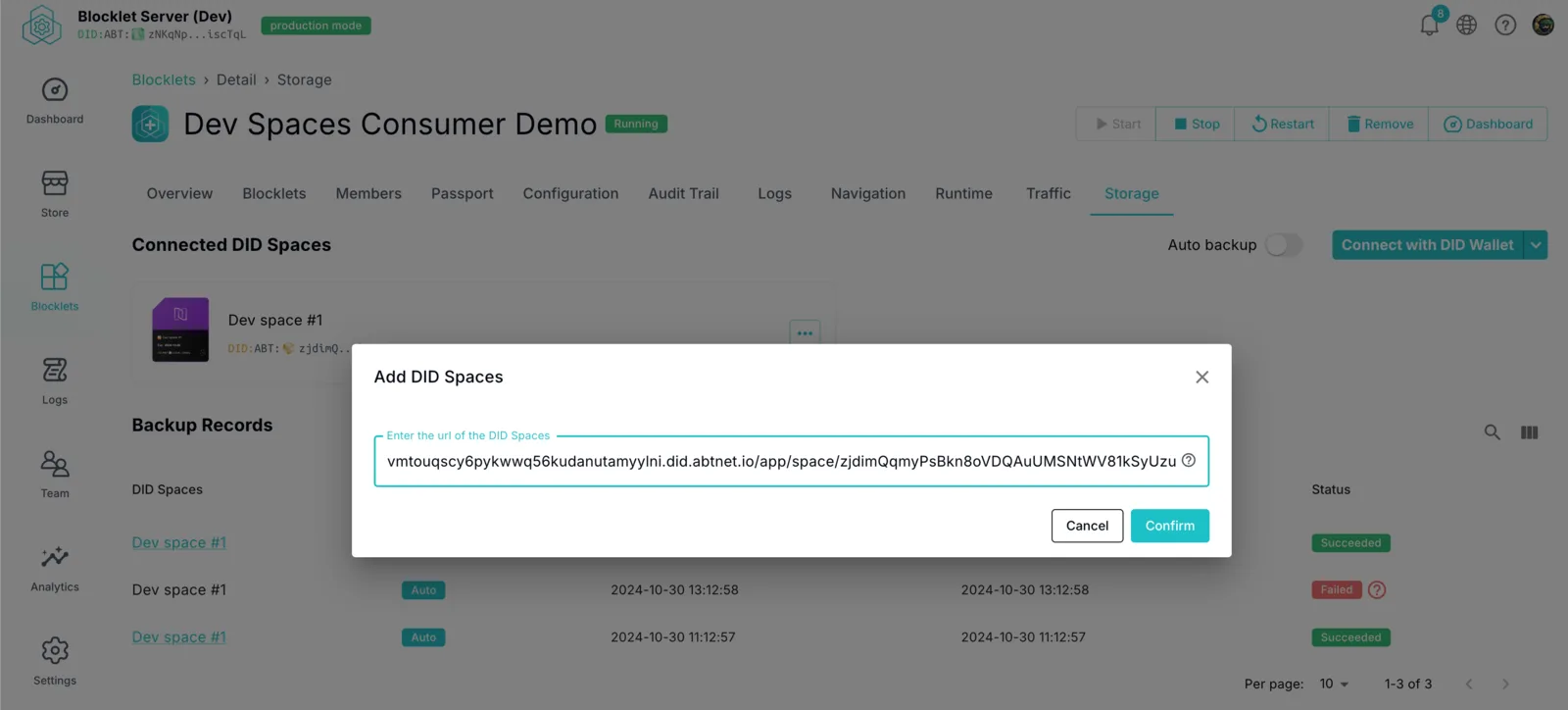
You can use the DID Space gateway address to connect to your DID Space, particularly if you own multiple DID Spaces. This avoids having to select from numerous NFTs when connecting through DID Wallet.
Prerequisites
Copy DID Space Gateway URL
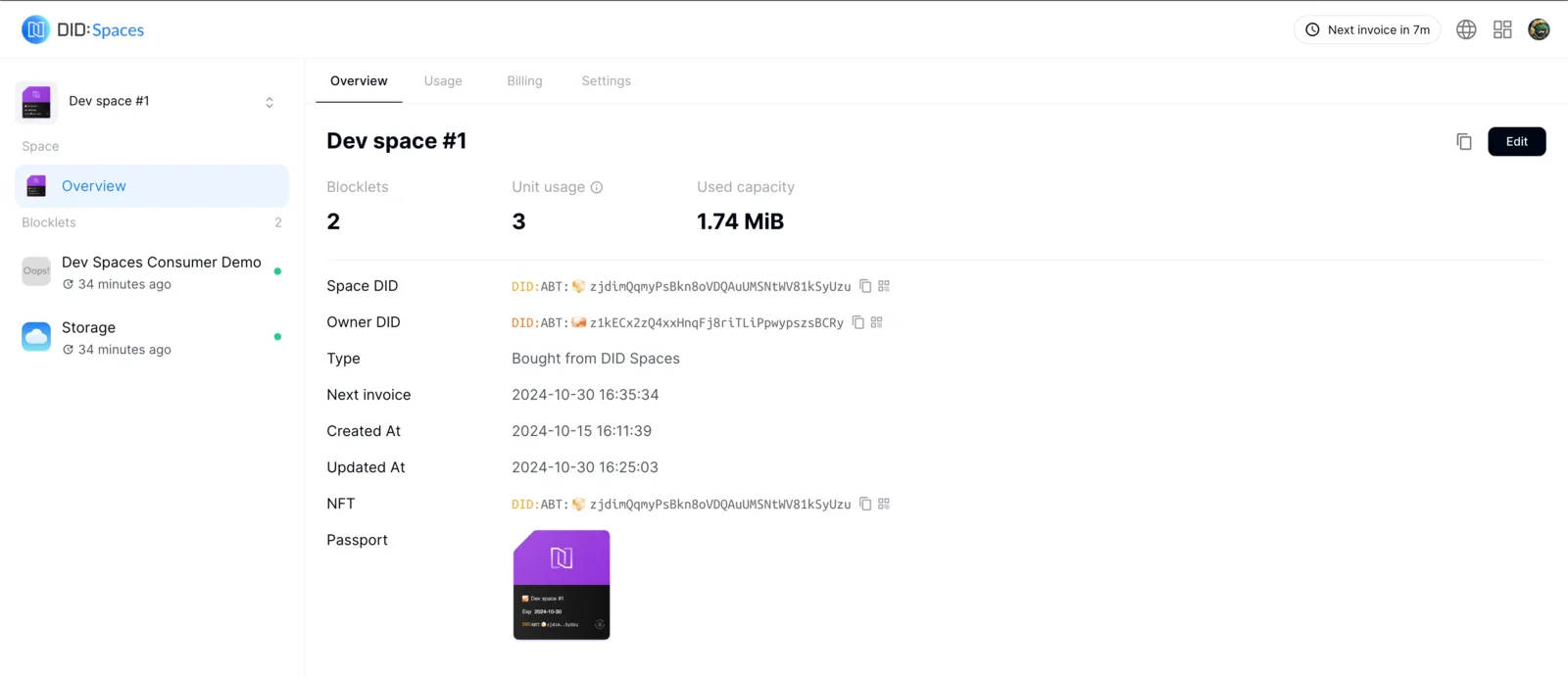
Visit your DID Space site. In the overview page's upper-right corner, you'll find a copy button. Click this button to copy the DID Space gateway address.
Using the DID Space Gateway Address
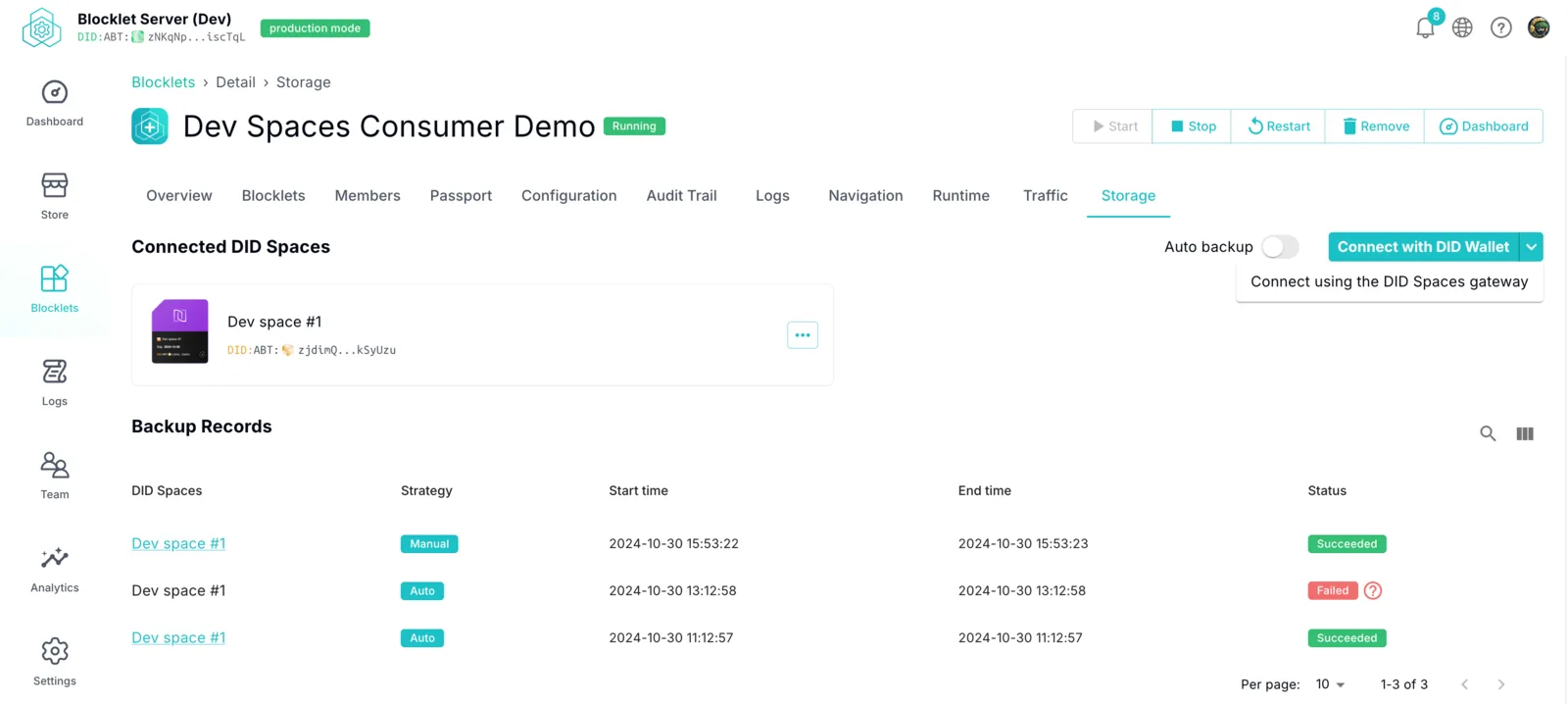
Connect using the DID Space gateway.
Paste the copied address into the input box and click OK.