Overview
If you have your own Blocklet Server, you can restore applications backed up to DID Spaces to it.
Prerequisites
- You have backed up the app to DID Spaces, and you are its owner.
Procedure
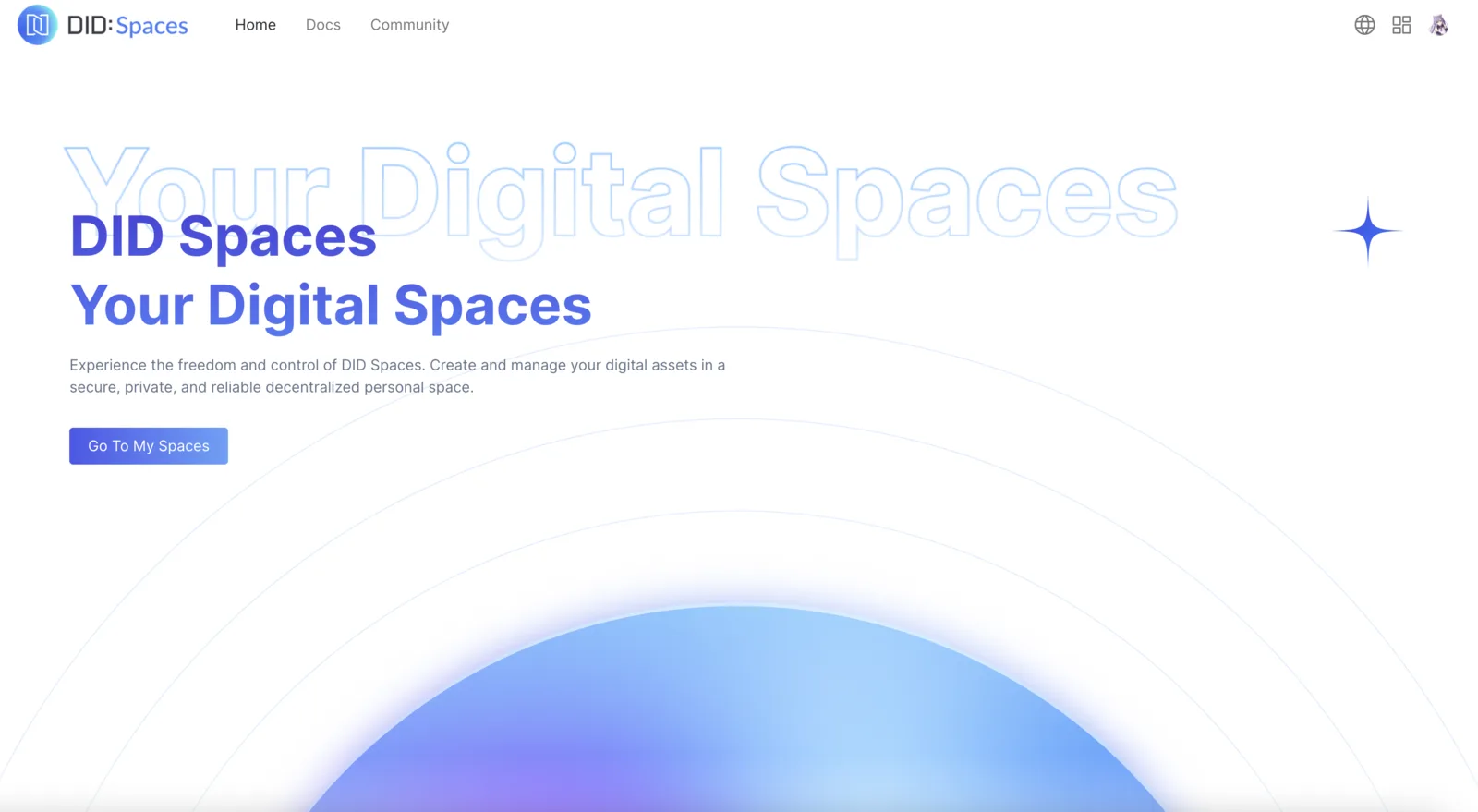
Sign in to DID Spaces
Log in to DID Spaces and click Access My Spaces.
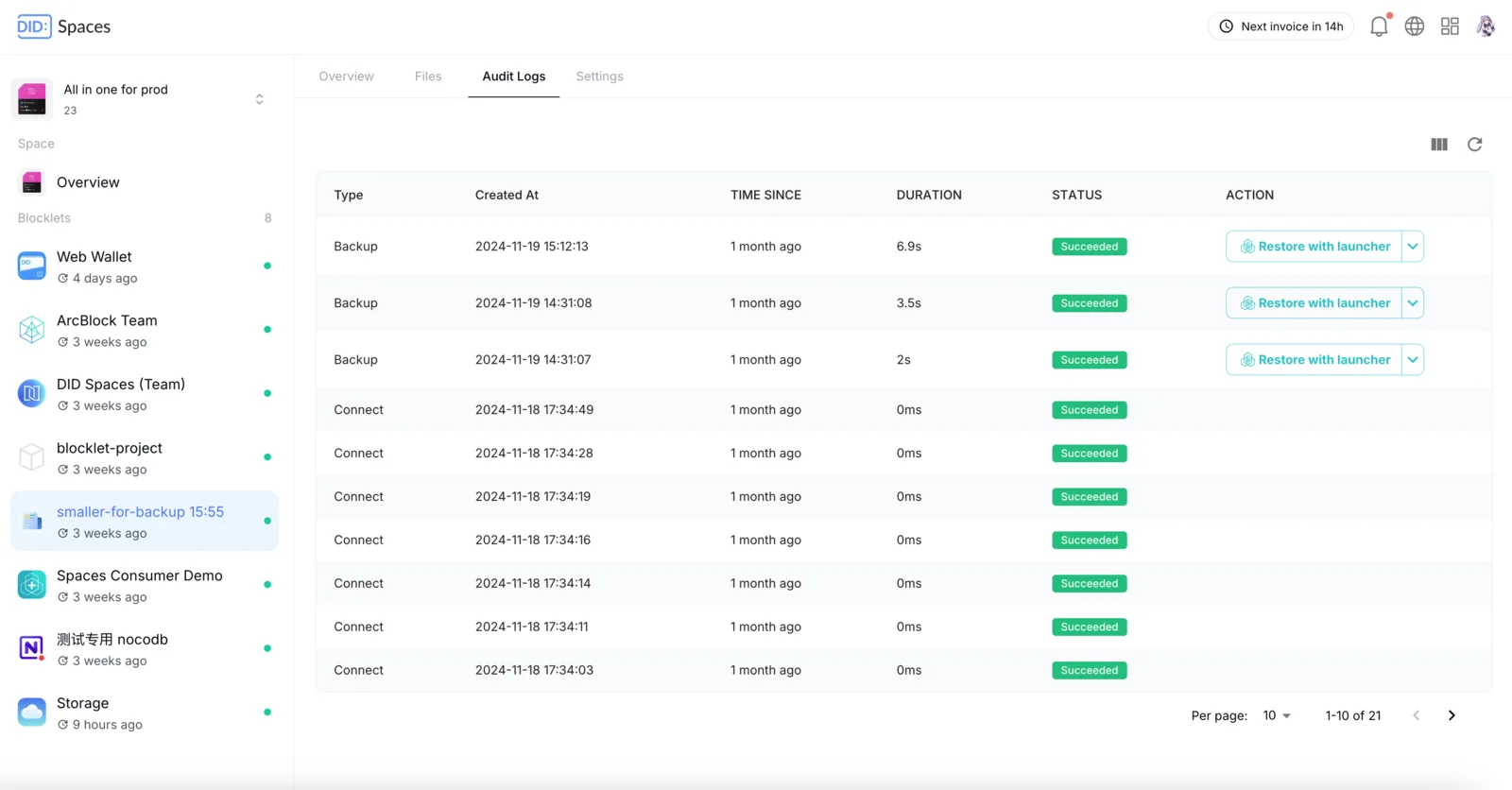
Click the Connected menu on the left, select the application to be restored, locate and click "Restore with Blocklet Launcher" in the Audit Logs. A new tab will open in the browser, initiating the restoration process.
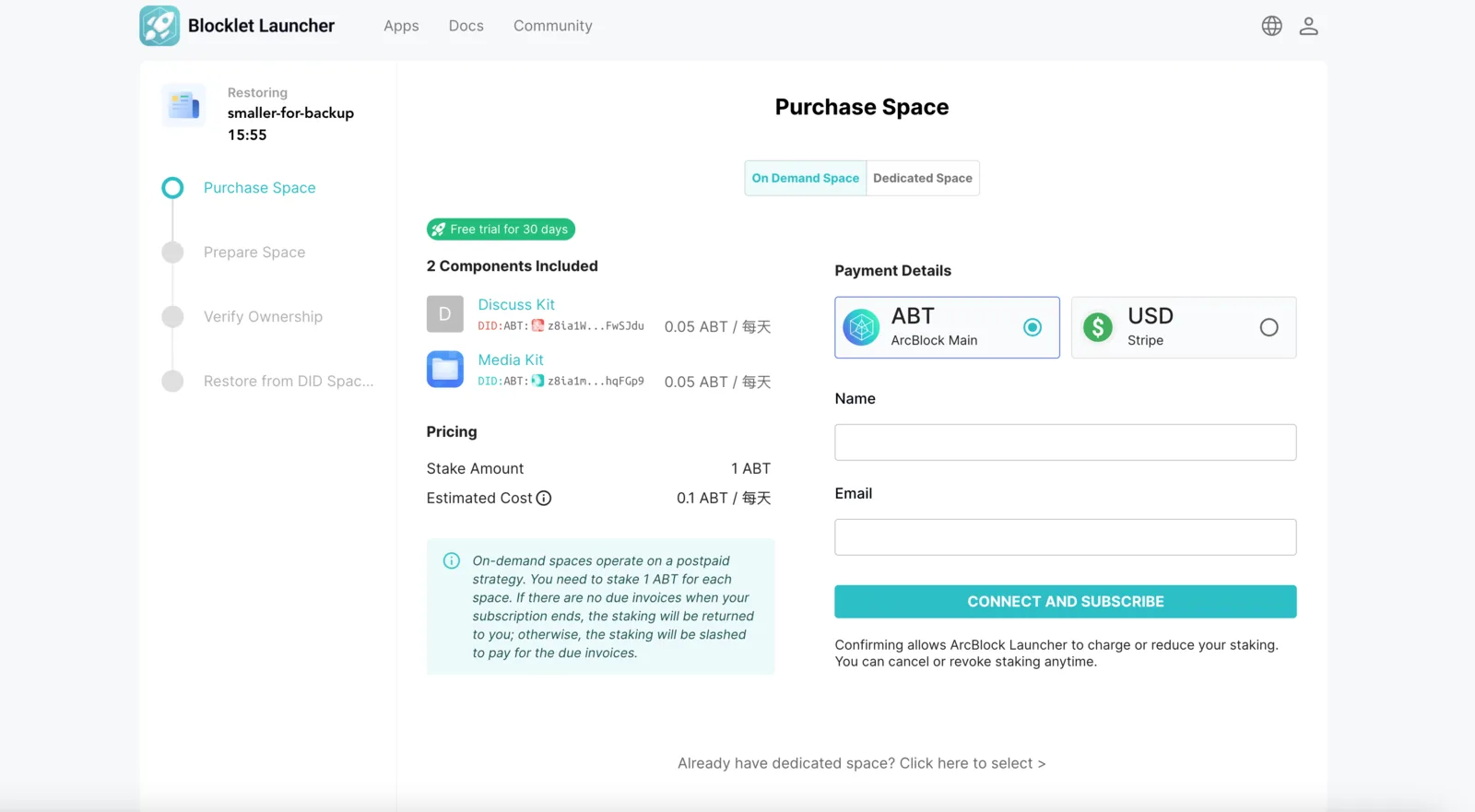
Restore to Blocklet Launcher
Restoring to the Blocklet Launcher requires purchasing a DID Space. Please select a suitable plan and complete the payment.
After successful payment, please present your Owner credential to continue the restoration process.
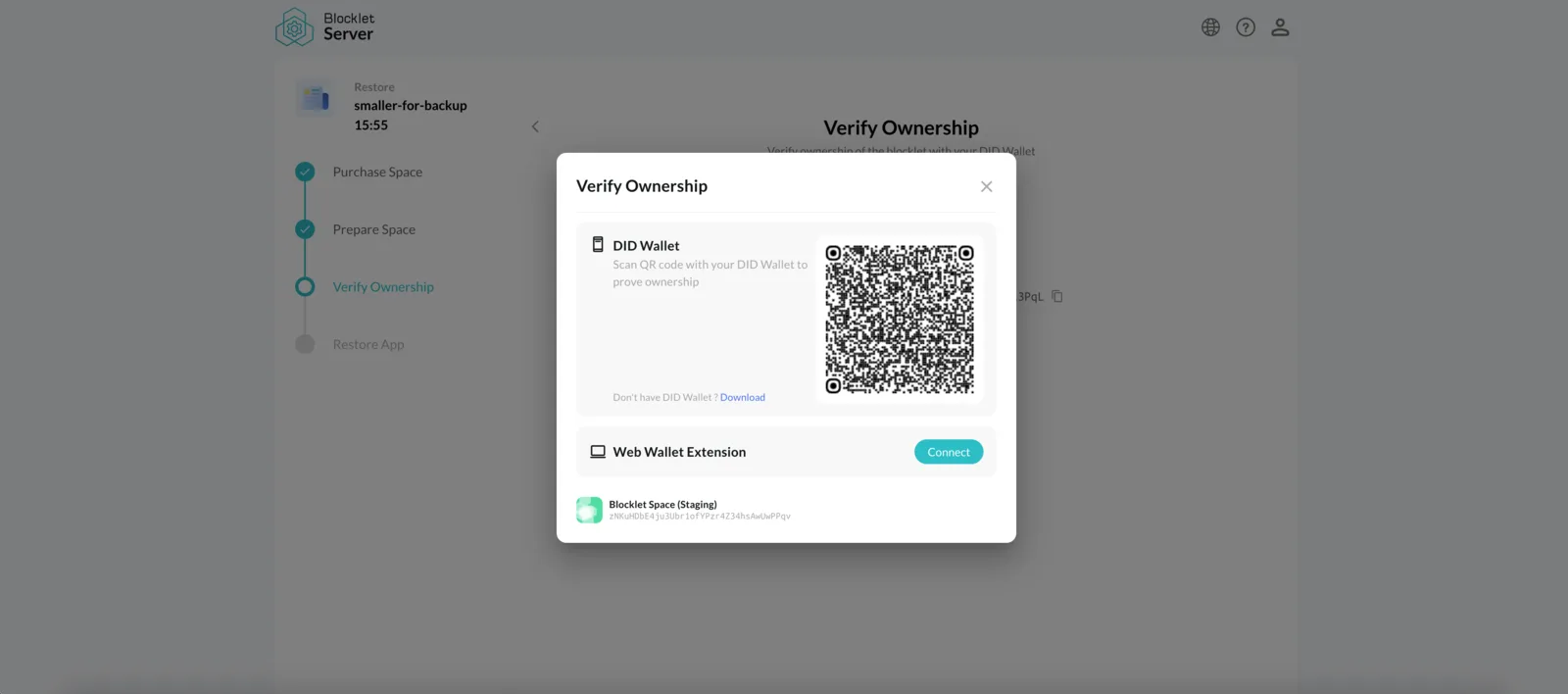
After successful authorization, the application will begin restoring to your Blocklet Space:
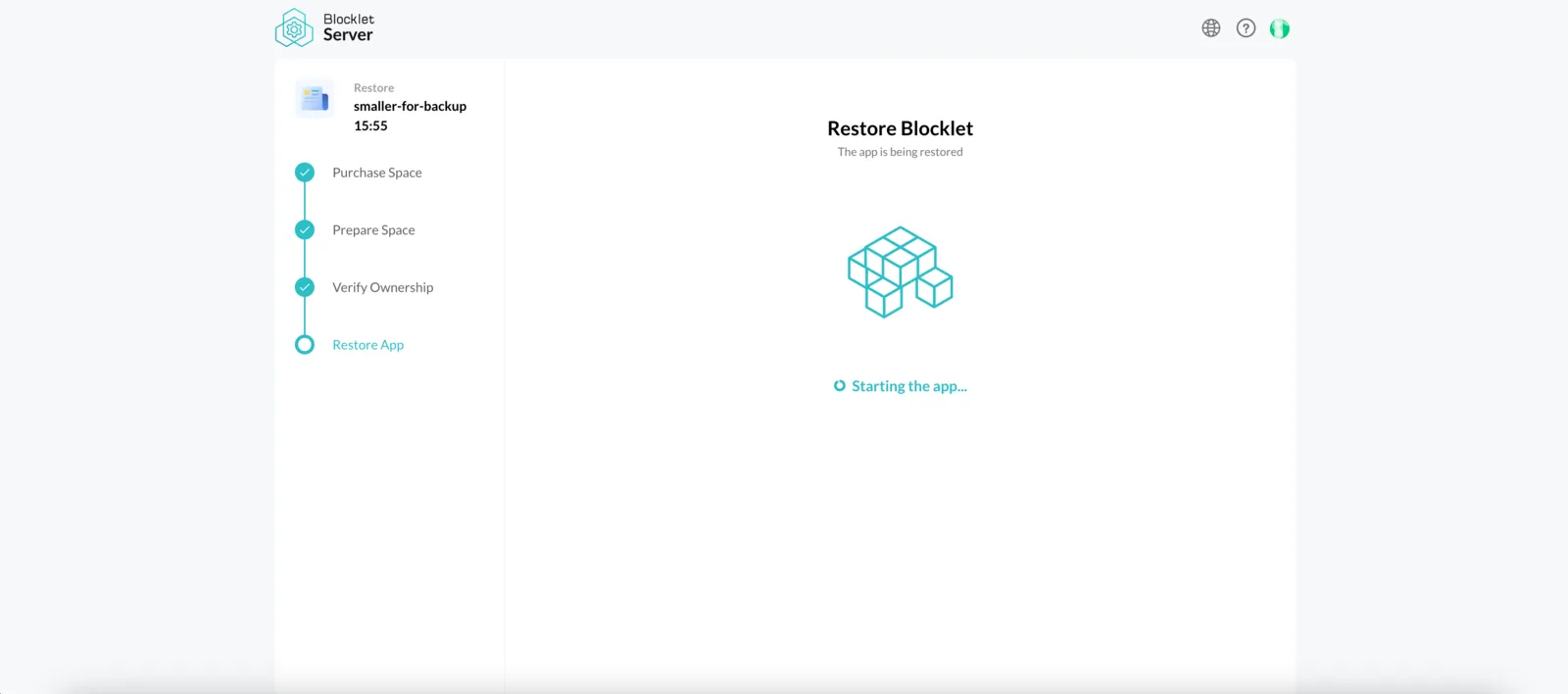
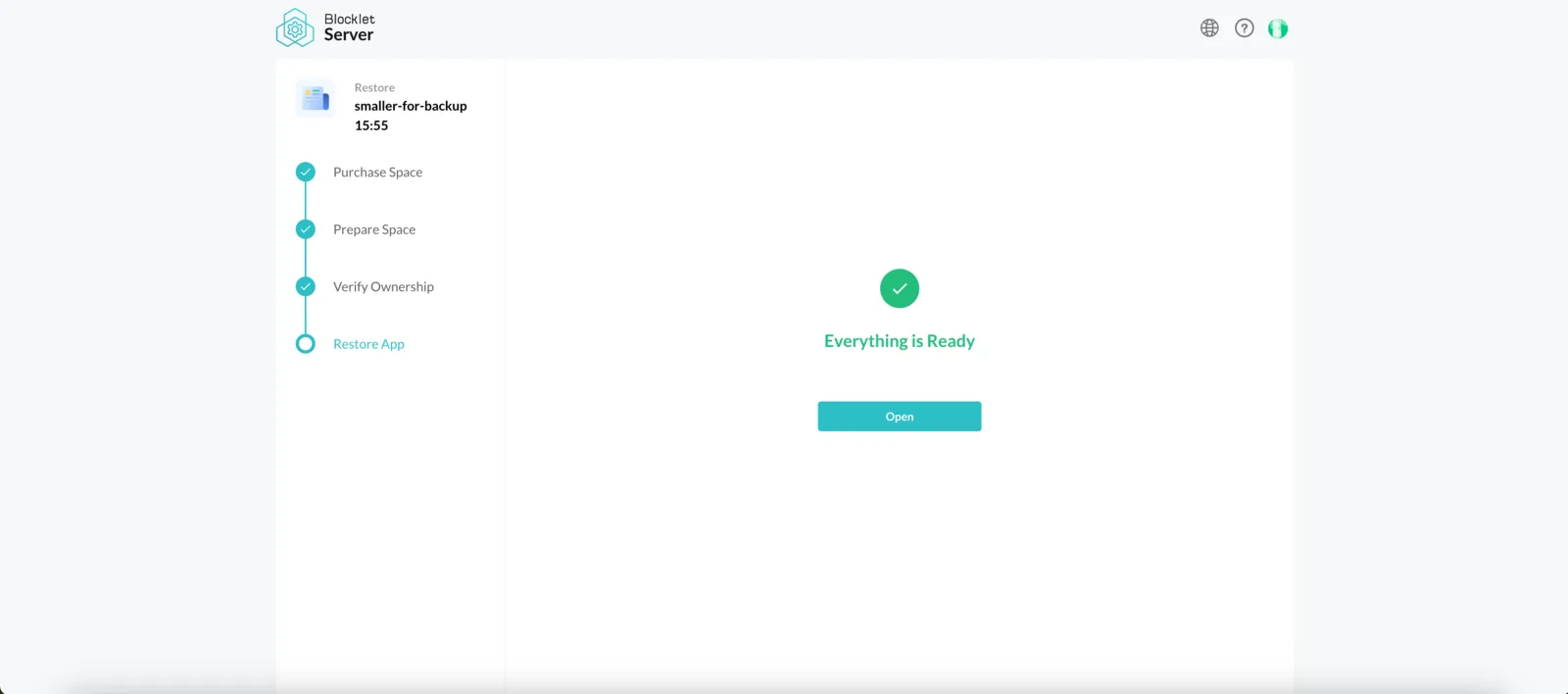
After a brief wait, the application successfully restored to Blocklet Launcher: