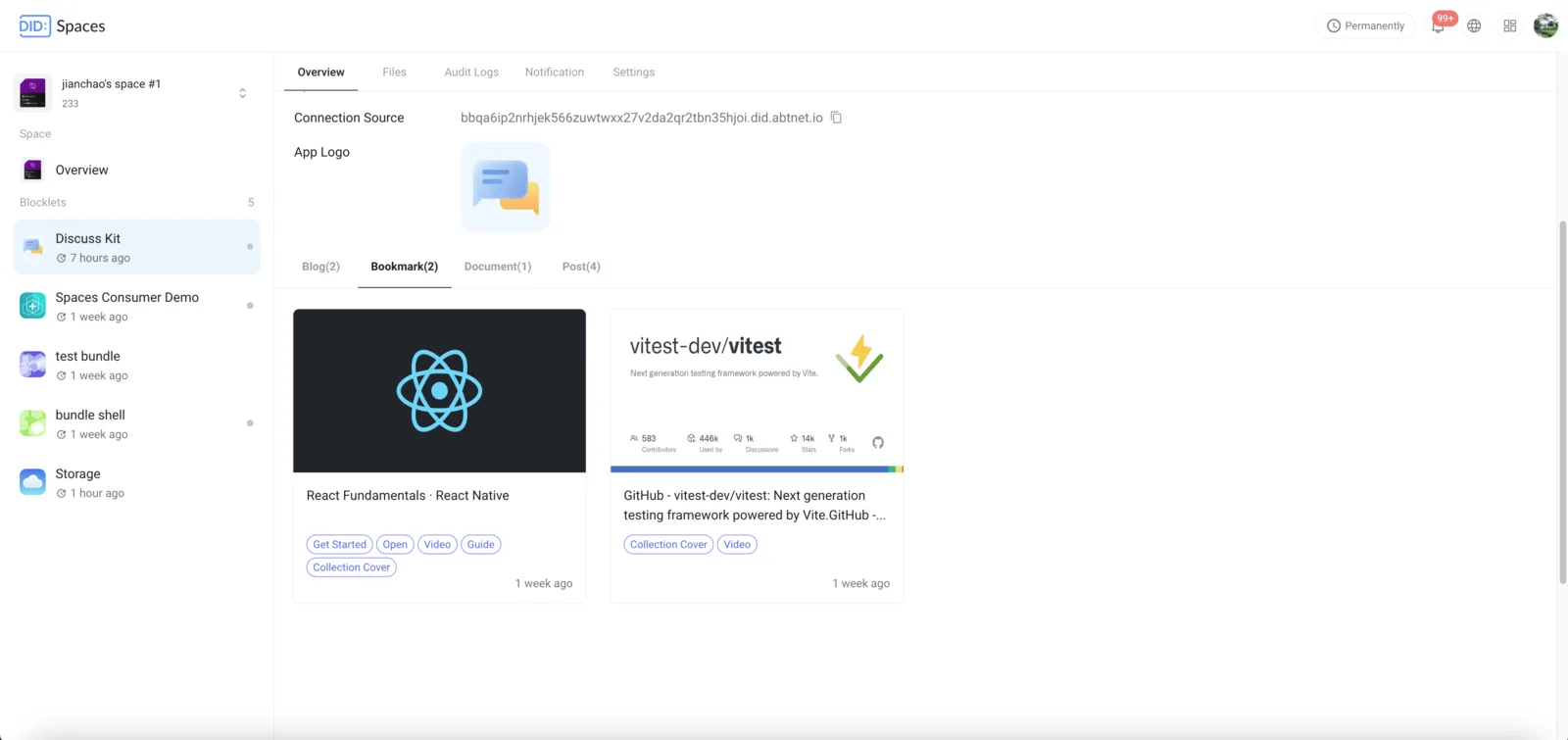
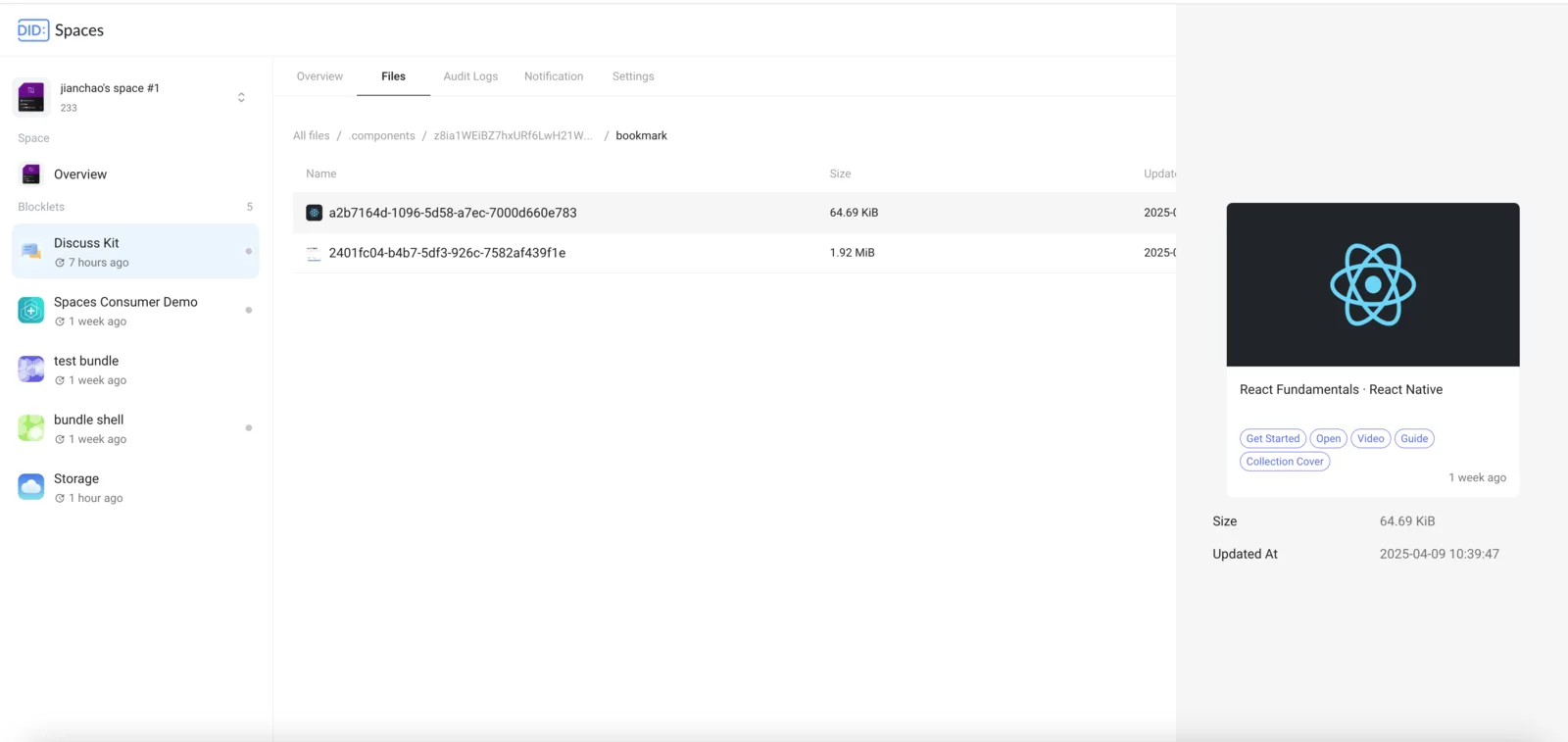
Overview
Some applications (such as Discuss Kit) automatically save personalized user data to the user's DID Space upon connection. This personalized data is then displayed within the DID Space.
Requirements
- For information on acquiring a DID Space, see: Acquiring a DID Space
Procedure
This walkthrough demonstrates personalized data display using Discuss Kit. This can be done using the Community site or your own Discuss Kit installation.
Connecting to a DID Space
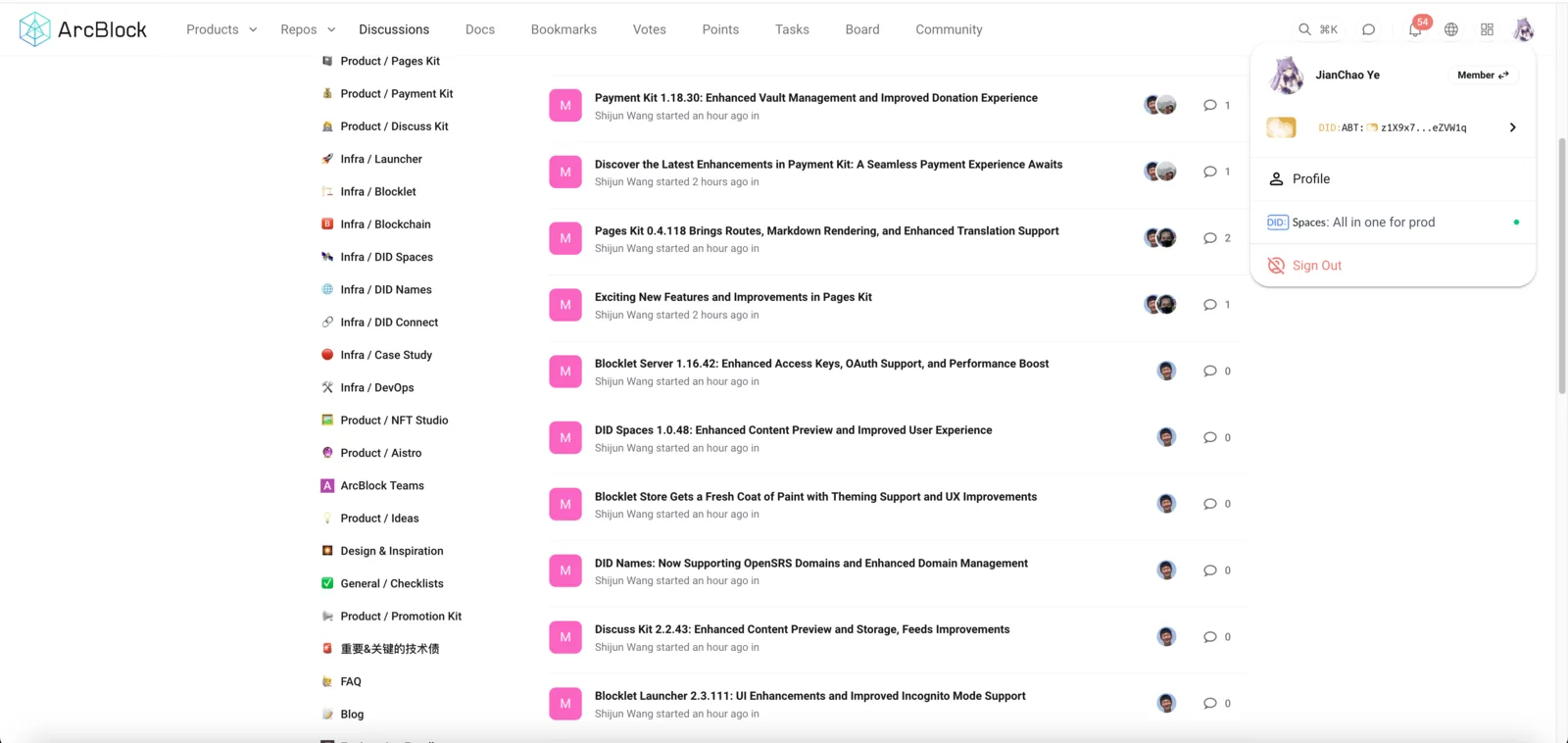
After logging into Discuss Kit, click your avatar in the top right corner, then click Profile:
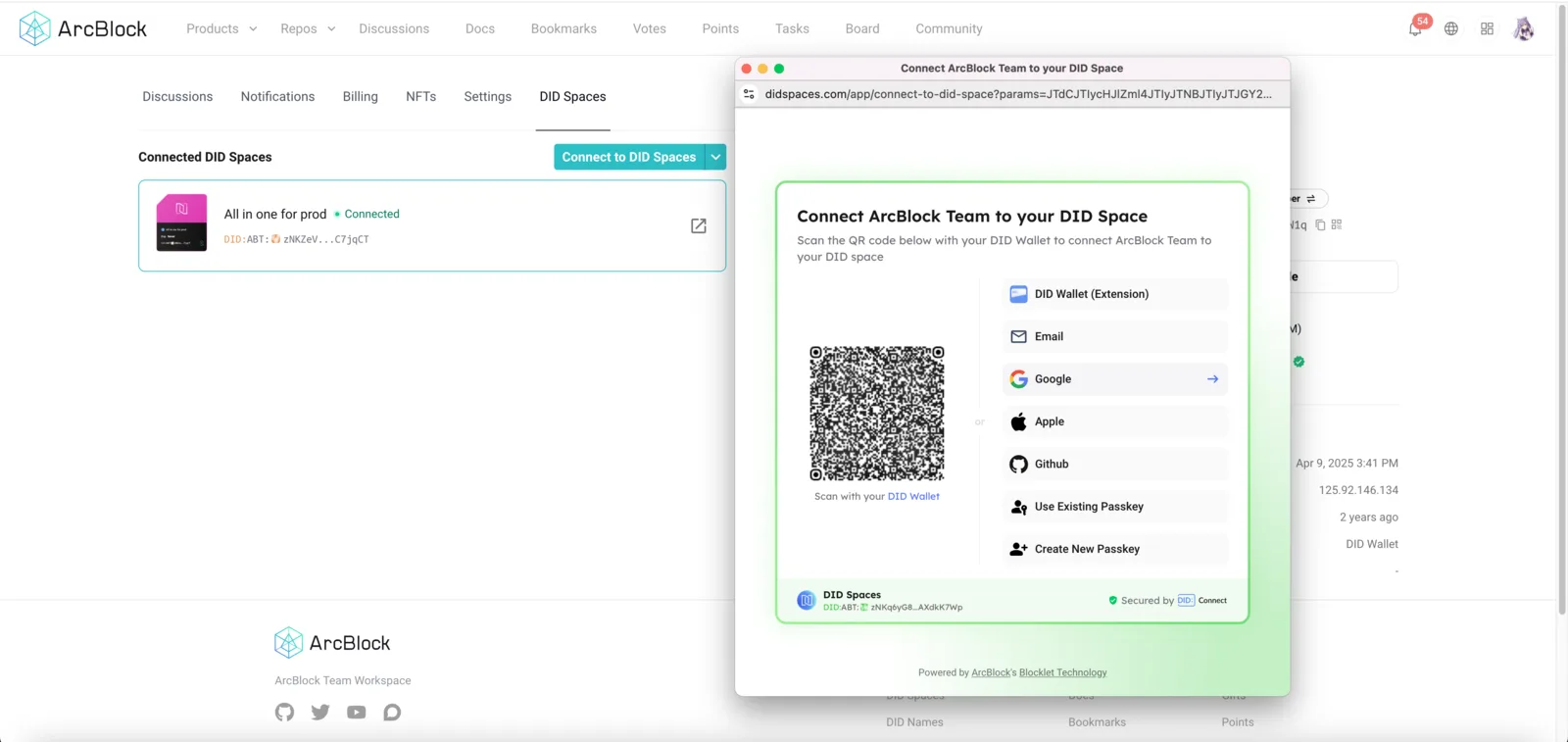
Click the DID Spaces tab, then click Connect to DID Spaces to connect your DID Space.
Generate Personalized Data Automatically
Whenever you create or edit posts, blogs, bookmarks, or documents in an app connected to your DID Space, the app automatically saves this data to your DID Space and displays it in a personalized manner.