Getting a new blocklet project off the ground is straightforward. The Blocklet CLI provides two primary commands to bootstrap your development environment, depending on whether you're starting from scratch or converting an existing project. These commands help you generate the necessary metadata files, such as blocklet.yml, and set up a standard project structure.
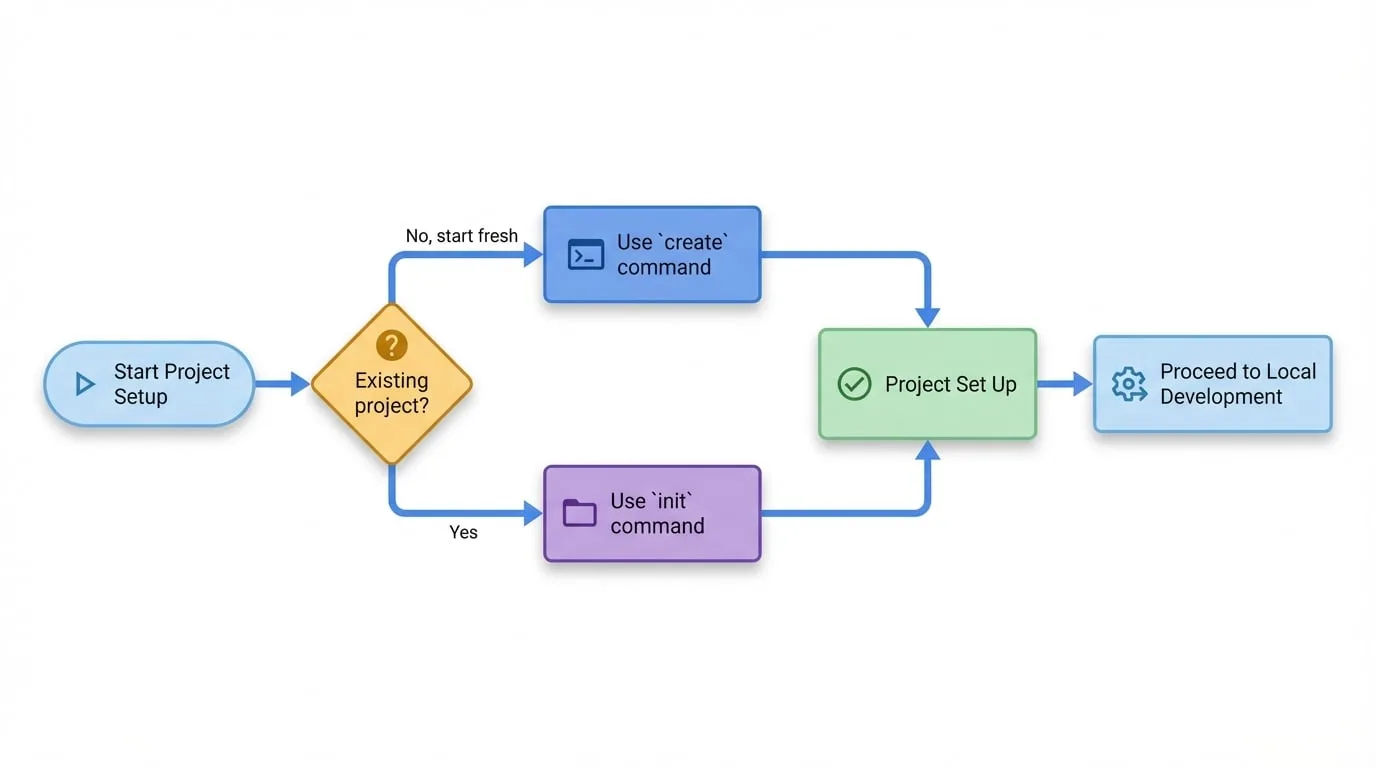
Choosing the right command depends on your starting point, as illustrated in the following diagram:
Create Project
Use the `create` command to bootstrap a new project from an official starter template. This is the fastest and recommended way to get a functional blocklet running.
Initialize Project
Use the `init` command to add blocklet metadata to an existing directory, turning it into a valid blocklet project. This is ideal if you already have code you want to package as a blocklet.
Once your project is set up, you're ready to start building. The next step is to run your blocklet in a local development environment.
Continue to the Local Development section to learn how to run, test, and debug your blocklet.