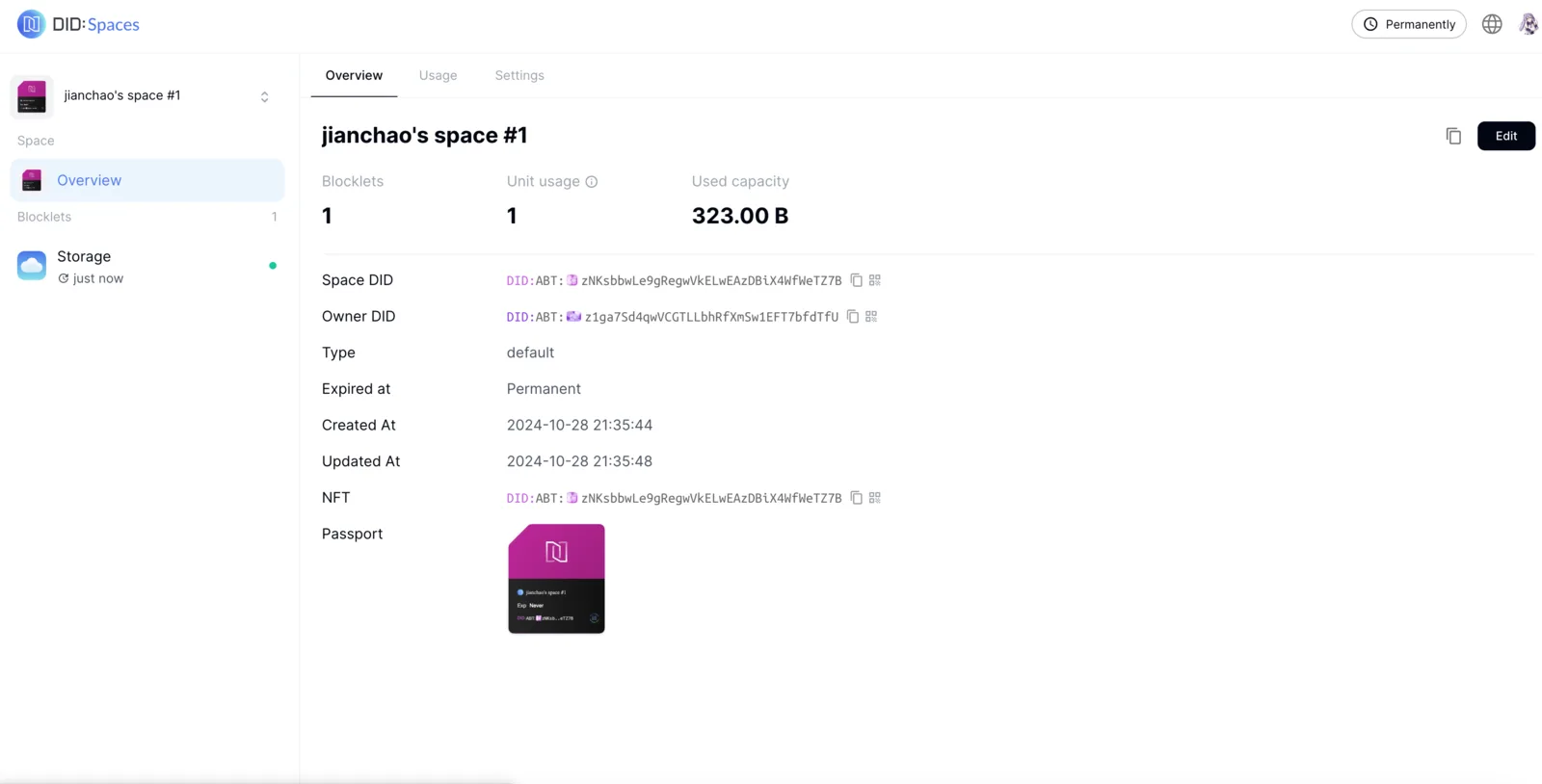
Summary
In addition to claiming a free DID Space directly from DID Spaces, you can also set up your own Blocklet Server, install a personal, decentralized DID Space, and receive a DID Space.
Prerequisites
- Install your own Blocklet Server,Learn more
Set Up a Personal DID Space
Log in to the Blocklet Server
Sign in to your Blocklet Server
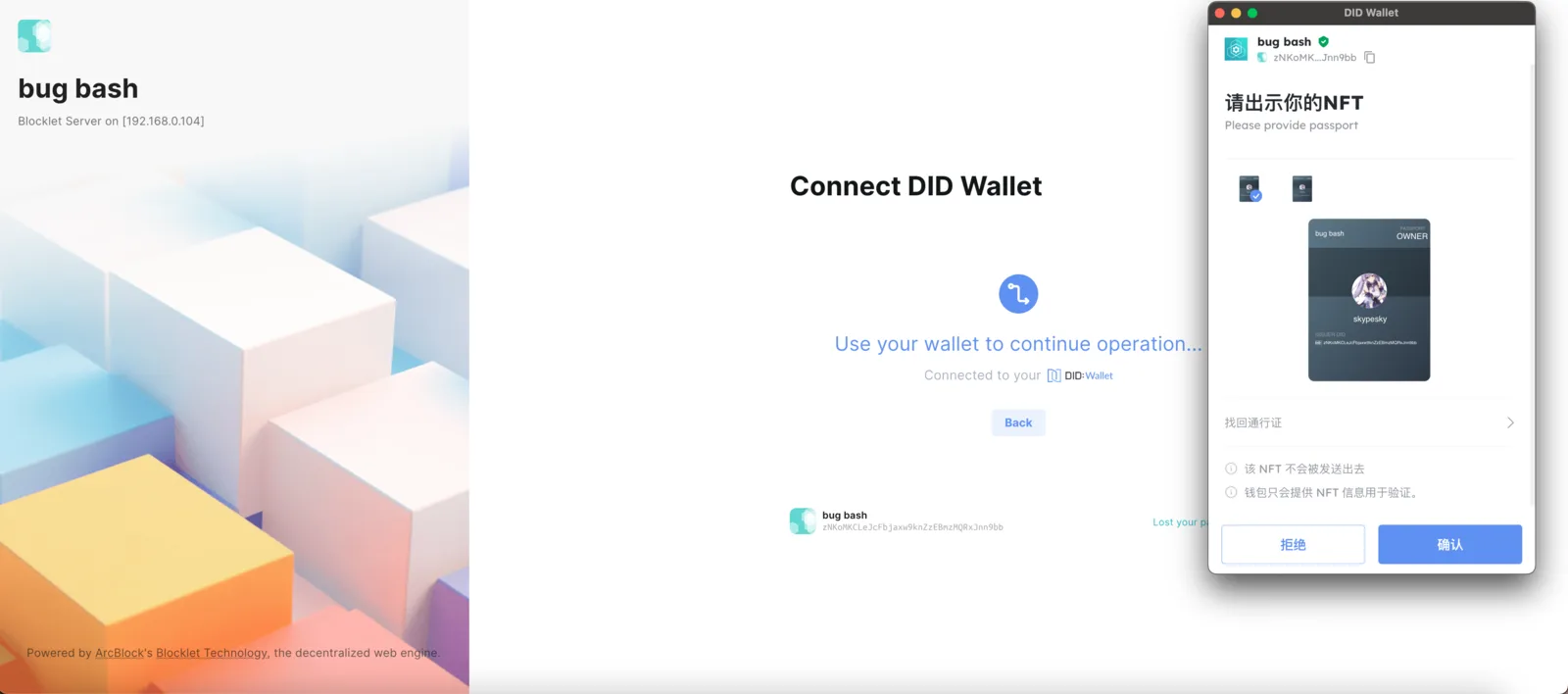
Install a Blocklet
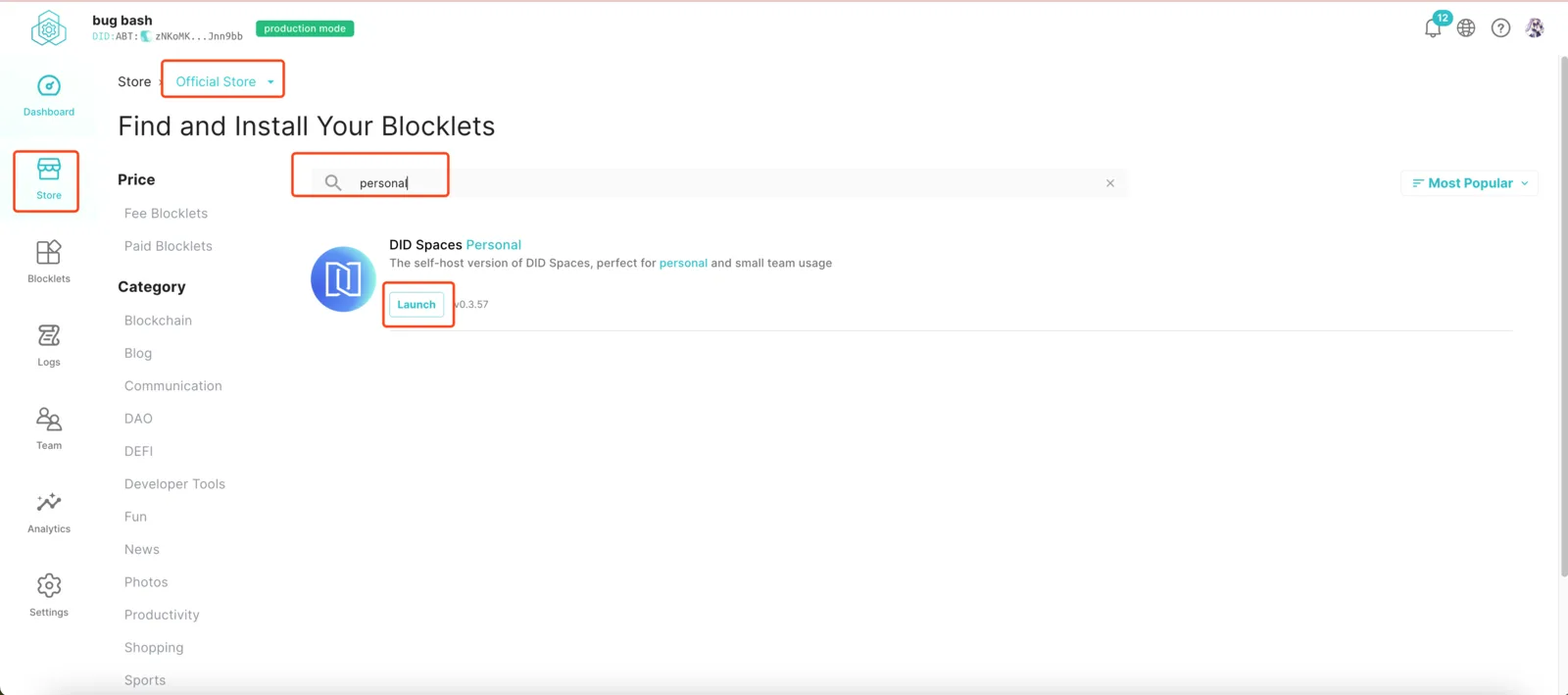
After successfully logging in to Blocklet Server, you can select Store in the left-hand menu and search for and install Personal DID Spaces under Official Store.
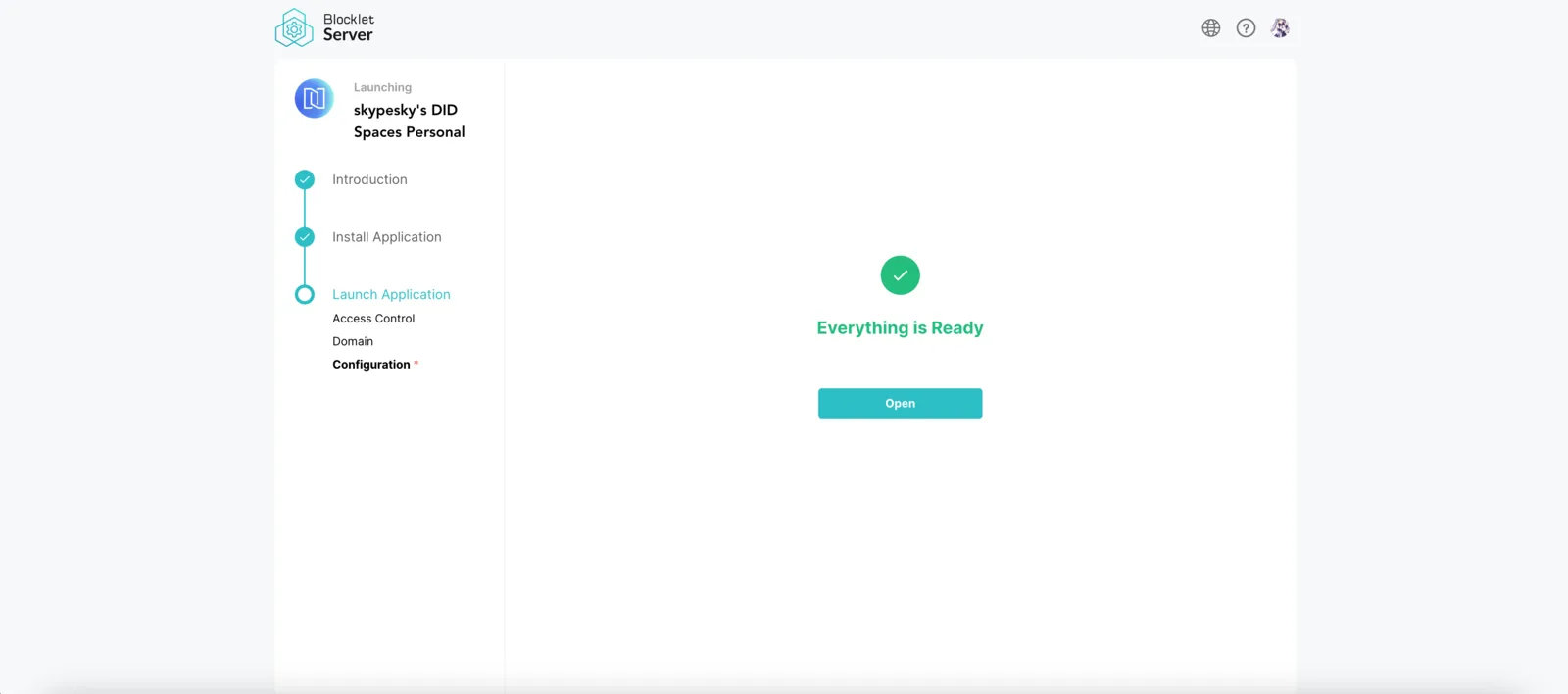
Follow the installation guide to complete the installation of your personal DID Space. Upon successful installation, you will see the following page:
Create a DID Space
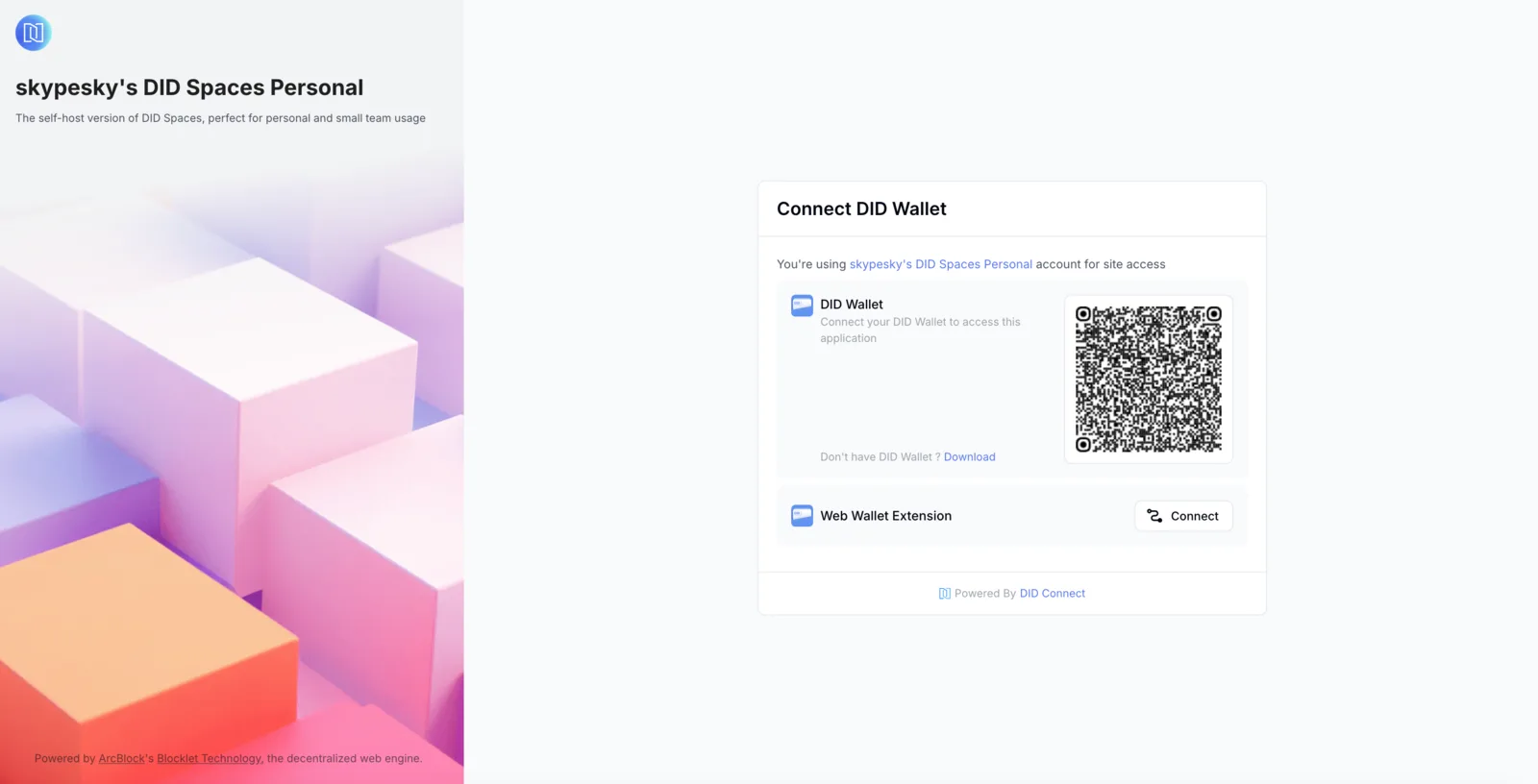
Access the Personal DID Space you just installed and log in.
We currently do not have a DID Space. Click Receive free space to create one.
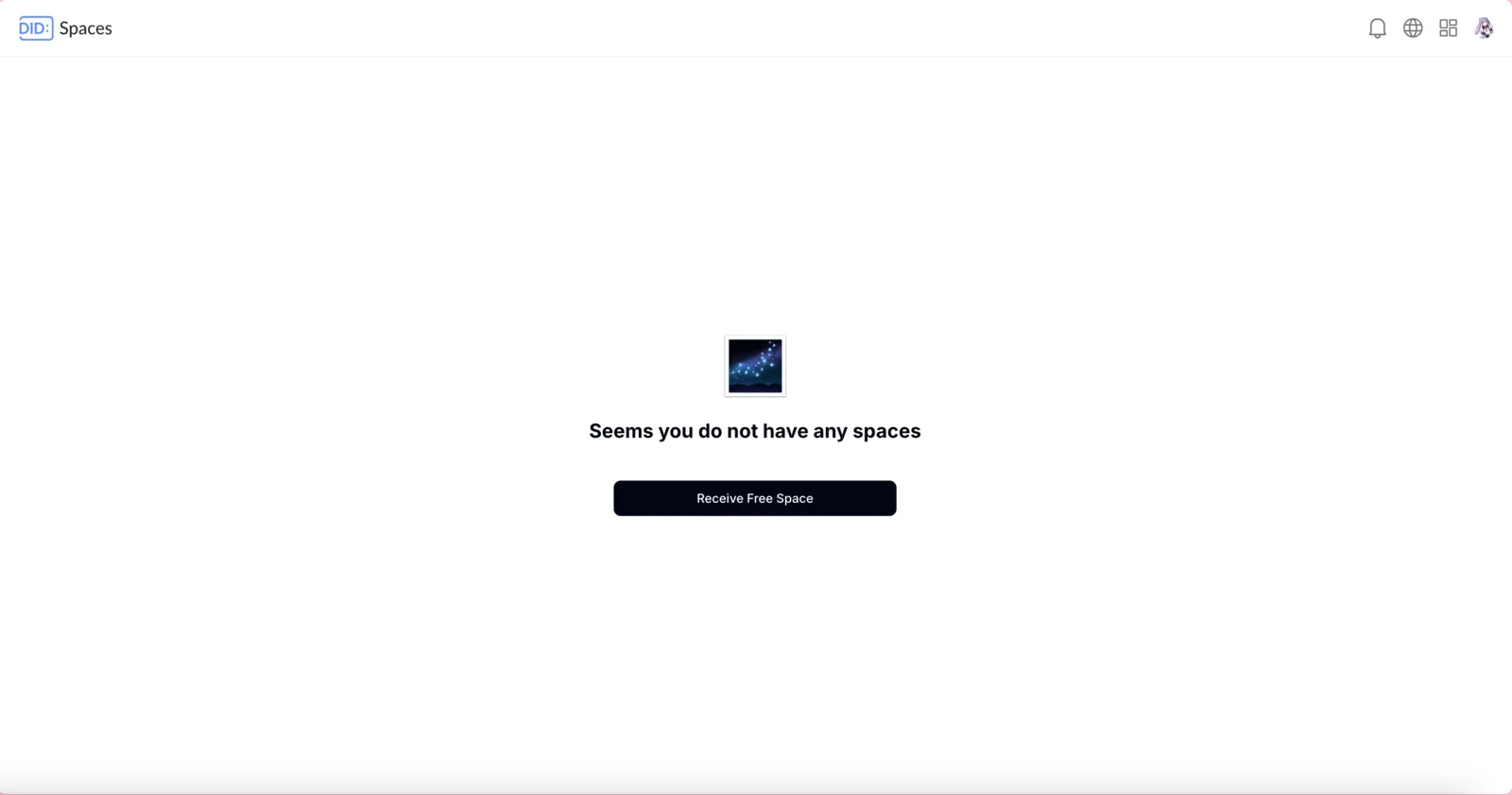
Once created, you have a functional DID Space that is decentralized and under your exclusive control.