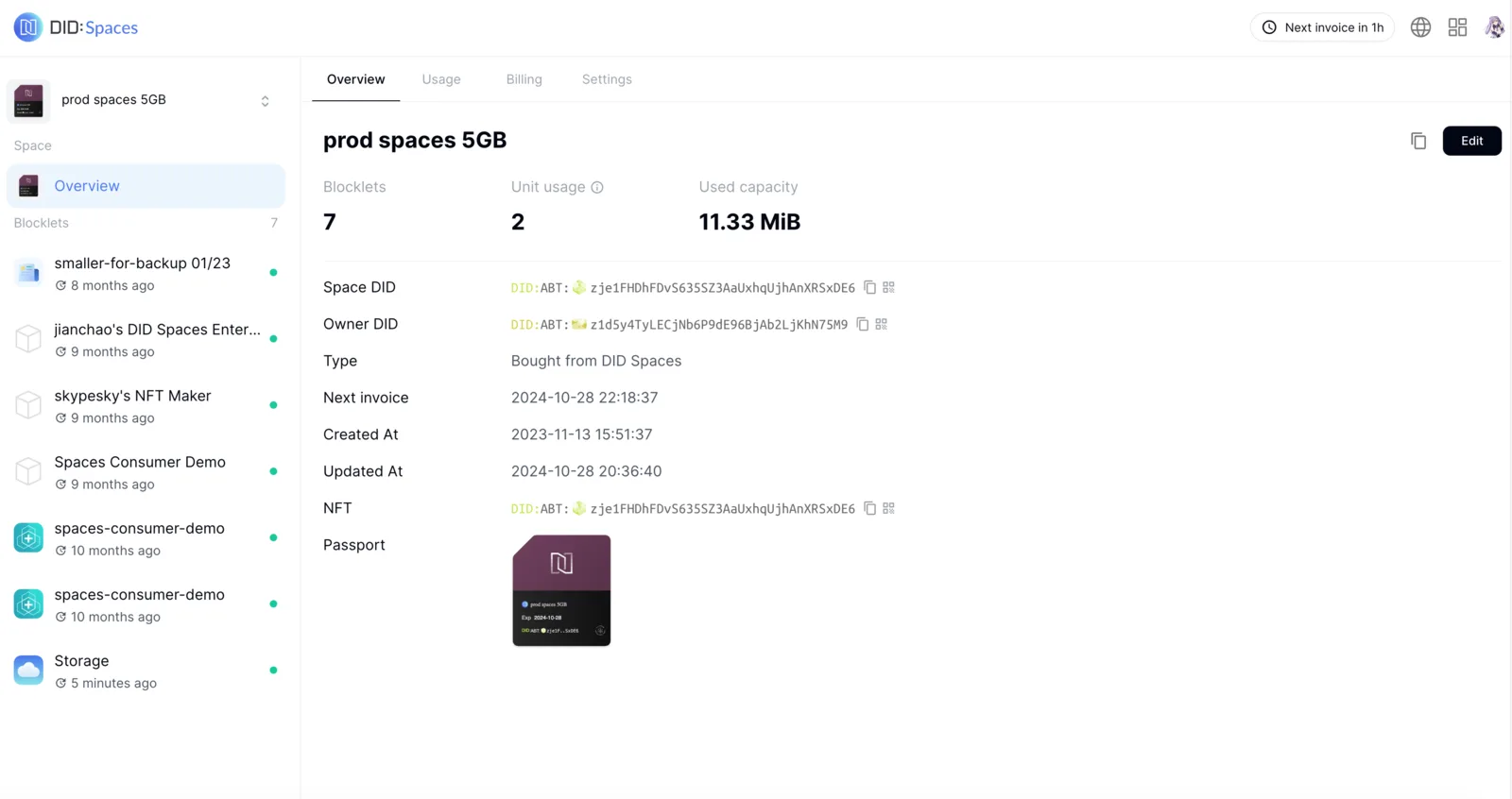
Overview
When you need to use DID Spaces services, you can purchase a DID Space on Prod DID Spaces or install a personal DID Space. The following explains how to purchase a DID Space on Prod DID Spaces.
Log in to Production Spaces
Use your device to visit Prod DID Spaces, then click the icon in the top right corner to log in.
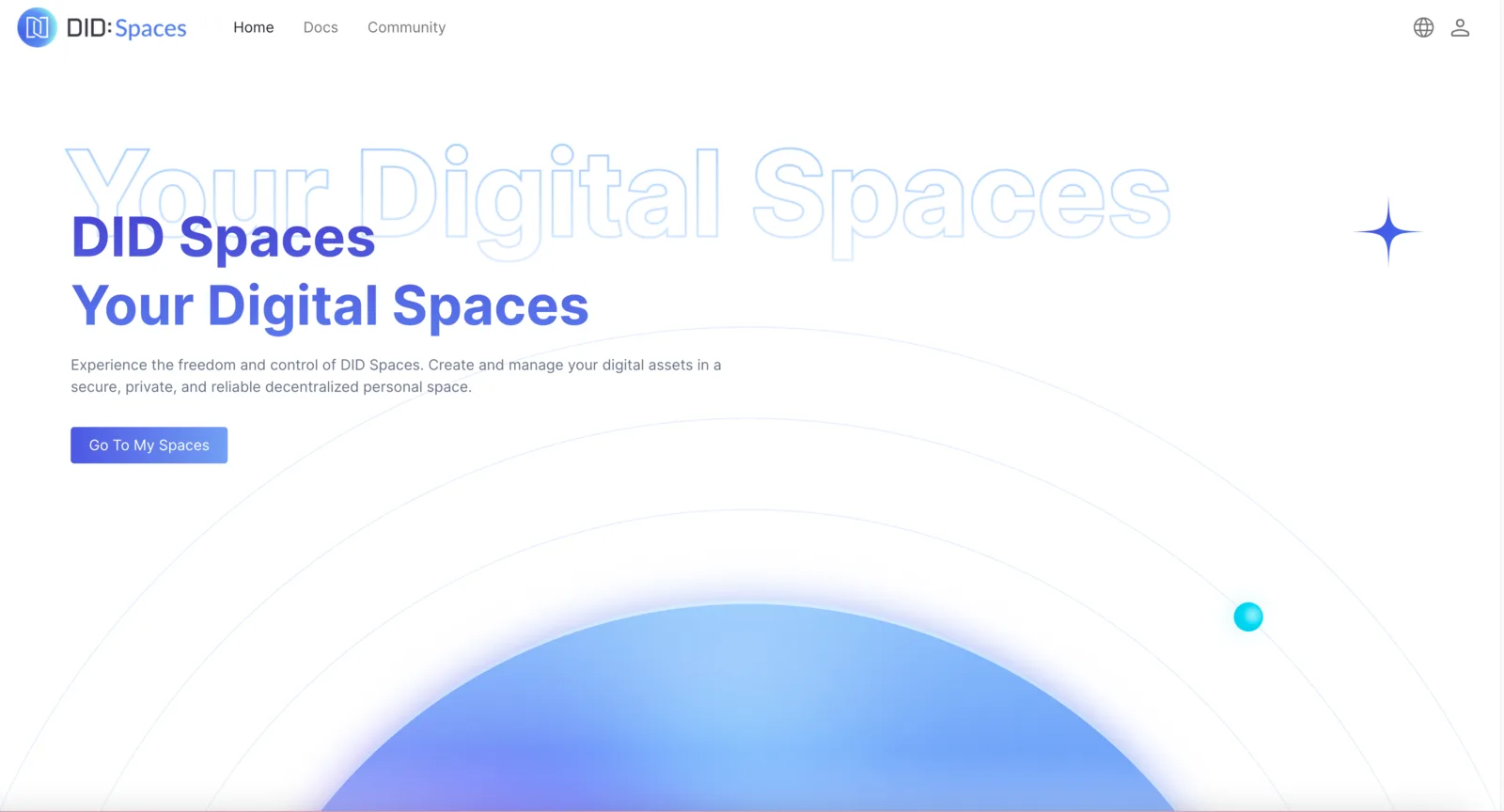
Buy a DID Space
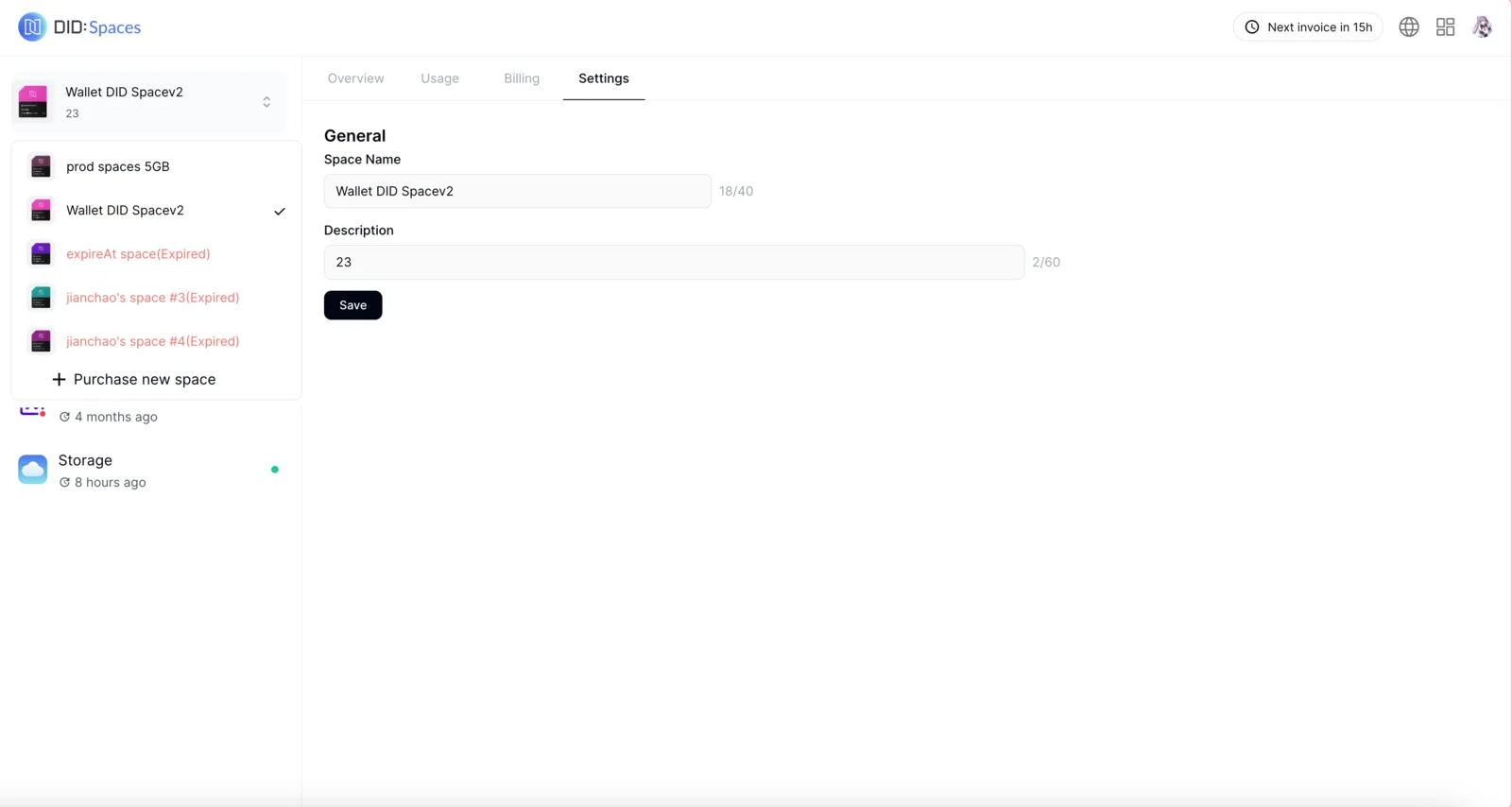
Click the Purchase new space button in DID Spaces to go to the purchase page.
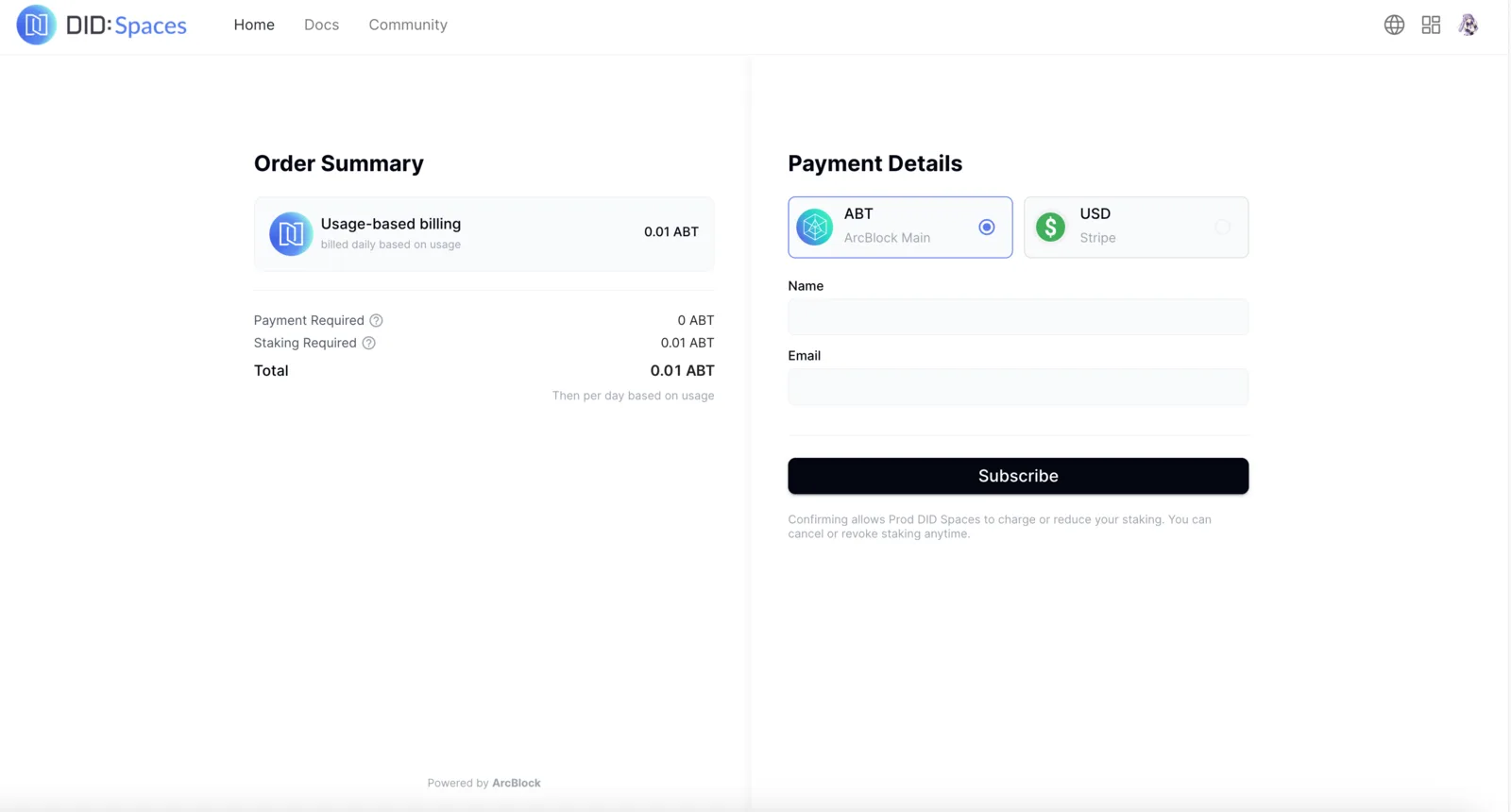
Fill in the relevant information, then click Subscribe to proceed with payment.
After successful payment, the page will automatically redirect to the home page of the newly purchased DID Space. You can now begin using DID Spaces.