aigne serve-mcp
Serves the agents in an AIGNE project as a Model Context Protocol (MCP) server. This command exposes your agents over a streamable HTTP endpoint, enabling seamless integration with external systems and applications that support the MCP standard.
Internally, aigne serve-mcp starts a lightweight Express server. When a POST request is received on the configured endpoint, it invokes the corresponding agent and streams the response back according to the MCP specification.
Usage#
Basic Usage
aigne serve-mcp [options]Options#
The serve-mcp command accepts the following options to customize the server's behavior:
Examples#
Start a Server for a Local Project#
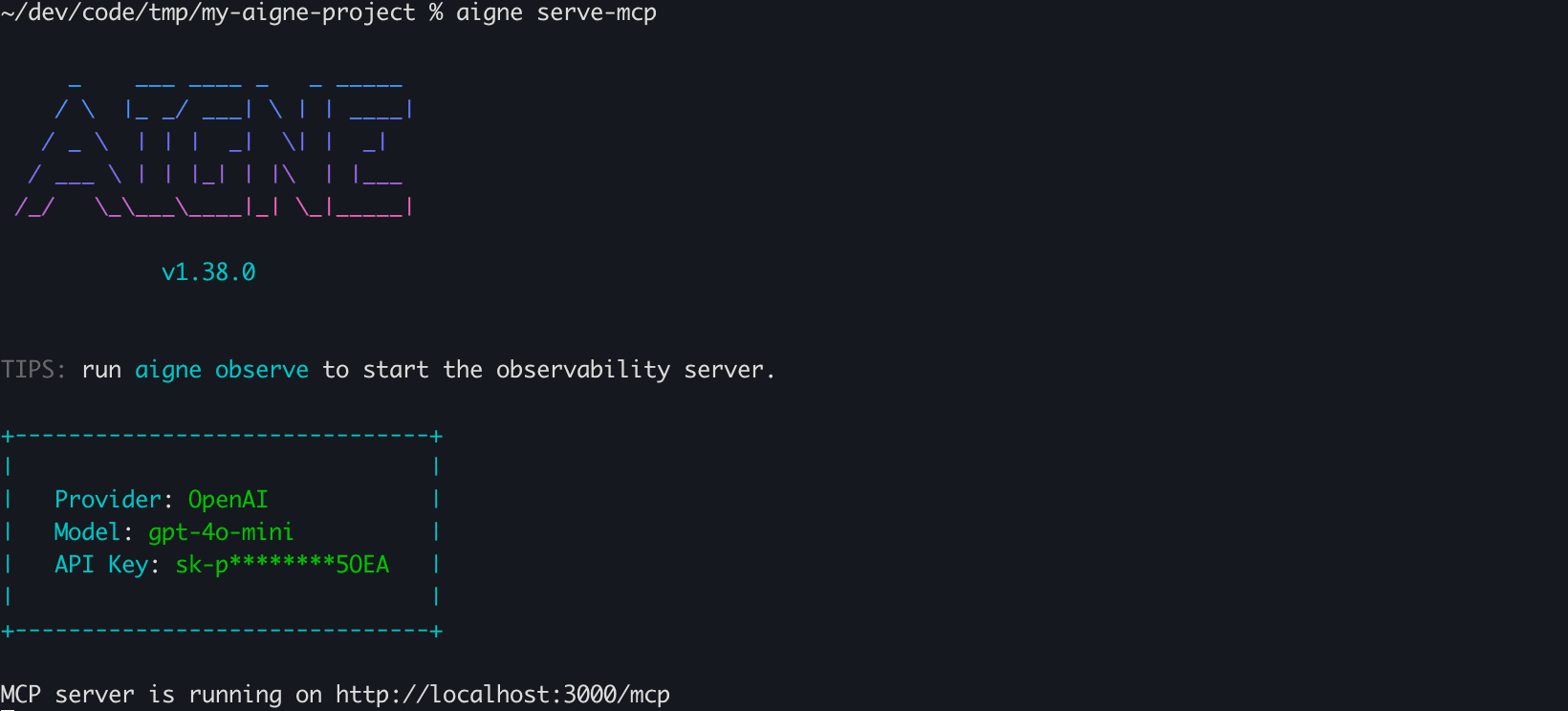
To serve agents from the current directory, run the command without any options. The server will start on the default host and port.
Start Server in Current Directory
aigne serve-mcpExpected Output:
Console Output
MCP server is running on http://localhost:3000/mcpServe Agents on a Specific Port and Path#
You can specify a different port and provide an explicit path to your AIGNE project directory.
Start Server with Custom Port and Path
aigne serve-mcp --path ./my-ai-project --port 8080Expected Output:
Console Output
MCP server is running on http://localhost:8080/mcpExpose the Server to the Network#
To make your MCP server accessible from other machines on your network, set the host to 0.0.0.0.
Expose Server Publicly
aigne serve-mcp --host 0.0.0.0Expected Output:
Console Output
MCP server is running on http://0.0.0.0:3000/mcpNext Steps#
After exposing your agents via the MCP server, you might want to deploy them for production use.