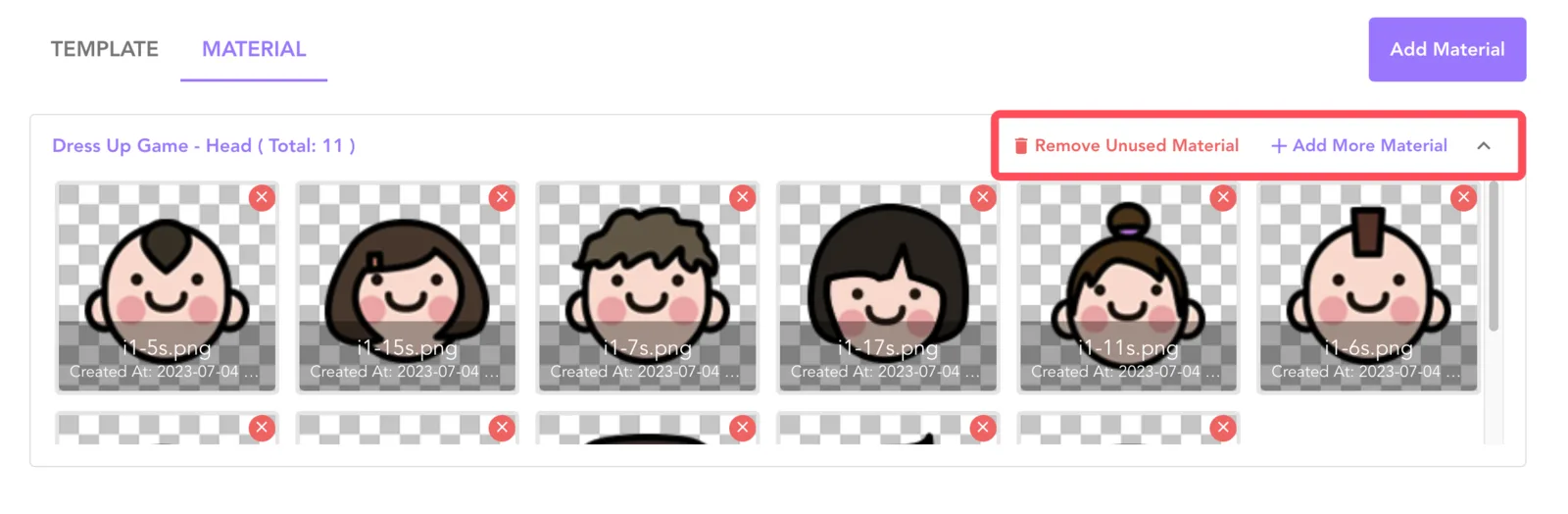
Overview
NFT Blender Provide material management ability, after uploading the material can be used in the template binding
It is recommended to export images of the same size from the same part of the material and then upload them to the material management.
How To Manage Material
- Open NFT Blender and switch to the Materials tab, click Add Material to open the dialog box

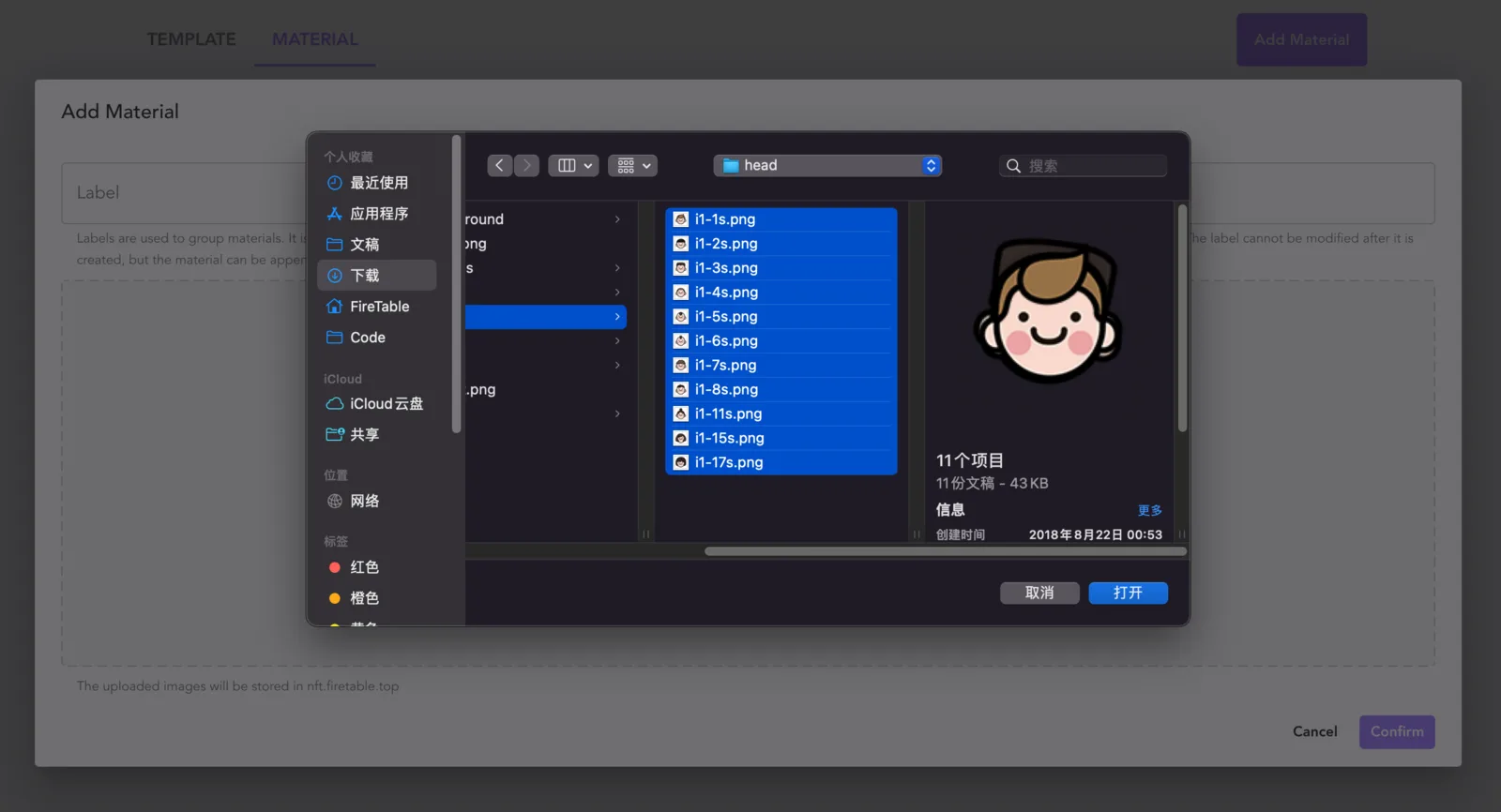
- Select or drag and drop the material to be uploaded (multiple selection supported) Make sure that the images you select are in the same part of the NFT and are exported at the same size!
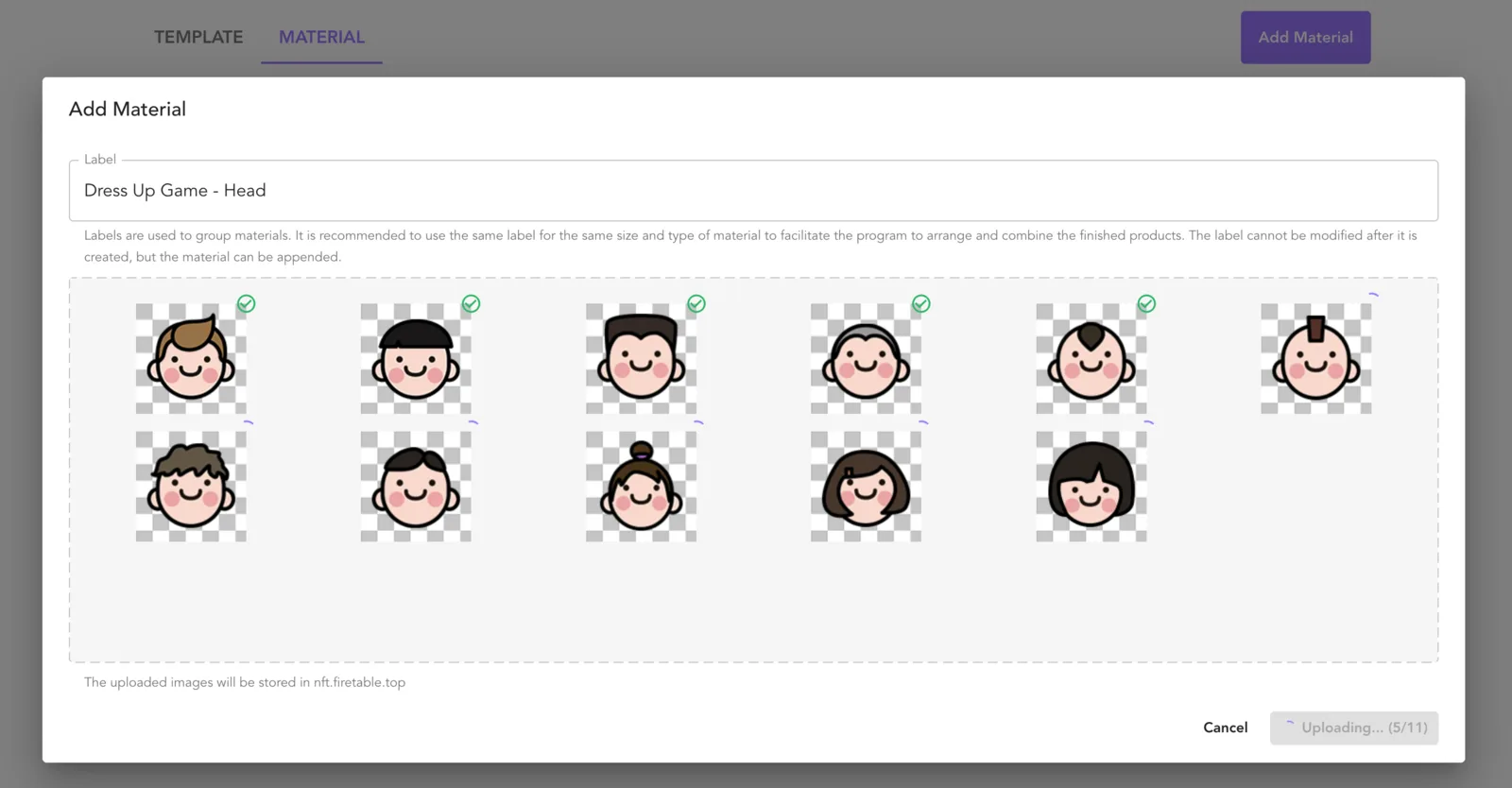
- Enter a group name and click Confirm Upload Materials
- The group operation bar allows you to manipulate the group, including: removing unused clips, adding clips, and collapsing and expanding the group