The project created by the create-blocklet tool is automatically configured with the corresponding versioning script
Versioning in a single application project
Execute make bump-version in the root directory, the script will automatically calculate the next version number, or you can choose to enter the specified version number by typing enter.

Follow the prompts in the terminal to adjust the CHANGELOG.md file, continue typing enter and end.
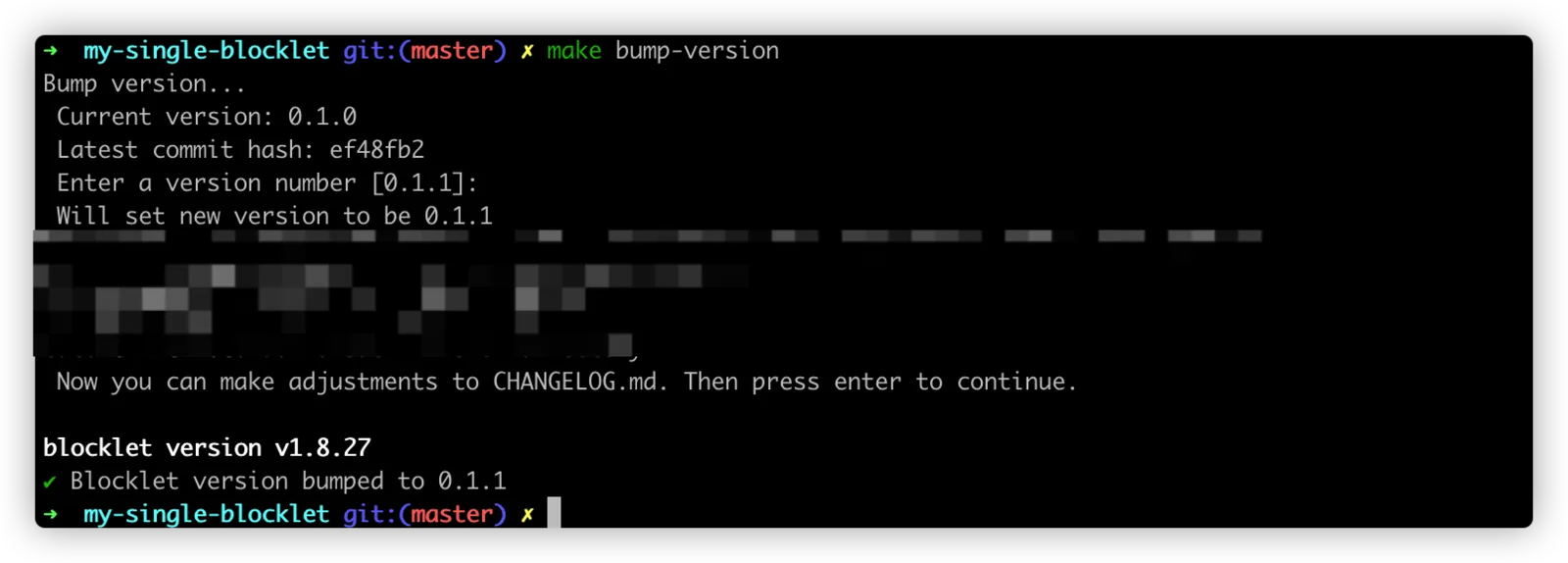
This completes the update of the single application project version
Versioning in a combined application project
Run npm run bump-version in the root directory, select a version update method, and type enter.
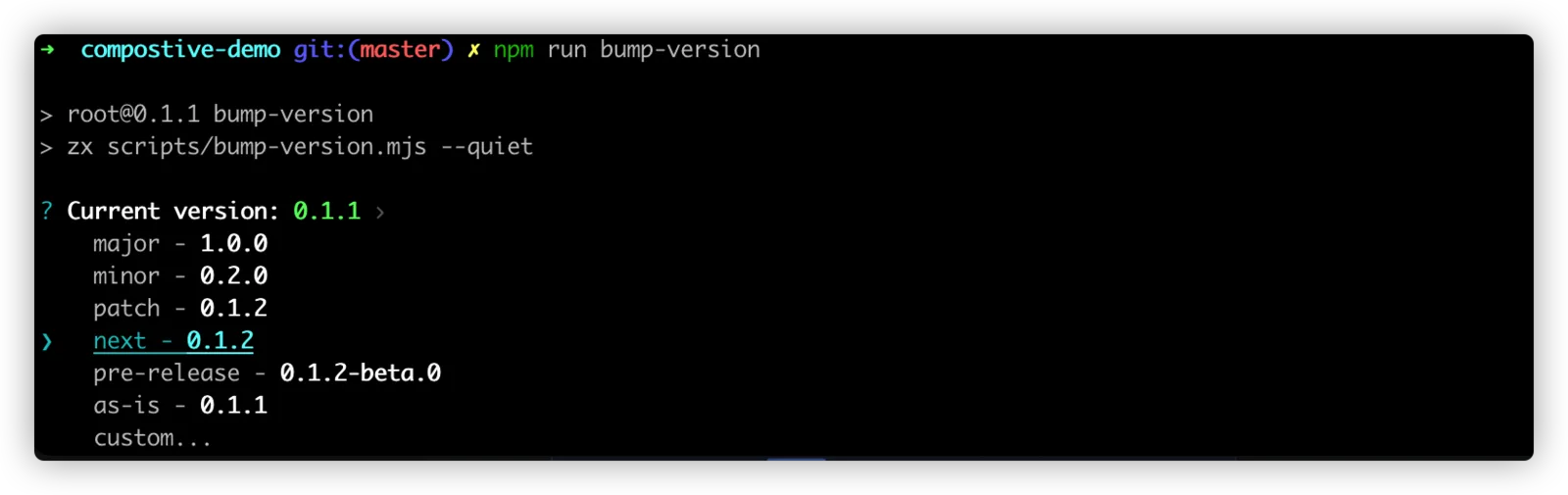
Follow the prompts in the terminal to adjust the CHANGELOG.md file, continue typing enter, and finish.
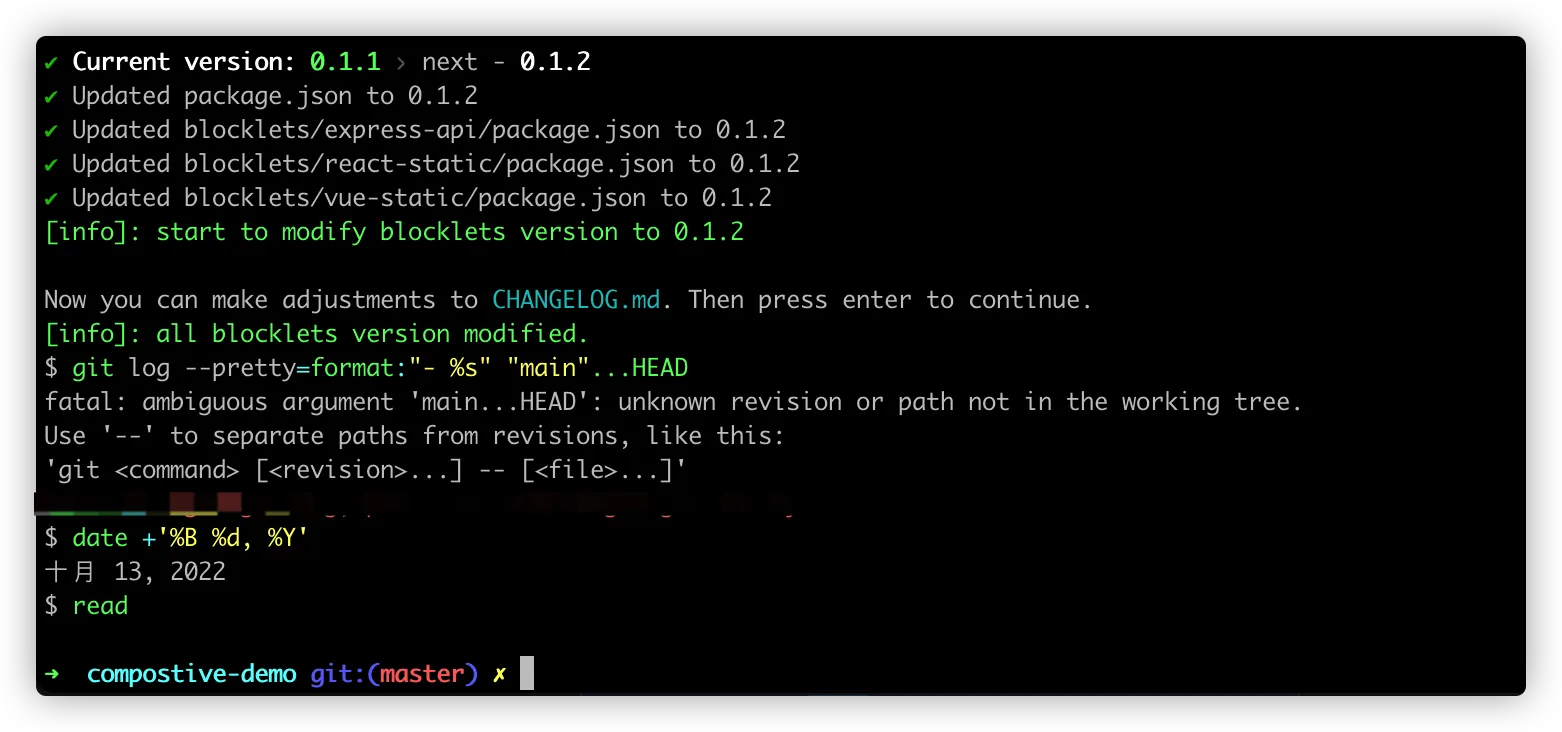
This completes the update of the composition application version