Summary
If you need to publish NFT Templates to the Blocklet Store and share it with others for quick use, you can follow this guide.
How to use
We use the NFT template of Season Girl as an example.
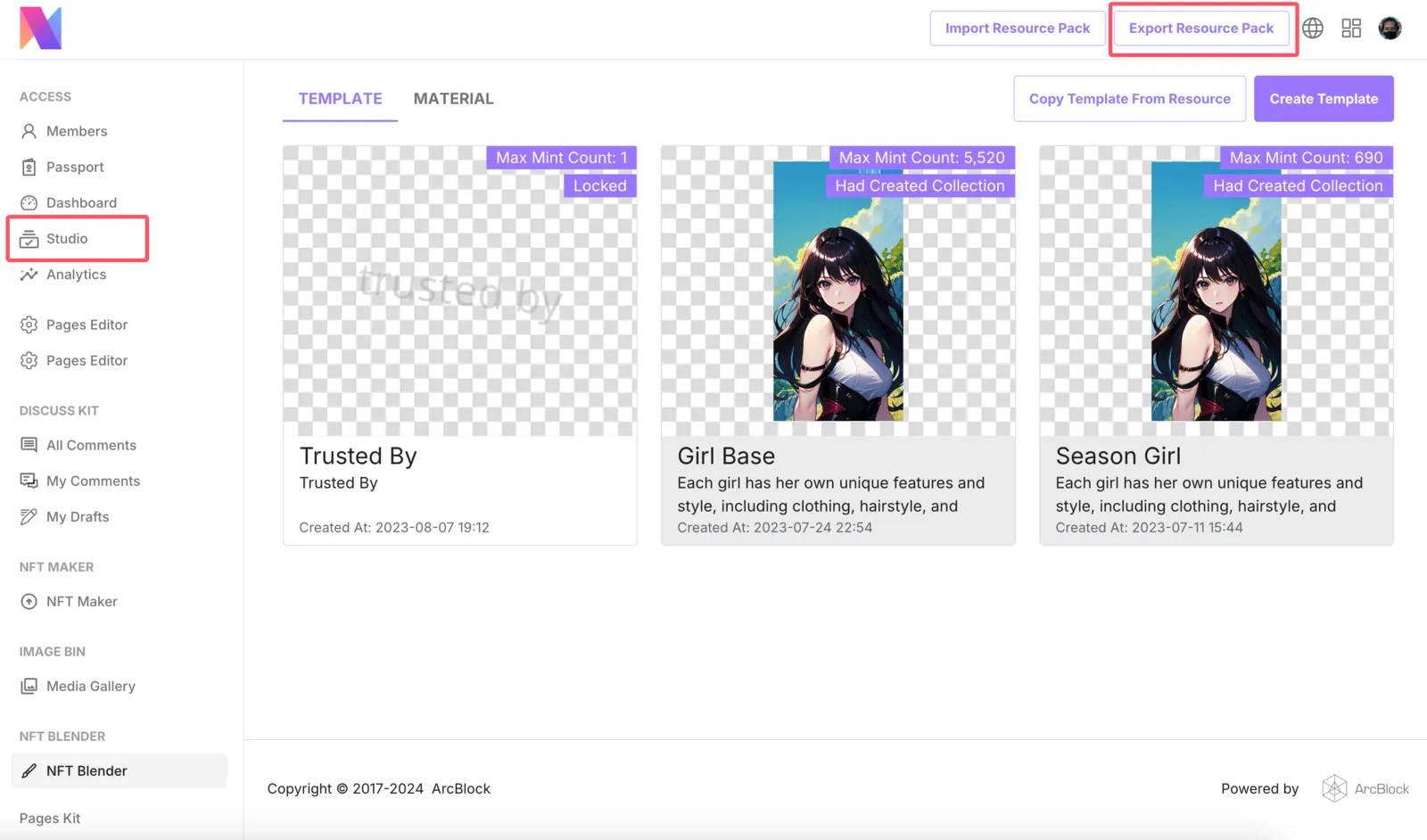
- First, we go to NFT Blender, click on the top right corner
Export Resource Pack, or click on the left sidebarStudio.
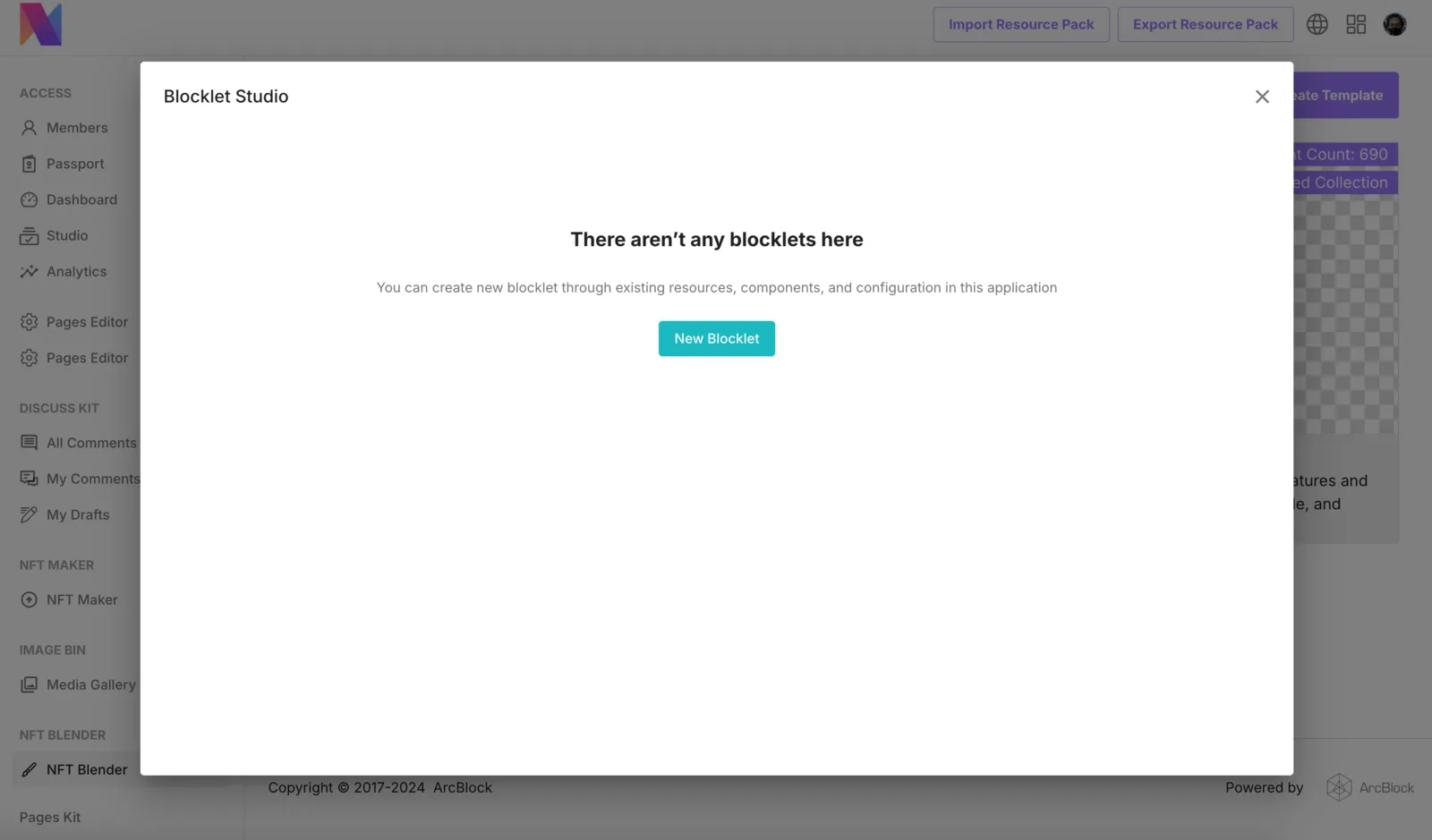
- Then we select
New Blocklet, creating a new Blocklet.
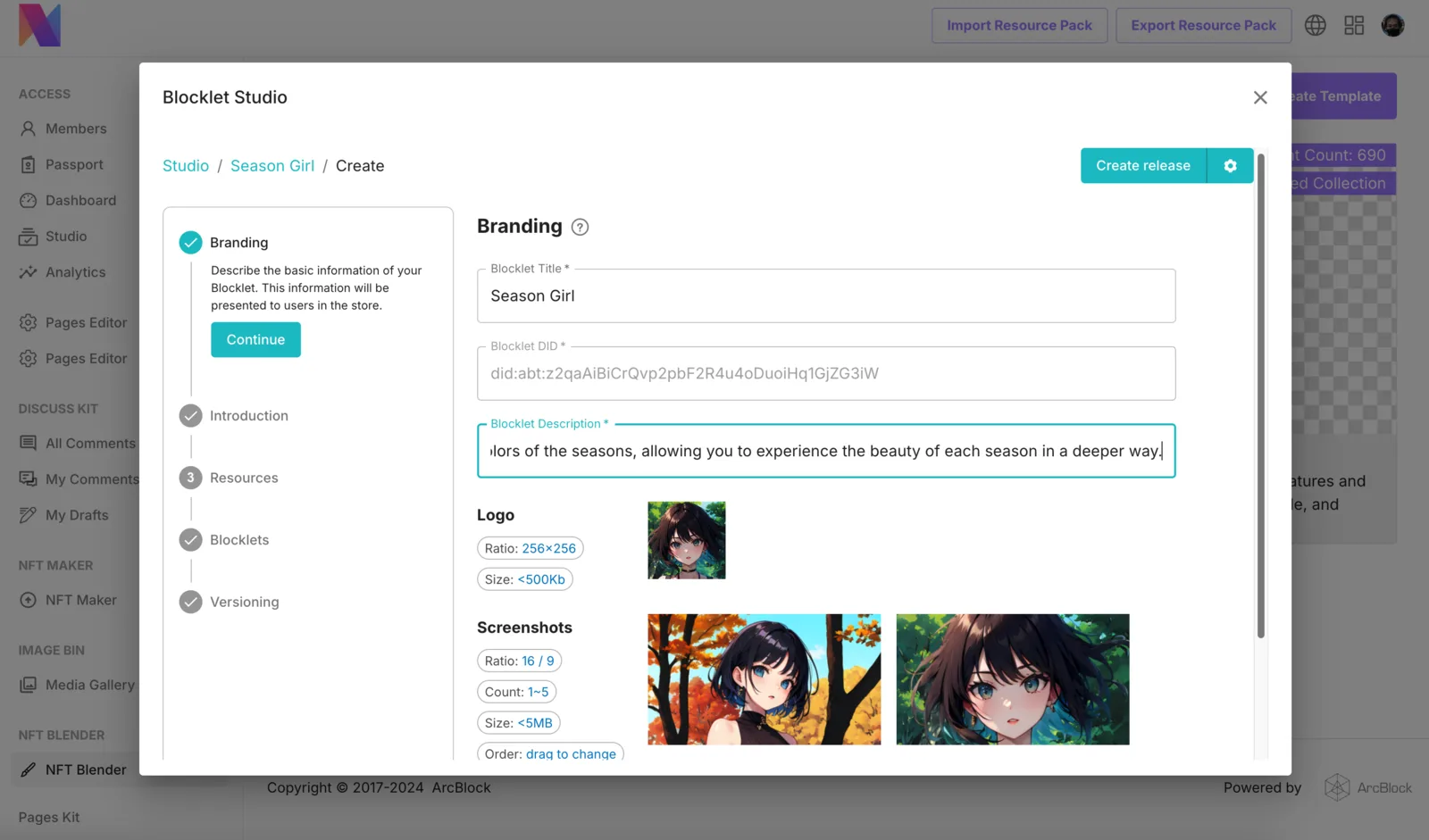
- Improve the brand information of Blocklet, which will be displayed on the Blocklet Store list page and details page.
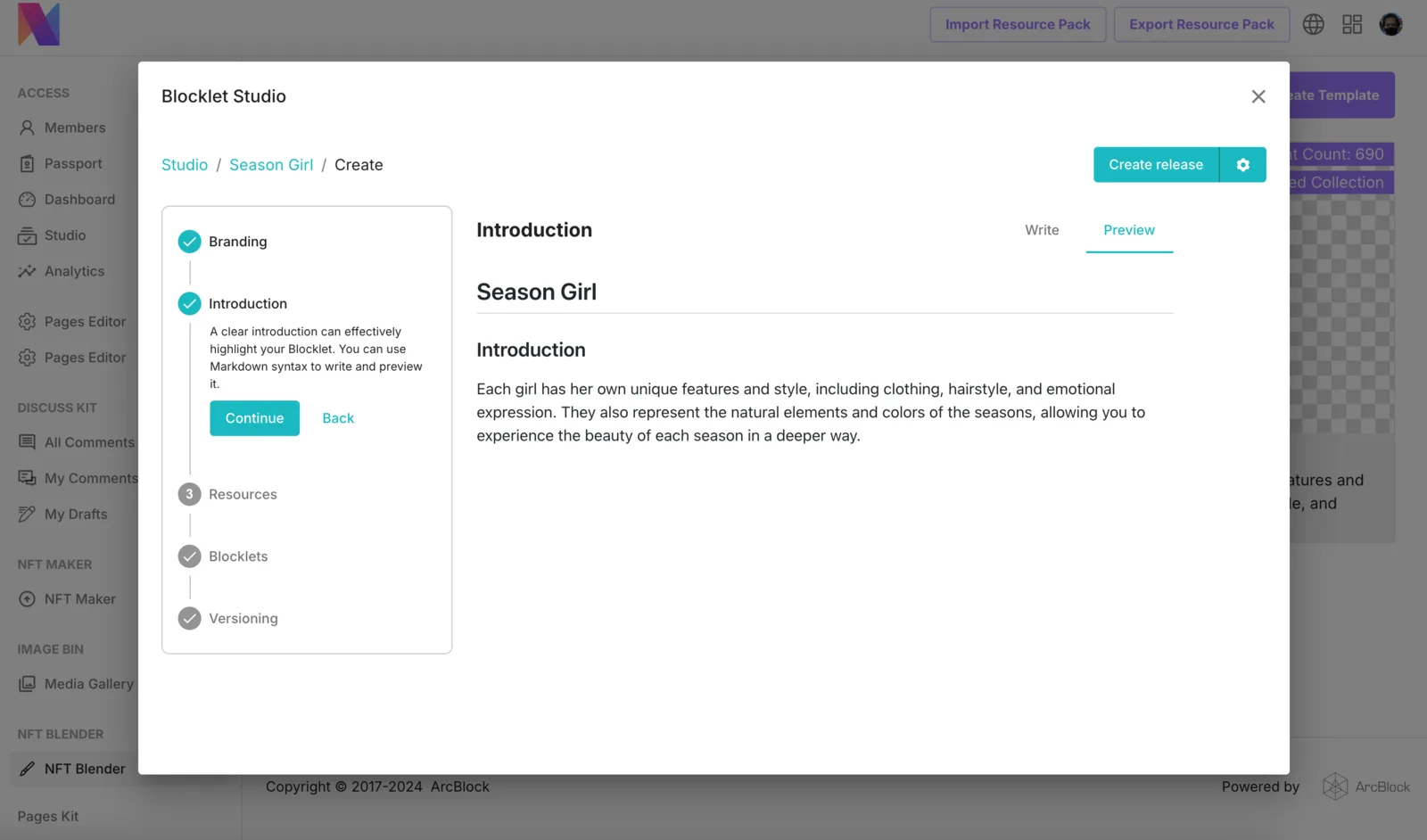
- Improve the introduction of Blocklet, which will be displayed on the details page of Blocklet Store
- Select the NFT template to be released, click on the
Create Releasein the upper right corner to generate a Blocklet (no need to make any selections in the following Blocklets steps)
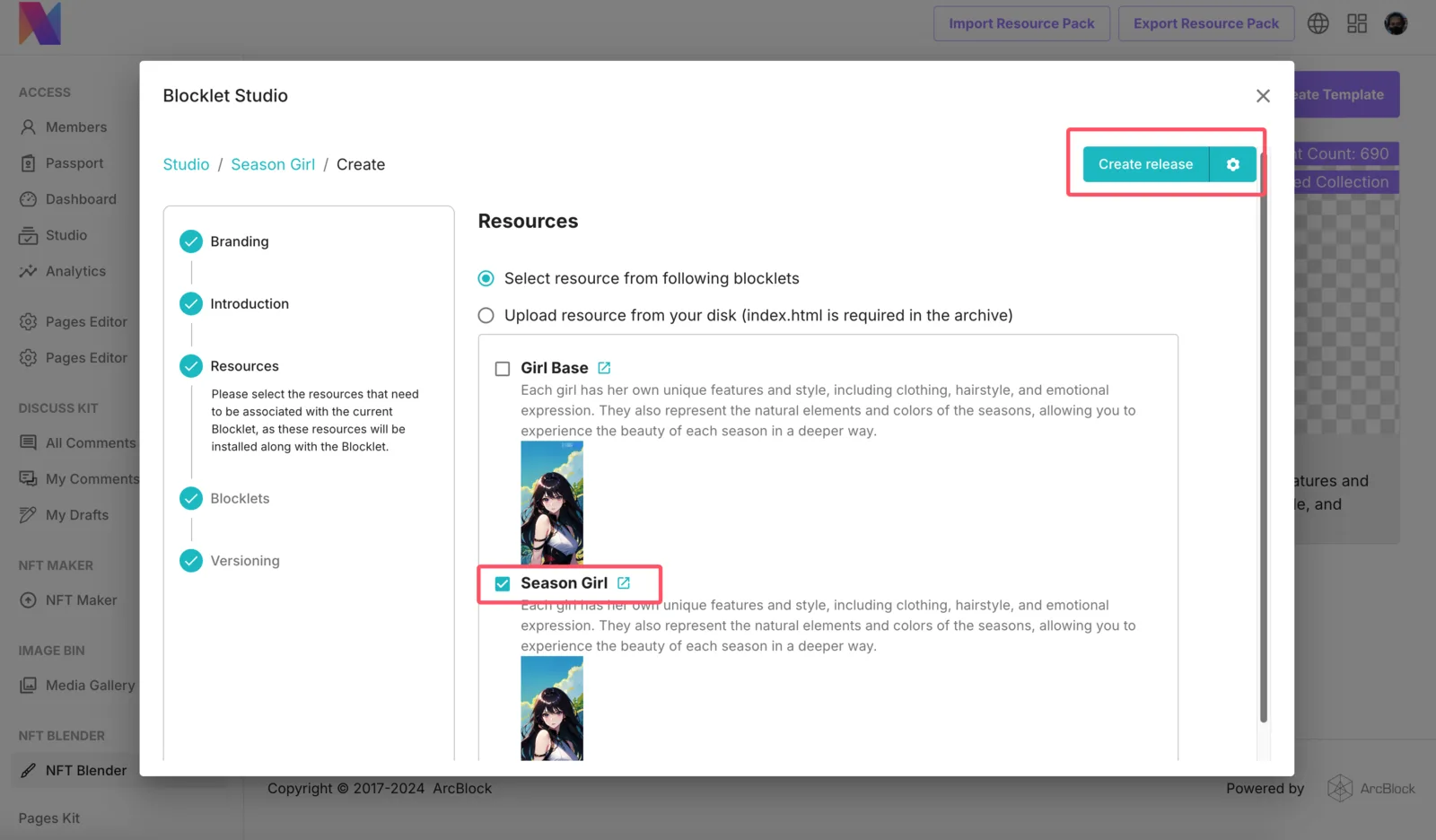
- Click on
Connect or Uploadat the end to complete the DID Connect authorization and upload to the store.
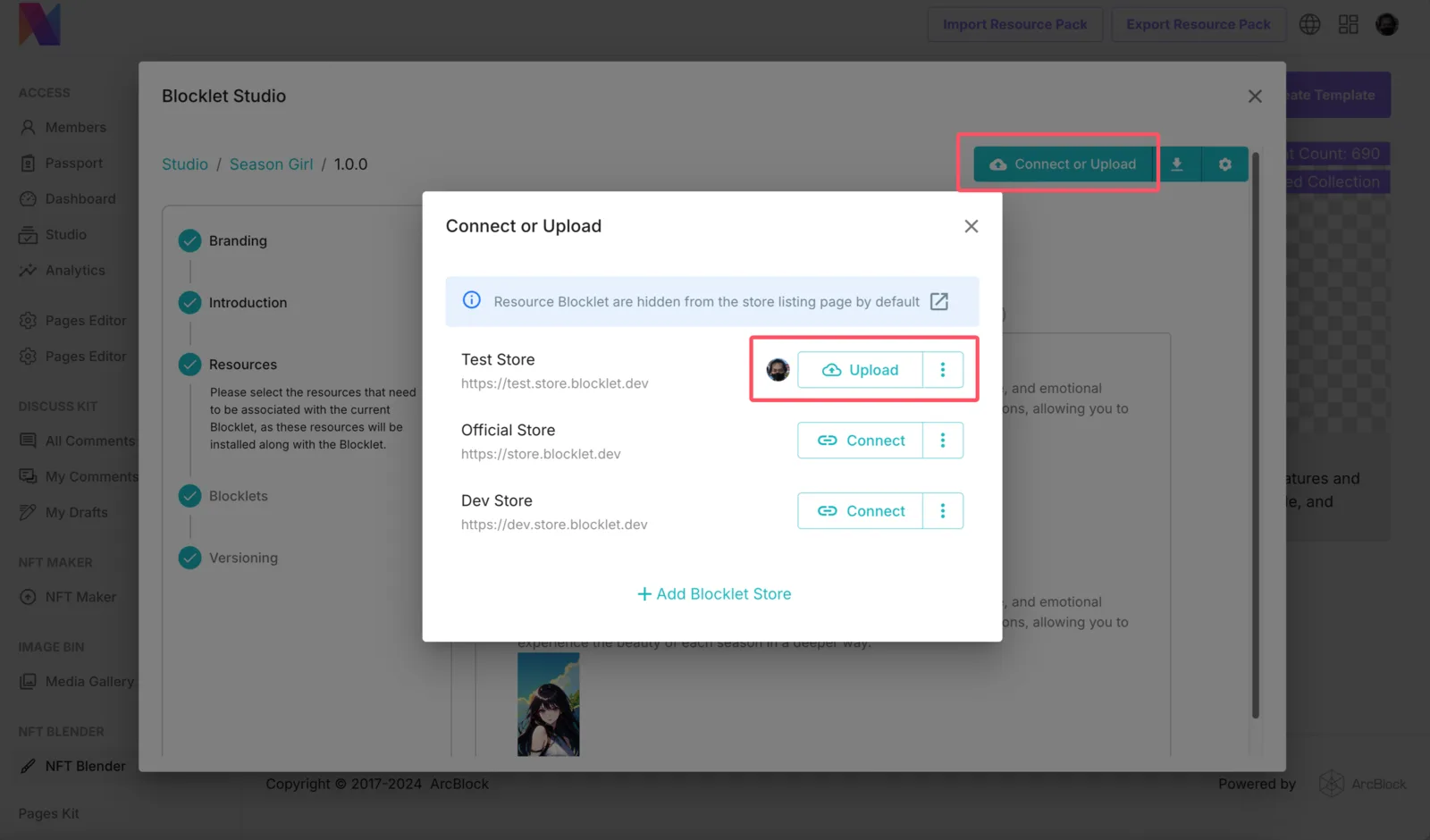
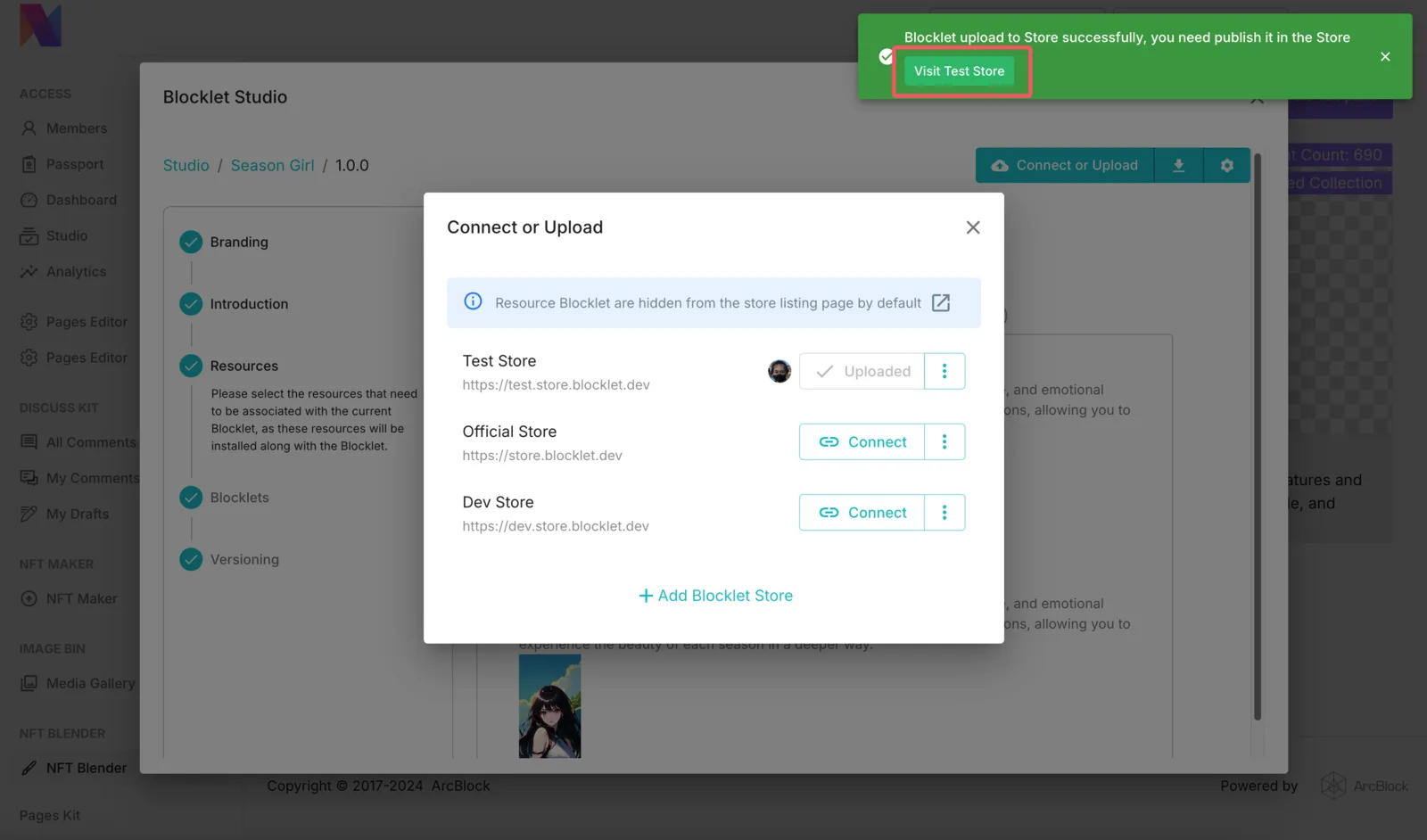
- We also need to click on
Visitto go to the Blocklet Store and use DID Connect forPublish
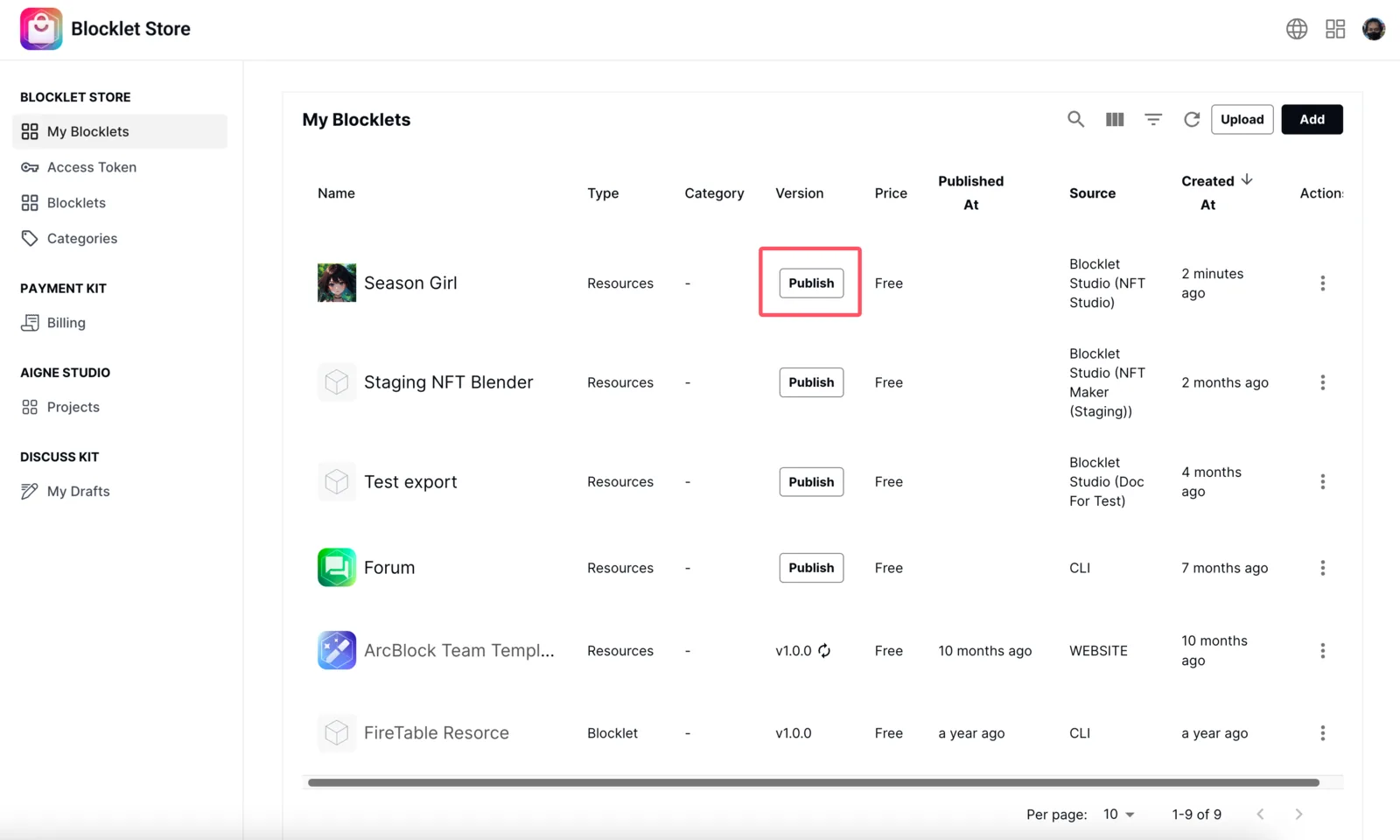
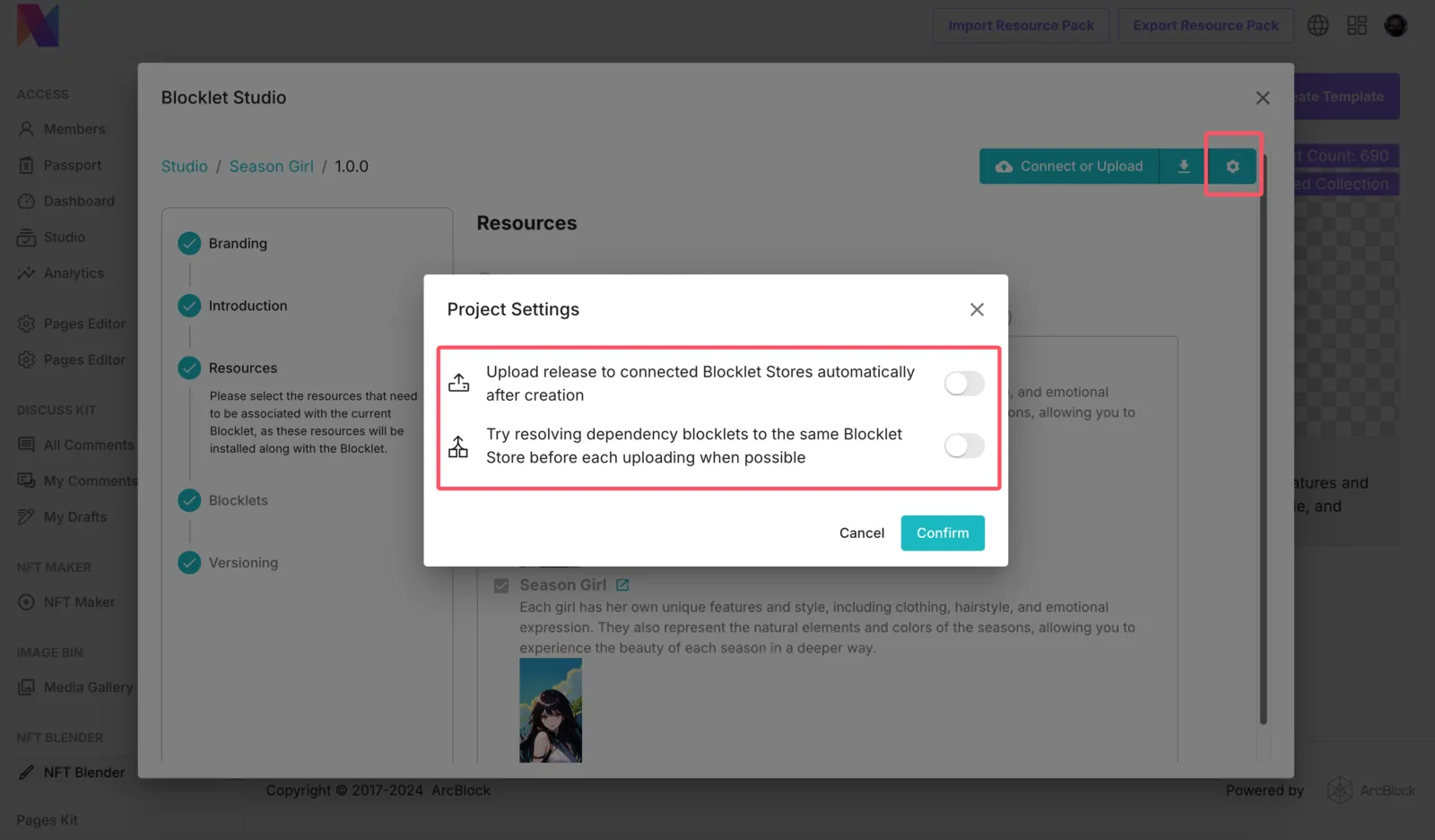
- Of course, we can also enable automatic publishing, so that each update no longer requires the use of DID Connect and Blocklet Store for authorized publishing.
FAQ
How to get the official Blocklet Store app on the shelves authorization
Divided into several situations:
- If you need to be listed on the official ArcBlock beta store, you can visit https://test.store.blocklet.dev and stake tokens for authorization.
- If you need to list on the ArcBlock official Prod Store, you need to go to https://community.arcblock.io to submit a post for review.
- If you need to list your Blocklets in your Blocklet Store, you can install Blocklet Store in the App Store and Connect in the steps above.