Overview
If you need to do secondary development with NFT Studio, it is inevitable that you will need to mount the NFT Series Blcoklet during local development.
How to mount
Let's take the example of mounting NFT Maker
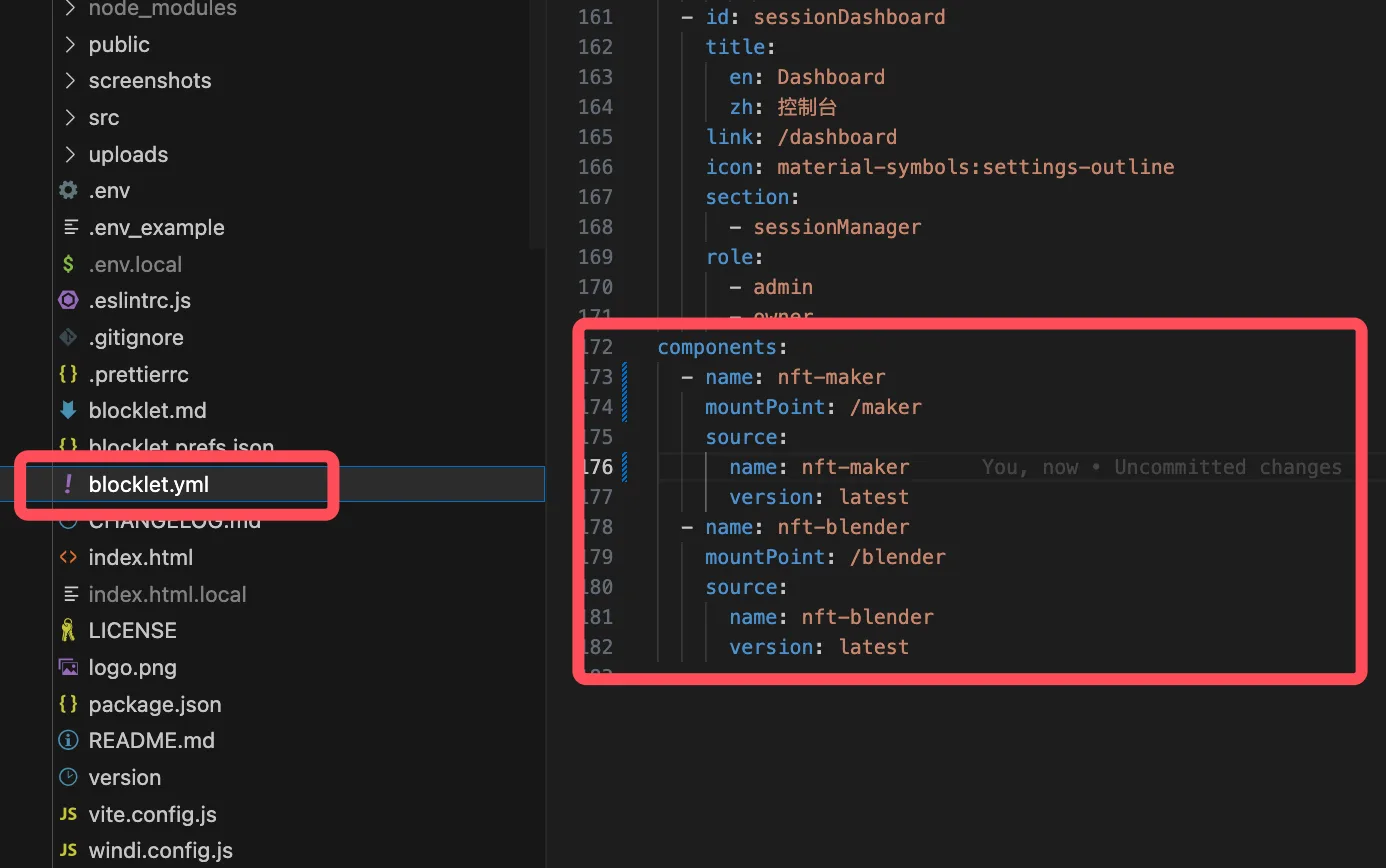
In the top-level application files directory, find the blocklet.yml file and add the components parameter
More configurations can view: blocklet.yml
// blcoklet.yml
components:
  - name: nft-maker
    mountPoint: /maker
    source:
      store:
        - https://store.blocklet.dev
      name: nft-maker
      version: latest
As shown in the figure below
Common Problems
Why can't I start local apps after mounting
Because the image rendering function of NFT series apps relies on back-end rendering, you will need to use the canvas.node dependency package.
This kind of package has a characteristic: it's not directly compatible with different operating systems and chips, so if you can't find the dependency package, you need to recompile it. If we mount it directly, during the pre-start phase, we will pull or compile the dependencies, and usually the compilation part is where things go wrong.
how to resolve
// macOS Installation Compilation Dependencies
xcode-select --install

brew install pkg-config cairo pango libpng jpeg giflib librsvg

brew update --auto-update

// Optional: Restart your computer

// Restart the top-level Blocklet

// Other system build dependencies: https://github.com/Automattic/node-canvas/wiki