Serves the agents in an AIGNE project as a Model Context Protocol (MCP) server. This command exposes your agents over a streamable HTTP endpoint, enabling seamless integration with external systems and applications that support the MCP standard.
Internally, aigne serve-mcp starts a lightweight Express server. When a POST request is received on the configured endpoint, it invokes the corresponding agent and streams the response back according to the MCP specification.
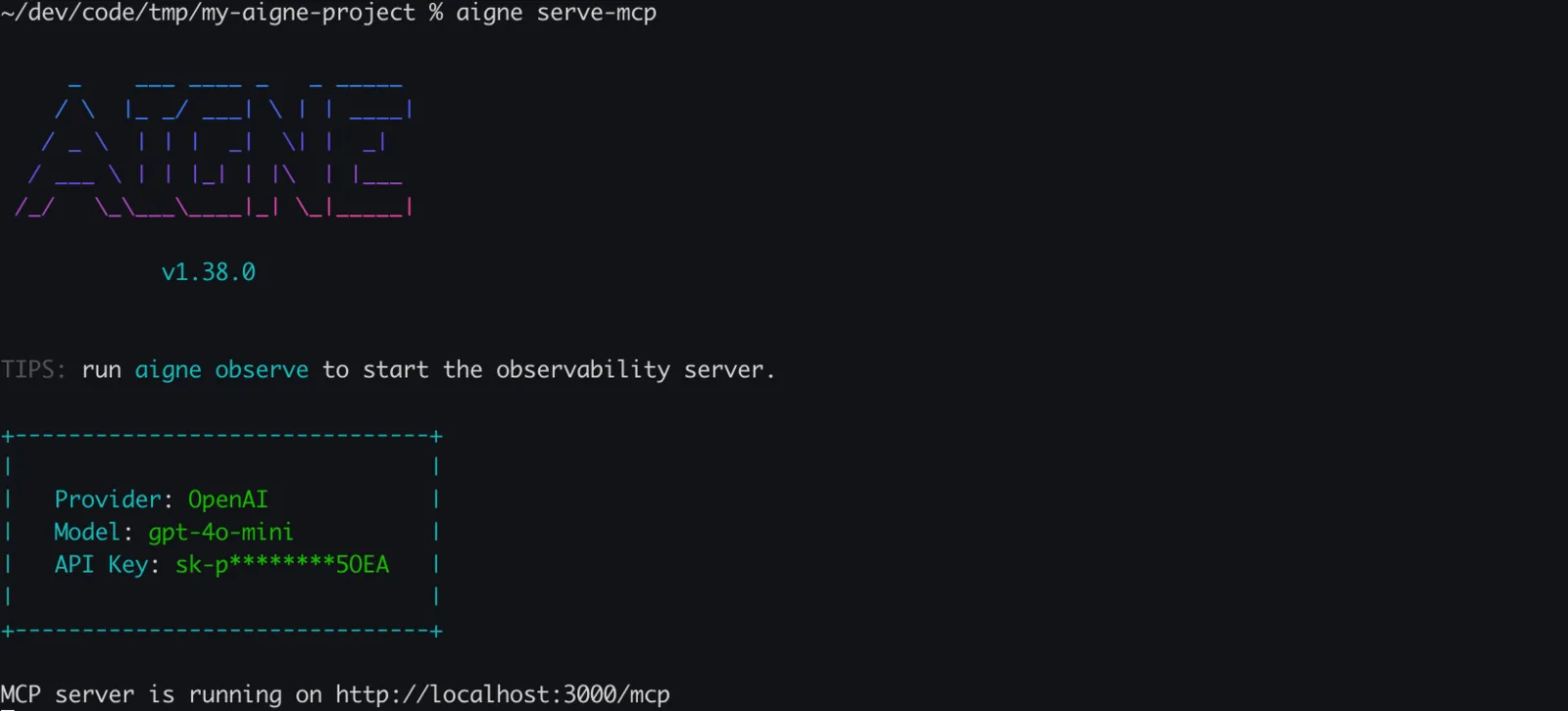
Usage
Basic Usage
aigne serve-mcp [options]Options
The serve-mcp command accepts the following options to customize the server's behavior:
- --path, --url
string(default:.) — Path to the local agents directory or a URL to a remote AIGNE project. - --host
string(default:localhost) — Host to run the MCP server on. Use0.0.0.0to expose the server publicly to the network. - --port
number(default:3000) — Port for the MCP server. The command respects thePORTenvironment variable if set; otherwise, it defaults to 3000. - --pathname
string(default:/mcp) — The URL path for the MCP service endpoint. - --aigne-hub-url
string— A custom AIGNE Hub service URL, used for fetching remote agent definitions or models.
Examples
Start a Server for a Local Project
To serve agents from the current directory, run the command without any options. The server will start on the default host and port.
Start Server in Current Directory
aigne serve-mcpExpected Output:
Console Output
MCP server is running on http://localhost:3000/mcpServe Agents on a Specific Port and Path
You can specify a different port and provide an explicit path to your AIGNE project directory.
Start Server with Custom Port and Path
aigne serve-mcp --path ./my-ai-project --port 8080Expected Output:
Console Output
MCP server is running on http://localhost:8080/mcpExpose the Server to the Network
To make your MCP server accessible from other machines on your network, set the host to 0.0.0.0.
Expose Server Publicly
aigne serve-mcp --host 0.0.0.0Expected Output:
Console Output
MCP server is running on http://0.0.0.0:3000/mcpNext Steps
After exposing your agents via the MCP server, you might want to deploy them for production use.