The aigne create command scaffolds a new AIGNE project from a template. It sets up the necessary directory structure and configuration files, allowing you to start developing your agent immediately.
Usage
Basic Usage
aigne create [path]Arguments
- path
string(default:.) — The path where the new project directory will be created. If omitted, it defaults to the current directory and triggers an interactive mode to prompt for the project name.
Interactive Mode
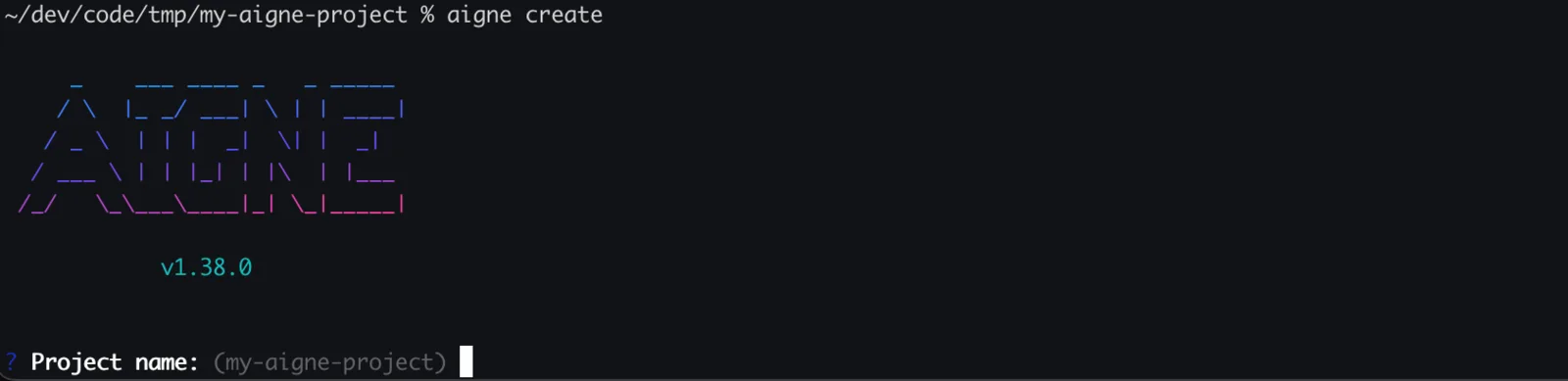
If you run aigne create without specifying a path, or by using . for the current directory, the CLI enters an interactive mode to guide you through the setup process. You will be prompted for the following information:
- Project name: The name for your new project directory.
- Template: The project template to use. Currently, only a
defaulttemplate is available.
Overwrite Confirmation
For safety, if the target directory already exists and is not empty, the CLI will ask for your confirmation before proceeding to remove its contents. If you choose not to proceed, the operation will be safely cancelled.
Confirmation Prompt
? The directory "/path/to/my-aigne-project" is not empty. Do you want to remove its contents? (y/N)Examples
Create a Project Interactively
To be guided through the creation process, run the command without any arguments. The CLI will prompt you for a project name.
Create in the current directory
aigne createCreate a Project in a Specific Directory
To create a project in a new directory named my-awesome-agent, provide the name as an argument.
Create in a new 'my-awesome-agent' directory
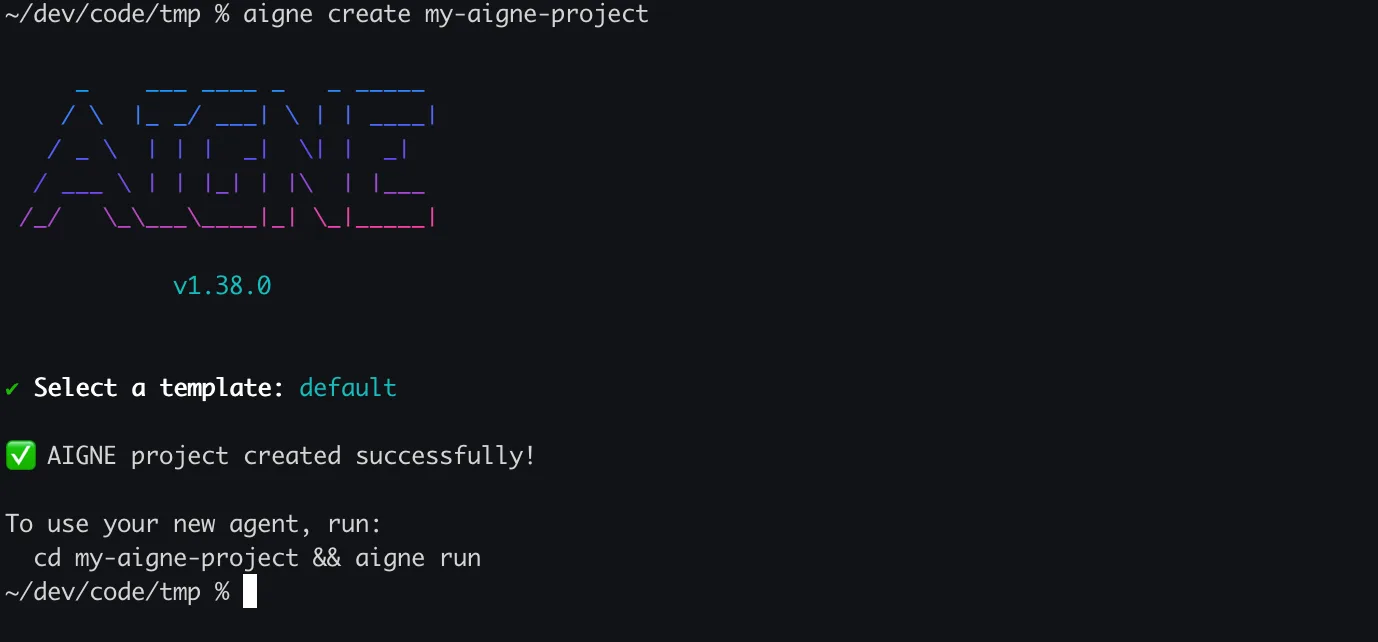
aigne create my-awesome-agentThis command creates the my-awesome-agent directory and scaffolds the project inside it. You will still be prompted to select a template.
Successful Output
Upon successful creation, you will see a confirmation message and instructions for the next steps to run your new agent.
After creating your project, the next step is to execute your agent. For more details, see the aigne run command reference.