aigne create
The aigne create command scaffolds a new AIGNE project from a template. It sets up the necessary directory structure and configuration files, allowing you to start developing your agent immediately.
Usage#
Basic Usage
aigne create [path]Arguments#
Interactive Mode#
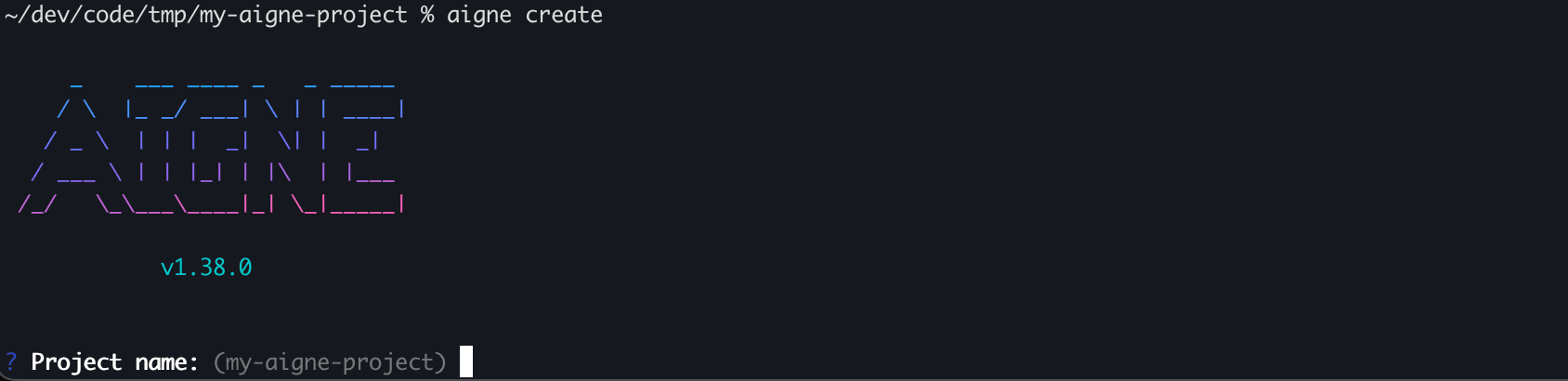
If you run aigne create without specifying a path, or by using . for the current directory, the CLI enters an interactive mode to guide you through the setup process. You will be prompted for the following information:
- Project name: The name for your new project directory.
- Template: The project template to use. Currently, only a
defaulttemplate is available.
Overwrite Confirmation#
For safety, if the target directory already exists and is not empty, the CLI will ask for your confirmation before proceeding to remove its contents. If you choose not to proceed, the operation will be safely cancelled.
Confirmation Prompt
? The directory "/path/to/my-aigne-project" is not empty. Do you want to remove its contents? (y/N)Examples#
Create a Project Interactively#
To be guided through the creation process, run the command without any arguments. The CLI will prompt you for a project name.
Create in the current directory
aigne createCreate a Project in a Specific Directory#
To create a project in a new directory named my-awesome-agent, provide the name as an argument.
Create in a new 'my-awesome-agent' directory
aigne create my-awesome-agentThis command creates the my-awesome-agent directory and scaffolds the project inside it. You will still be prompted to select a template.
Successful Output#
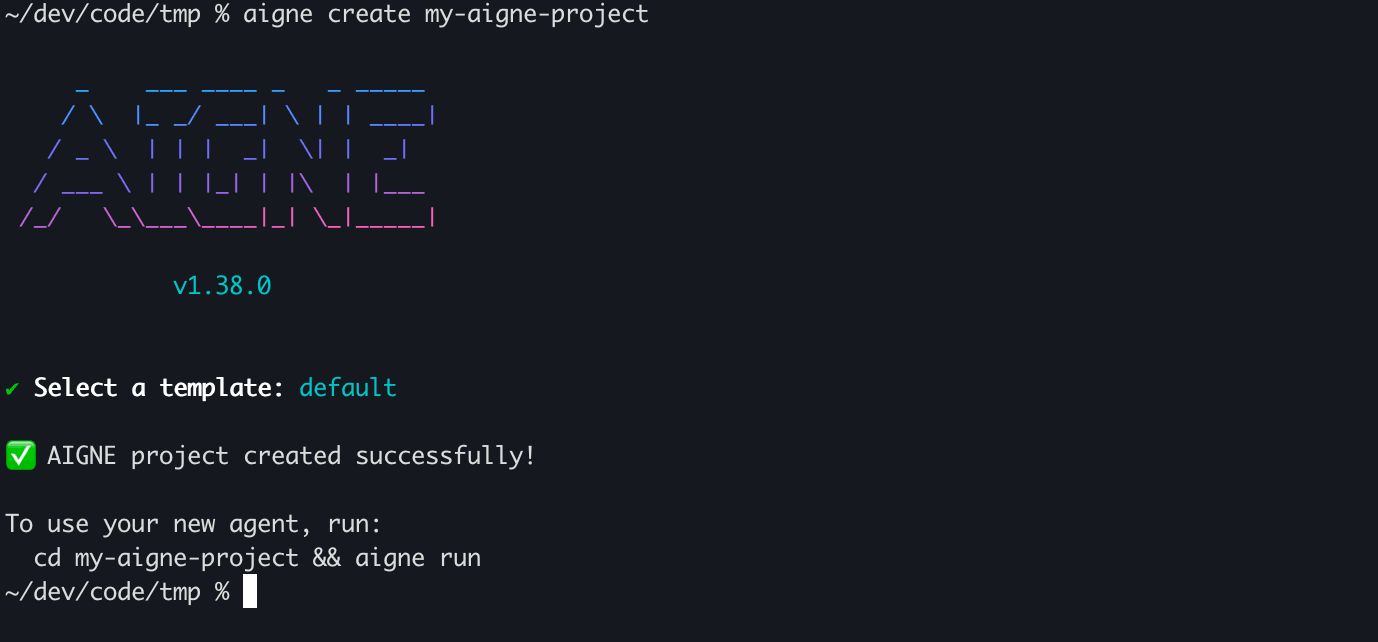
Upon successful creation, you will see a confirmation message and instructions for the next steps to run your new agent.
After creating your project, the next step is to execute your agent. For more details, see the aigne run command reference.