Aside 1.3.0: Sync and Publish Your Collections

Aside 1.3.0 is now available. This update adds sign-in for a DID, library sync through Arc Space, and publishing for collections whose shared pages update as you add new saves.
One collection. More places.
Start with what catches your eye
Imagine a collection for a walk around Kyoto. A useful walking guide goes into Aside through the system share sheet. A street photo joins it in the same collection. Personal notes help keep track of what caught your attention.
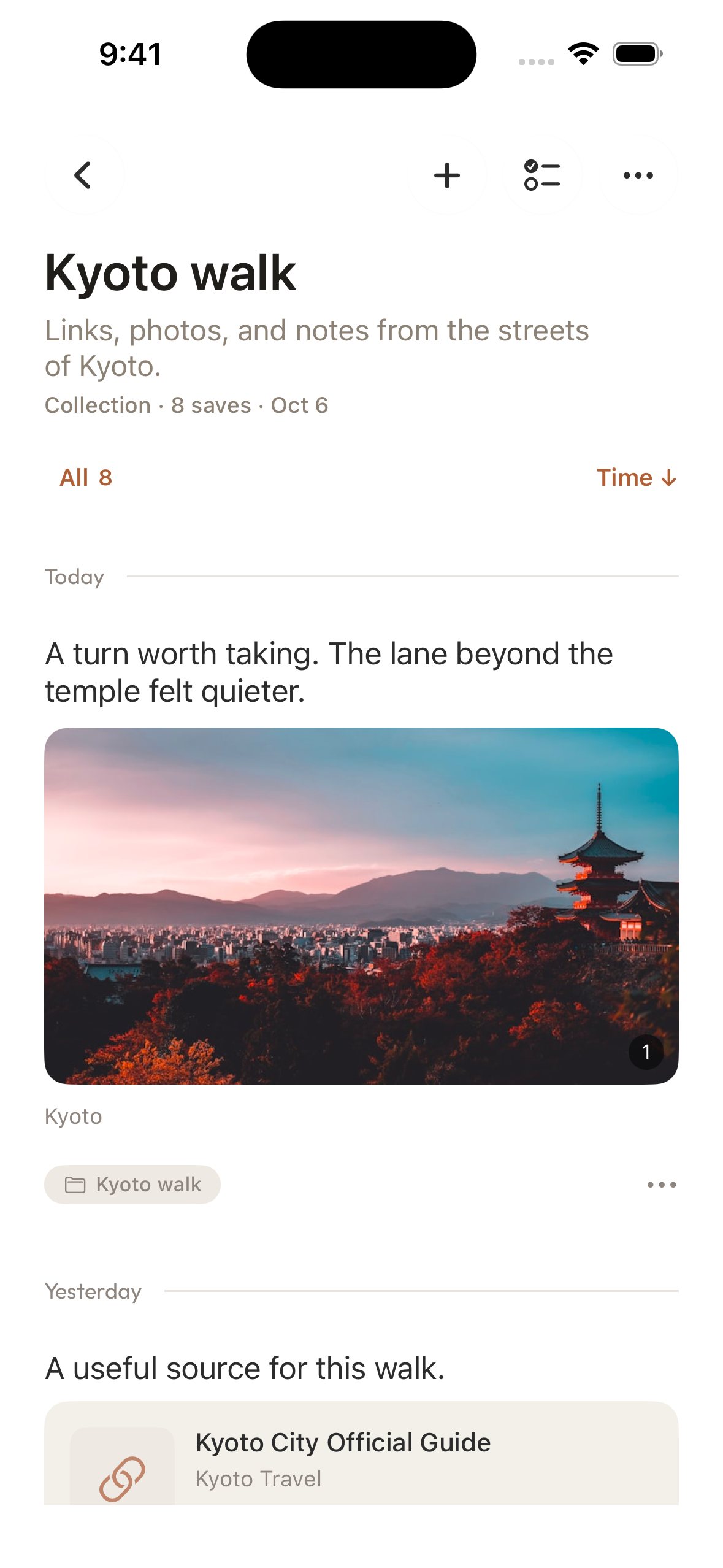
You might want to continue with that collection on another device or send it to a friend. Aside 1.3.0 makes both possible with the same collection, without collecting everything again or assembling a separate list.
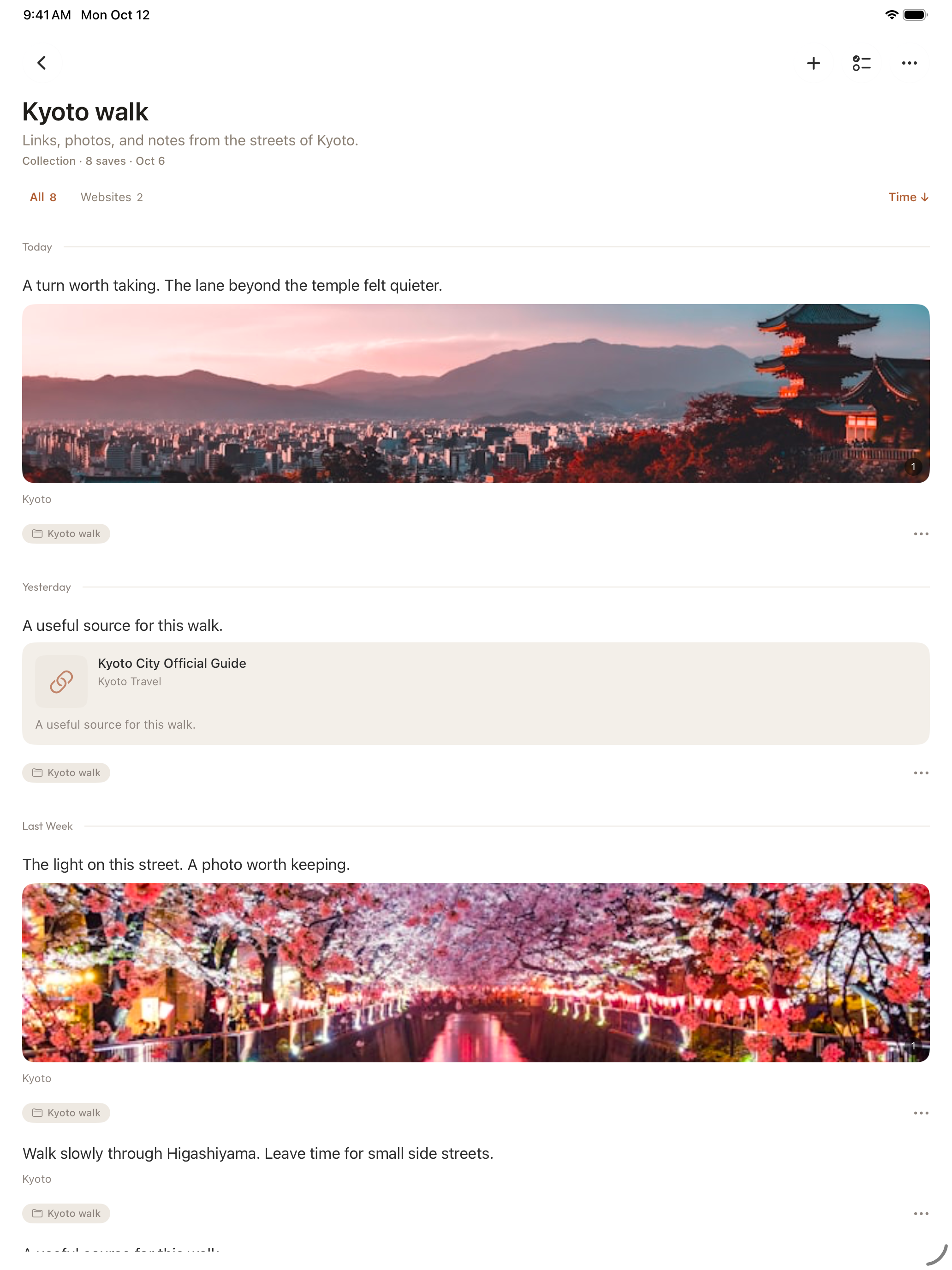
From iPhone to iPad, continue with the same collection
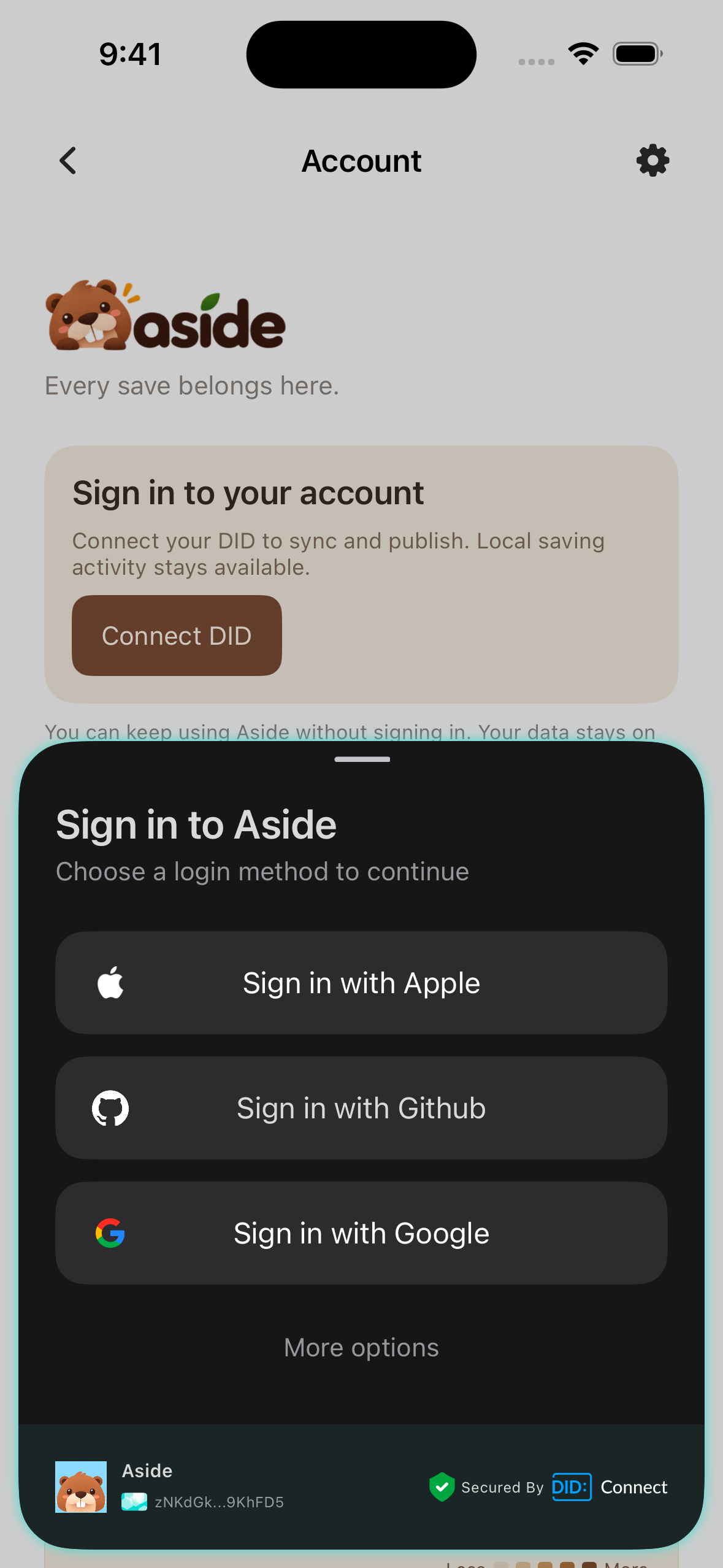
In 1.3.0, open Account > Connect DID and sign in using one of the available methods. The DID you receive is a digital identity used to identify your account. Arc Space is your personal space for saving this content across devices, accessible through Aside's storage settings.
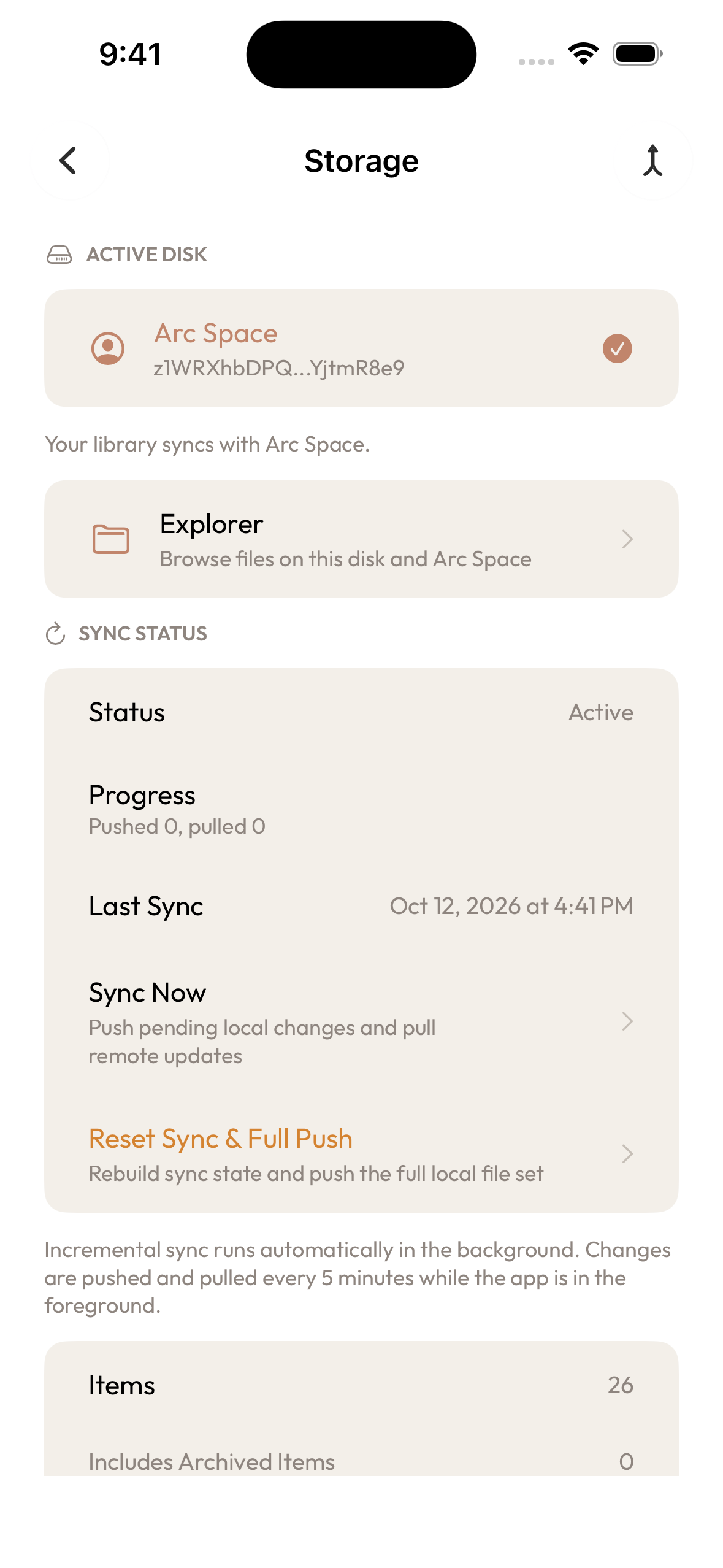
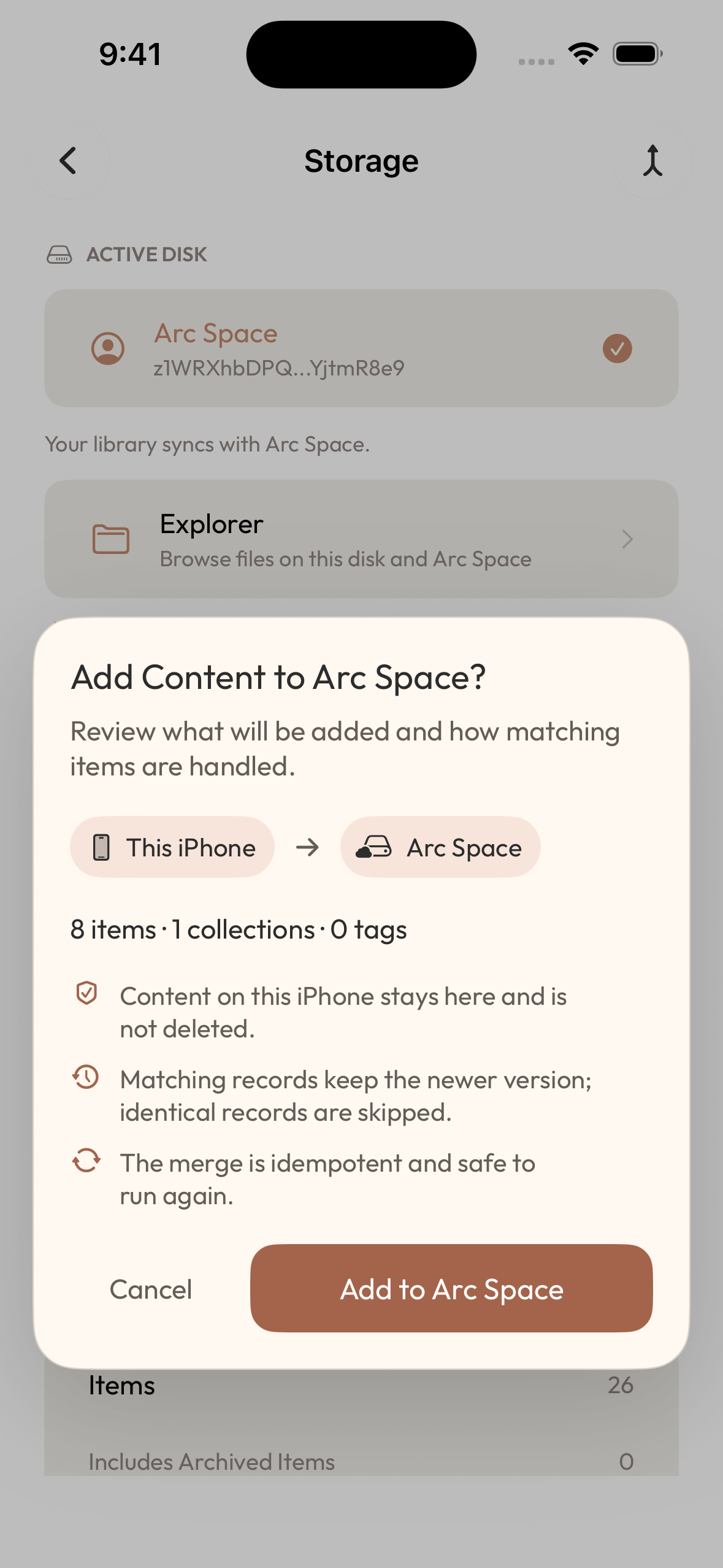
In Account > Storage, check that Arc Space is the active library. If Local Library (content saved on this device) is active, switch to Arc Space. On another iPhone or iPad, sign in with the same account and open the same space to continue viewing and organizing the Kyoto collection synced there.
Existing local saves will not move automatically. Add to Arc Space shows the counts of items, collections, and tags to be added. Confirming adds the contents of your local library to the space. The local content stays on this device. Local Library and Arc Space do not automatically sync with each other; use the Arc Space library for changes you want across devices. Local collecting still requires no sign-in.
Choose a collection to share
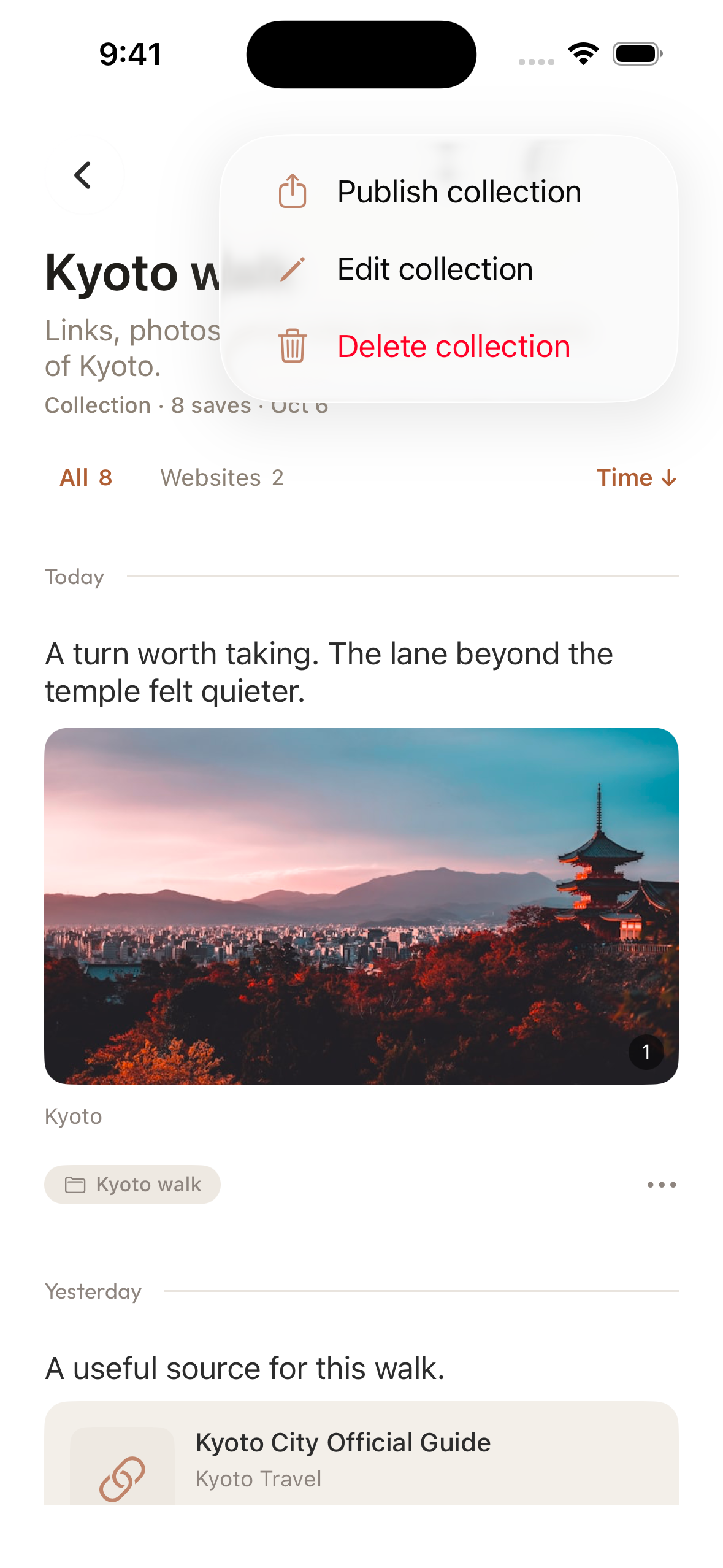
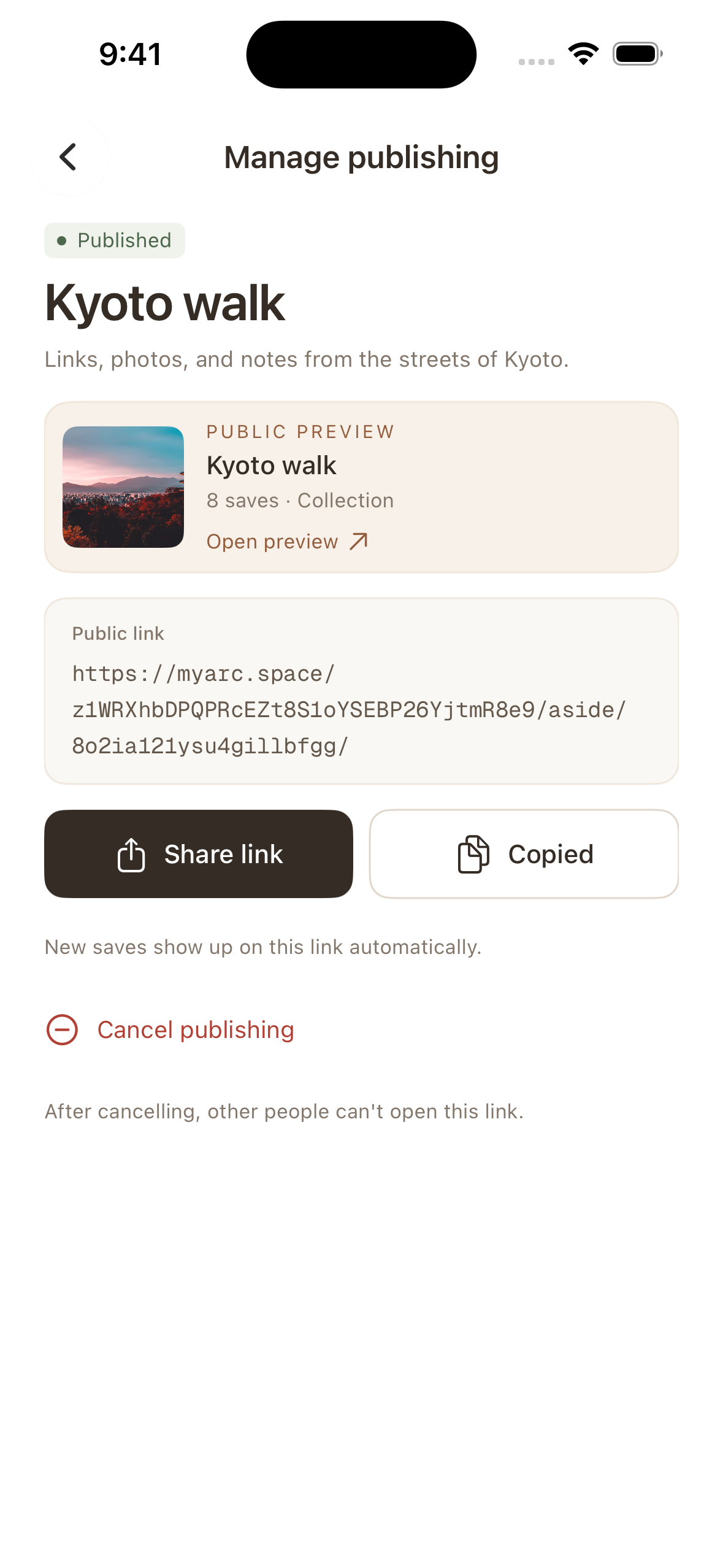
Publishing is a separate action. Organize the webpages, photos, or other content you want to share into a collection and let it sync to Arc Space. Then open Publish collection from its actions menu to publish that collection and get a link. You can copy or share the link.
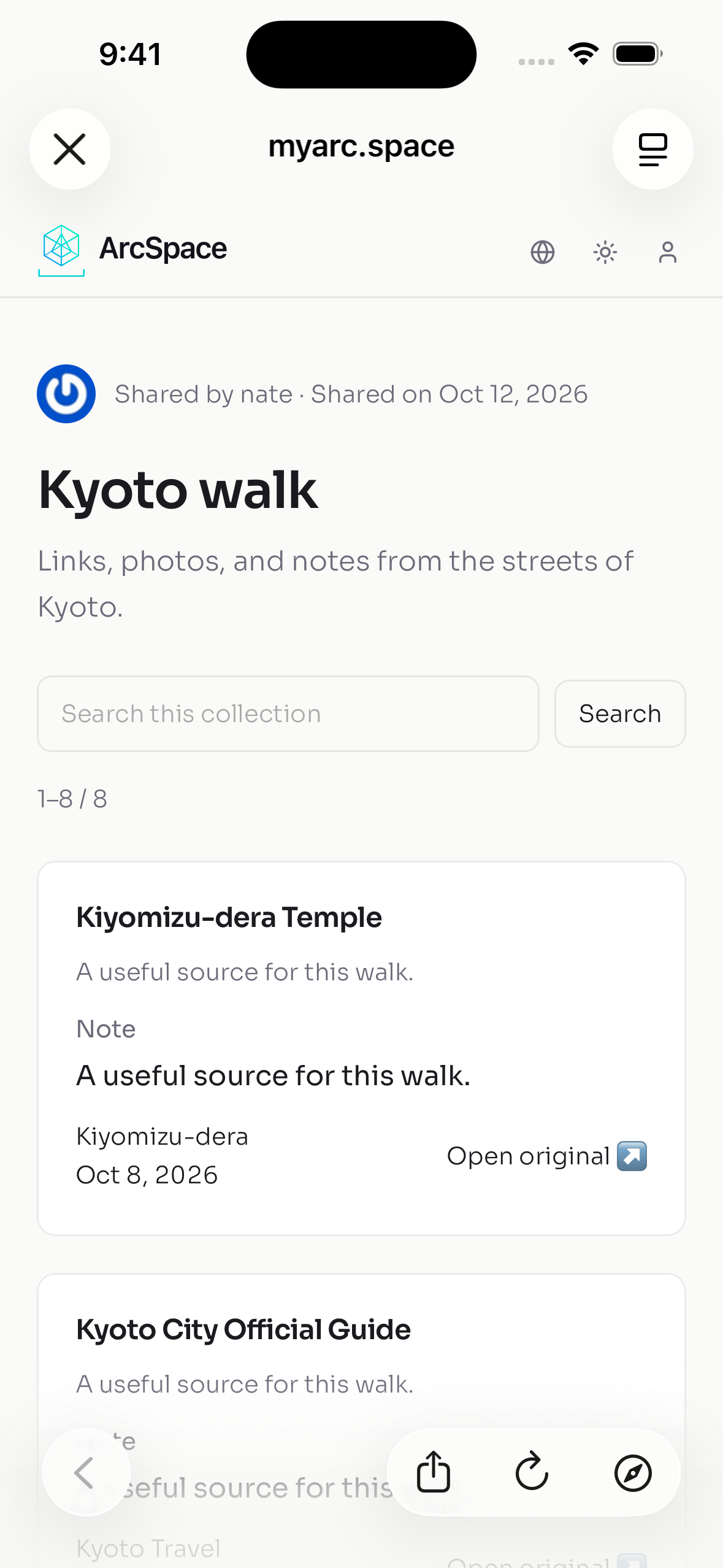
For the Kyoto example, a friend receives one page for that collection instead of several separate messages. Anyone with the link can view it without signing in. The page is unlisted, meaning it is not listed for public discovery; it is not a private invitation restricted to named recipients.
One link that keeps up with your collection
A shared collection gives people a place to return to as you keep adding to it. Add webpages, photos, or notes to the same published collection. Once they sync, the new saves appear on its existing page. There is no need to publish again or send a new link.
Suppose you have shared the Kyoto walk collection and later find a neighborhood guide. Save it to that published collection and let it sync. The next time your friend opens the original link, the guide will be there. The same approach works for a reading list or reference collection you maintain over time: you keep collecting and organizing, and others can return to one place when they want to catch up.
Before publishing, and before adding content to an already published collection, review the contents and your notes. Check that these are things you are comfortable showing to others.
Sync and publishing requirements
Sync requires signing in and connecting to the same Arc Space; publishing requires the collection to finish syncing first. Saving and organizing an unpublished collection will not make it public.
Update to Aside 1.3.0 to collect on your phone, continue on another device, and share a collection when it is ready.
For the existing saving flow, read Save a Link in Aside, and Keep Your Reason, or visit the Aside product page.