Save a Link in Aside, and Keep Your Reason
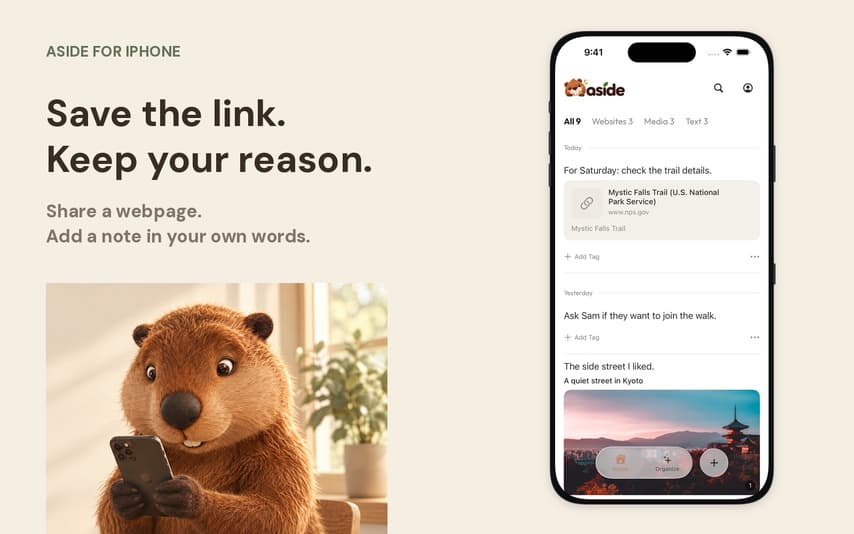
A saved link tells you where to go. A short note can tell you what you wanted to do there. On iPhone, you can share a webpage to Aside and add that note before saving, so the source and your reason stay in the same entry.
The video follows a simple example: a trail page you want to check before a Saturday walk. The note is your own next step, not a summary of the page: “For Saturday: check the trail details.”
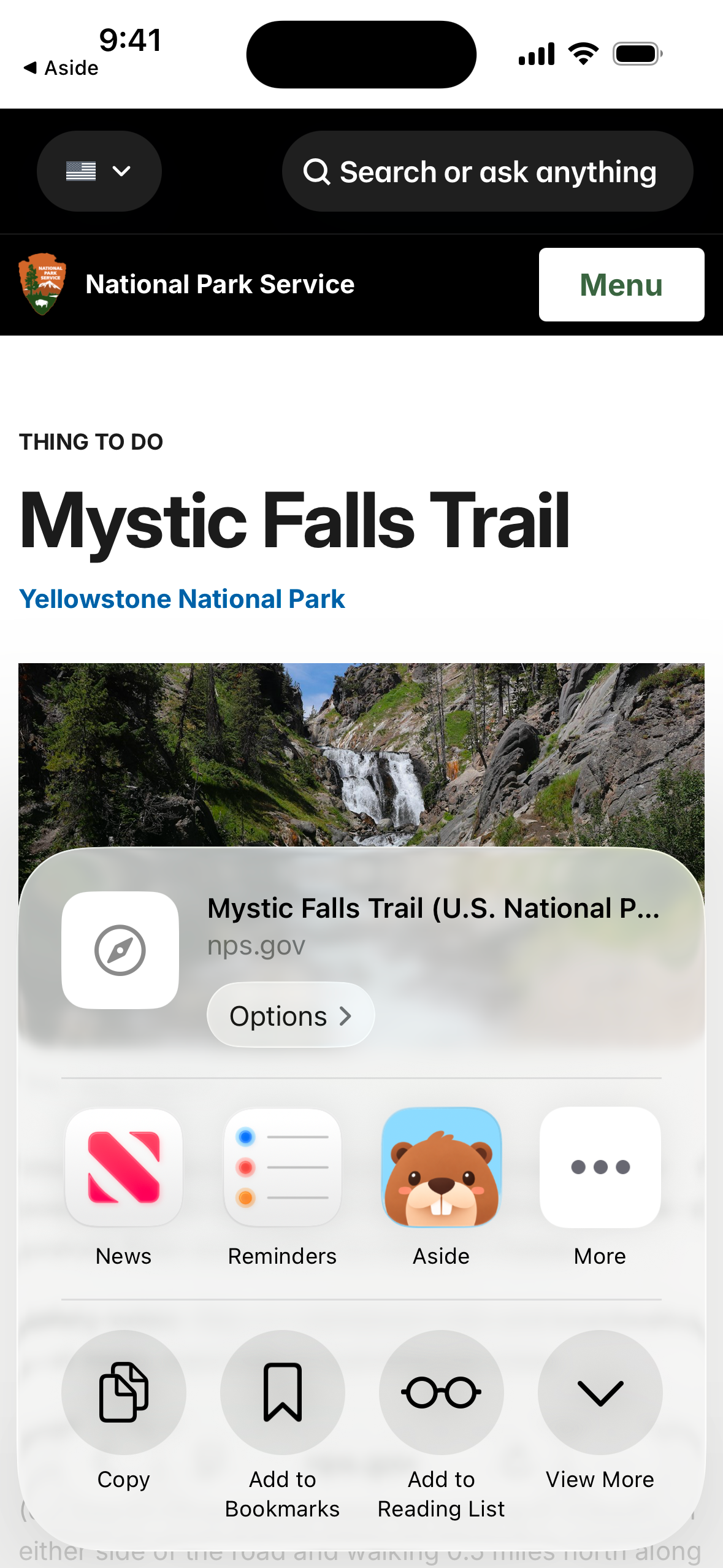
Share the page from Safari
Open the National Park Service's Mystic Falls Trail page in Safari. Tap More, then Share. Choose Aside in the iOS share sheet. If it is not visible in the app row, look under More.
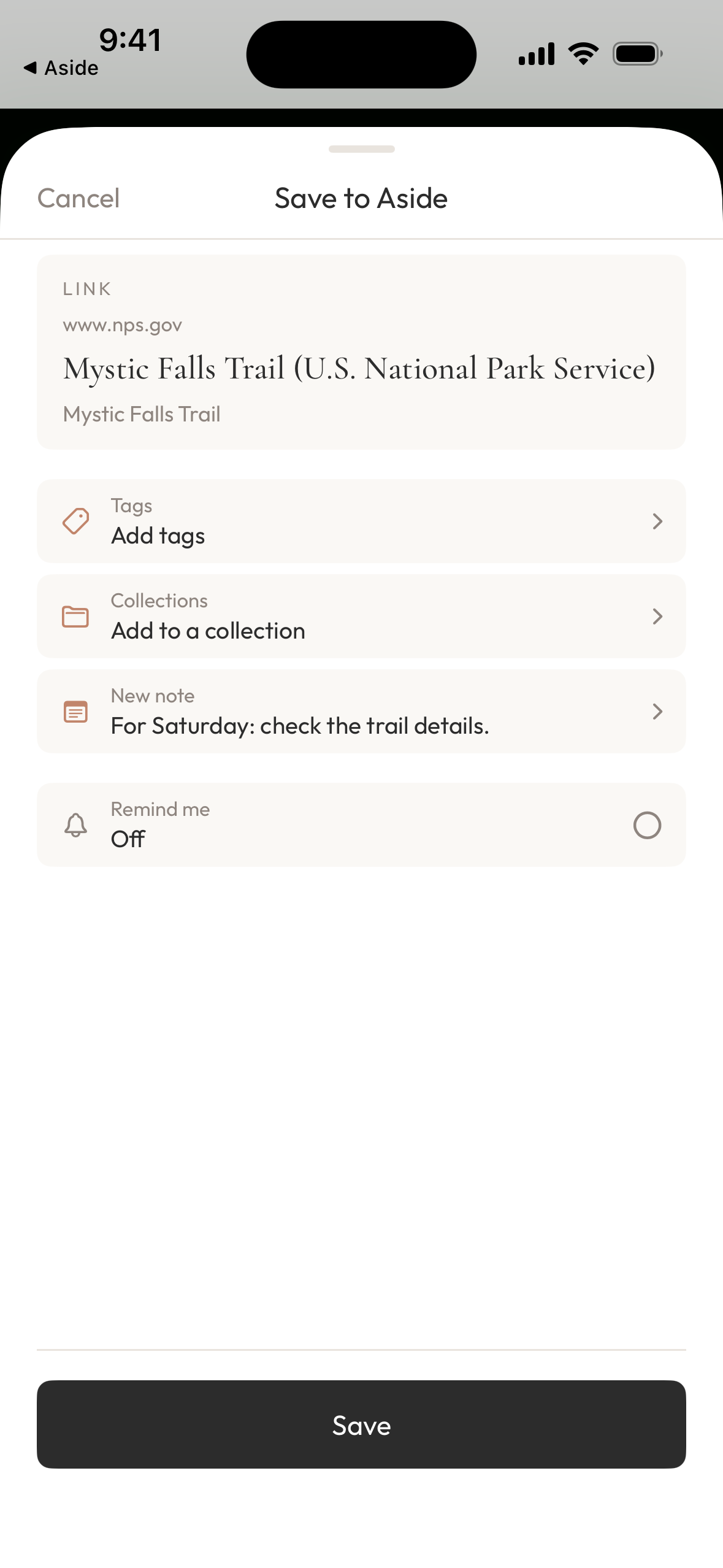
The Save to Aside screen shows the link you are about to save. Check its title and domain so you know you are keeping the intended page.
Add your reason before you save
Tap Add a new note in the sharing screen. Write a sentence that will help when you return: what you want to check, which project this is for, or what caught your attention.
For the trail example, type:
For Saturday: check the trail details.
Tap Save at the top of the note editor to return to the sharing screen. Then tap Save at the bottom to save the link with the note. You supply these words yourself. Keeping the task specific makes the note useful without having to describe the whole webpage.
Return to the link and your note
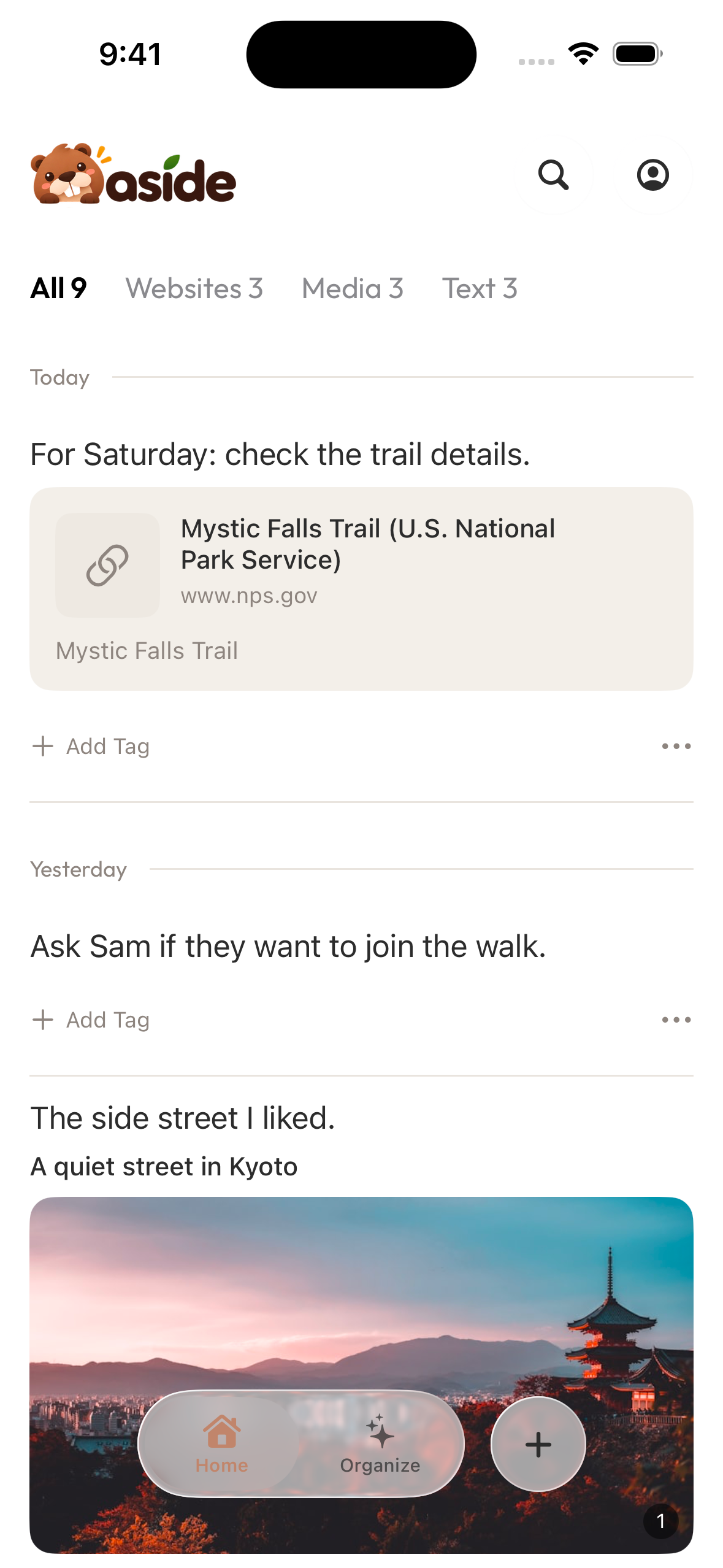
After saving, open Aside and find the new entry on Home. The saved link and your note appear together, so you can see both the source and what you intended to do with it.
The same habit works for a recipe you want to adjust or a reference you want to discuss. Start with the page you are already looking at, and leave yourself one useful sentence before moving on.
When to check the original page
The note preserves your intent at the time you save. It does not verify whether the source is still current. For a walk, return to the original site's latest trail information and conditions before you leave. For other time-sensitive links, check the current source when you act on the note.
Try it with the next webpage you want to keep. Save the link in Aside, and write the reason you will want beside it when you return.
Get Aside, or visit the Aside product page.
Referenced here
Products
-
Aside
active
Collect the things that catch your attention and revisit them in collections.