This guide explains how to use the update command to modify existing documents. You can update document content, add or update diagrams, and remove diagrams through feedback.
Basic Usage
Interactive Mode
Run the command without arguments to enter interactive mode:
aigne doc updateSelect documents and provide feedback to update them.
Command-Line Mode
Update documents directly with command-line flags:
aigne doc update --docs /overview --feedback "Add a more detailed explanation of the core features."Updating Diagrams
You can update diagrams in documents by providing feedback. The tool supports updating existing diagrams or adding new ones.
Update a Specific Diagram
Provide feedback to update a diagram:
aigne doc update --docs /overview --feedback "Update the diagram to show the new architecture"Update All Diagrams
Use the --diagram flag to filter and select documents with diagrams:
aigne doc update --diagramOr use --diagram-all to automatically update all documents with diagrams:
aigne doc update --diagram-allDelete a Diagram
Remove a diagram by providing feedback:
aigne doc update --docs /overview --feedback "Remove the diagram"Diagram Styles
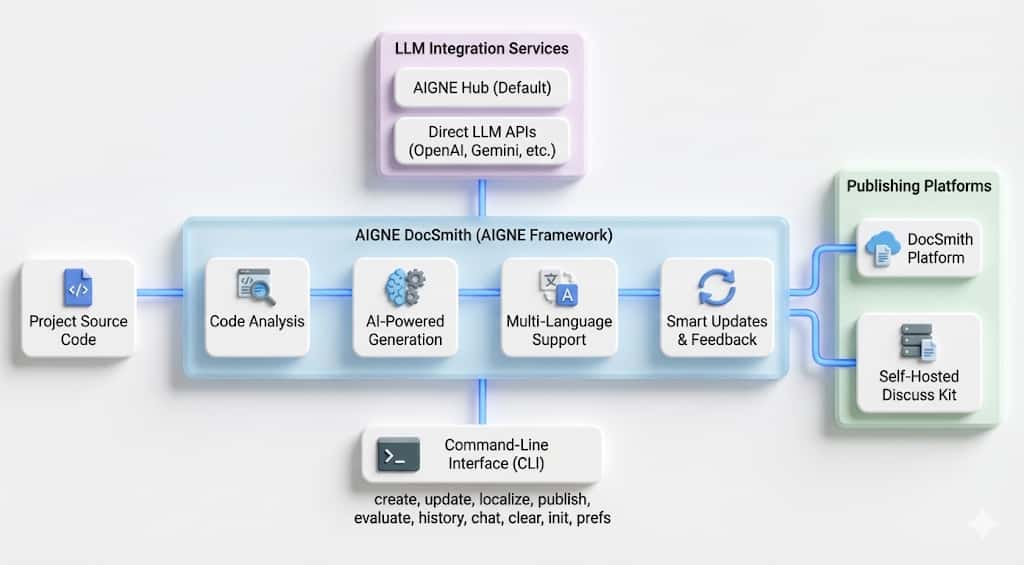
DocSmith supports multiple diagram styles. You can specify a style in your feedback or configure a default style. The supported styles include:
Modern
Clean, professional style with contemporary design elements.
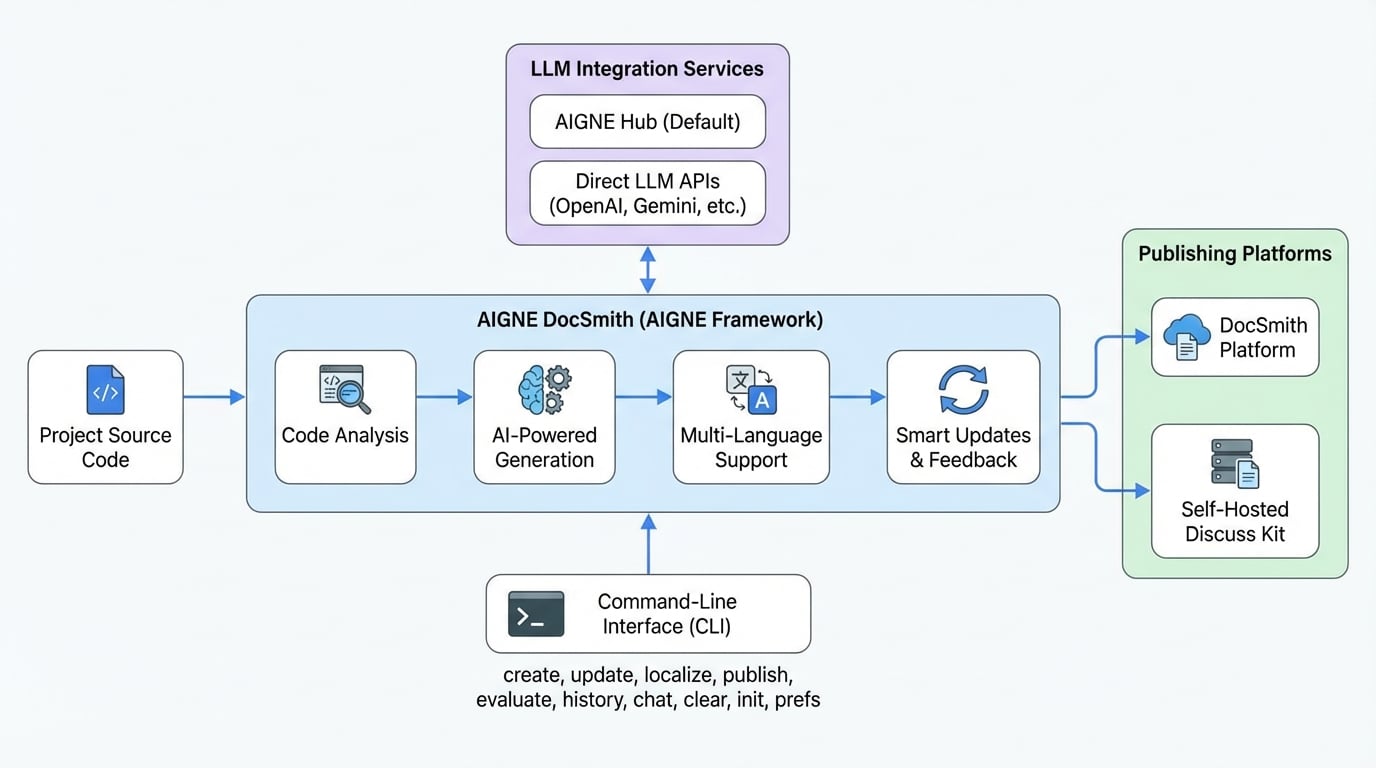
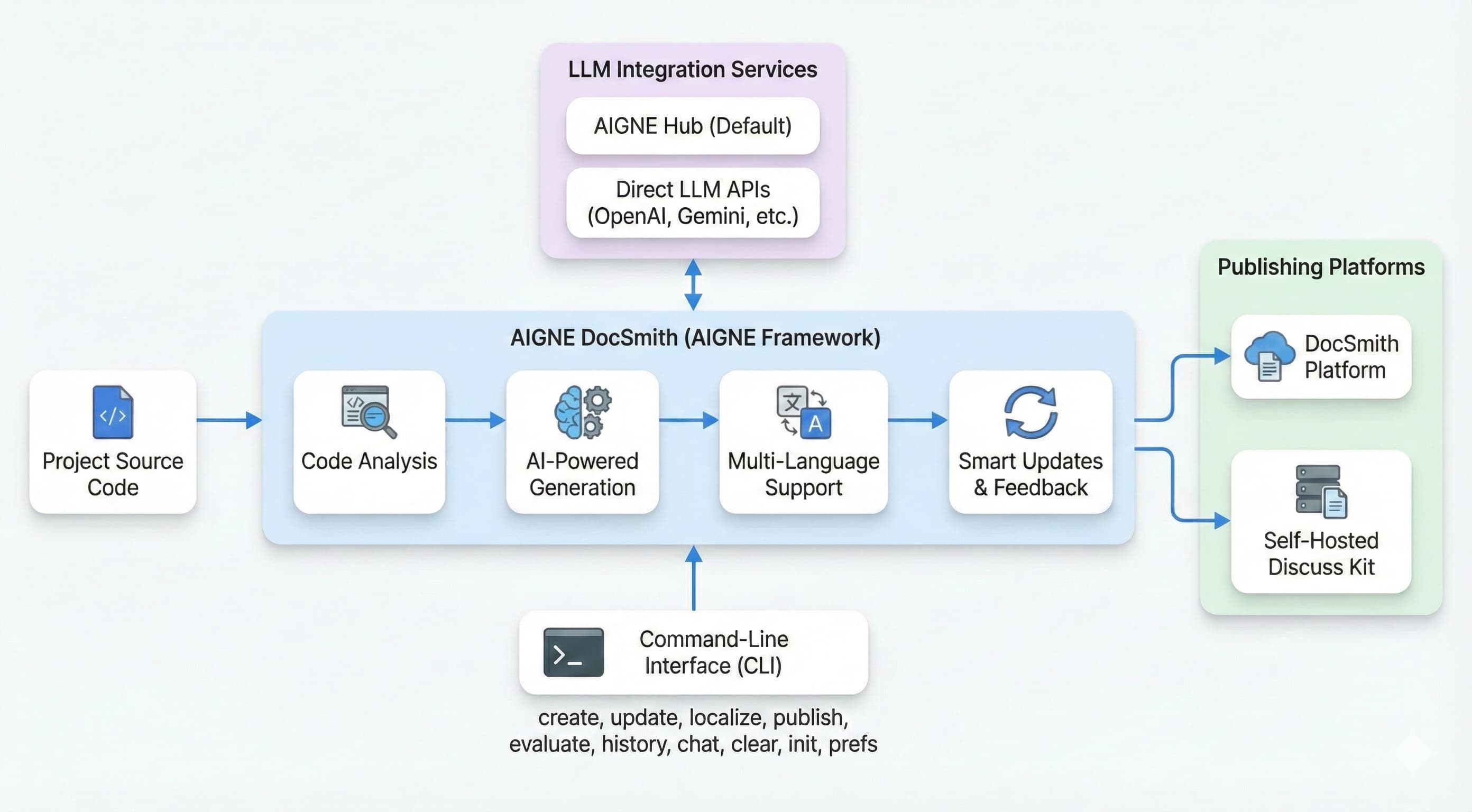
Standard Flowchart
Traditional flowchart style with conventional symbols.
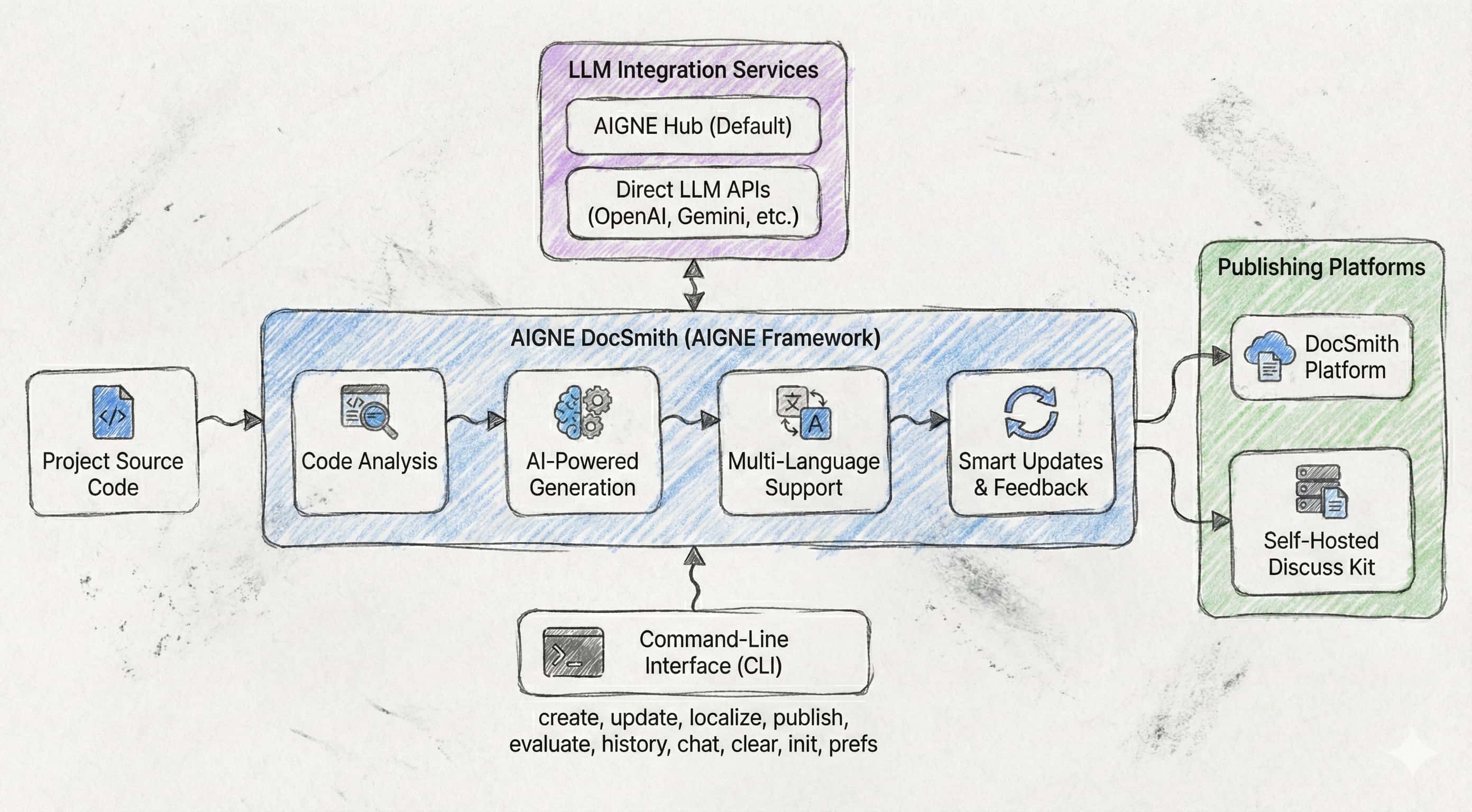
Hand-drawn
Sketch-like style with natural, organic lines.
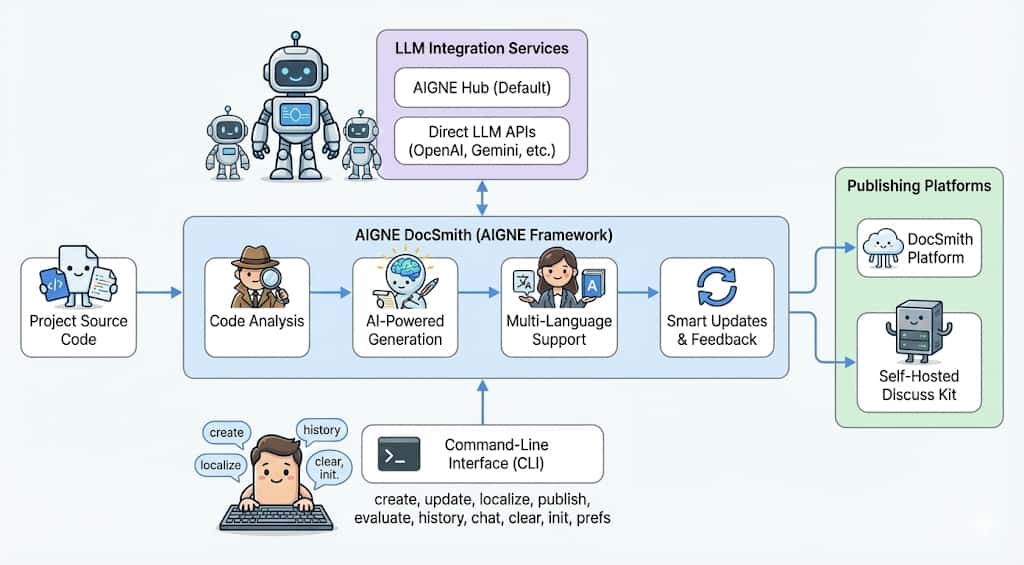
Anthropomorphic
Personified elements with vivid, human-like features.
Flat Design
Flat design without shadows or 3D effects.
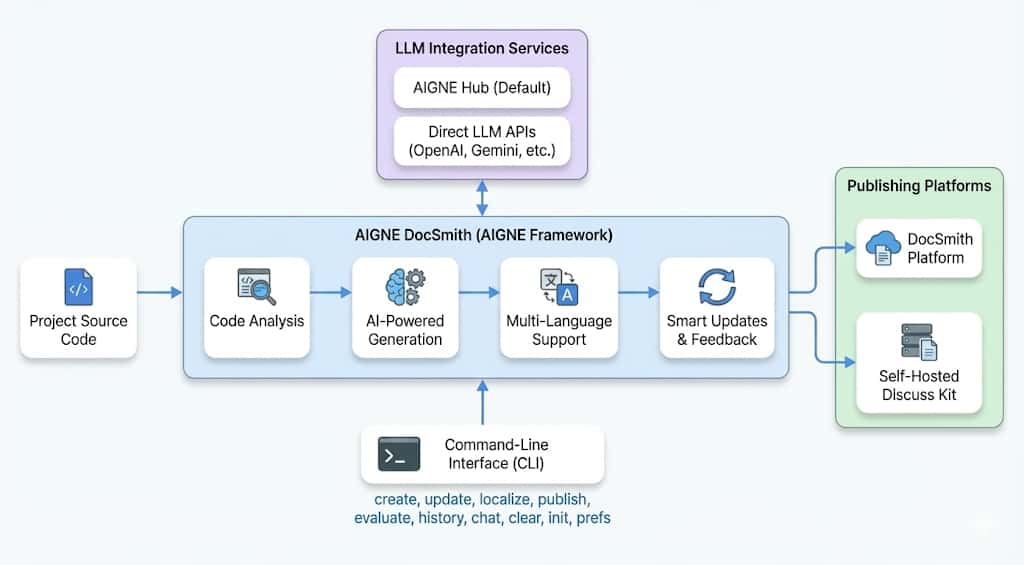
Minimalist
Minimal elements with maximum clarity.
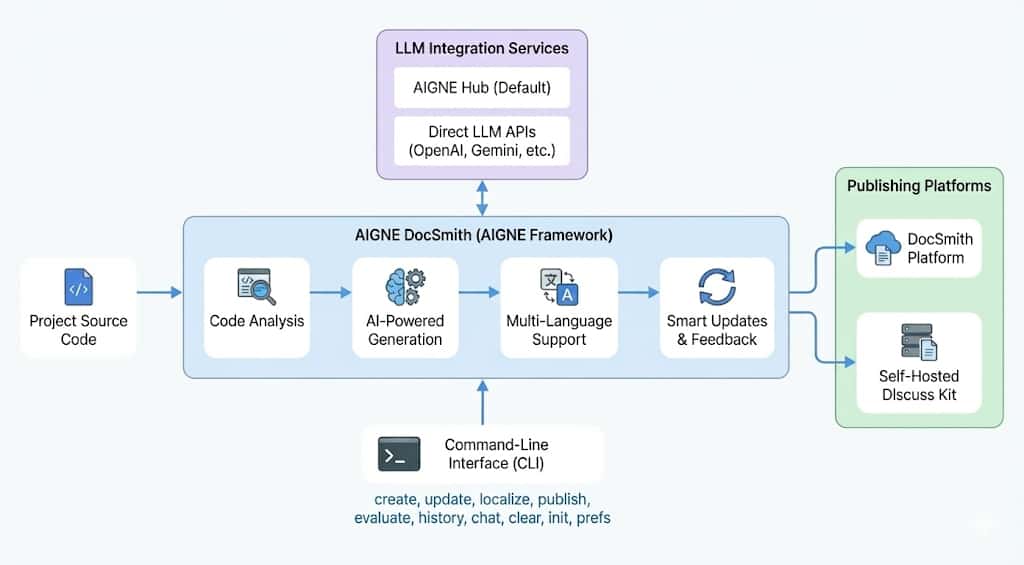
3D
Three-dimensional effects with depth and perspective.
Command Parameters
| Parameter | Description | Required |
|---|---|---|
--docs | Specifies the path(s) of the document(s) to update. Can be used multiple times. | Optional |
--feedback | Provides textual instructions for the changes to be made. | Optional |
--reset | Recreate the document(s) from scratch, ignoring existing content. | Optional |
--glossary | Specifies the path to a glossary file (@/path/to/glossary.md). | Optional |
--diagram | Filter to show only documents with diagrams and let user select which ones to update. | Optional |
--diagram-all | Auto-select all documents with diagrams and update them without user selection. | Optional |
For information on adding or removing documents, see the Add a Document and Remove a Document guides.