How to publish NFT Templates to the Blocklet Store
Summary#
If you need to publish NFT Templates to the Blocklet Store and share it with others for quick use, you can follow this guide.
How to use#
We use the NFT template of Season Girl as an example.
- First, we go to NFT Blender, click on the top right corner
Export Resource Pack, or click on the left sidebarStudio.
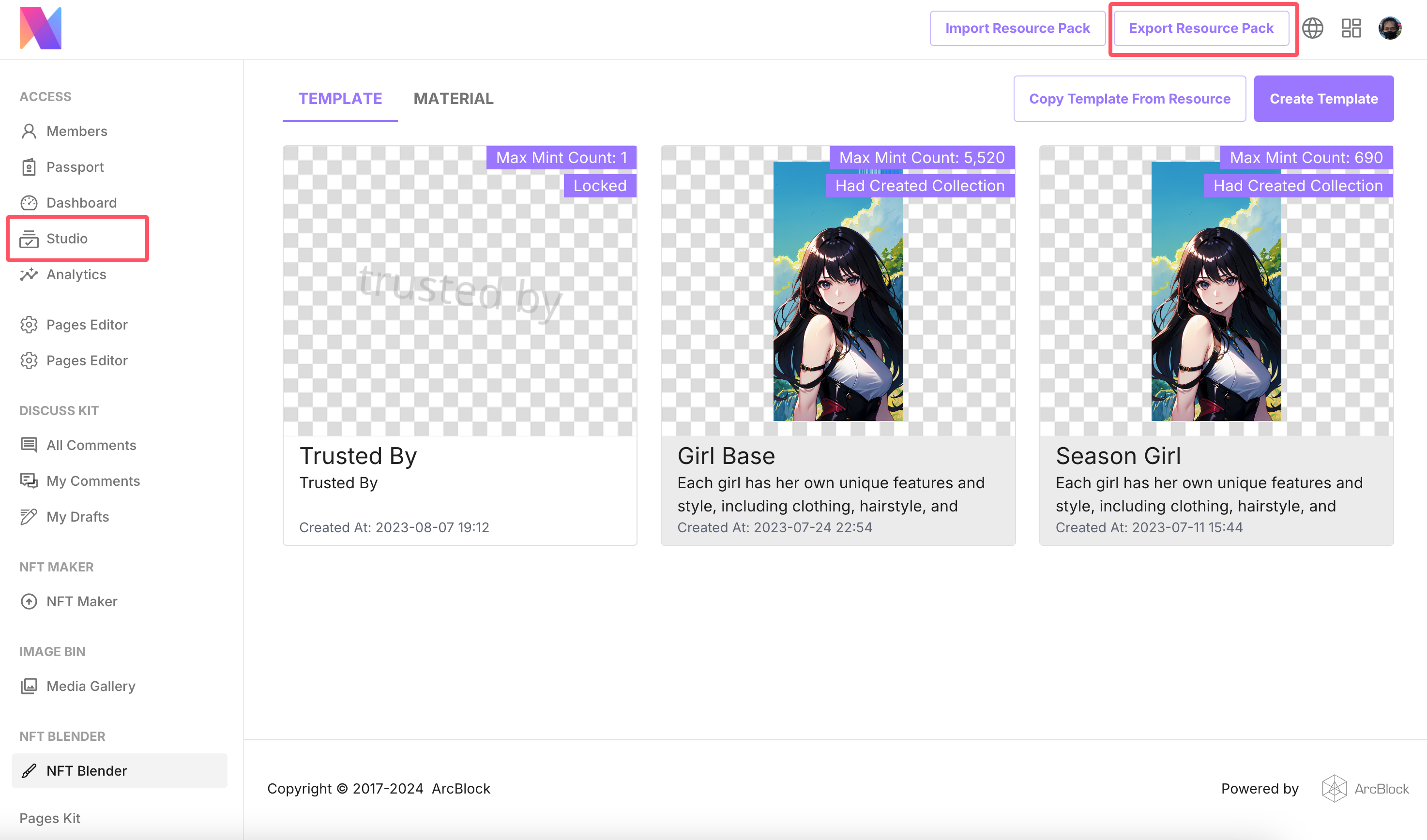
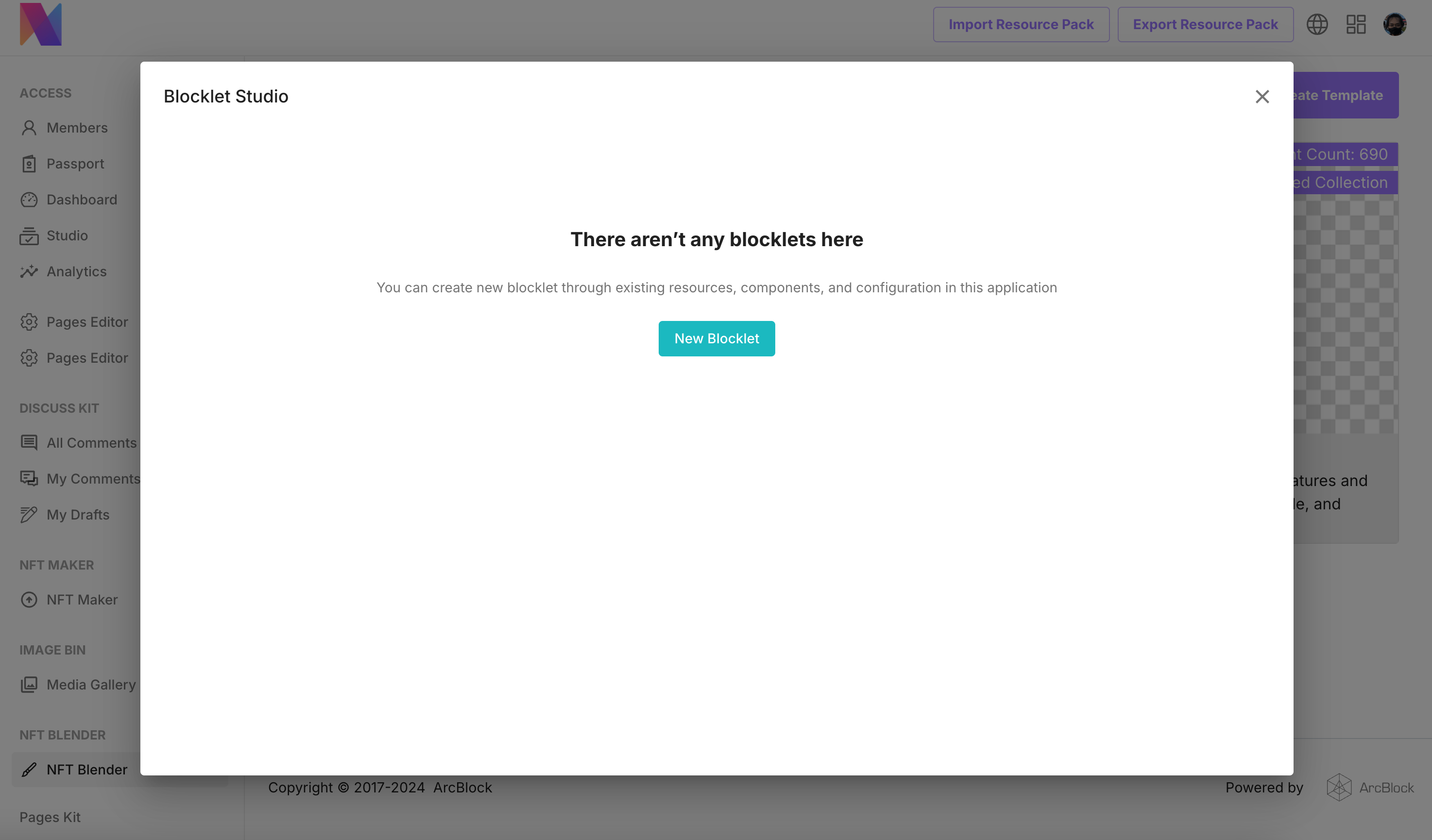
- Then we select
New Blocklet, creating a new Blocklet.
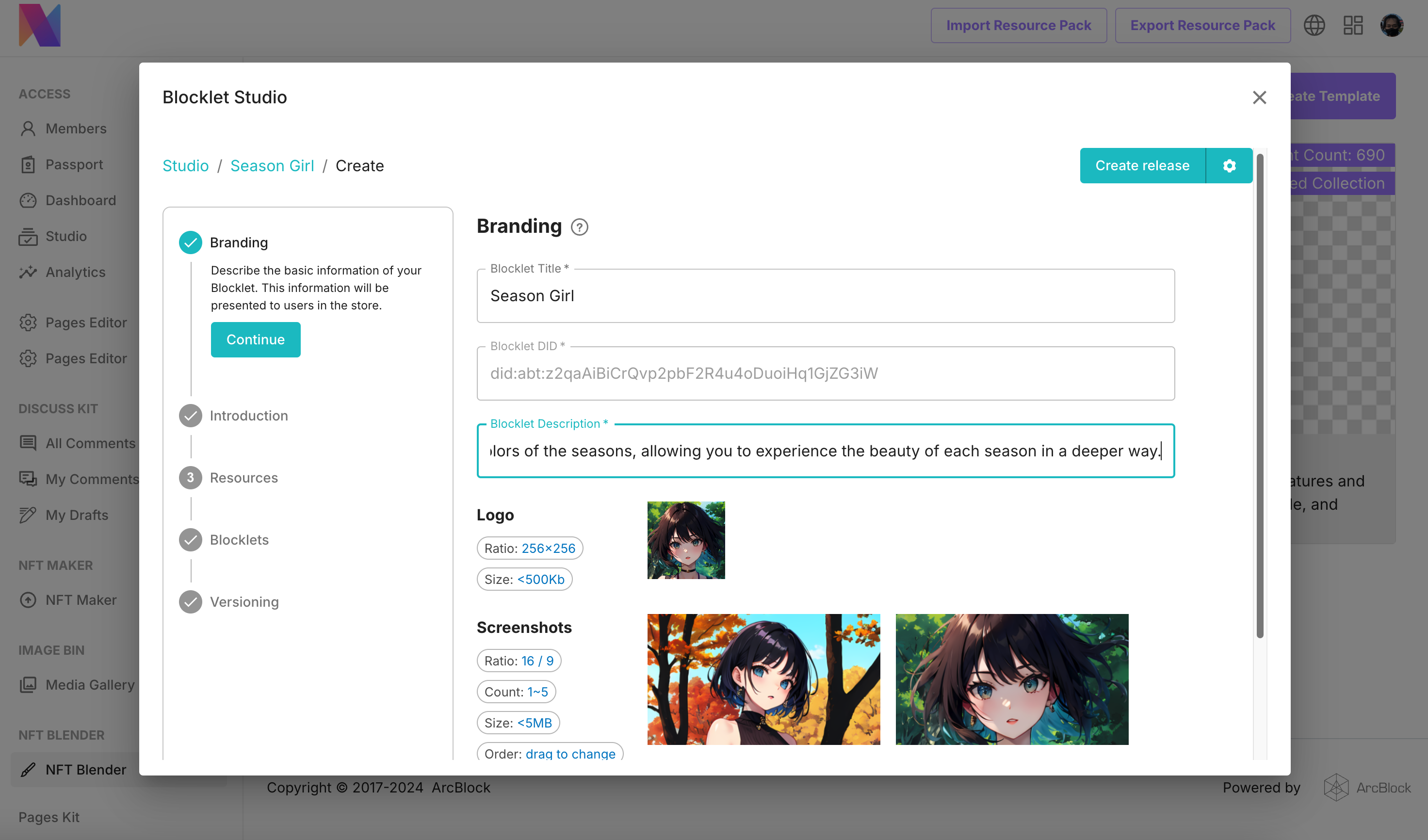
- Improve the brand information of Blocklet, which will be displayed on the Blocklet Store list page and details page.
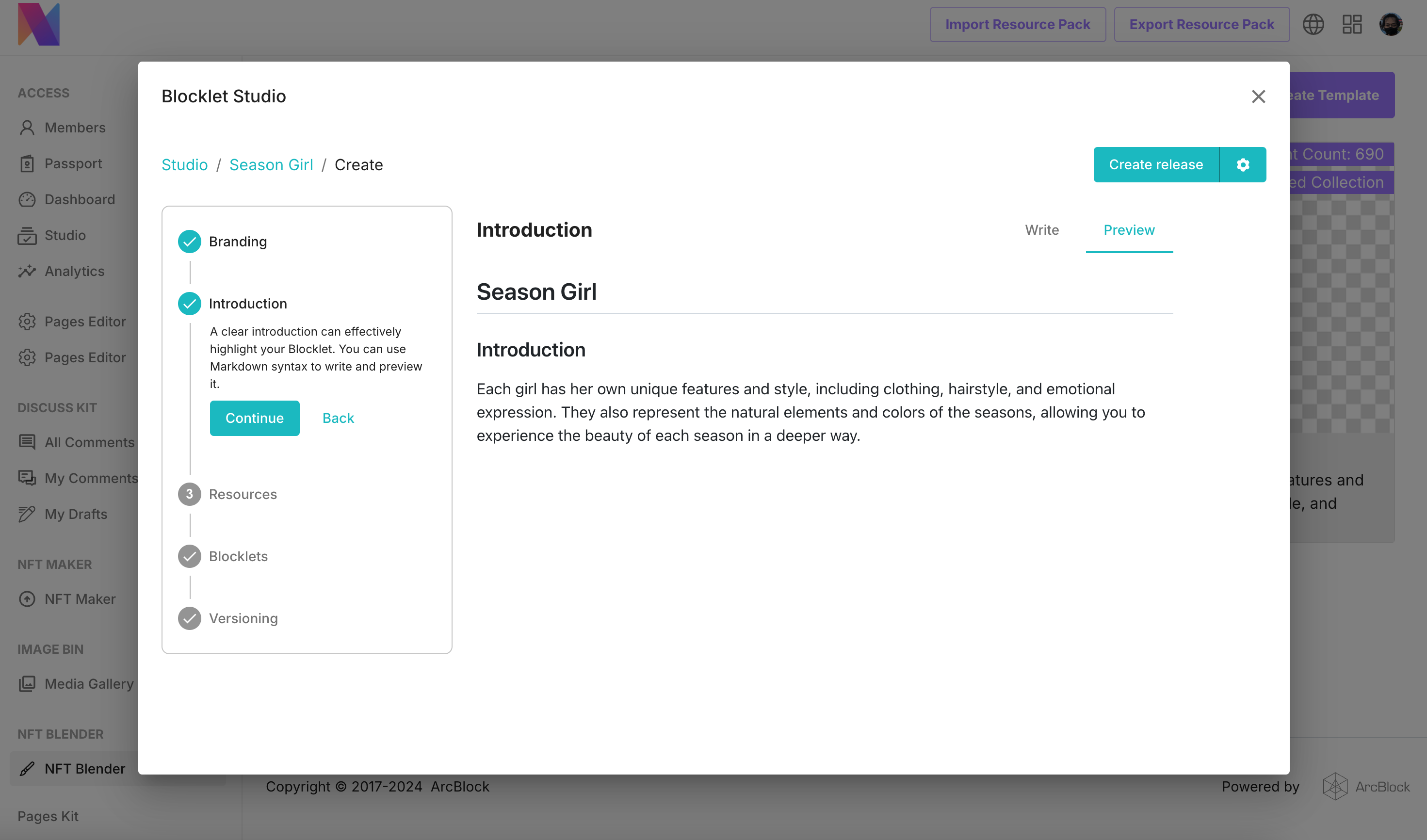
- Improve the introduction of Blocklet, which will be displayed on the details page of Blocklet Store
- Select the NFT template to be released, click on the
Create Releasein the upper right corner to generate a Blocklet (no need to make any selections in the following Blocklets steps)
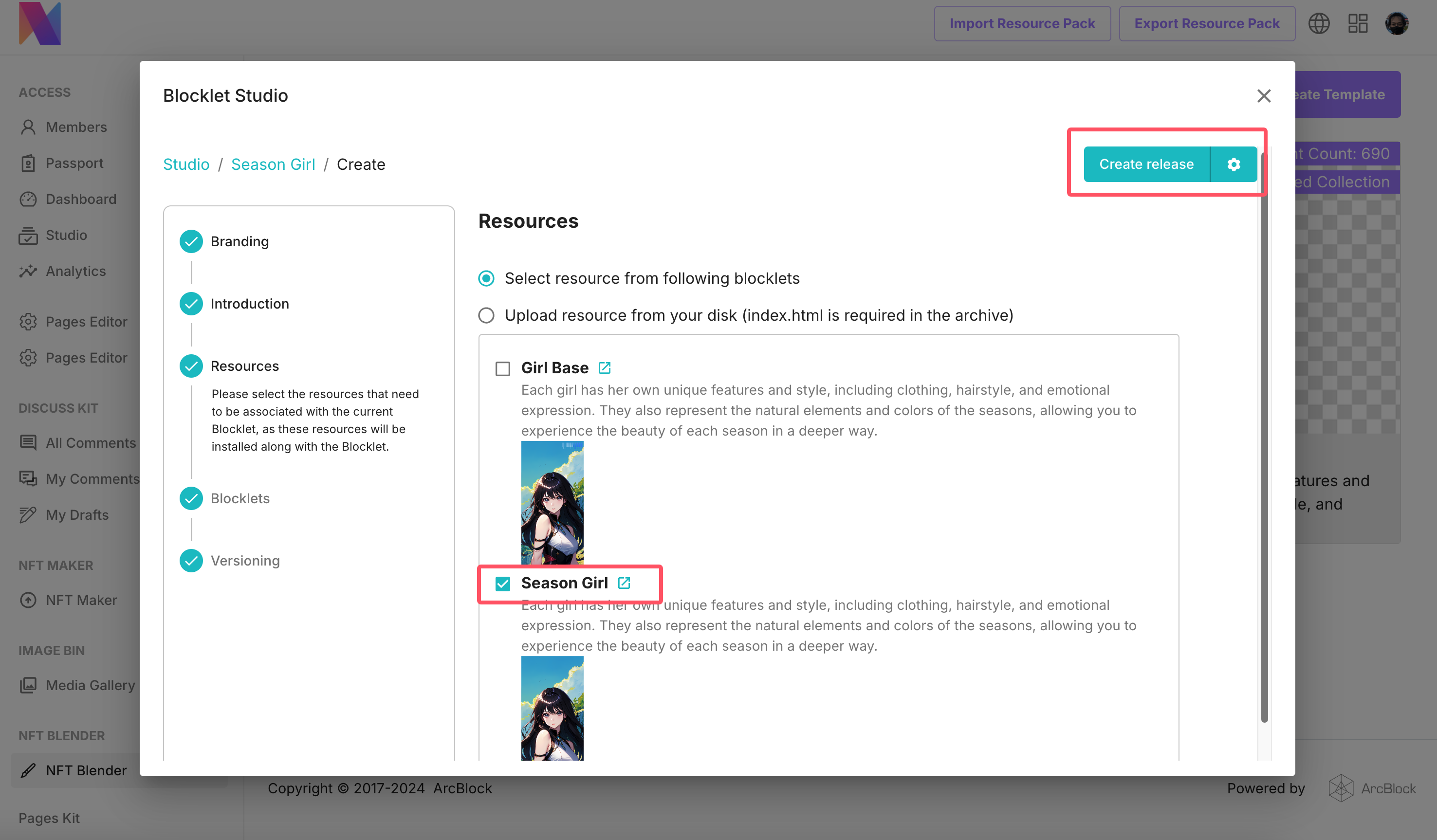
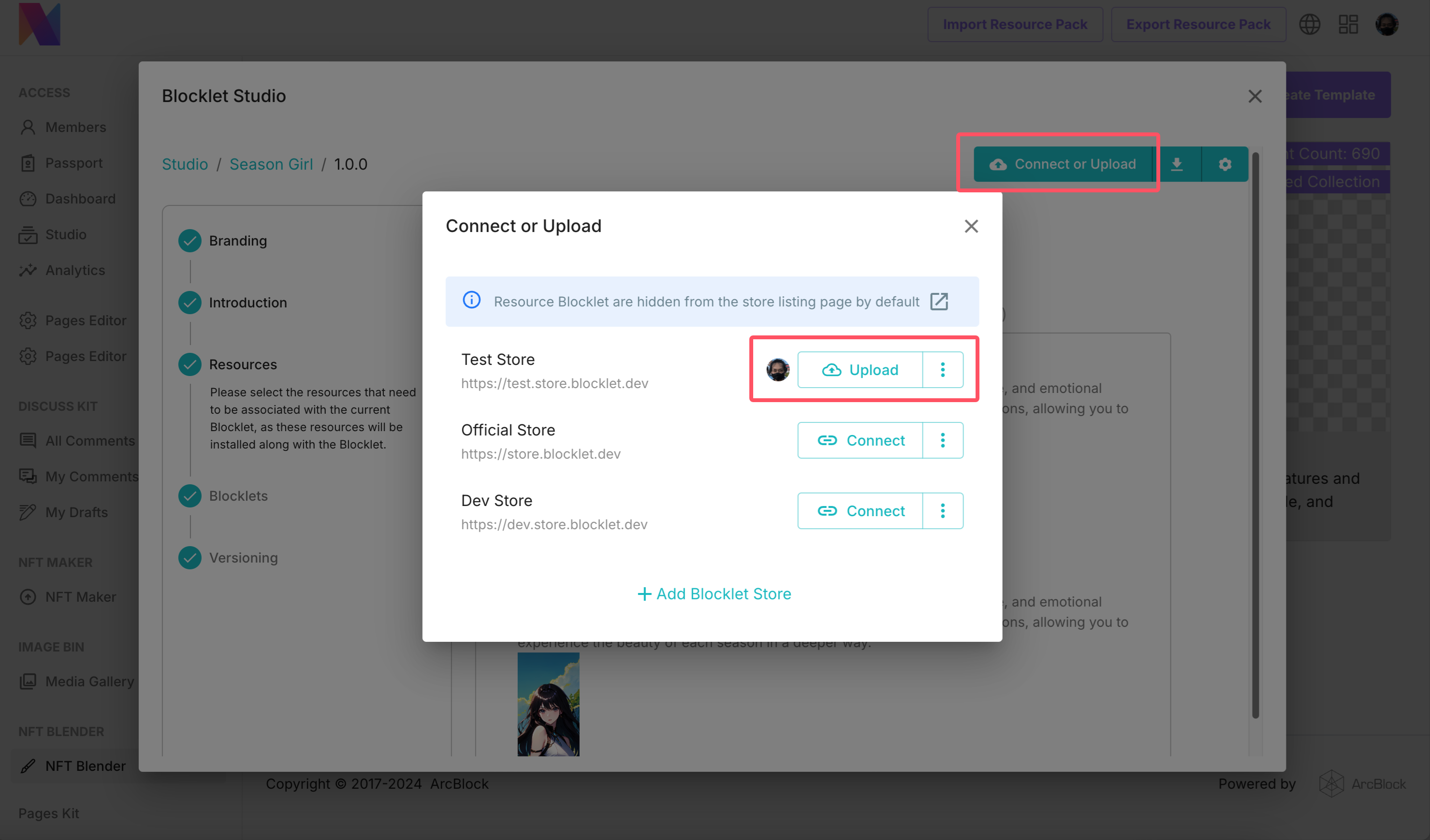
- Click on
Connect or Uploadat the end to complete the DID Connect authorization and upload to the store.
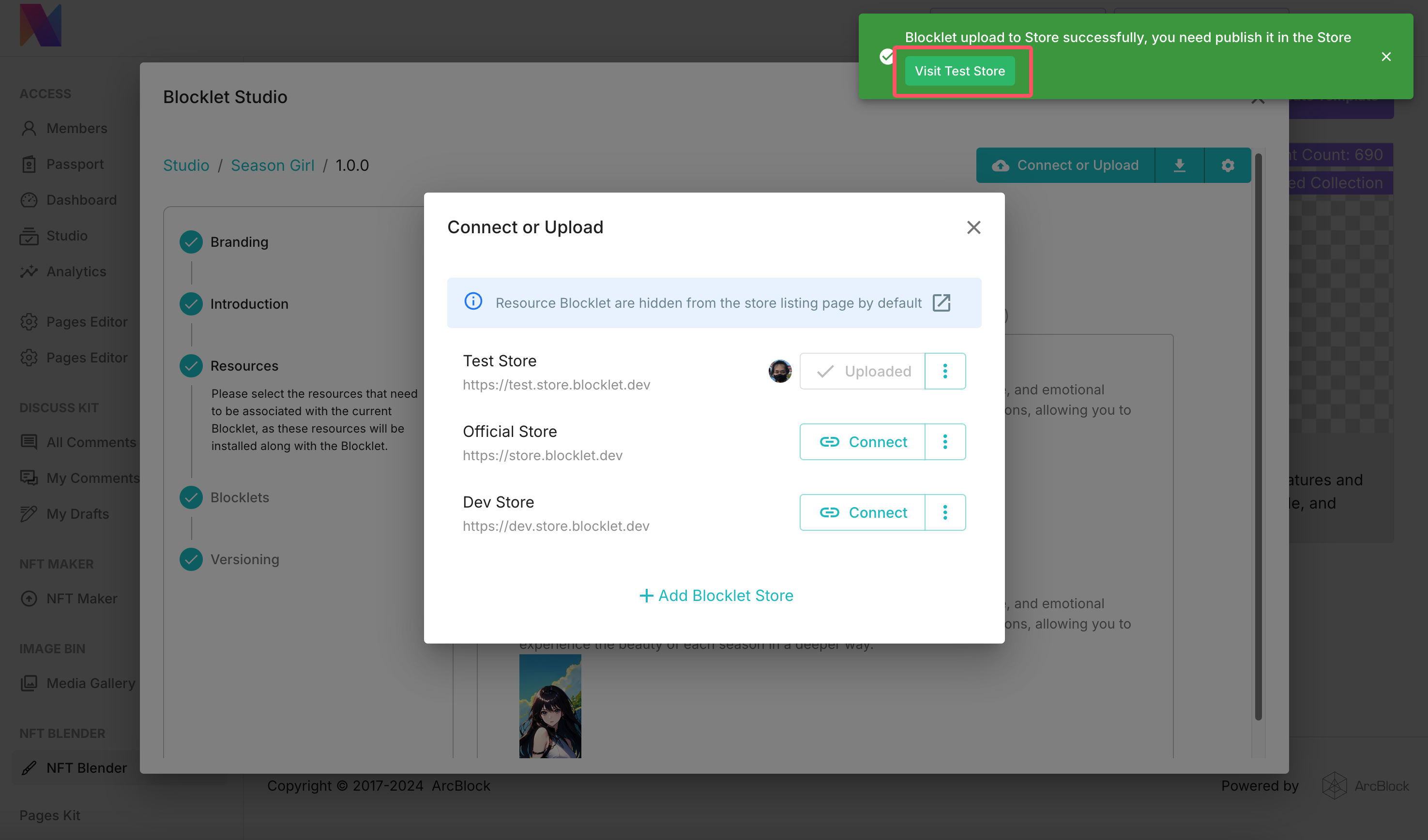
- We also need to click on
Visitto go to the Blocklet Store and use DID Connect forPublish
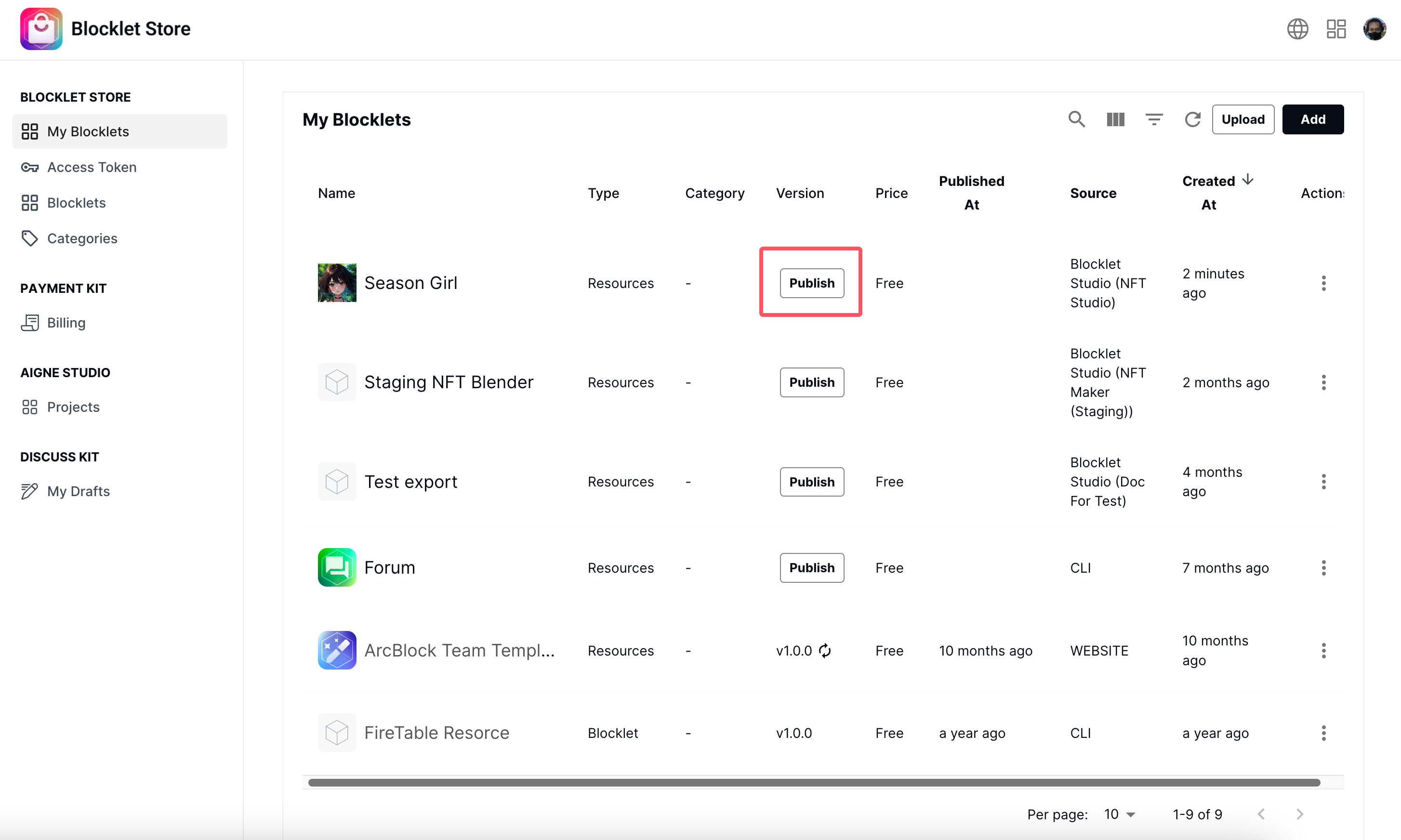
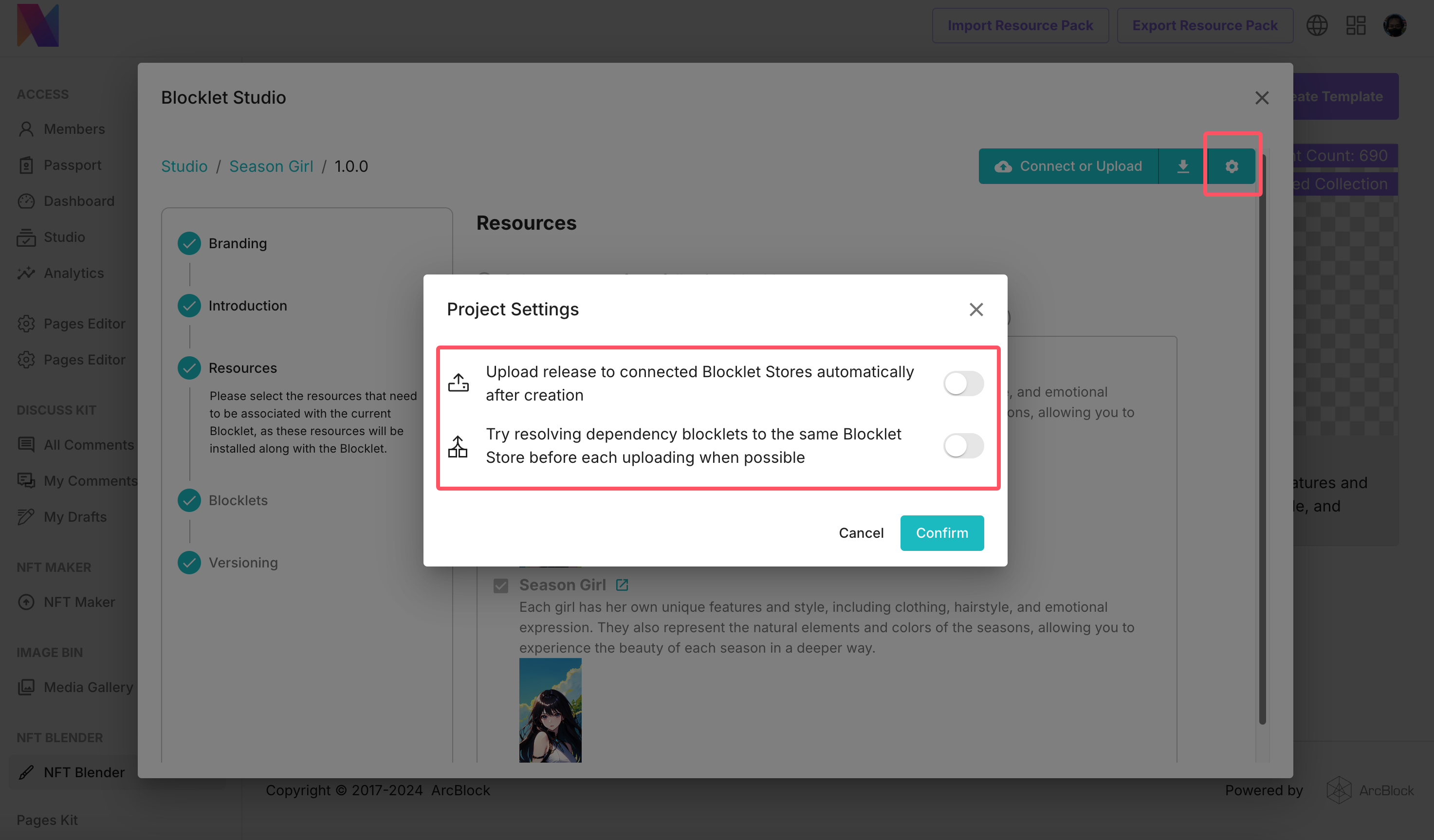
- Of course, we can also enable automatic publishing, so that each update no longer requires the use of DID Connect and Blocklet Store for authorized publishing.
FAQ#
How to get the official Blocklet Store app on the shelves authorization#
Divided into several situations:
- If you need to be listed on the official ArcBlock beta store, you can visit https://test.store.blocklet.dev and stake tokens for authorization.
- If you need to list on the ArcBlock official Prod Store, you need to go to https://community.arcblock.io to submit a post for review.
- If you need to list your Blocklets in your Blocklet Store, you can install Blocklet Store in the App Store and Connect in the steps above.