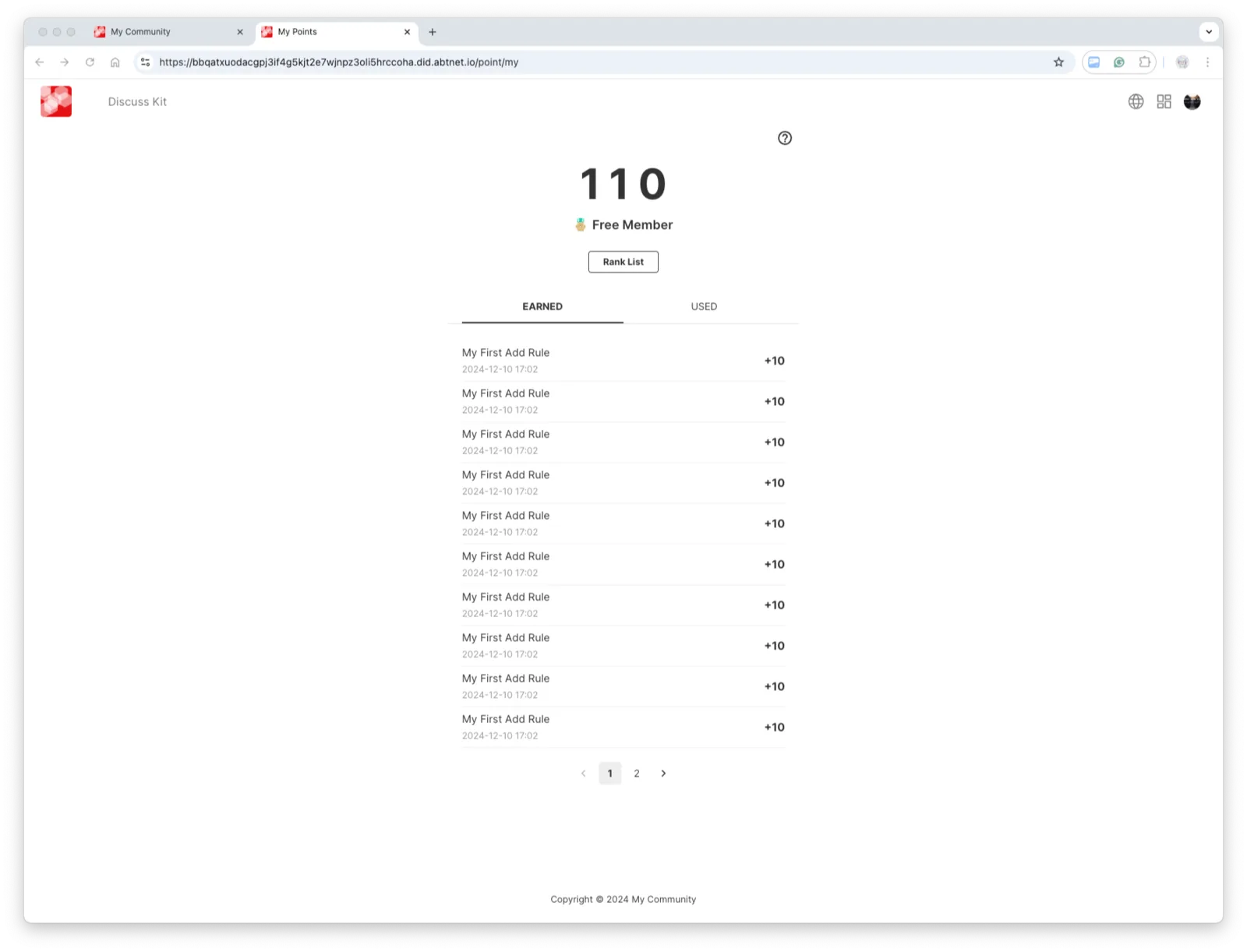
Point Up also supports configuring different level rules. When users accumulate points that meet these level criteria, they will receive a corresponding level display.
Next, I will demonstrate how to configure our level rules. In the following example, I will set it up according to the rules outlined below:
Step 1: Find the portal to add a point-level rule
Once you have found the portal, click the Add button on the page to start adding.
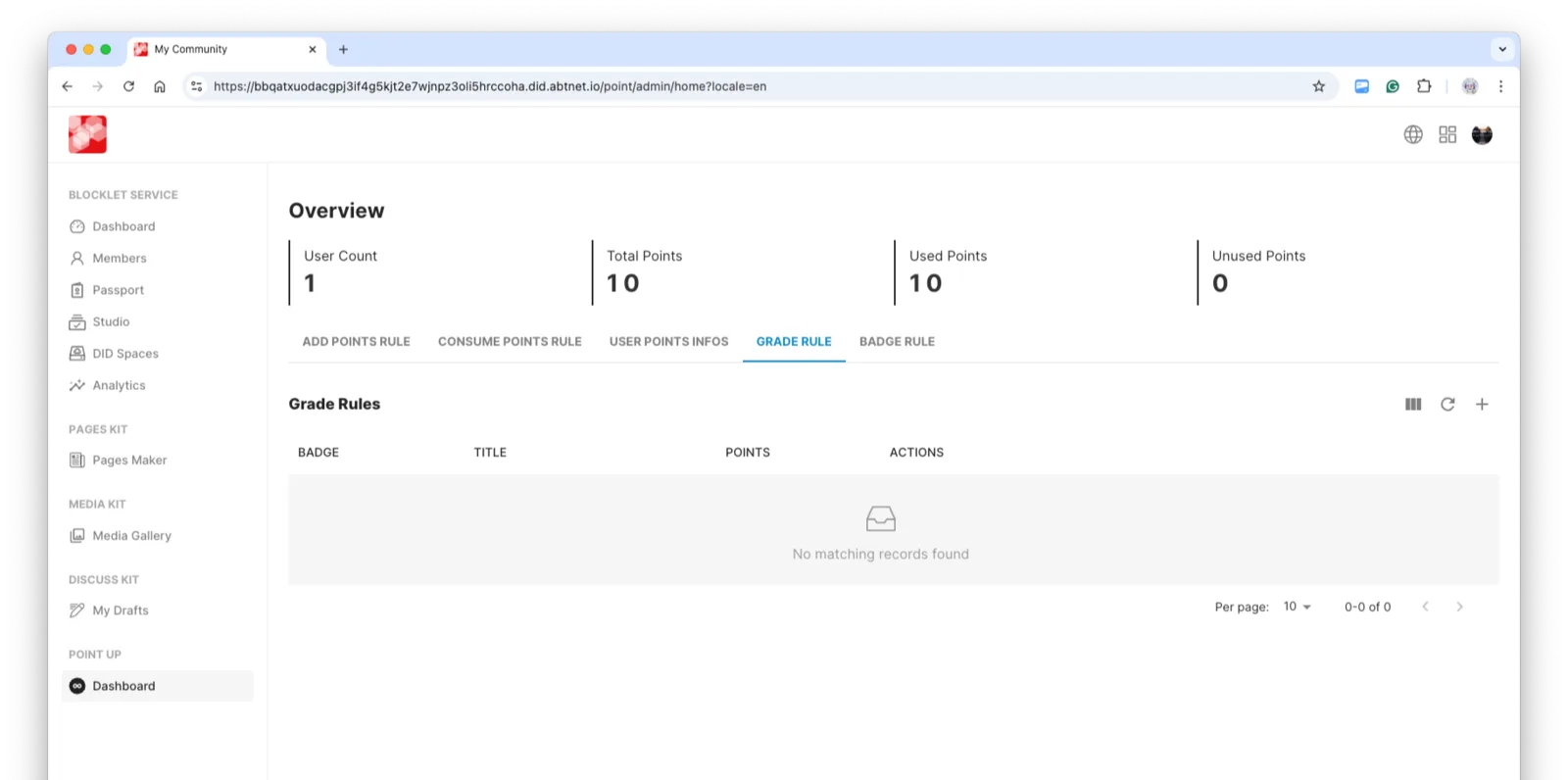
Step 2: Refine the Points Level Rules
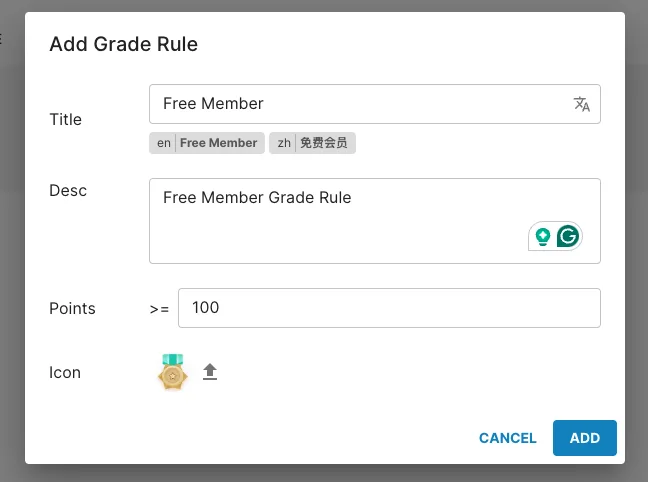
Based on the established rules, configure different rules for Points requirements. Below is an example configuration for Free Member.
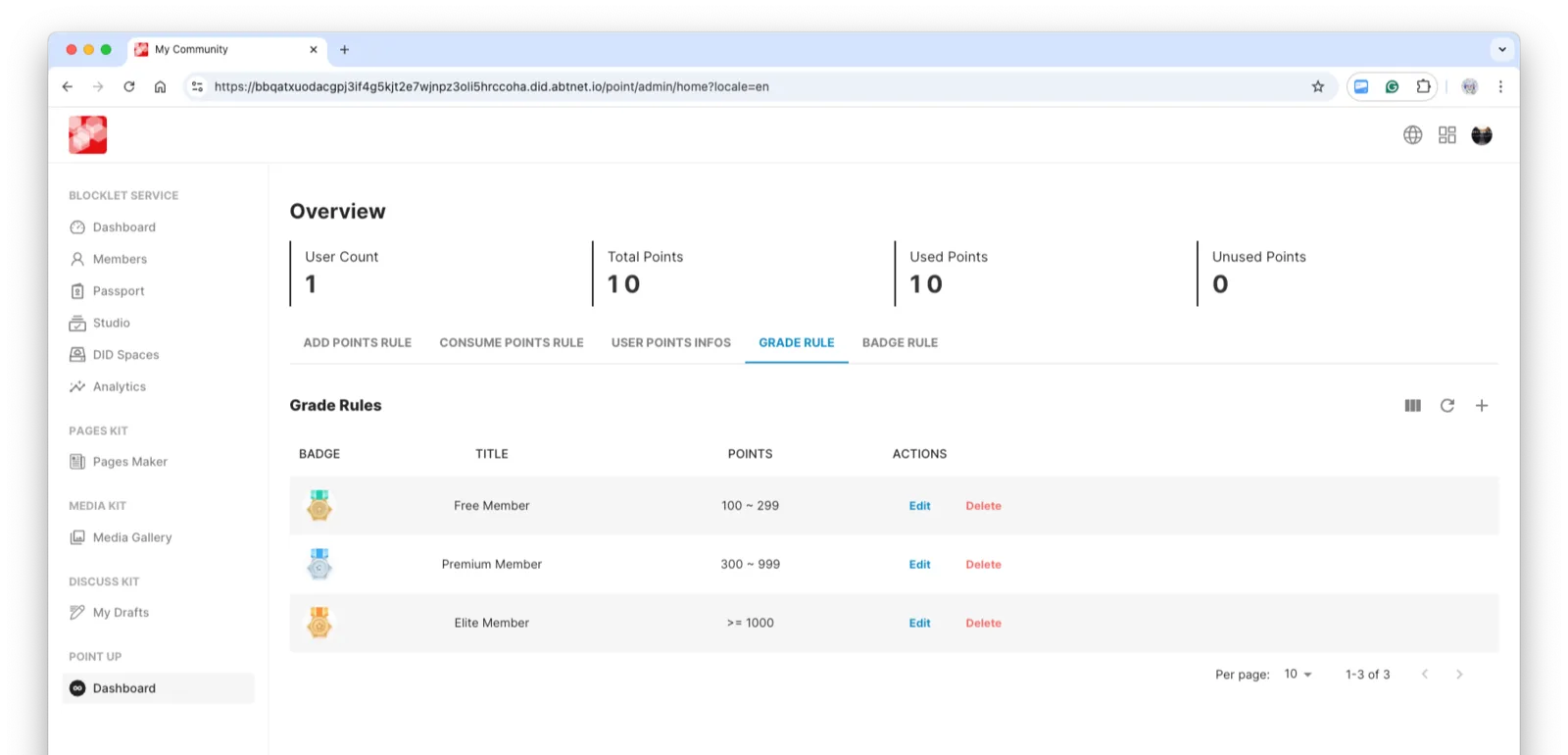
Once all settings are complete, the result is as follows:
Next, after accumulating a certain number of points and accessing our personal points page, we can observe that the points level has already taken effect.