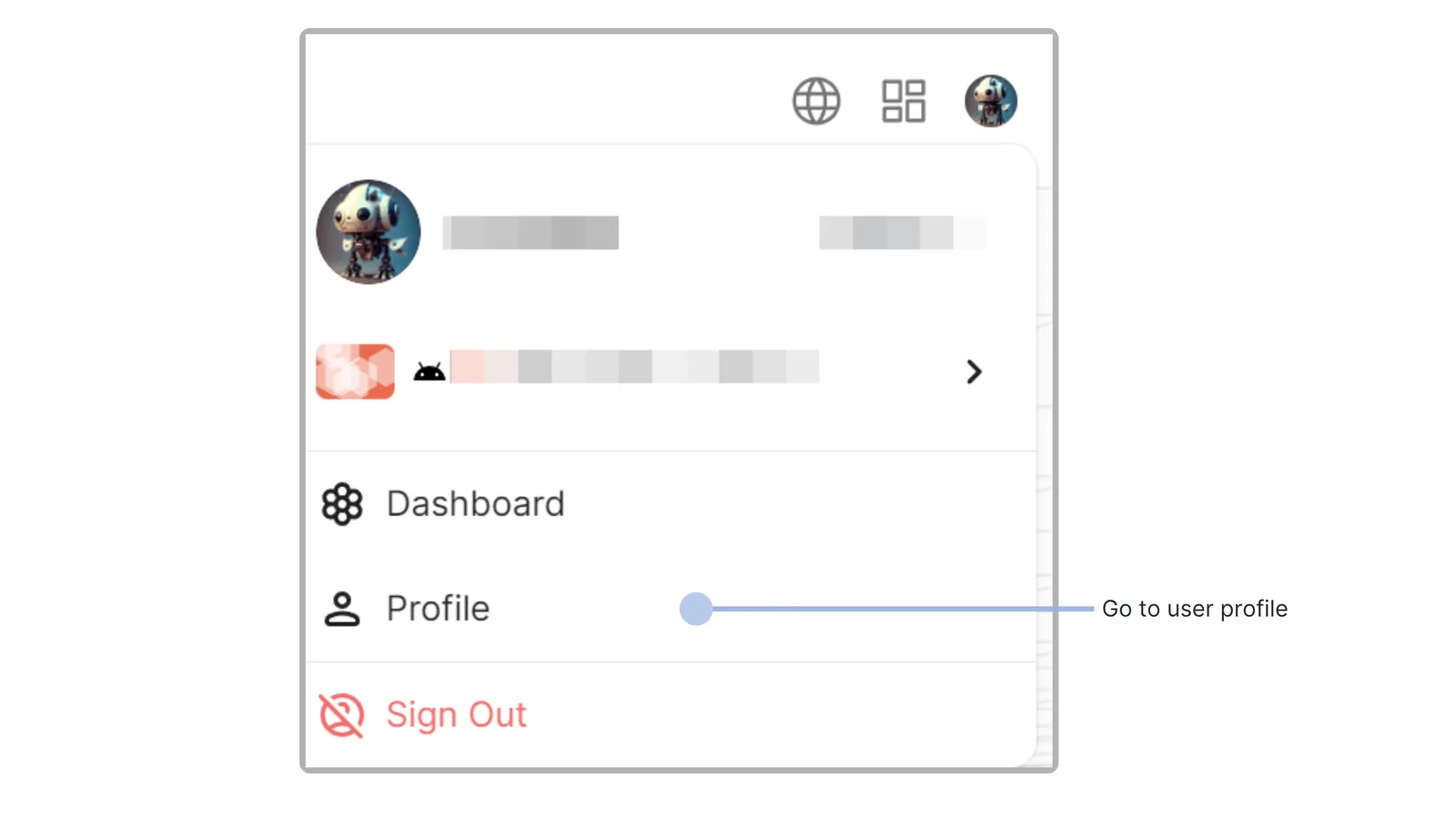
- Click on the personal avatar in the upper right corner of the website, click to show the menu, and click on the personal center button
 .
. - On the user center page, click the settings button, and open the storage management tab
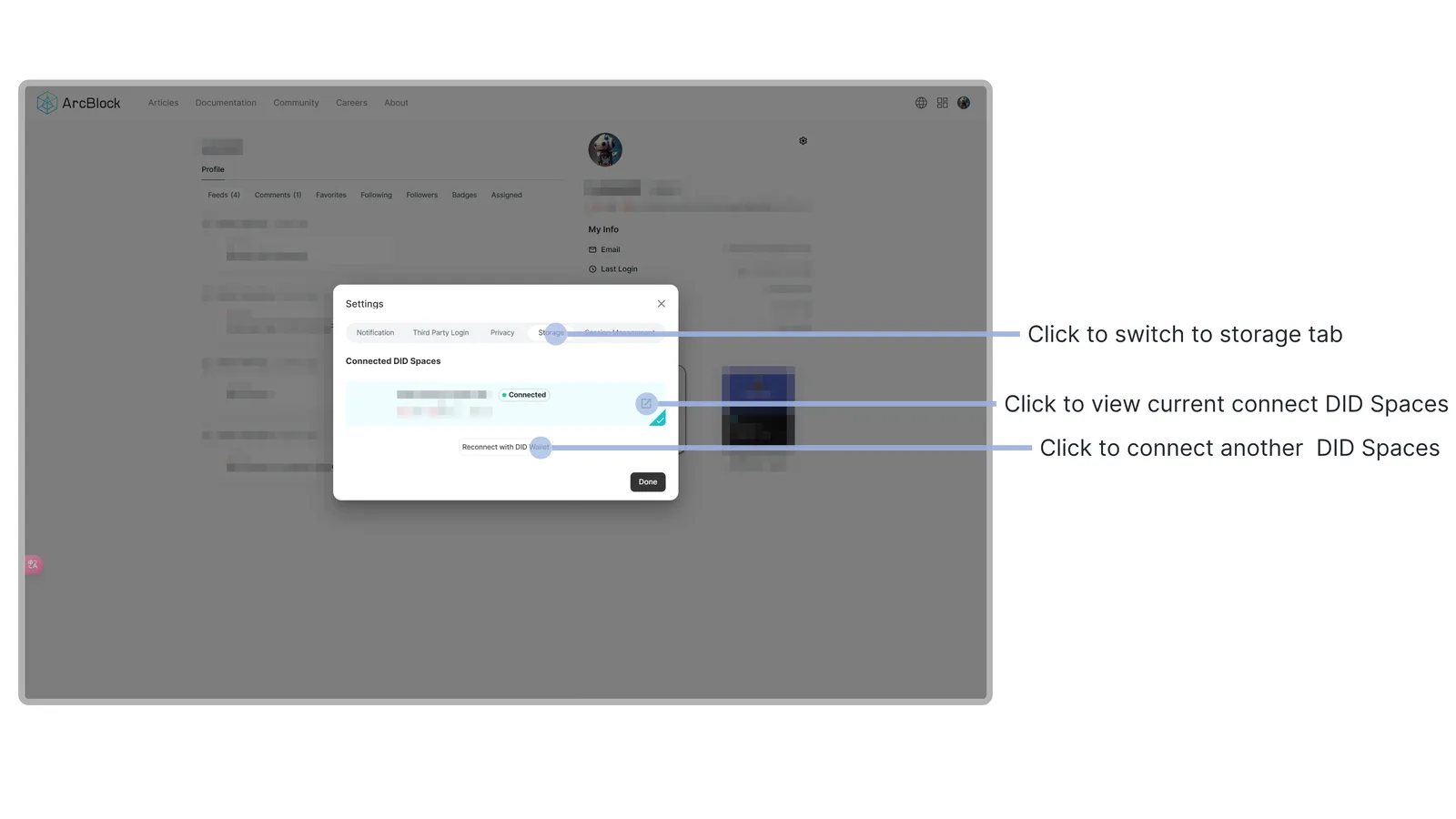
- On this page, you can view the current connected DID Spaces apps, or re-connect the current app to other DID Spaces apps.