AIGNE supports Ideogram as an AI image generation engine.
As Christmas draws near, many people prepare creative ideas and surprises for the holidays. We've also rolled out an exciting update — AIGNE now supports Ideogram!
With AIGNE's versatile framework, we can swiftly incorporate any new model by crafting specific adapters. The integration process is straightforward, and all development and debugging can be conducted directly within AIGNE.
Ideogram is an AI tool that swiftly transforms your ideas into impressive visuals. Ideogram specializes in generating captivating designs, realistic images, and innovative logos and posters.
How to Use Ideogram in AIGNE
Install the Ideogram Adapter Blocklet
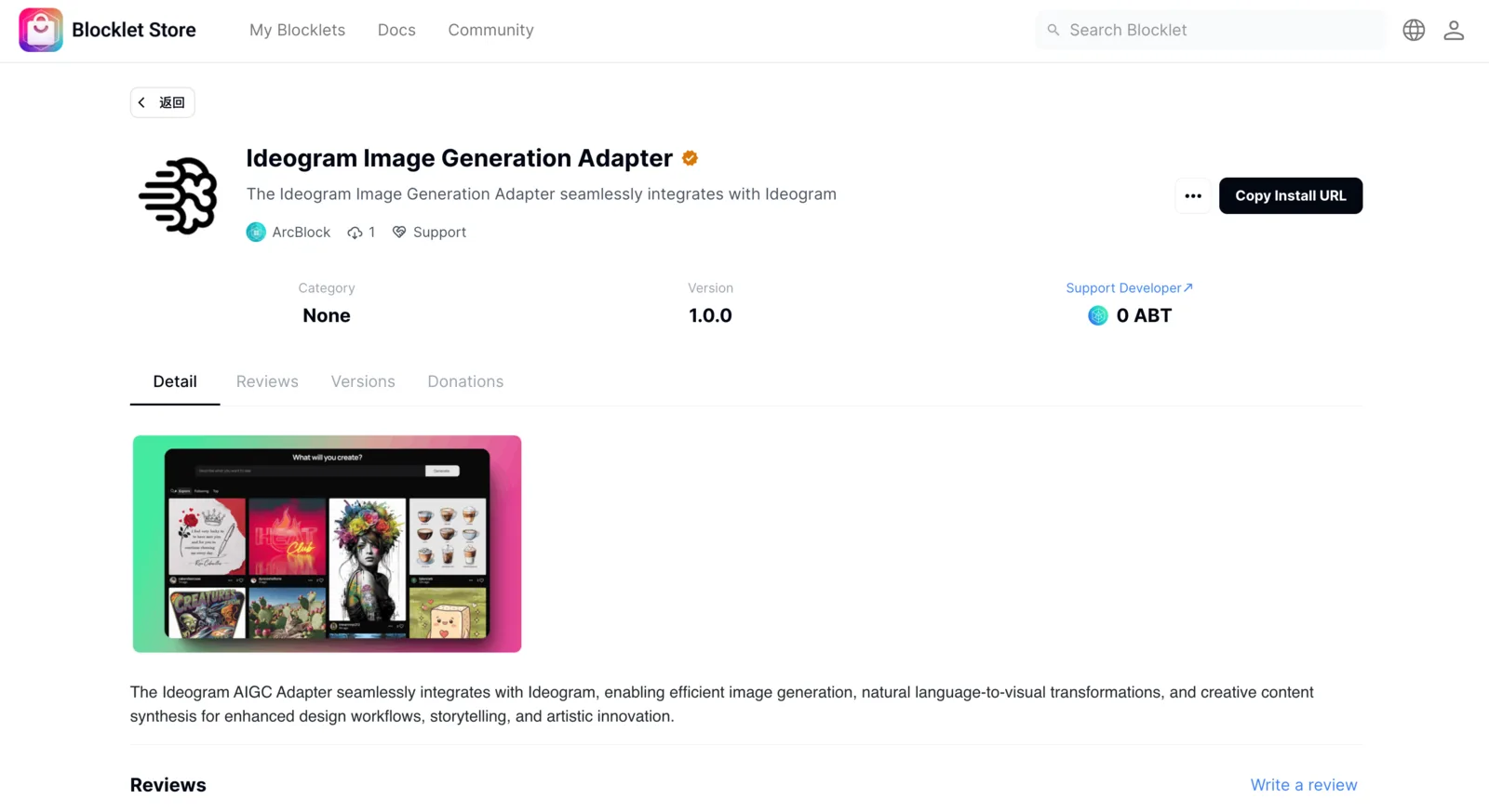
The Blocklet adapter we've developed for Ideogram is now available on the Blocklet Store. For those using the AIGNE online service, the adapter comes pre-installed, allowing immediate use. If you are operating a standalone version of AIGNE, you must install the adapter manually.
Ideogram Image Generation Adapter
In a standalone AIGNE configuration, users must supply their API key to install the Ideogram adapter.
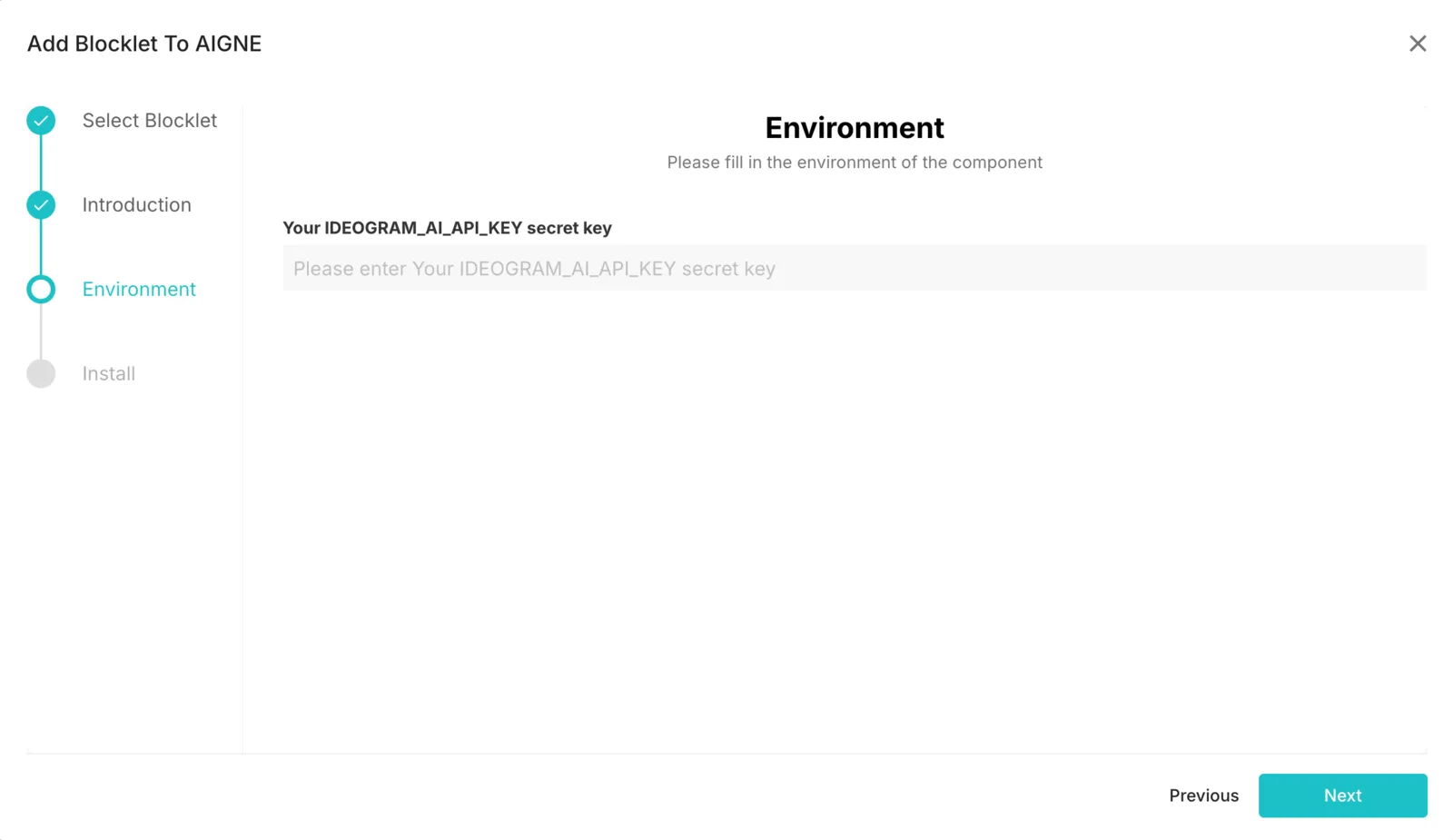
Following the official documentation, you can log in to your Ideogram account and generate an API key.
API Setup — Ideogram | Documentation
Using Ideogram in AIGNE
In AIGNE, you can select different model services using the model configuration button associated with the Agent's image.
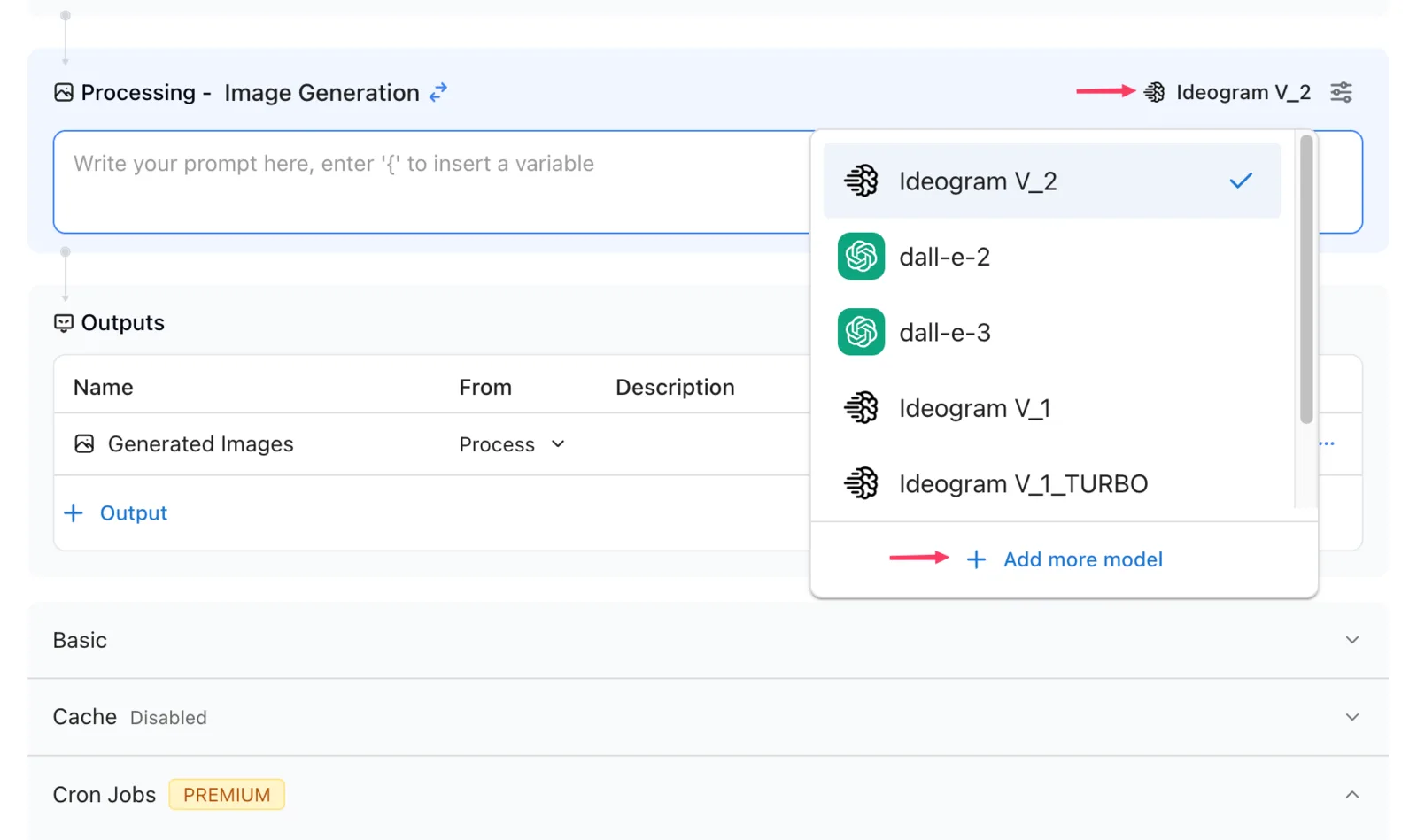
In the dialog box, you will find a comprehensive list of image-generating models, including options provided by the Ideogram adapter. The online version of AIGNE already has the Ideogram adapter Blocklet installed, so you can use it directly. If you're operating your own AIGNE instance, you'll need to install the Ideogram adapter first to access this option.
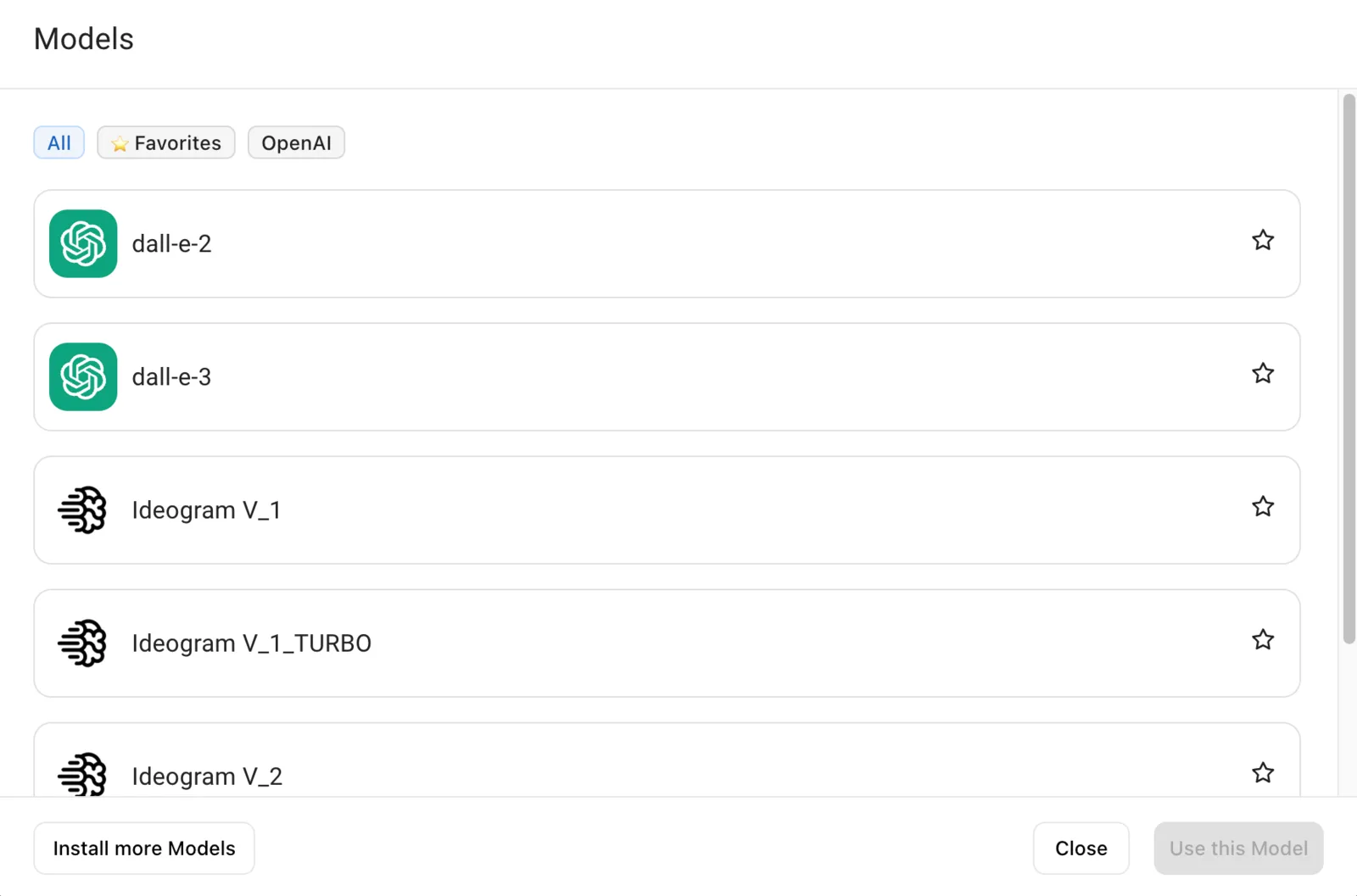
Additionally, you can click the "menu" button next to the model to modify its parameters.
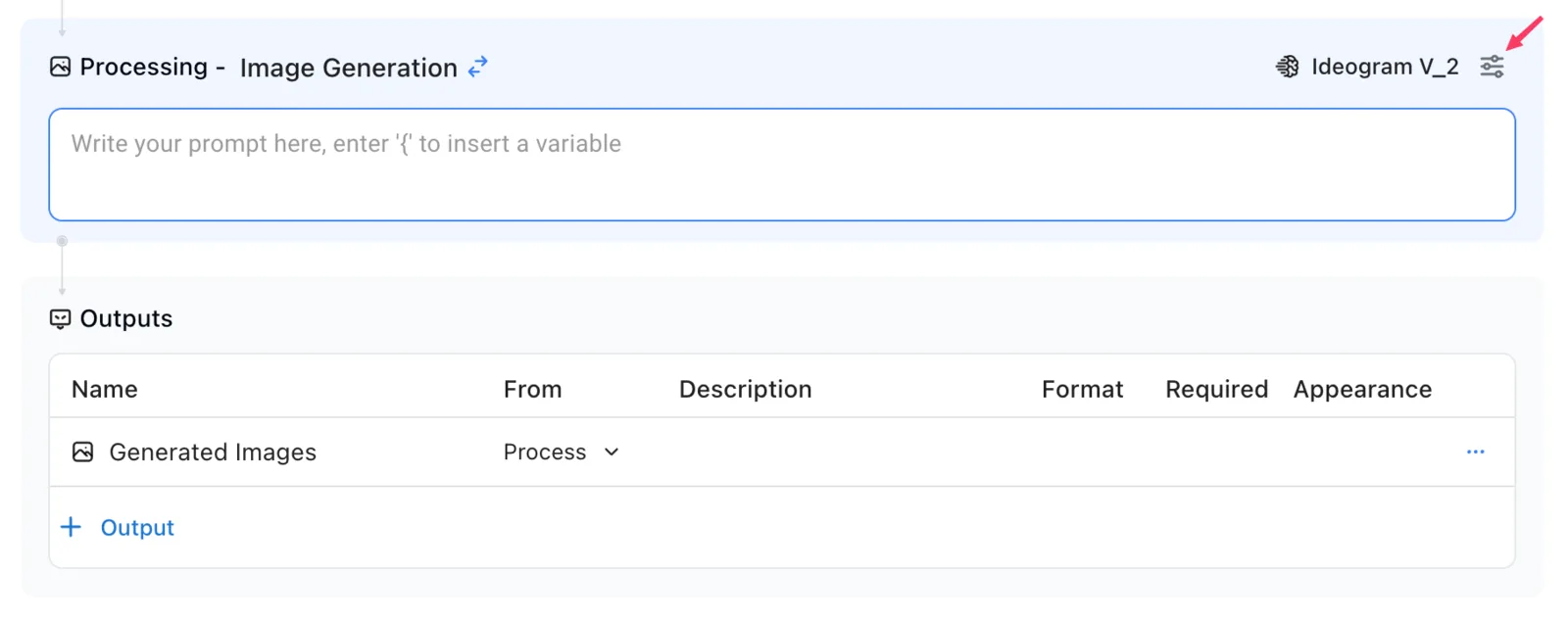
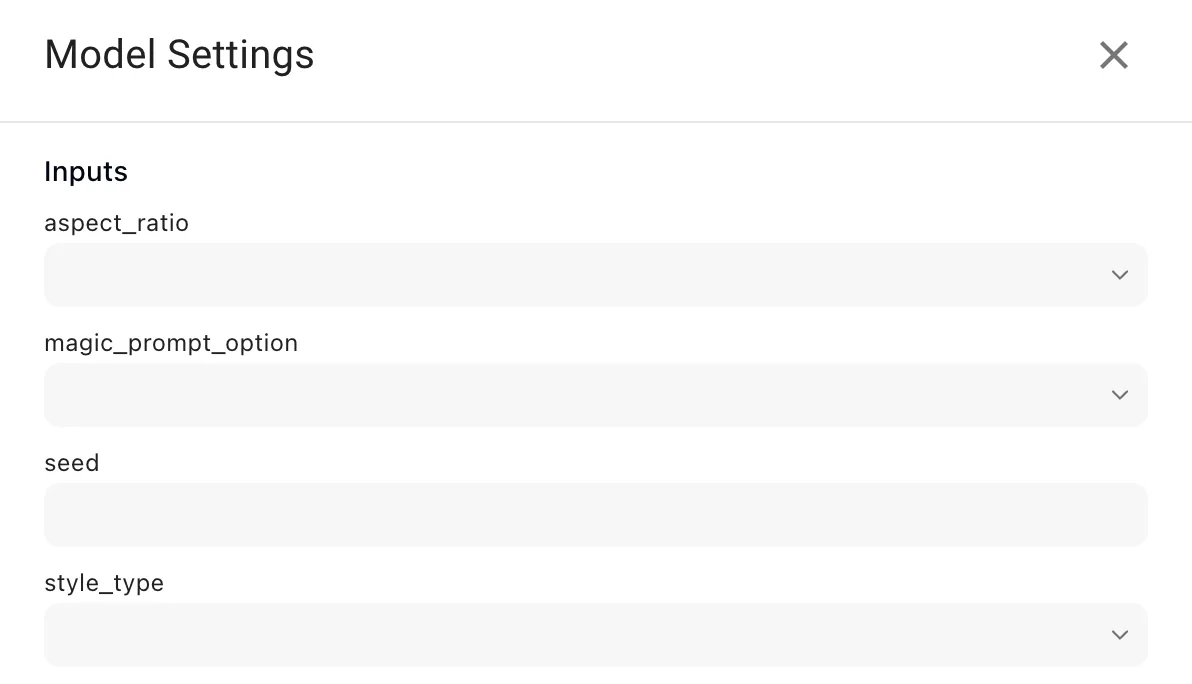
Once you've completed the configuration, you can start using the Ideogram service within AIGNE. Here's a straightforward example demonstrating how to generate images using Ideogram.
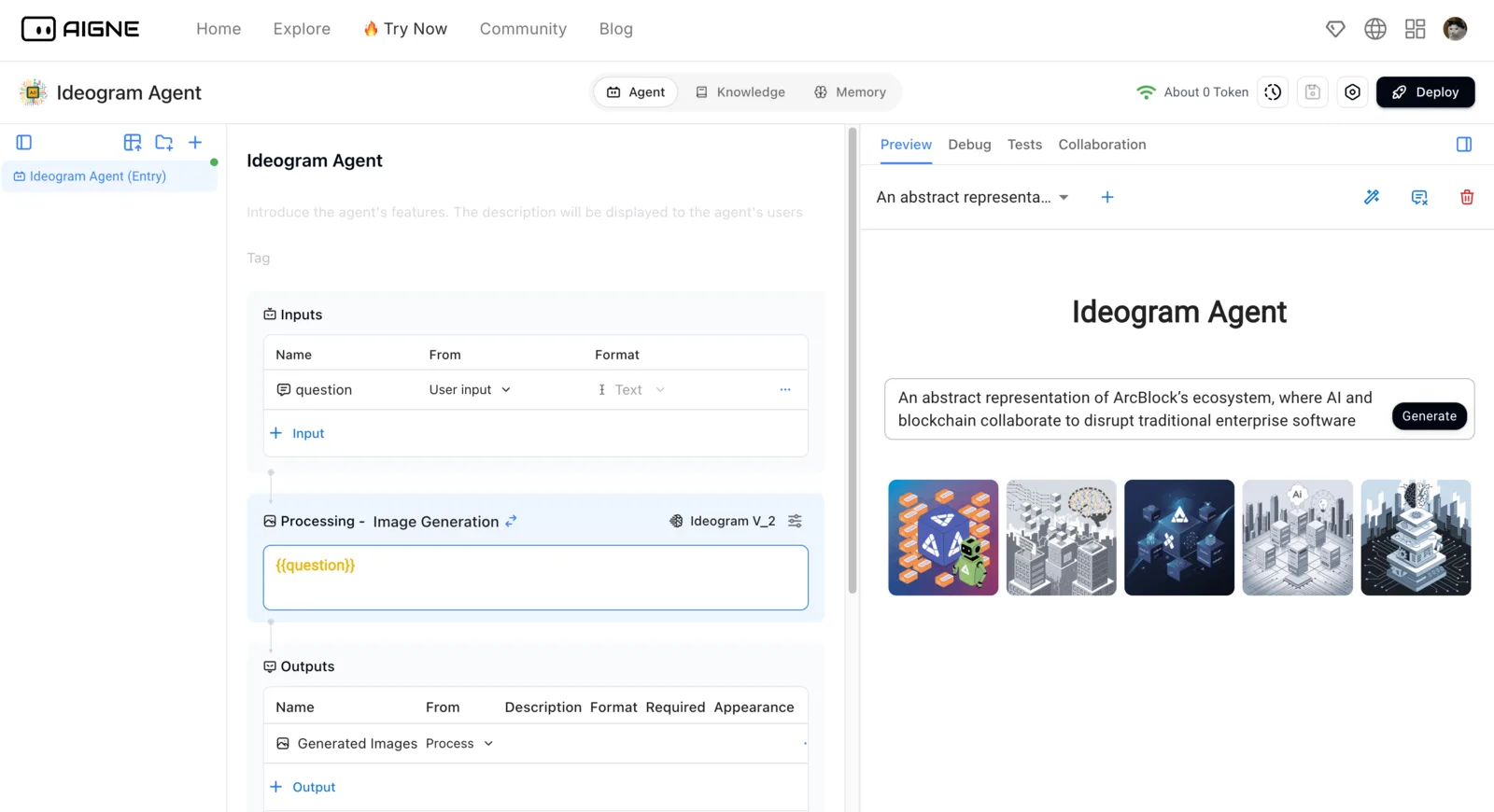
By following the steps outlined above, you can now explore the image generation capabilities of Ideogram within AIGNE. We will keep track of Ideogram's development and promptly update any new features as they become available.
Image Generation Example
Prompt: A lively and festive depiction of ArcBlock’s ecosystem, where AI and blockchain work together to innovate traditional enterprise software, highlighted in bright red, green, and gold Christmas hues.
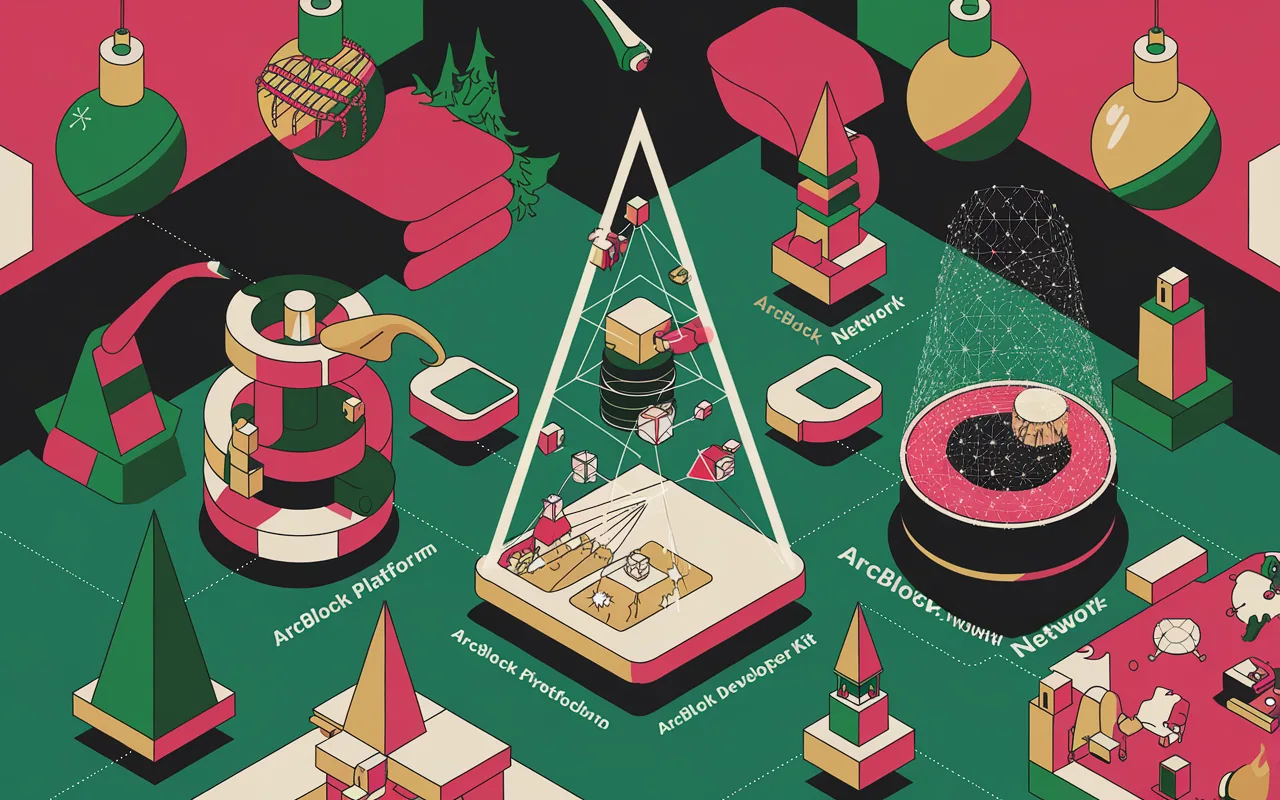
Prompt: A festive reimagining of ArcBlock, where AI and blockchain collaborate amidst a lively holiday setting of red, green, and gold, surrounded by futuristic Christmas trees.
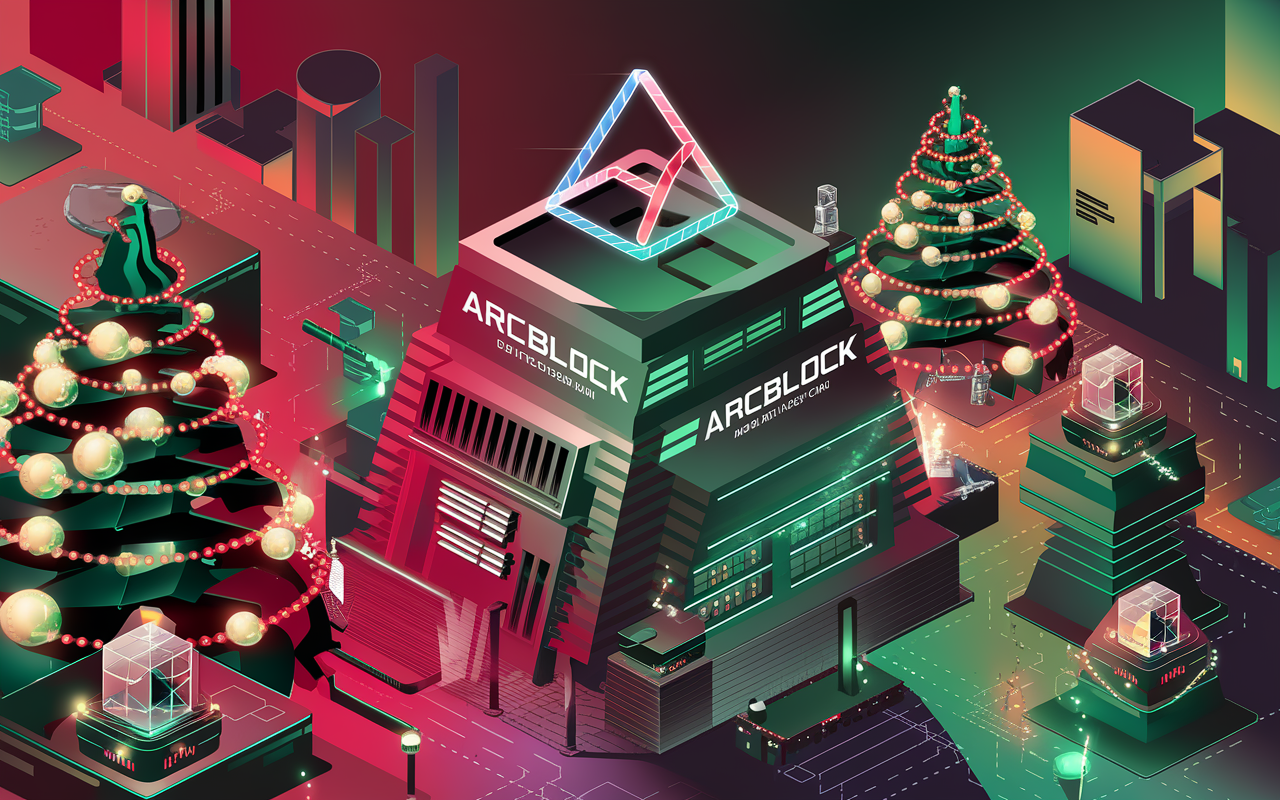
Prompt: An abstract festive network representing ArcBlock's ecosystem, featuring glowing blockchain links and AI nodes in Christmas-themed hues of red, green, and gold.

Referenced here
Products
-
AIGNE
active
A framework for developers building agents. Start from the command line to create and run a project; use the framework documentation for the parts that need detail.