AIGNE Observability
Using the Observability
Use AIGNE CLI to start the observability service, monitor and analyze AI Agent runtime status in real-time.
aigne observe Command#
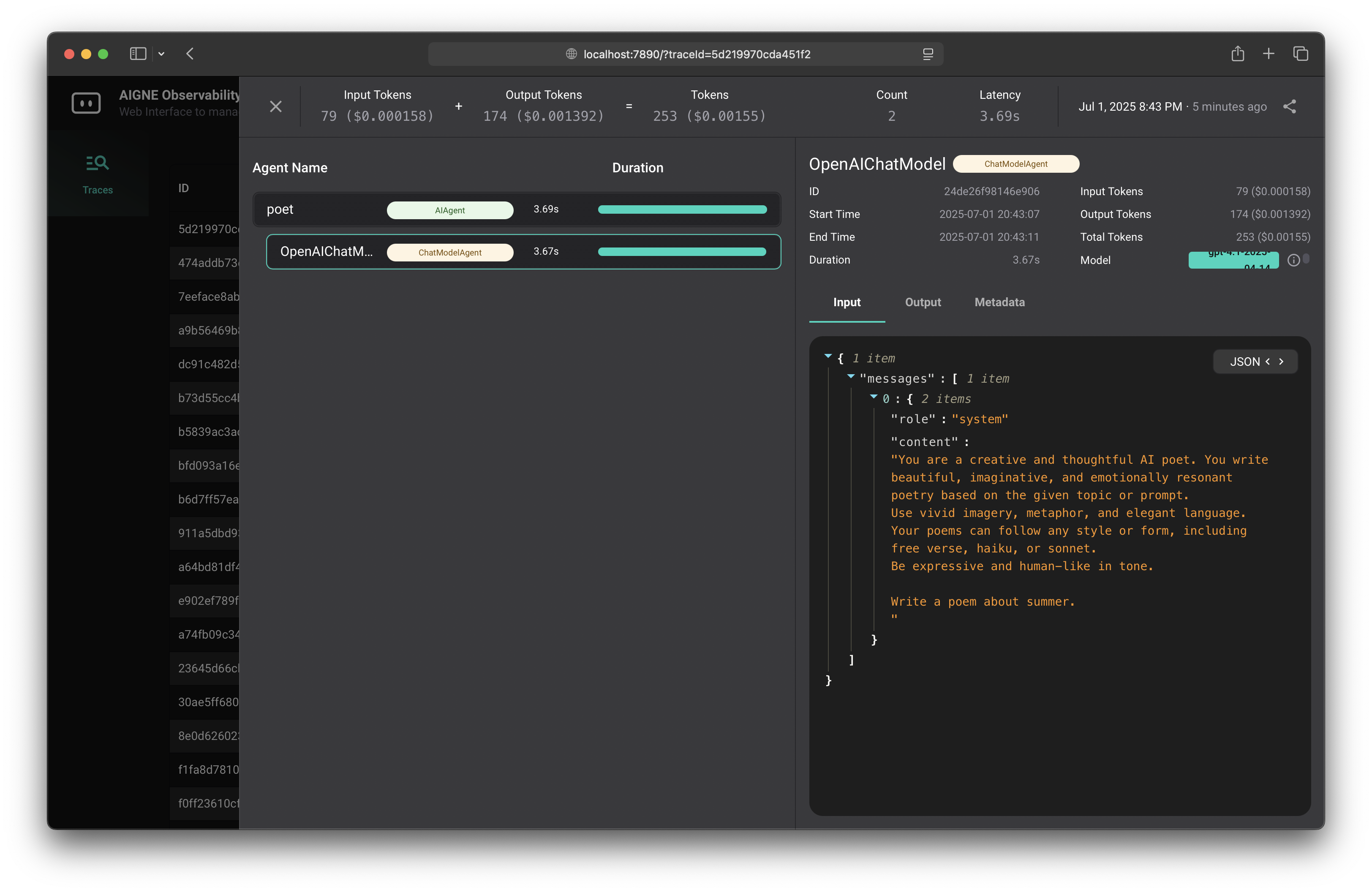
AIGNE Observability provides a powerful visualization interface to help you monitor Agent data flow.
aigne observe [options]Options#
--host <host>: Host address to run the observability service (default is "localhost"), use "0.0.0.0" to publicly expose the server--port <port>: Port to run the observability service (uses PORT environment variable if set, otherwise defaults to 7890)--help: Display command help
Basic Usage Examples#
Start the observability service:
aigne observeAfter successful startup, the command will display the server running address:
Running observability server on http://localhost:7890Visit this address in your browser to view the observability interface.
Using Custom Port#
aigne observe --port 8080Publicly Exposing the Server#
aigne observe --host 0.0.0.0Using Environment Variables for Configuration#
You can use environment variables to configure the server:
# Set port
export PORT=8080
aigne observe

# Or set directly in command line
PORT=8080 aigne observe
Running Example Applications#
When running example AIGNE applications, you can view Agent data flow and call chains in real-time in the observability.
# Set OpenAI API key
export OPENAI_API_KEY=YOUR_OPENAI_API_KEY

# Run in one-shot mode
npx -y @aigne/example-chat-bot

# Or add `--chat` parameter to enter interactive chat mode
npx -y @aigne/example-chat-bot --chat