Upgrade from AI Assistant to AIGNE Runtime
The AI Assistant blocklet was previously used to display and run Agents created by AIGNE Studio. Now, based on the runtime features of Blocklet Server, we provide a more flexible way to run Agents using the AIGNE Runtime blocklet: installing the Agent as a blocklet in your dApp. Next, we will phase out the AI Assistant blocklet and fully replace it with AIGNE Runtime.
📢📢📢 Users with the AI Assistant installed should delete it in Dashboard -> Blocklets (after deletion, unnecessary subscription fees can be reduced 😊), and upgrade AIGNE Studio to the latest version (AIGNE Runtime will be installed automatically).
Introduction to AIGNE Runtime
AIGNE Runtime is the central component of the AIGNE platform, enabling the previewing of agents and serving as the runtime for AIGNE applications installed in decentralized applications (dApps).
Preview Agent from AIGNE Studio
Click Preview in the upper right corner of the Agent editor in AIGNE Studio, the current Agent will be opened and run through AIGNE Runtime
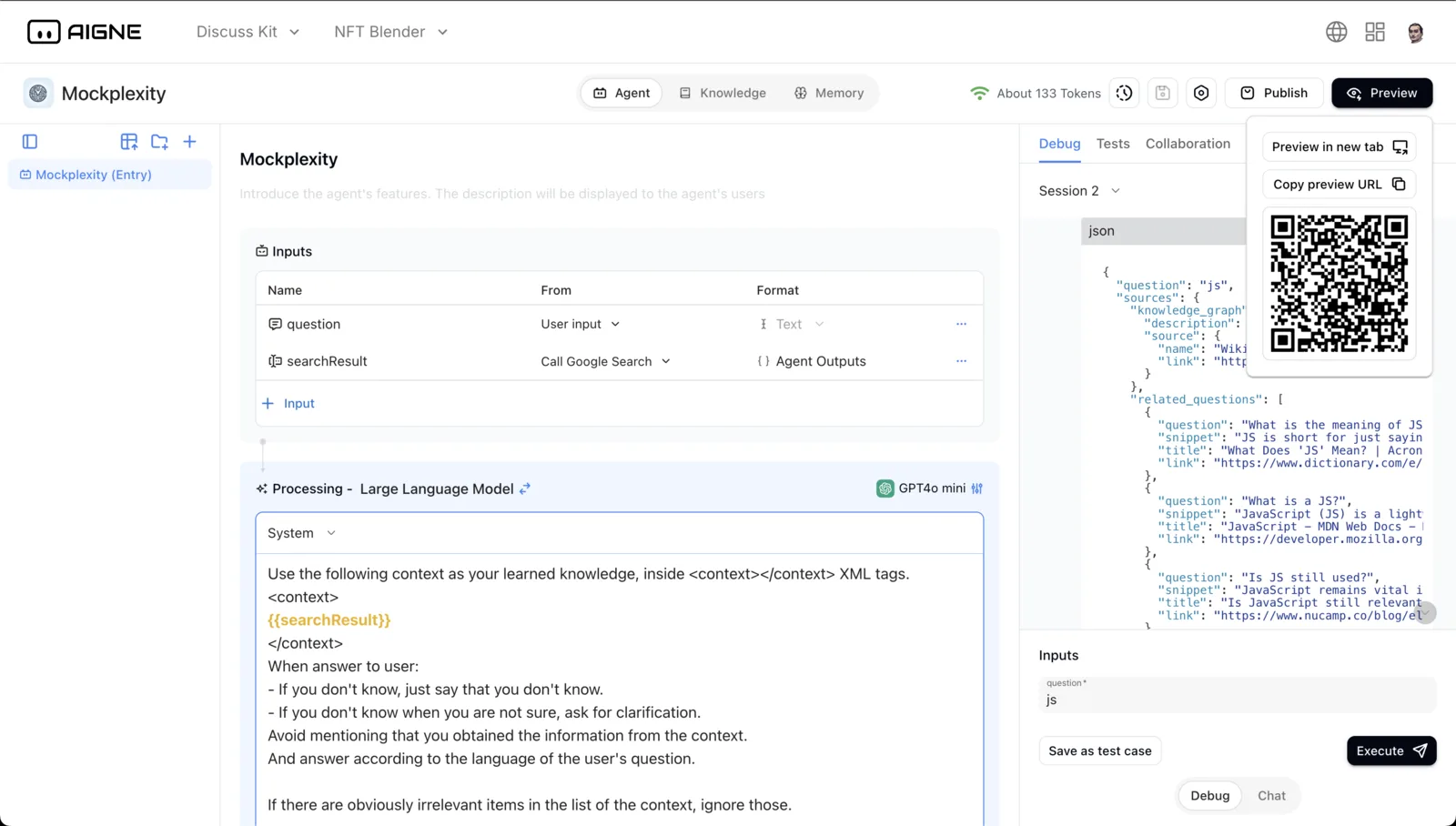
The following image is the page for previewing/debugging the Agent opened using AIGNE Runtime.
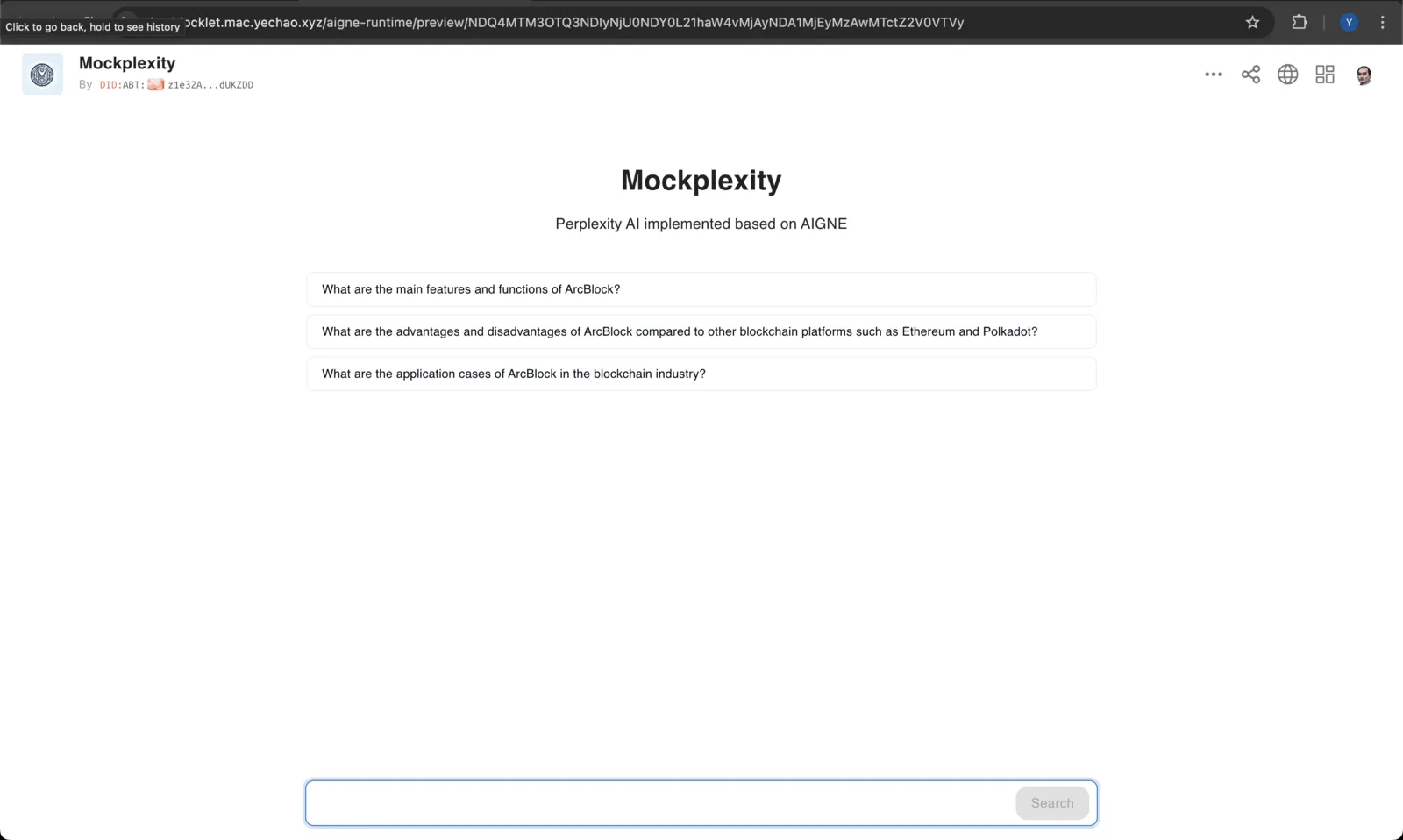
The runtime for Agent applications
When an AIGNE application is installed into a dApp, opening the AINGE application will use AIGNE Runtime as the runtime.
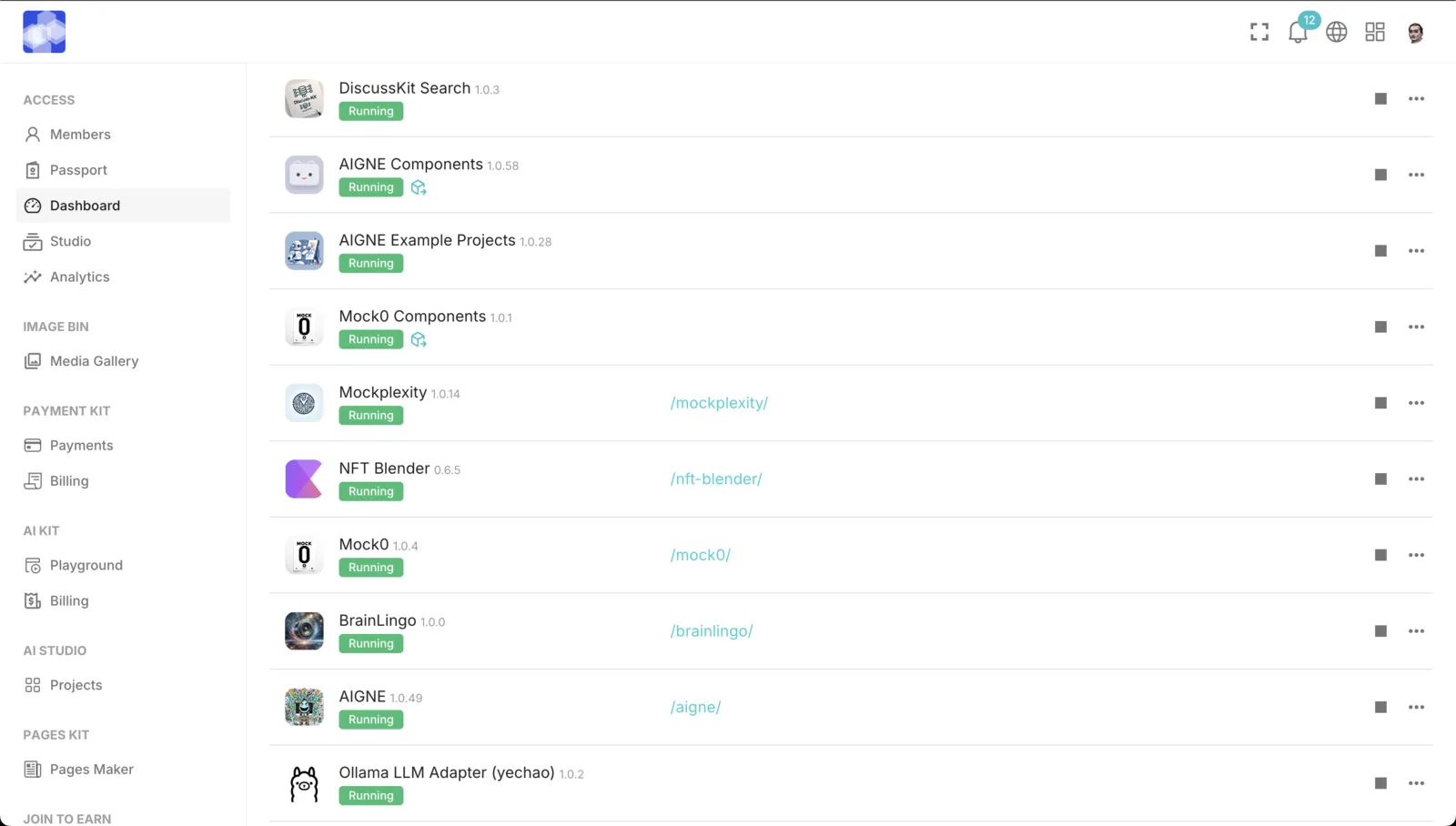
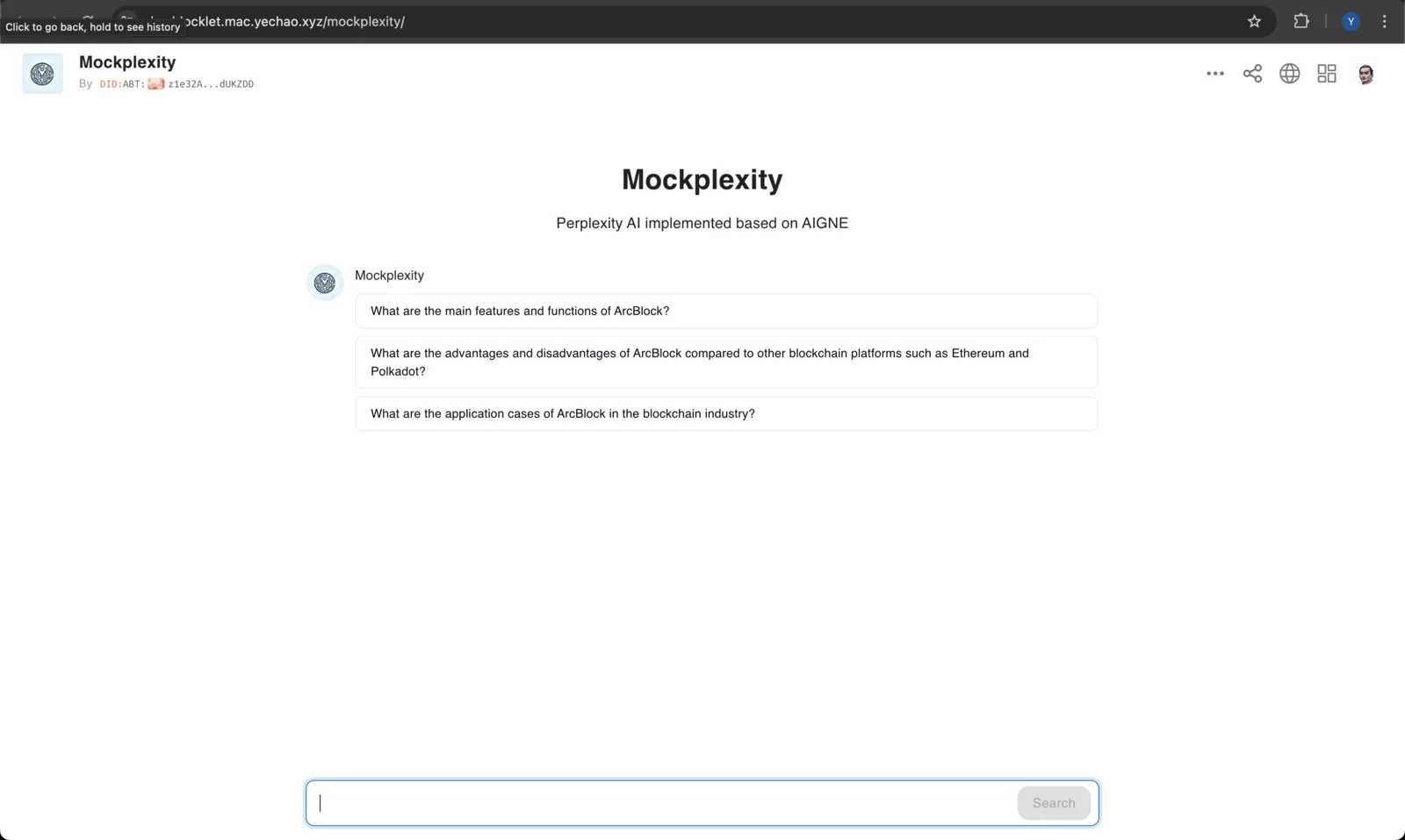
The following is the page where AIGNE Runtime runs an AIGNE application.
Help us improve
We look forward to seeing you create more wonderful AI applications on AIGNE Studio. Whether you have any needs, suggestions, or encounter problems during use, please feel free to let us know in the community. We will do our best to assist you, and your feedback is crucial to us.
Referenced here
Products
- AIGNE active
A framework for developers building agents. Start from the command line to create and run a project; use the framework documentation for the parts that need detail.
- AIGNE Studio sunset
A place to build and run agents without writing the wiring by hand, including self-hosted models. Its work has been taken into ARC.