Discuss Kit: Character Limits & User Experience Improvements
Executive Summary
With our latest release, Discuss Kit is enhancing how you create and engage with content. The introduction of character limits for comments and posts allows for clearer discussions, while improvements in user experience make navigating the platform smoother than ever. This update ensures that discussions stay focused and relevant, thereby enriching the overall communication experience within your decentralized networks.
Feature Highlights
New Features
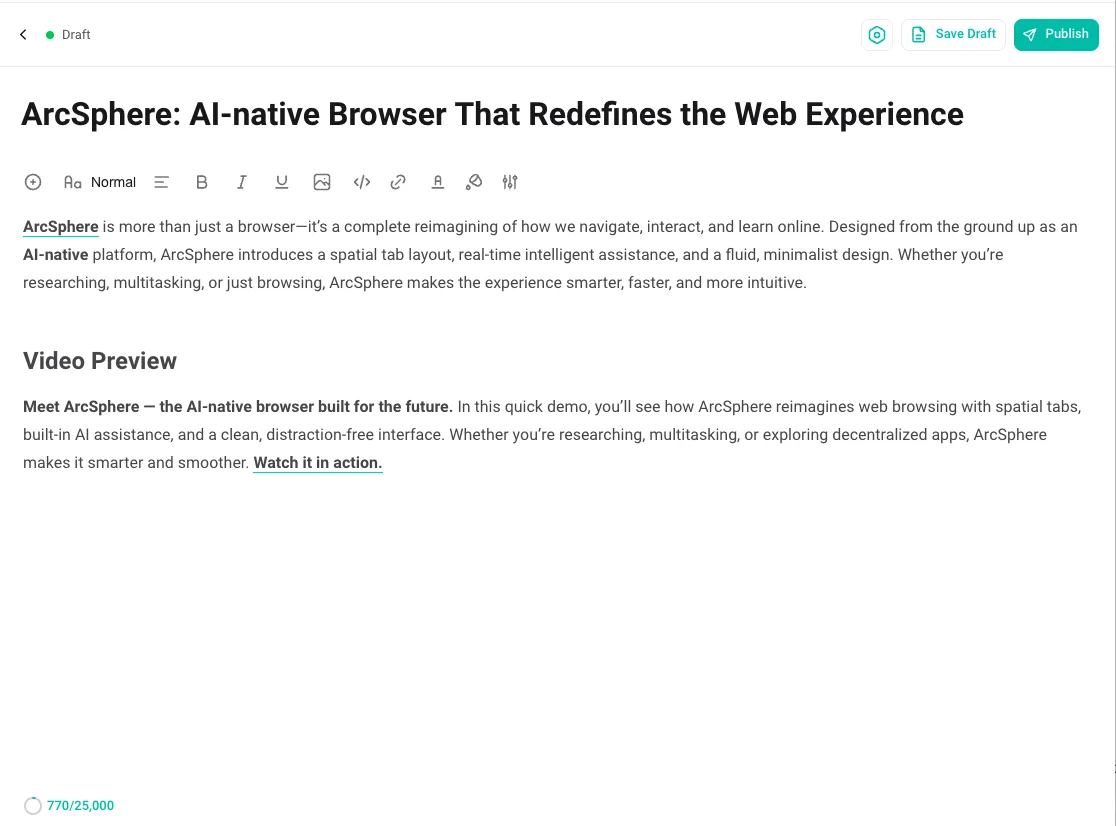
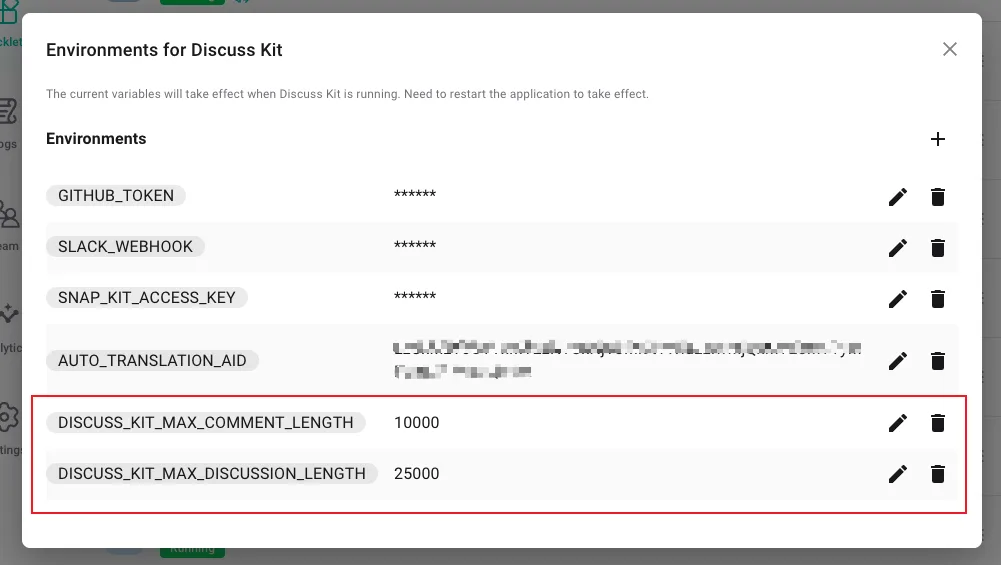
- Character Limit Plugin The new Character Limit Plugin sets specific character limits for different types of content: comments are now capped at 10,000 characters, while blog posts can go up to 25,000 characters. This helps maintain clarity and conciseness in discussions, while also providing a visual character count indicator. Users will see a warning as they approach the limit, allowing for better content management.
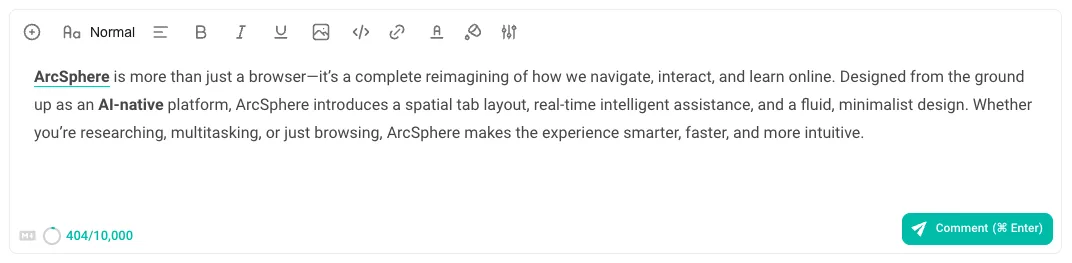
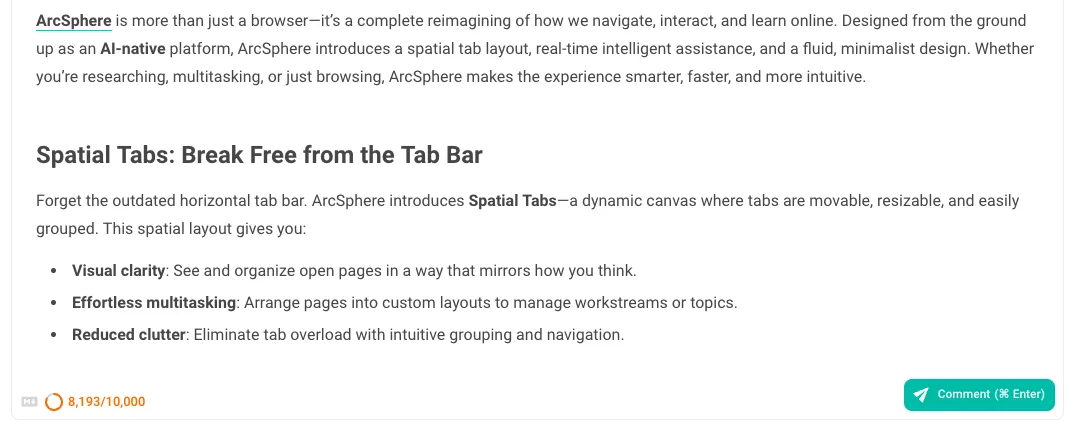
 Discuss Kit offers two environment variables to regulate the maximum length of comment and discussion content:
- Scheduled Publishing for Blog Posts You can now schedule your blog posts for future publication. This feature lets authors set a specific date and time for their content to go live, providing flexibility in content management and enabling better planning for engagement.
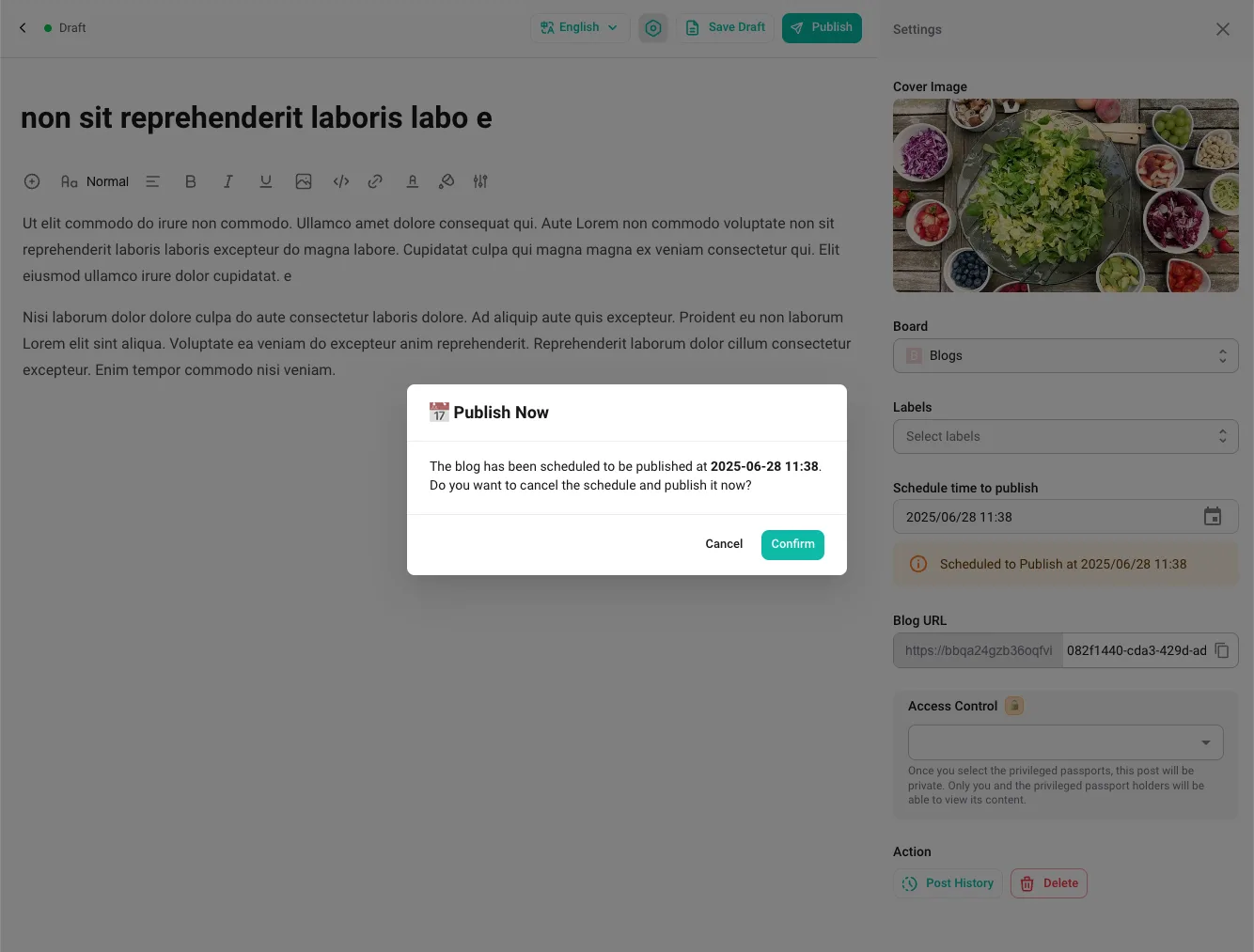
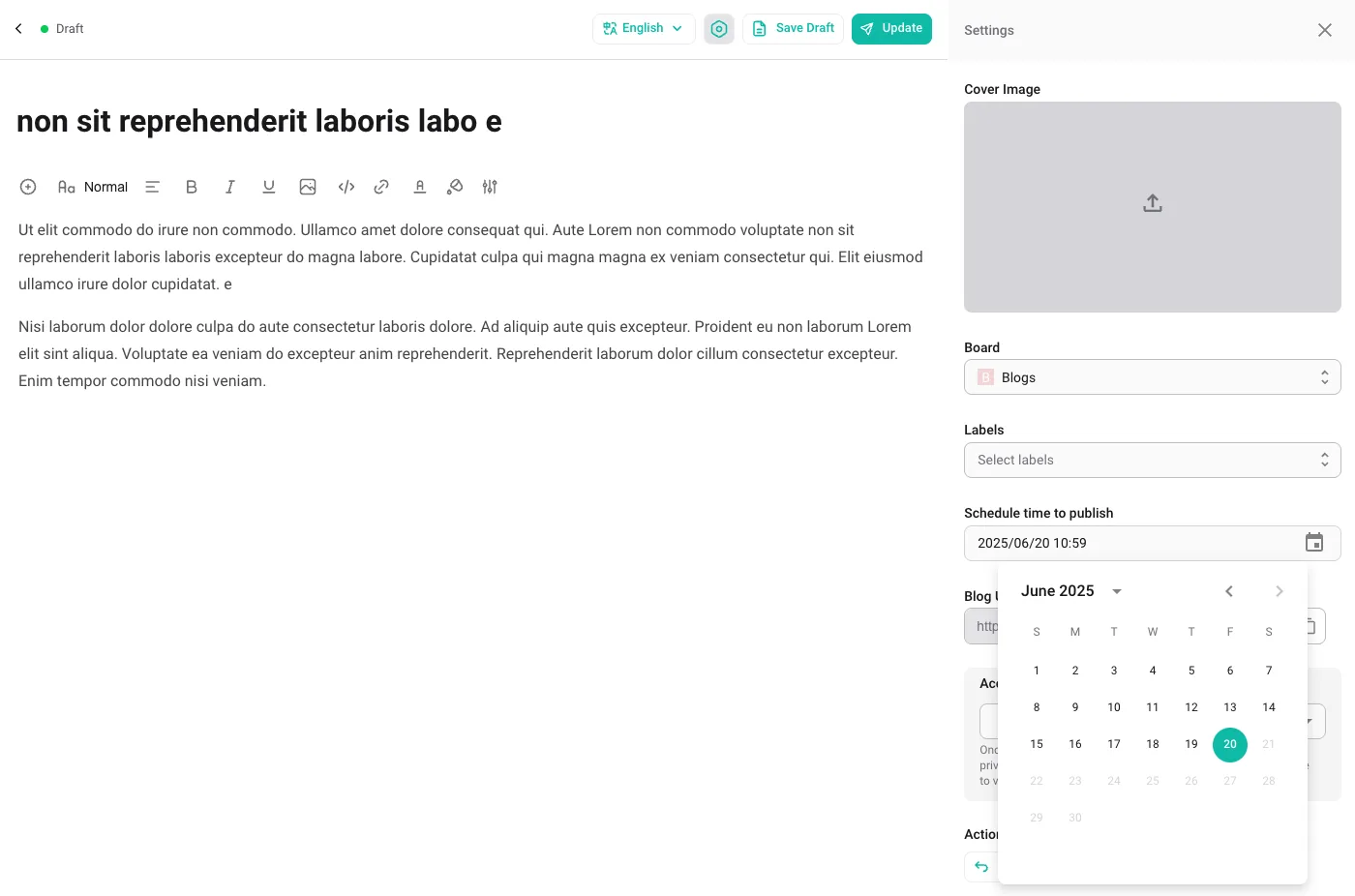 You can assign a past publication time to any blog post, regardless of its current status. However, once a blog is published, you cannot set its publication time to a future date. If you need to schedule a future publication time, you must first unpublish the blog. Even when a scheduled publish time exists, you still have the option to publish your blog immediately if desired.
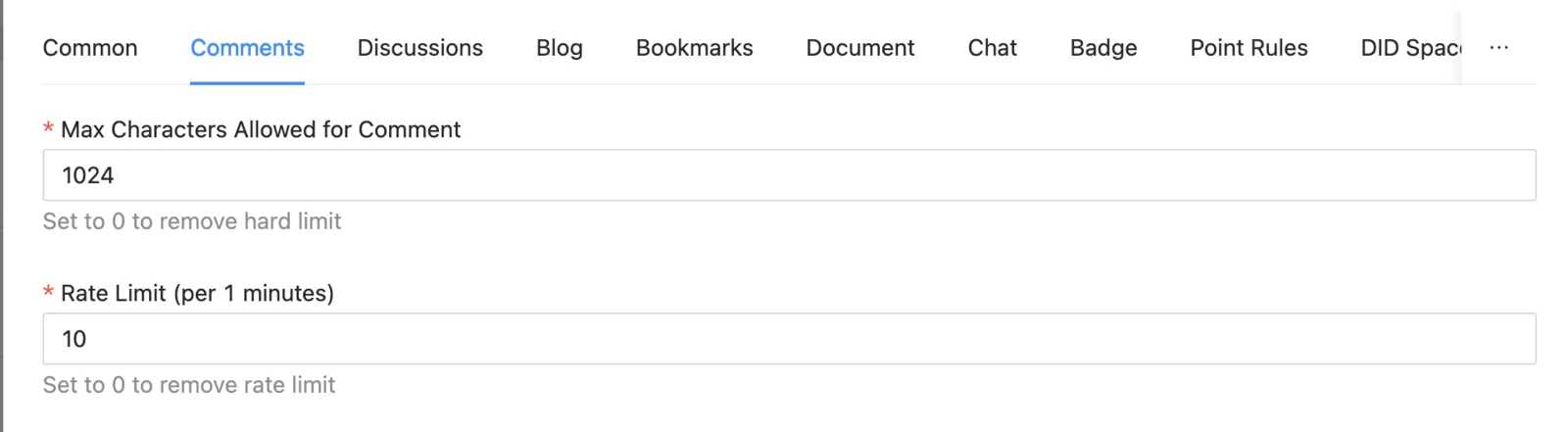
- Rate Limiting for Comments and Posts To prevent abuse of the platform, we've implemented a rate limit on comment and post submissions, allowing a maximum of 10 submissions per 60 seconds per user. This helps ensure that conversations remain balanced and manageable.
User Experience Improvements
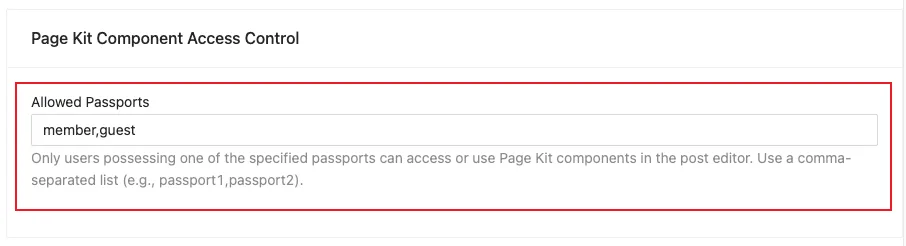
- Component Access Control in Editor Configure "Allowed Passports" for Pages Kit Component Access Control to restrict component usage. Only users possessing the specified passports will have permission to access and utilize these components within the post editor.
- Enhancements for Commenting and Replying in Feeds You can now comment or reply to a post directly in feeds by selecting the "Comment" button within the feed item. Additionally, the comment/reply dialog has been upgraded for an improved experience in the ArcSphere.
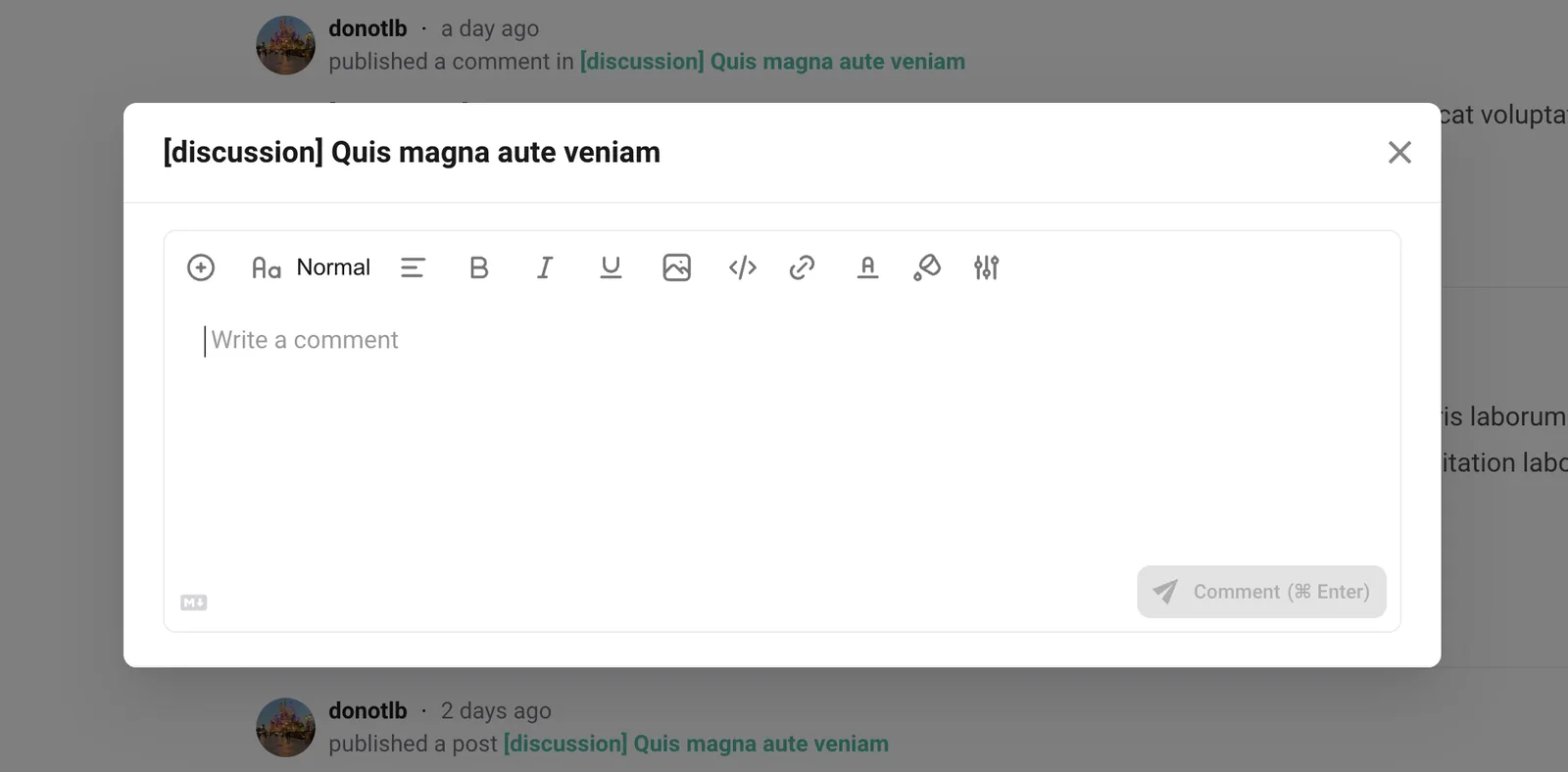
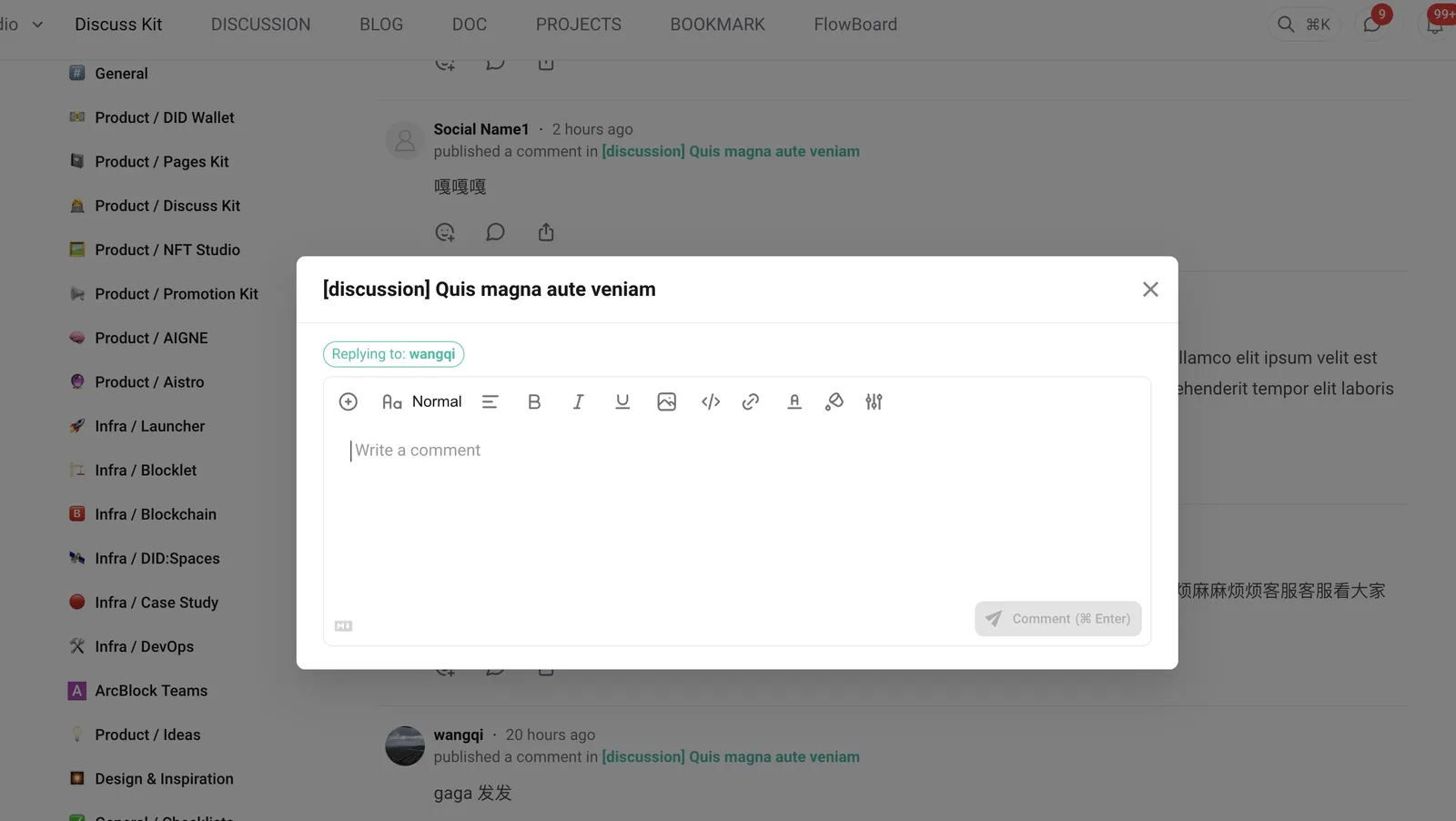
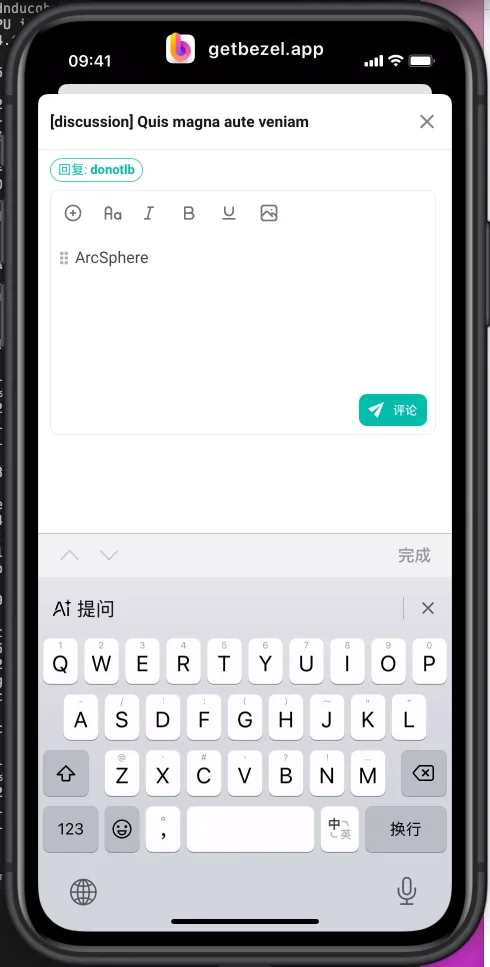 Users will now receive a prompt if they try to navigate away from a comment dialog with unsaved changes. This feature aims to prevent accidental loss of content, enhancing user confidence in the commenting process.

- Auto-translation enhancements Several improvements have been made to the auto-translation functionality:
- Improved translation quality for more accurate results.
- Disabled automatic language detection to prevent incorrect language assumptions.
- Enhanced handling of special nodes to ensure proper translation of structured content.
- Automatic re-translation triggered when the original text is modified.
Bug Fixes
- Fixed URL Handling in Clickable Links We've implemented URL sanitization in the editor to prevent XSS vulnerabilities, ensuring a safer environment for users when sharing links.
- Resolved Post Content Length Validation Issues Adjustments have been made to the validation rules for post content lengths to ensure that they comply with the new maximum limits.
Performance and Reliability Enhancements
- Optimized Feed Queries We've improved the performance of feed queries through index optimization and unnecessary query removals, speeding up the loading times of discussions and posts.
- Improvements in Chat Performance We've made significant upgrades to the chat functionality to reduce CPU usage during interactions, especially on the chat page. This means a more fluid chatting experience, allowing you to communicate seamlessly with your peers.
- Improved Error Handling Enhanced error handling mechanisms have been introduced, ensuring users receive clear feedback on any issues encountered, thus improving overall reliability.
What's Next
Looking ahead, we aim to continue refining Discuss Kit by incorporating user feedback into our development process. Future releases may include advanced analytics for user interactions, further enhancements to the comment and chat features, and improved integration capabilities with other decentralized applications. Our goal remains to create the most seamless communication platform possible.
Resources
For further information, feel free to explore the following resources:
The enhancements in this update are geared towards optimizing your experience, ensuring smoother interactions, and making communication clearer and more manageable within your decentralized spaces. Dive in and explore these new features today!
Referenced here
Products
- DiscussKit active
A reusable discussion component rebuilt on ARC, with posts, comments, categories, reactions and search. It now powers ArcBlock Community.