DID Spaces upgrade: Dark mode and connection optimization
Overview
Today, ArcBlock updated DID Spaces, designed to elevate your digital experience. This update introduces dark mode support for the text viewer and custom tooltips, offering a smoother, more comfortable experience, particularly in low-light settings.
Key Features
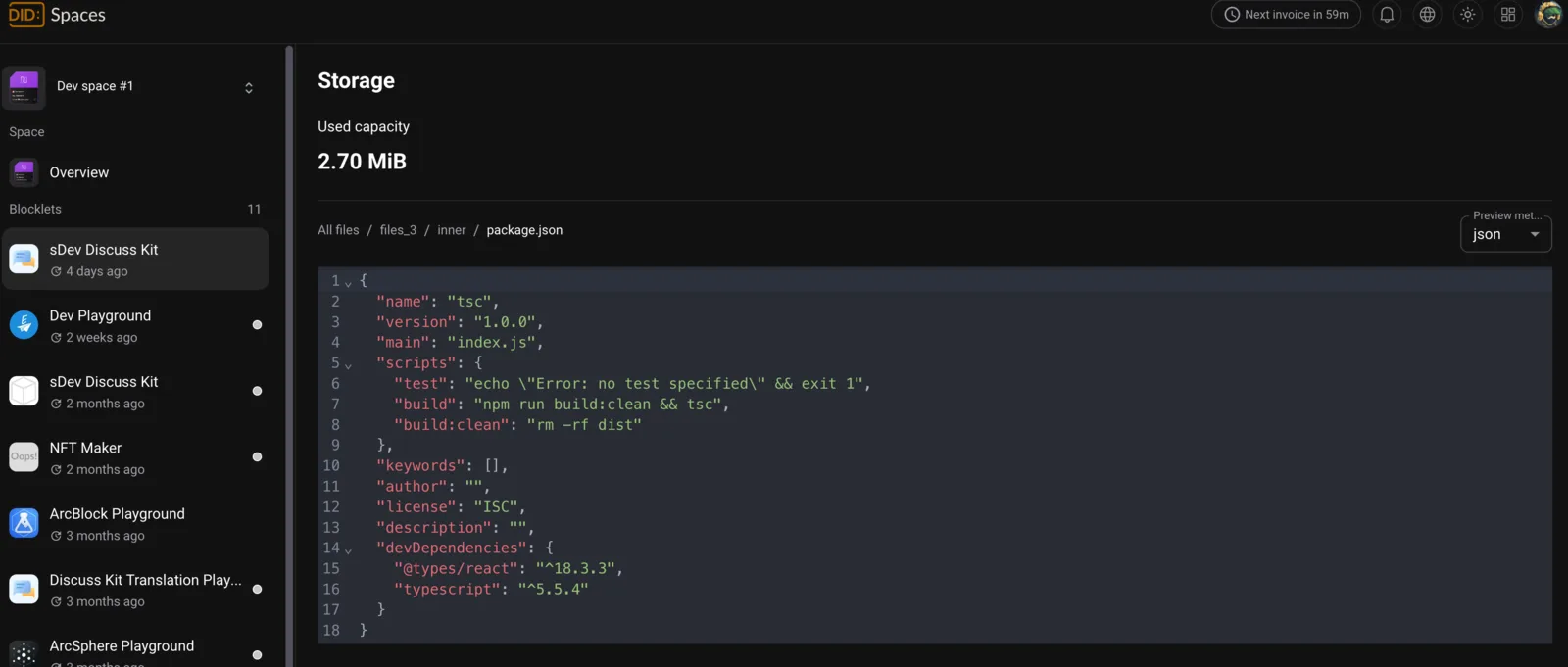
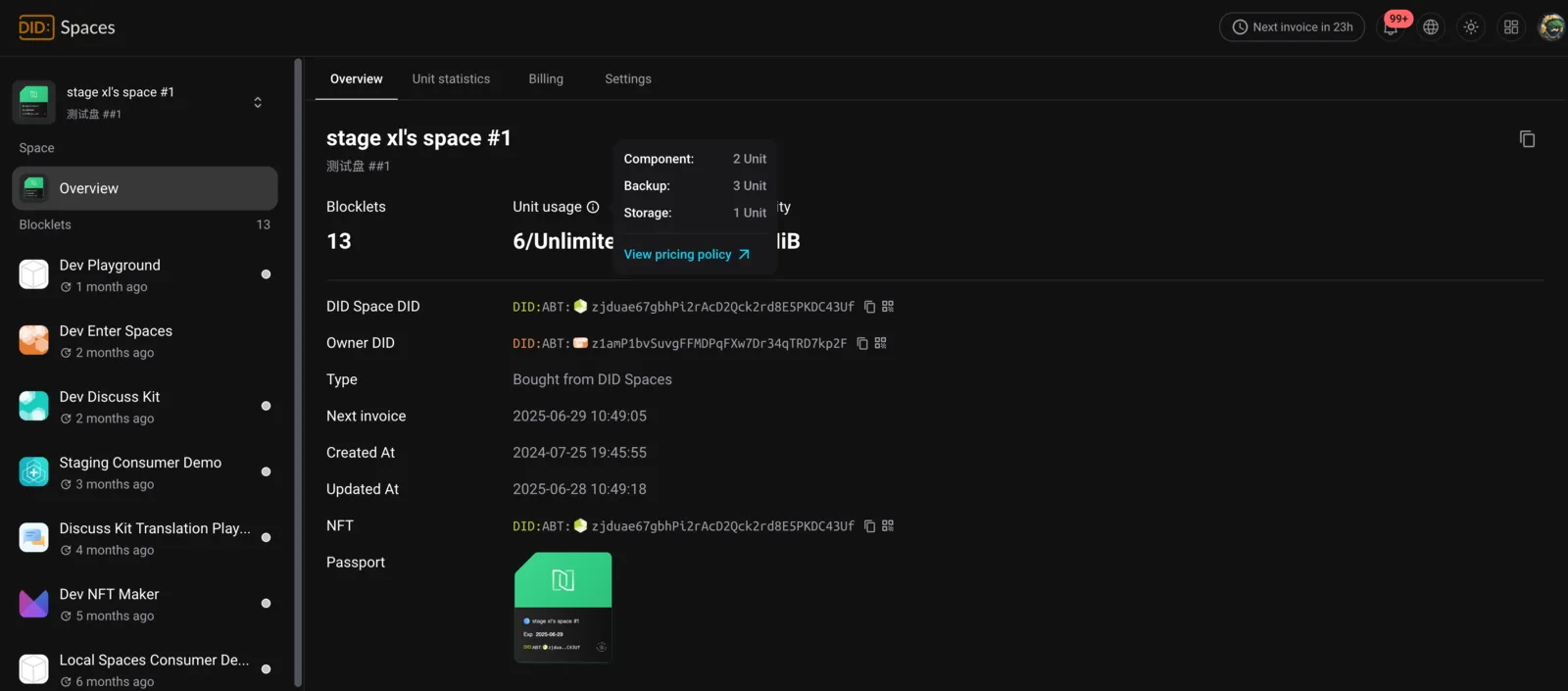
Dark Mode for Text Viewer and Tooltips
The text viewer and tooltip components now support dark mode for a more consistent visual experience. This accommodates users who prefer dark themes and helps reduce eye strain during prolonged use.
Embedded DID Connect Window
Connecting to DID Spaces is now more streamlined—the connection happens directly within the page, eliminating the need for a pop-up window. This provides a more seamless user experience with fewer interruptions.
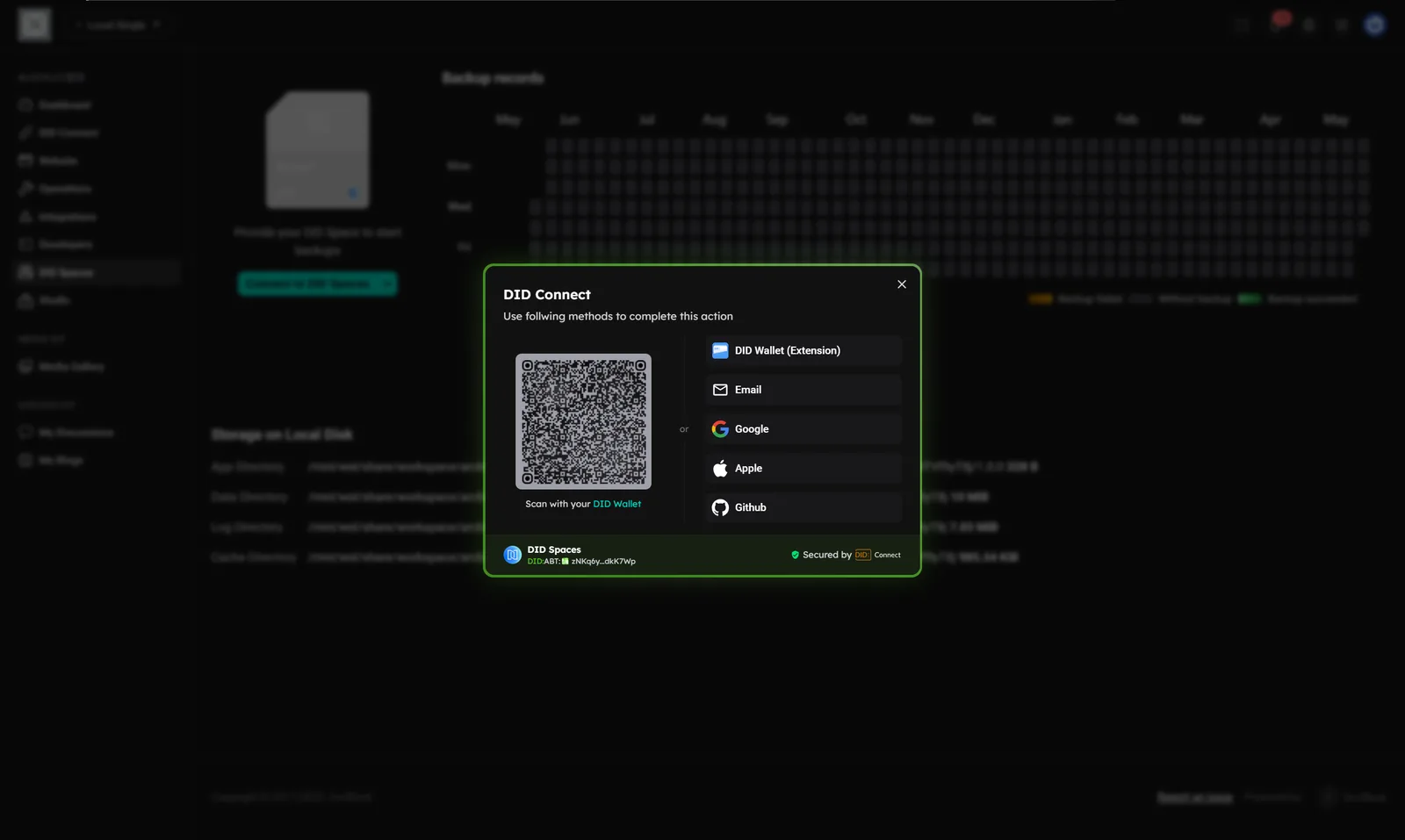
Enhanced Authentication Flow
Connecting to DID Spaces has been improved. The new authentication process leverages the OAuth standard, ensuring account security and a smoother login experience.
Updates and Fixes
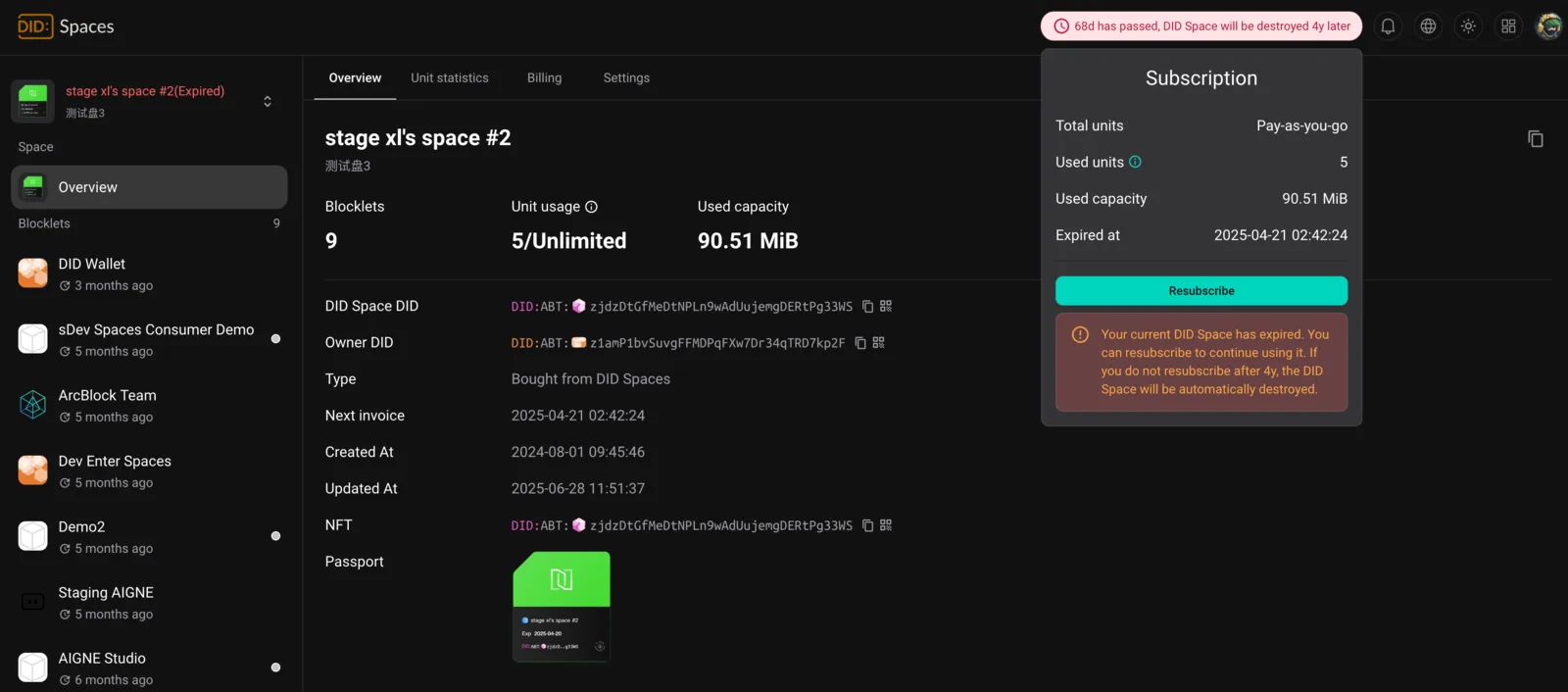
- Subscription Renewal Improvements: Fixed an issue that prevented subscriptions from being renewed after expiration. Users can now easily manage their subscription status, improving overall service availability and reliability.
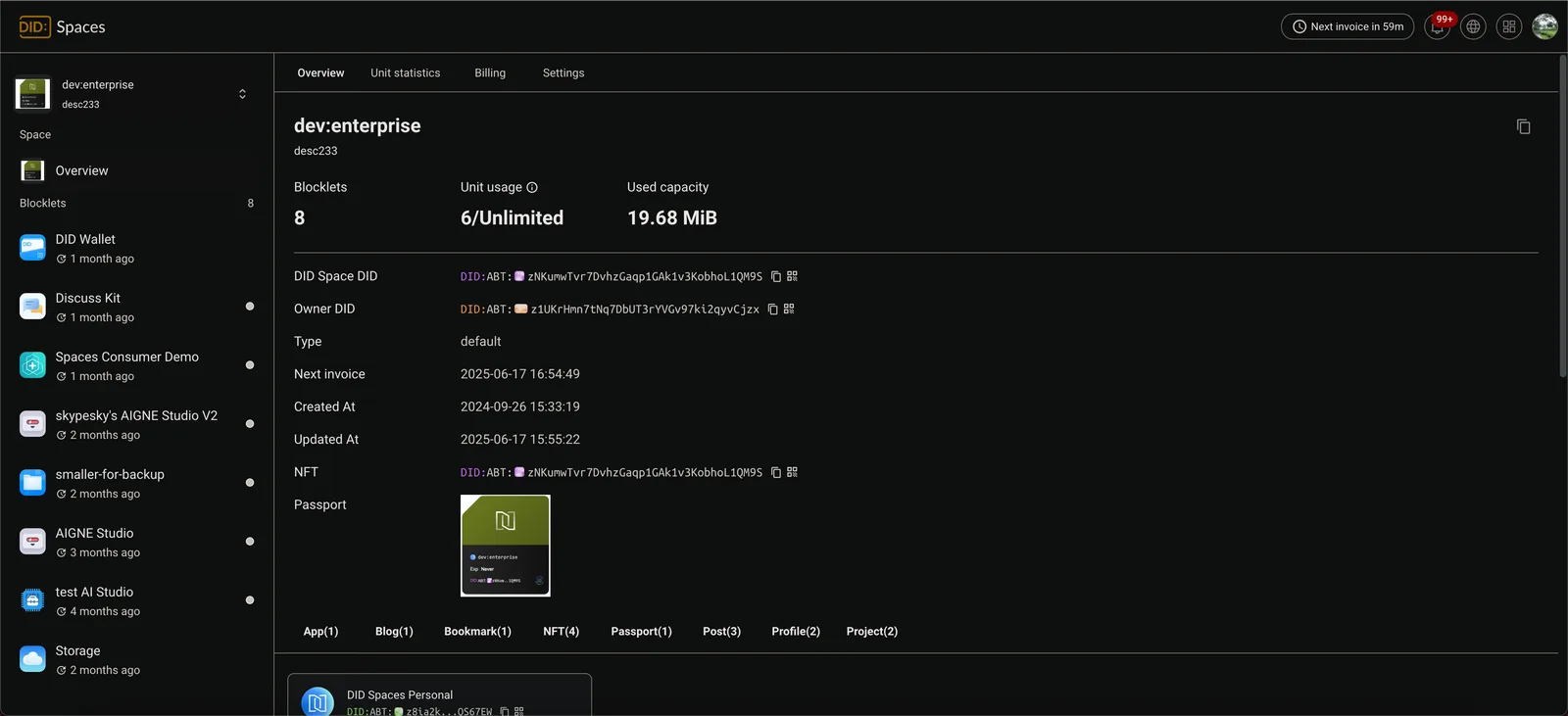
- Blocklet Usage Display Corrected: A bug causing incorrect display of total Blocklet usage has been fixed. Users can now see their accurate Blocklet usage.
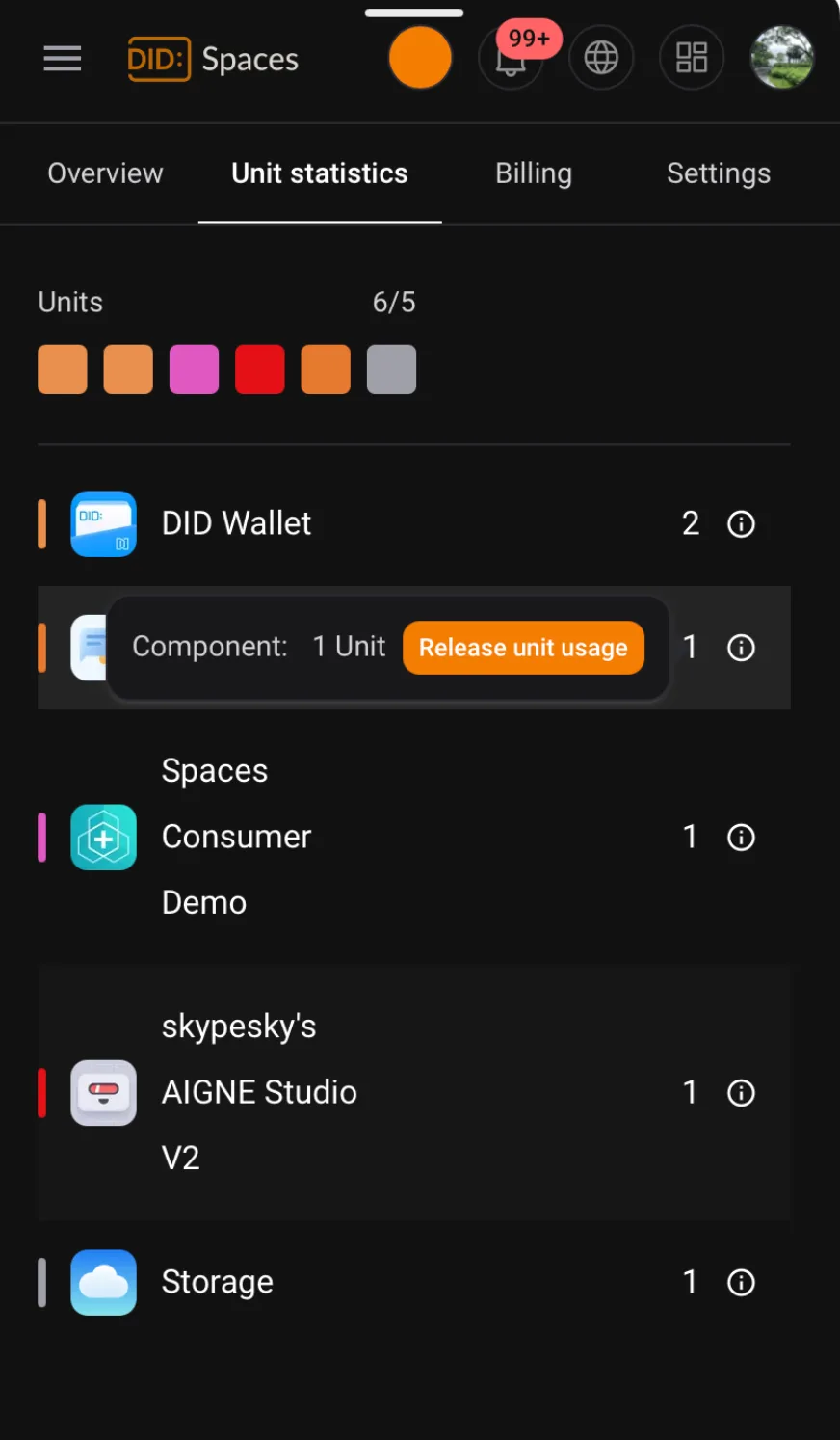
- Fixed an issue where the Blocklet stats page was unresponsive on mobile devices when clicking the information icon: Thanks to community feedback, the Blocklet stats button is now functional on mobile devices.
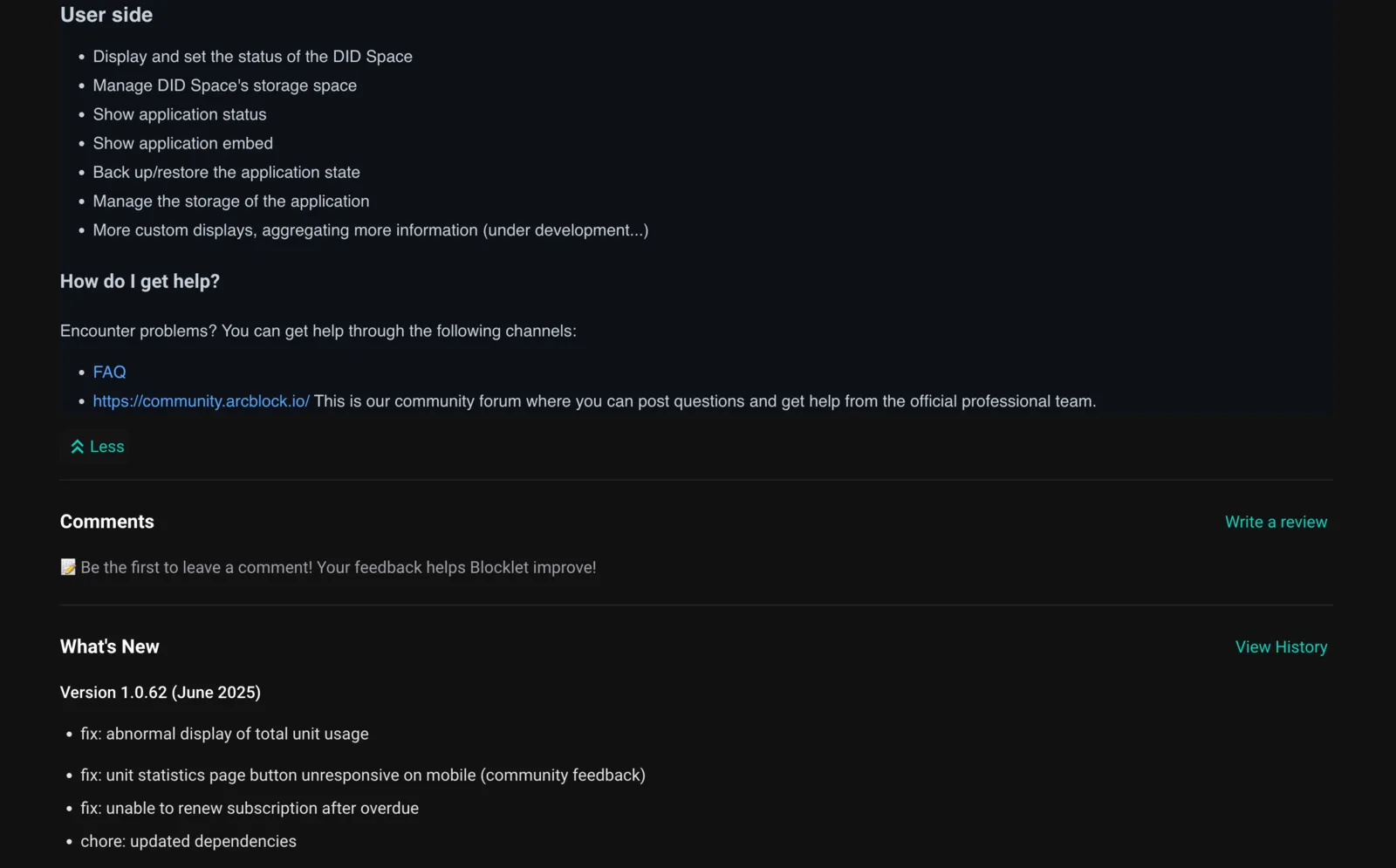
- Documentation: 404 Errors Resolved: All broken links have been fixed, ensuring seamless access to documentation resources.
Follow-up
For the next release, our focus will be expanding its feature set, including richer UI customization options and enhanced integration with external applications.
Resources
To learn more about DID Spaces, see the resources below:
DID Spaces helps you organize, secure, and personalize your digital environment, offering a flexible and easy-to-use platform for creating spaces tailored to your specific needs. Discover the latest enhancements.
Referenced here
Products
- DID Spaces renamed
A data space associated with a DID. Create a personal space, or connect an application with the permissions and data model its task requires.