Create Blocklet v0.8.0: Improved Blocklet template
For a long time, Create Blocklet has been used more for internal team use, it is the best choice for us to create a Blocklet. As more and more people become familiar with Blocklets and want to develop their own, it is time to improve our Create Blocklet to allow users to create a Blocklet more conveniently.
What's new in the latest version
In version 0.8.0, we have enhanced the user experience of all templates, including but not limited to:
Dependencies upgraded to the latest versions
The latest dependencies can ensure the security of the project and provide a better development experience.
Update eslint and prettier and related plugins
The latest versions of @arcblock/eslint-config and prettier are used, and lint errors in the template are handled
Different templates have different
eslintconfigurations, and we've taken care of all that for you
Replace husky with simple-git-hooks
husky is a great tool, it's powerful, but in v8.x husky changes the default configuration of git hooks, which is a dangerous thing.
So we decided to switch to simple-git-hooks to eliminate this risk, in most cases, simple-git-hooks is sufficient, if you do find that it does not meet your needs, you can always switch back to husky
Simplified template yields page effects
In previous versions, the page would display some specific data of blocklets, which is presented in JSON format. To be honest, it looks too unfriendly.
In the new version, the page will remain in the default template and add some features related to blocklets.
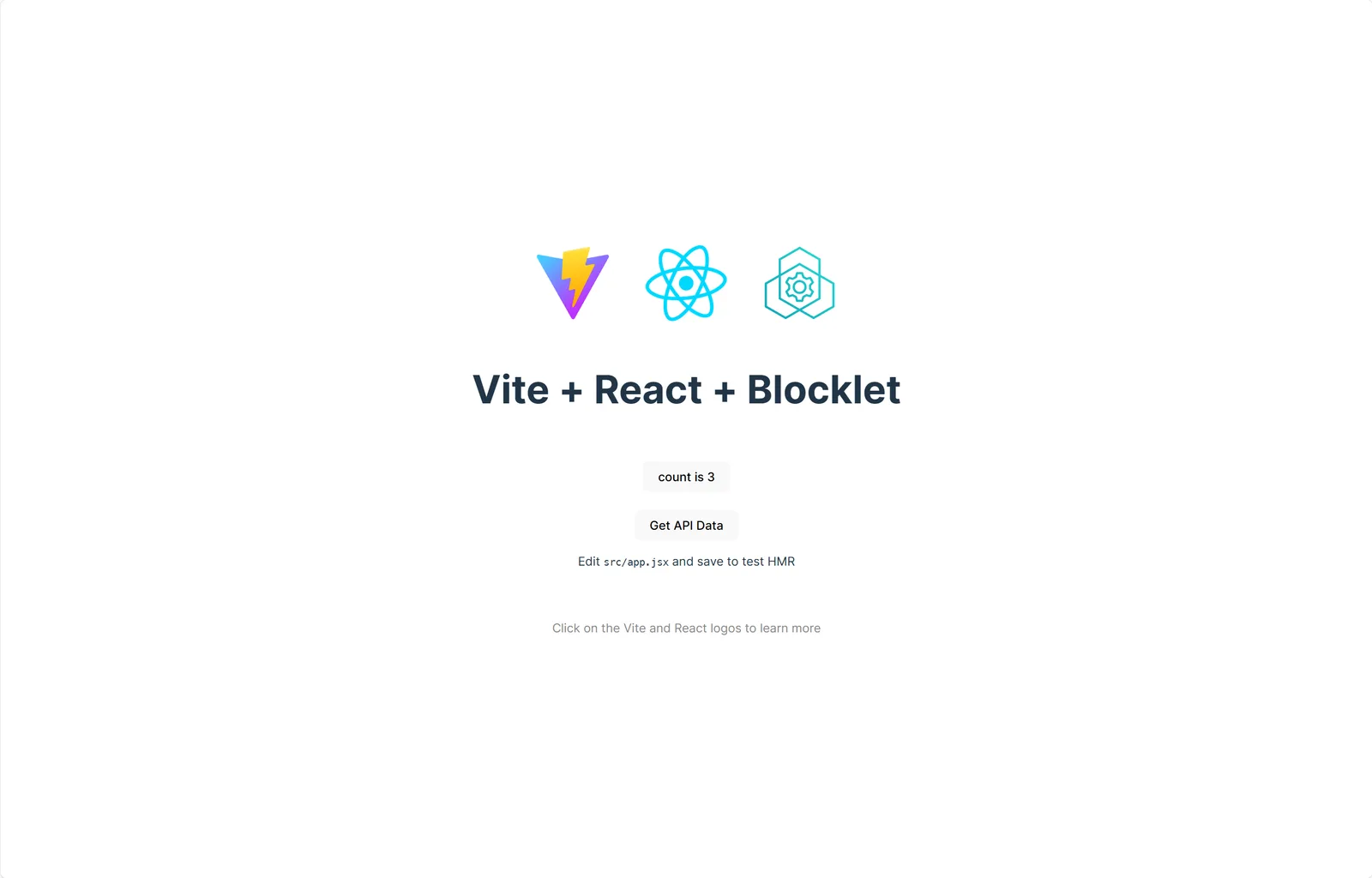
How to use Create Blocklet
For developers, we strongly recommend that you use the blocklet create command to create a blocklet. Before that, you need to install the @blocklet/cli tool.
npm install -g @blocklet/cli

blocklet create
Please refer to the more detailed documentation for further information.
Help us improve together
If you have any needs, suggestions, or problems during use, please visit ArcBlock Community for feedback. We will do our best to help. In addition, if your feedback is selected as our Bug Bounty Program, you will receive ABT rewards.
Referenced here
Terms
- Blocklet
A Blocklet is ARC's deployable unit. It keeps an application's declared content, configuration, and runtime needs together, so the unit being run is easier to understand and manage.