Blocklet Store Supports Dark Mode
The latest update to the ArcBlock Blocklet Launcher is all about giving users more control and less friction. We’ve rolled out a sleek dark mode across the entire platform, cutting down eye strain and modernizing your daily workflow. But this update isn’t just about looks—it’s about making Blocklet the most intuitive platform for launching and managing your AI and dApps.
What's New & Why It Matters:
- Universal Dark Mode: Every page, every workflow—now easier on your eyes. Spend hours building without fatigue.
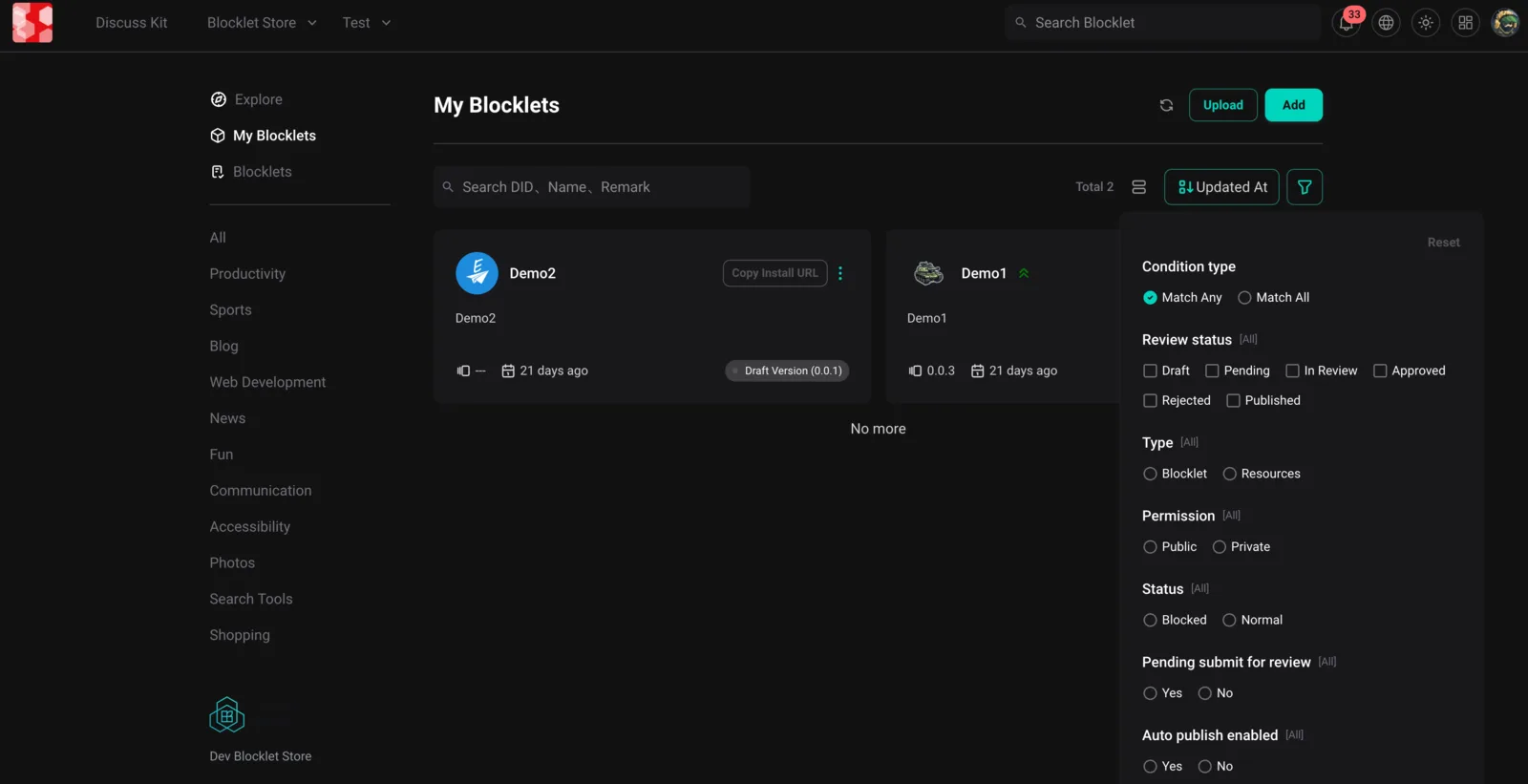
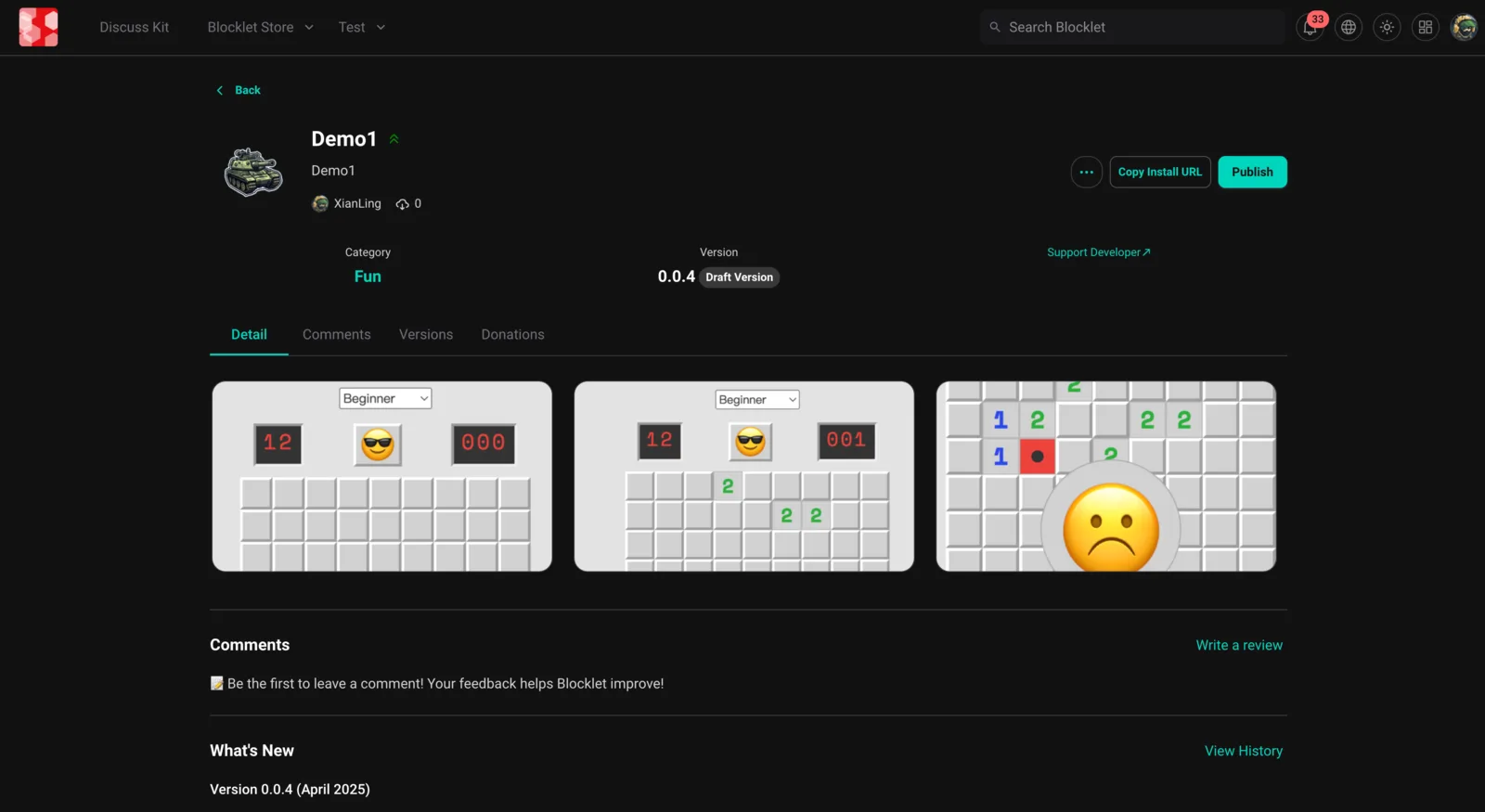
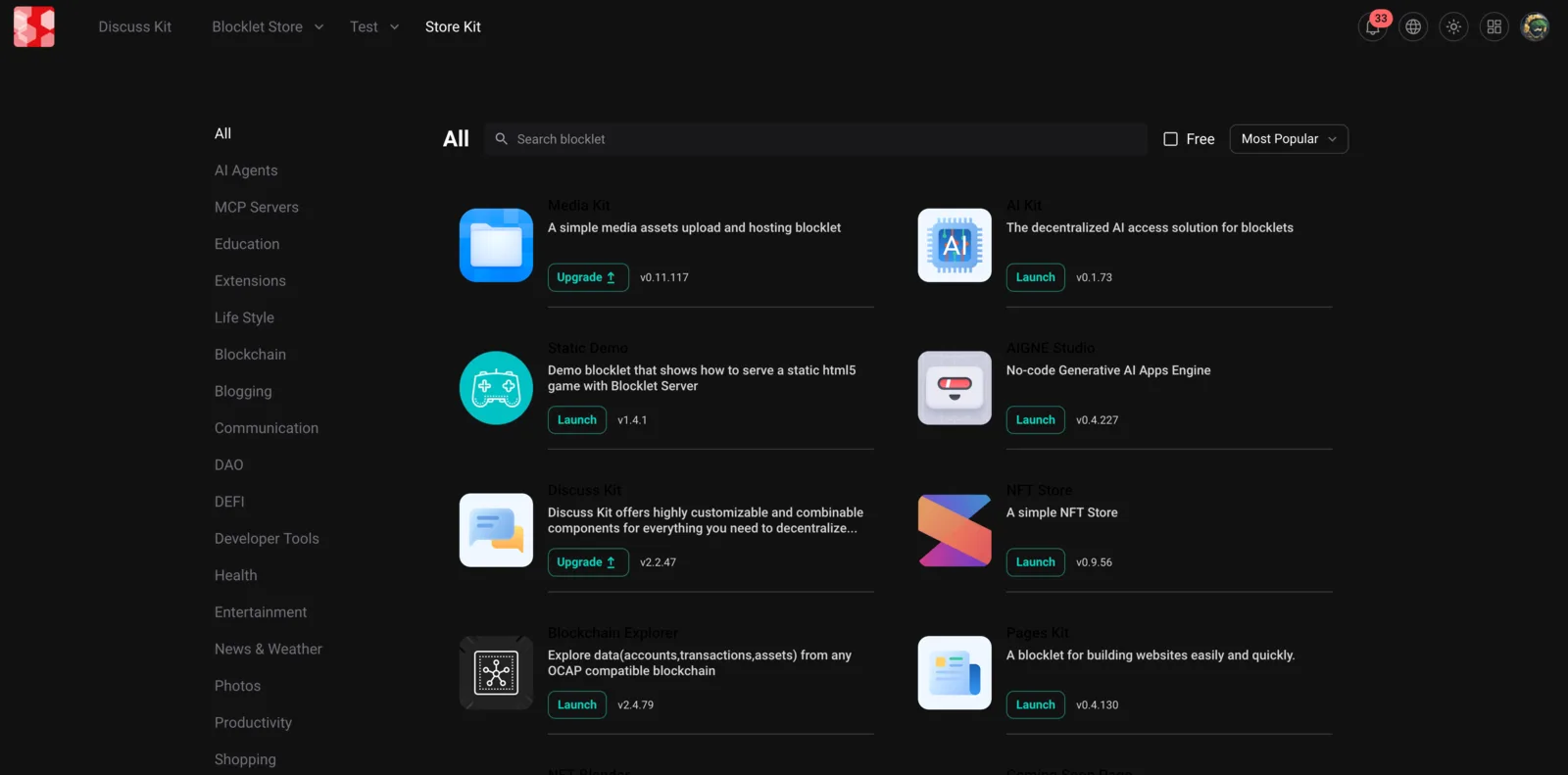
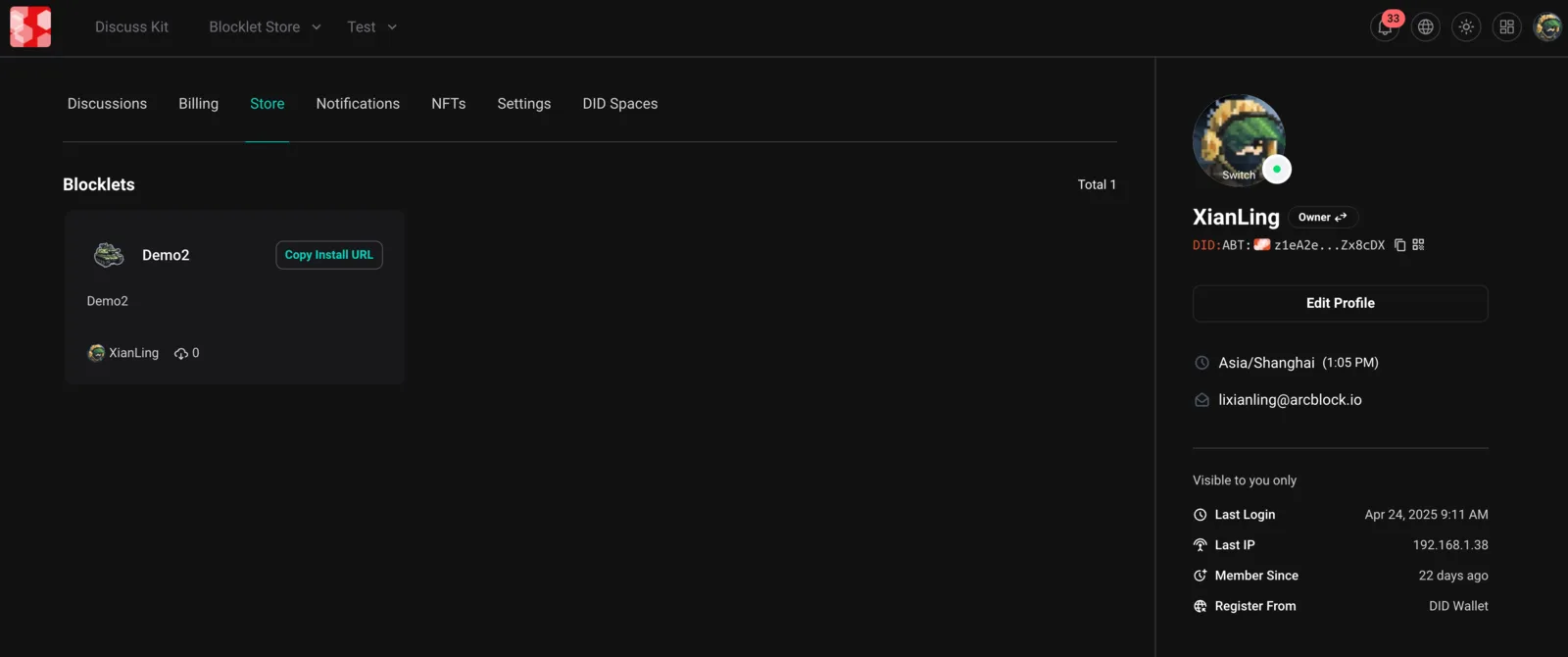
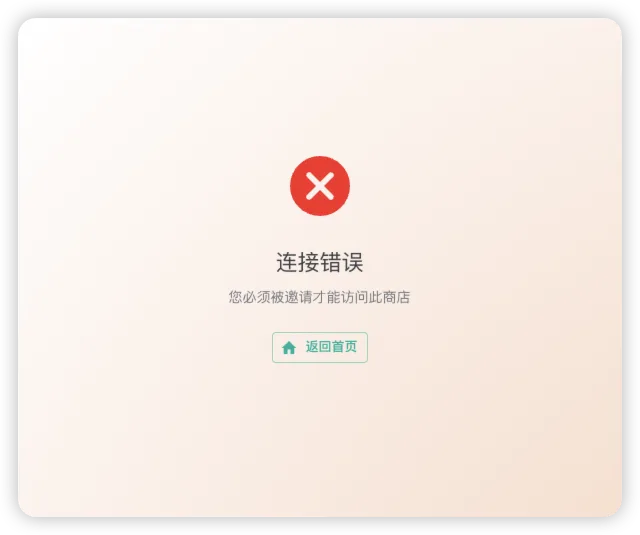
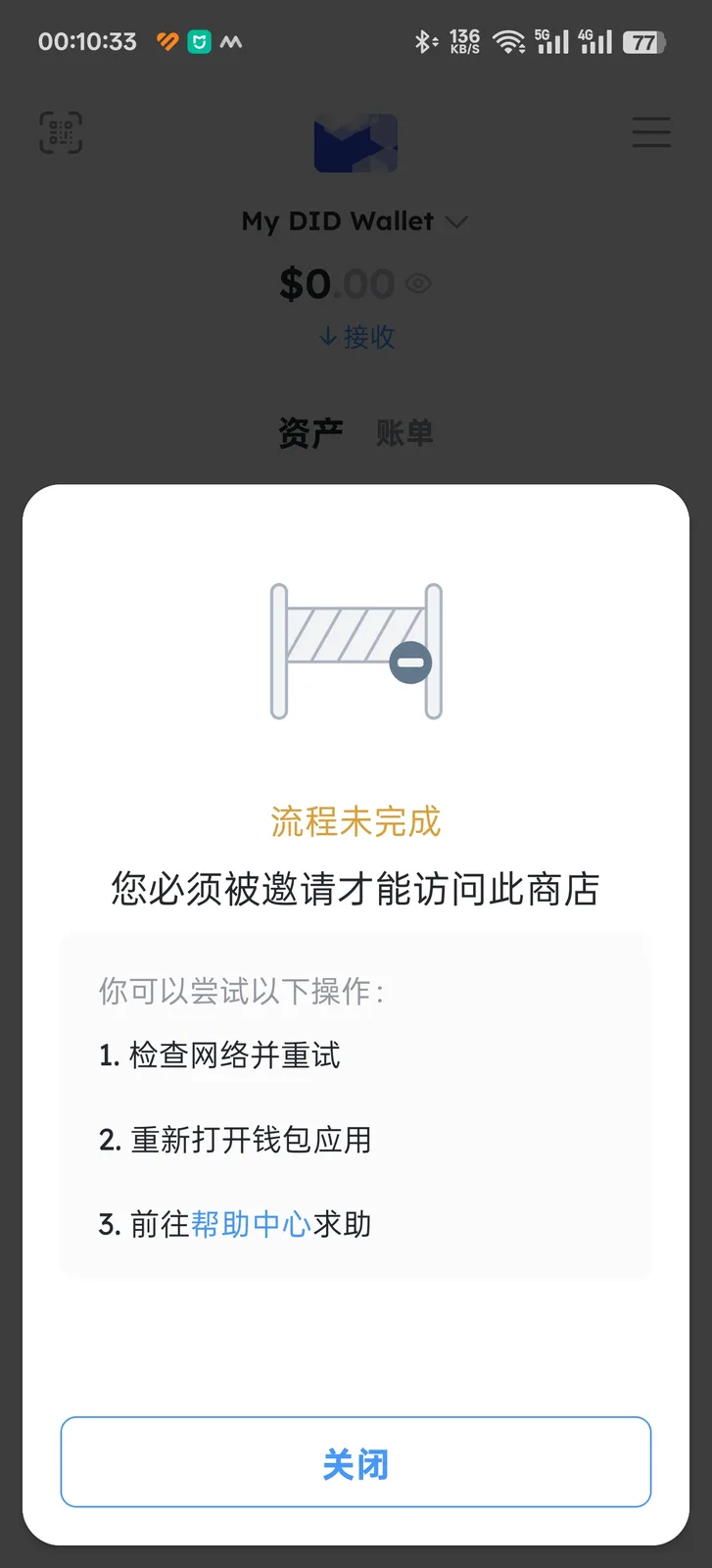
- Proactive Alerts: Get clear, in-context notifications for payment issues, expiring apps, and important actions, so you’re never blindsided. Additionally, it includes full support for bilingual error messages, making the platform more accessible for non-English speakers.
User Experience Improvements
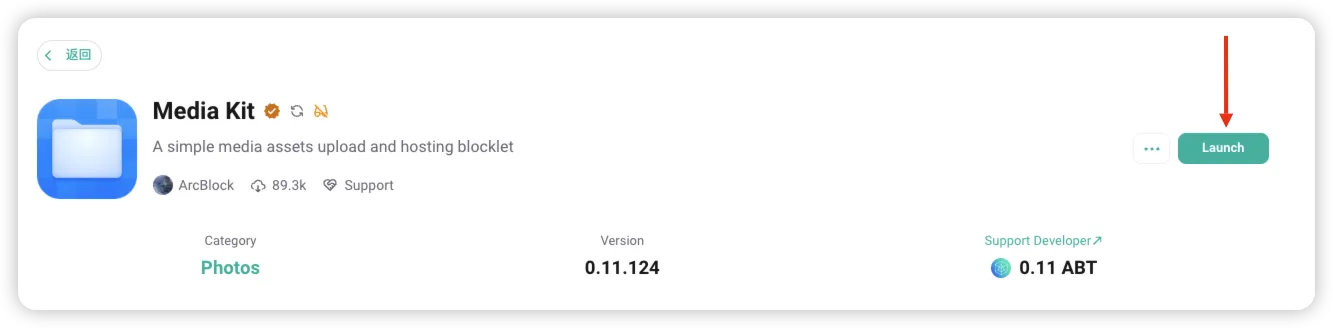
- Updated Launch Button Styles: We’ve revamped the styles of the Launch Button on the detail pages for blocklets.
Bug Fixes
- Error Message Localization: The localization support for error messages was improved to offer users more relevant and timely feedback.
- Display Issues Fixed in Dark Mode: Several issues related to the display of UI components in dark mode have been addressed.
Performance and Reliability Enhancements
- Dependency Updates: To ensure the Blocklet Store remains stable and efficient, we've updated various dependencies throughout the platform.
What's Next
We’ve listened to power users who want speed, clarity, and control. Today’s Blocklet Launcher isn’t just more modern—it’s built for how real builder's work.
Resources
To learn more about the new features, check out our documentation at Blocklet Store Documentation. Join our discussions and stay updated with the community at ArcBlock Community. If you're ready to explore our blocklets, visit the Blocklet Store today!
Referenced here
Products
- Blocklet Store sunset
Where a Blocklet was published, found and installed. ARC handles that differently, so the store is no longer needed.