Blocklet Launcher Now Supports Direct App Launching
The new Blocklet Launcher streamlines application deployment with direct launch capabilities, real-time progress tracking, and enhanced error handling. This update delivers an upgraded user experience and ensures developers have better tools a simplified workflows to launch their Apps.
New Features
Direct Application Launch
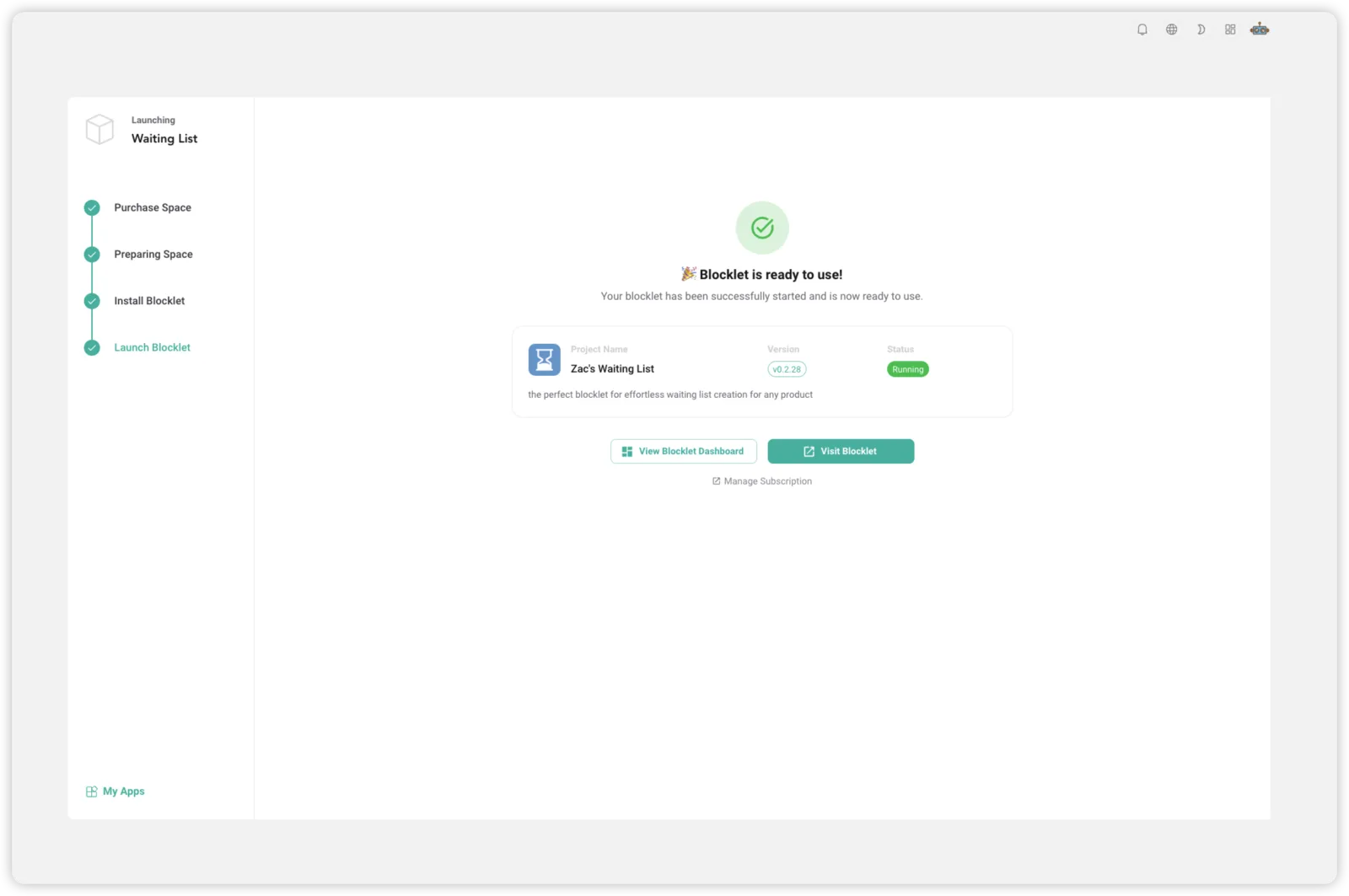
- No Redirection: Install and launch applications in one place without being redirected to a separate server page.
- One-Click Access: Launch applications immediately upon startup for greater convenience.
- Automatic Login: Enables automatic login for owners via signed URLs, similar to the functionality in n8n or WordPress.
Intelligent Workflow Progress Tracking
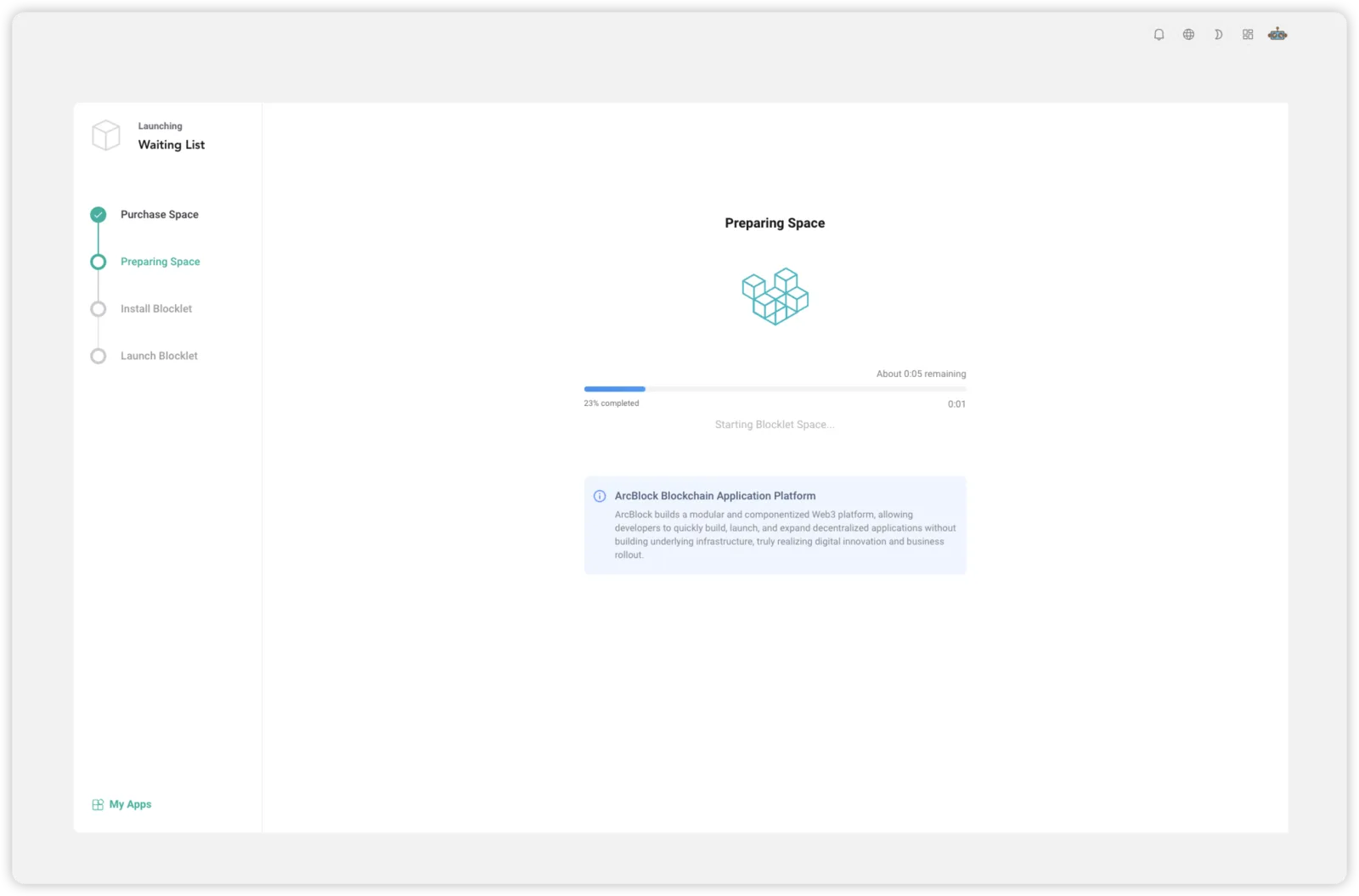
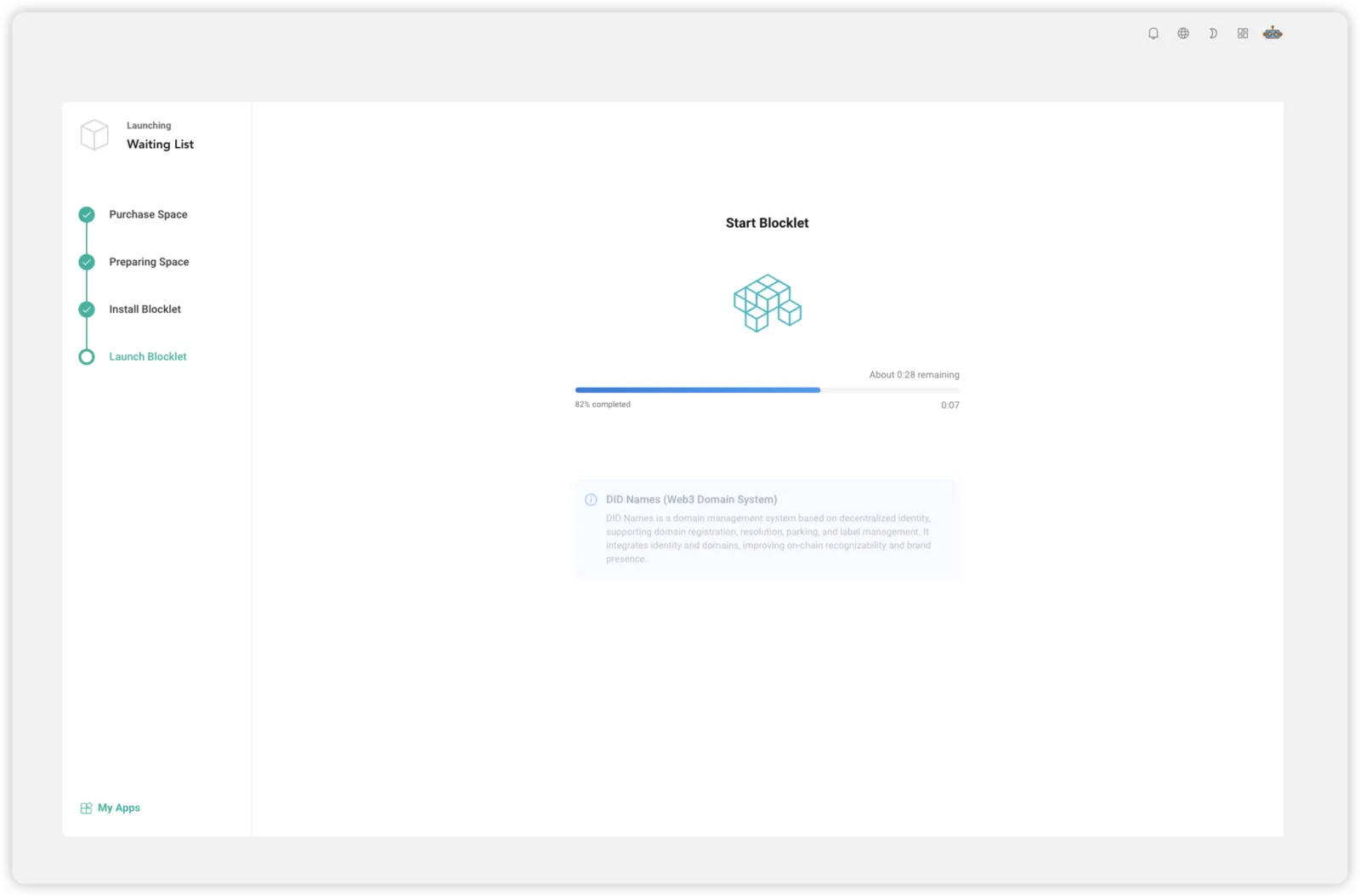
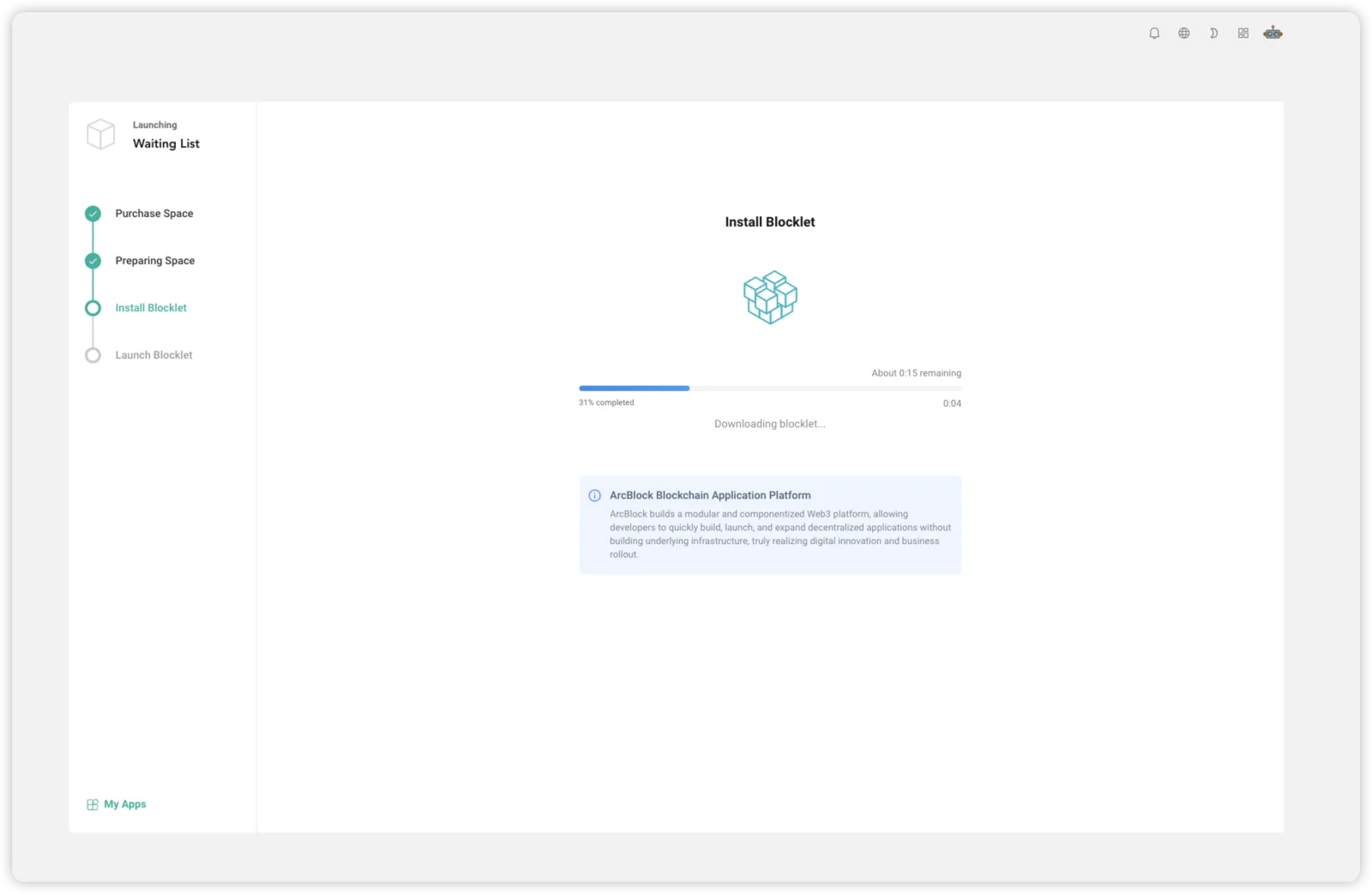
- Real-time Progress Tracking: Provides intuitive progress bars and status indicators, clearly showing users the current status of operations.
- Enhanced Loading Display: Improved visual feedback during loading to enhance user experience.
- Automatic Retry Mechanism: The system automatically retries upon encountering network issues, increasing the success rate.
Intelligent Processing of Expired Applications
- Automatic Detection: The system automatically identifies, and flags expired blocklets.
- Clear Guidance: Provides clear instructions and next steps for managing expired applications.
- State Synchronization: Maintains consistency between the application's displayed state and its actual runtime status.
User Experience Enhancement
Improved Interface Responsiveness
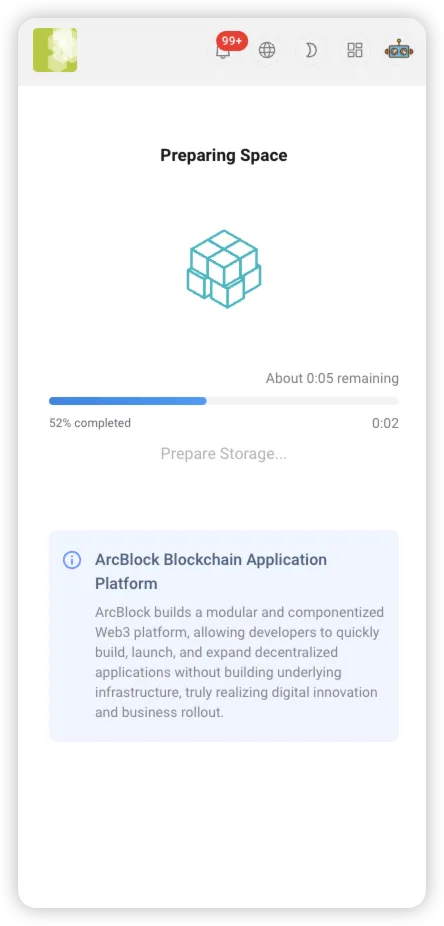
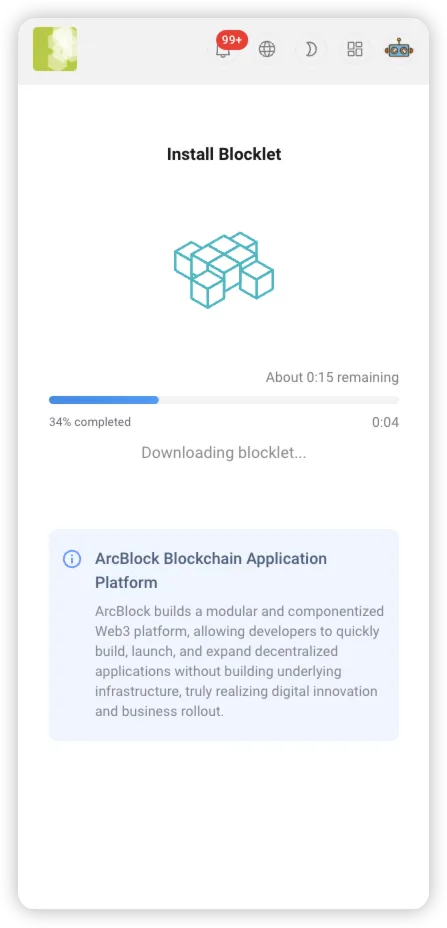
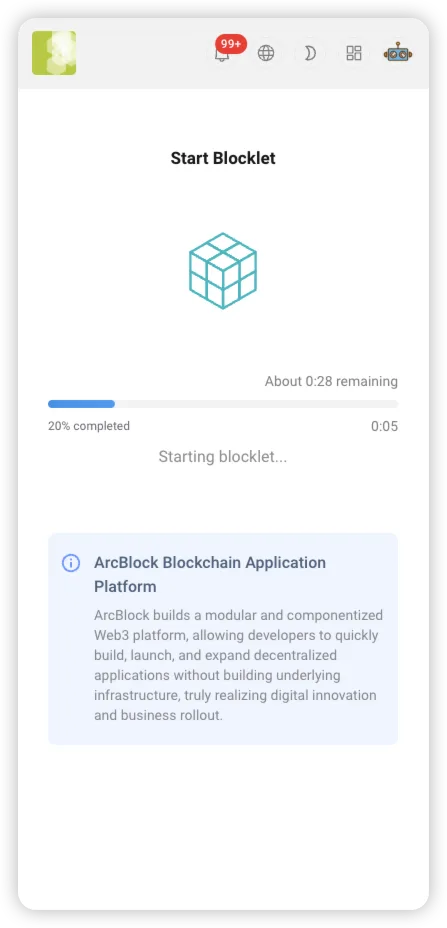
- Improved display on mobile and desktop devices to ensure a consistent experience across all platforms.
- Redesigned the installation success page for improved clarity and intuitiveness.
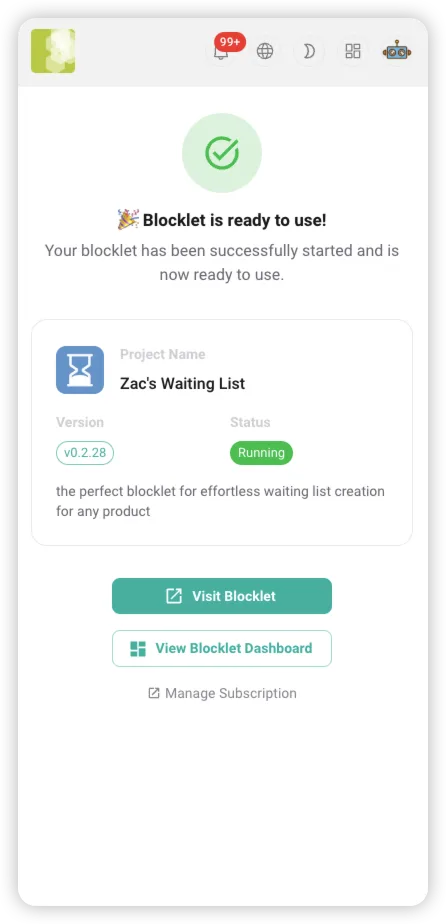
Streamlined Workflow
- Reduced unnecessary intermediate steps, enabling faster application launches.
- Improved error messages and provided more specific troubleshooting suggestions
- Improved localization support ensures a consistent experience for users in all supported languages.
Performance and Reliability Enhancements
Infrastructure Optimization
- Improved performance with upgrades to the latest Vite, React, MUI, and UX component libraries
- Switching from npm/yarn to pnpm speeds up dependency installation.
- Integrated package analysis tool for continuous application size monitoring and optimization
Improved Stability
- Fixed several exceptional cases that could cause application crashes
- Improved resource cleanup to prevent memory leaks
- Improved concurrent processing, enhancing system stability under high load
Modernizing Development Tools
- Upgraded to the latest version of Storybook for an enhanced component development and documentation experience.
- Optimized the build process to reduce build times and resource consumption.
System Monitoring Enhancements
- Improved error logging provides more detailed diagnostic information
- Improved performance monitoring enables real-time tracking of system operations.
- Optimized resource use and improved overall system efficiency
What's Next
User Experience Enhancement
- Improved first-time user onboarding: An optional wizard-style walkthrough now helps new users get started quickly.
- Improve startup wait times: The current average wait time is about 30 seconds. Technical optimizations are planned to reduce this wait time.
Identity Authentication and Security
- Wallet or passkey binding: Offers more flexible authentication options, supporting a variety of wallets and biometric technologies.
Customizable Configuration
- Custom Domain Binding: Enables users to access the application with their own domain names, promoting brand consistency.
- Customize Branding: Set a custom title, description, and logo.
- Customizable Theming: Offers theme customization, enabling users to create a unique visual experience.
Continuously Optimizing Performance
- Continue optimizing application startup and response times
- Explore new caching strategies and resource preloading mechanisms
- Enhancing Performance in Large-Scale Deployments
Resources
To learn more about ArcBlock's Blocklet Launcher, you can also check out the following resources:
Referenced here
Products
- Blocklet Launcher sunset
Launched a Blocklet onto a server without configuring it by hand first. ARC handles that differently, so the launcher is no longer needed.