Capture an Unfinished Thought in Aside

When an idea comes to mind, open Aside and tap “+” on the home screen to enter Quick Capture. A sentence is enough to save. Later, return to Aside, find that note, and capture the next question. You don't need to finish the idea on the spot.
Leave a sentence in Quick Capture
Try this imagined scene: you pass a bookstore, notice a low bookshelf by a window, and wonder whether your reading corner at home could work that way. Before leaving, type this into Quick Capture:
“Reading corner: low shelf by the window, book spines visible when sitting down. Could the space under our window work like this?”
That's enough to save. “Reading corner” makes the note recognizable later; the rest preserves what caught your attention. If all you have time for is “Reading corner: try a low shelf by the window,” save those words. There's no need to expand them into a full entry.
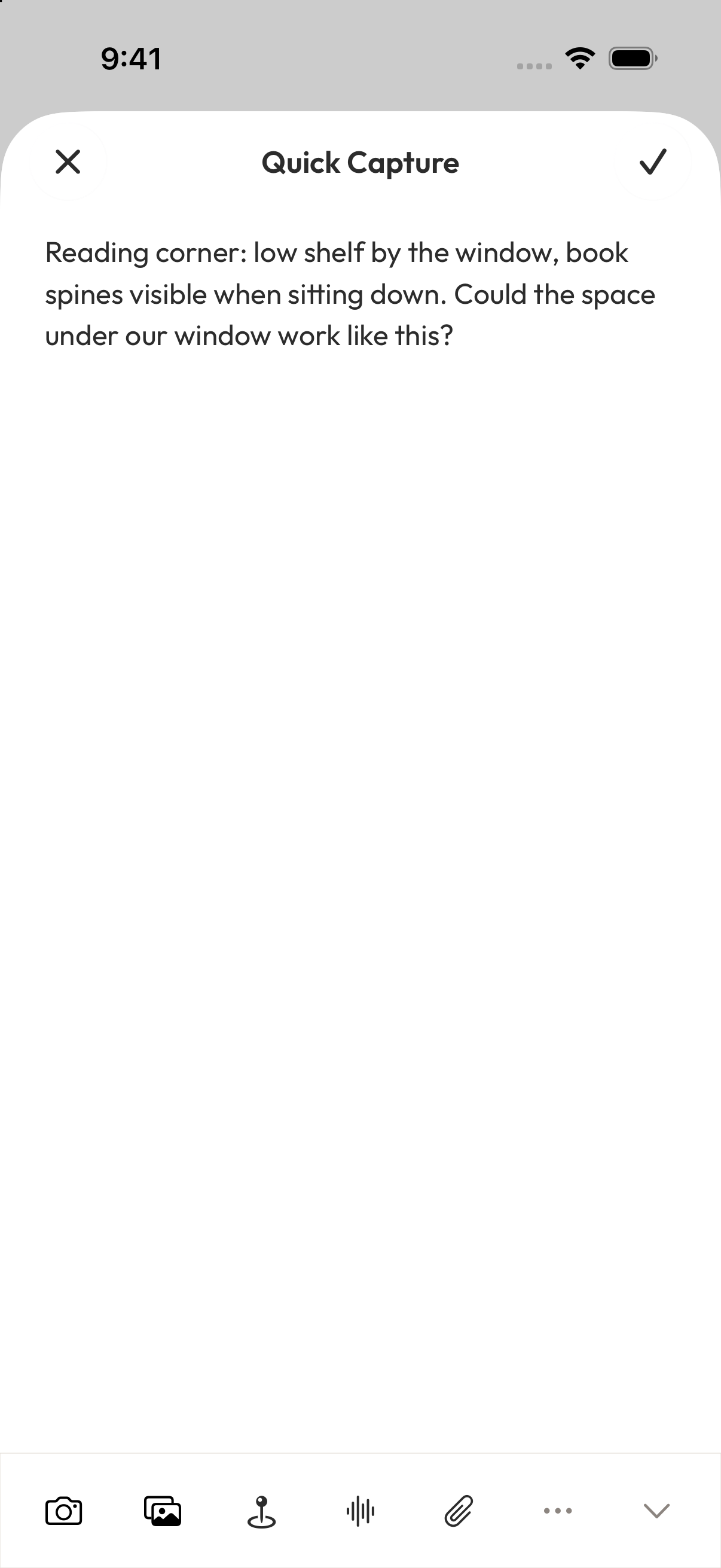
Tap the checkmark in the upper-right corner, then return to the home screen and find your new reading-corner note in the list. For this example, text alone keeps the thought.
Come back and capture the next question
A few days later, open Aside and tap the search button at the upper right of the home screen. Enter “reading corner” to find the earlier note.
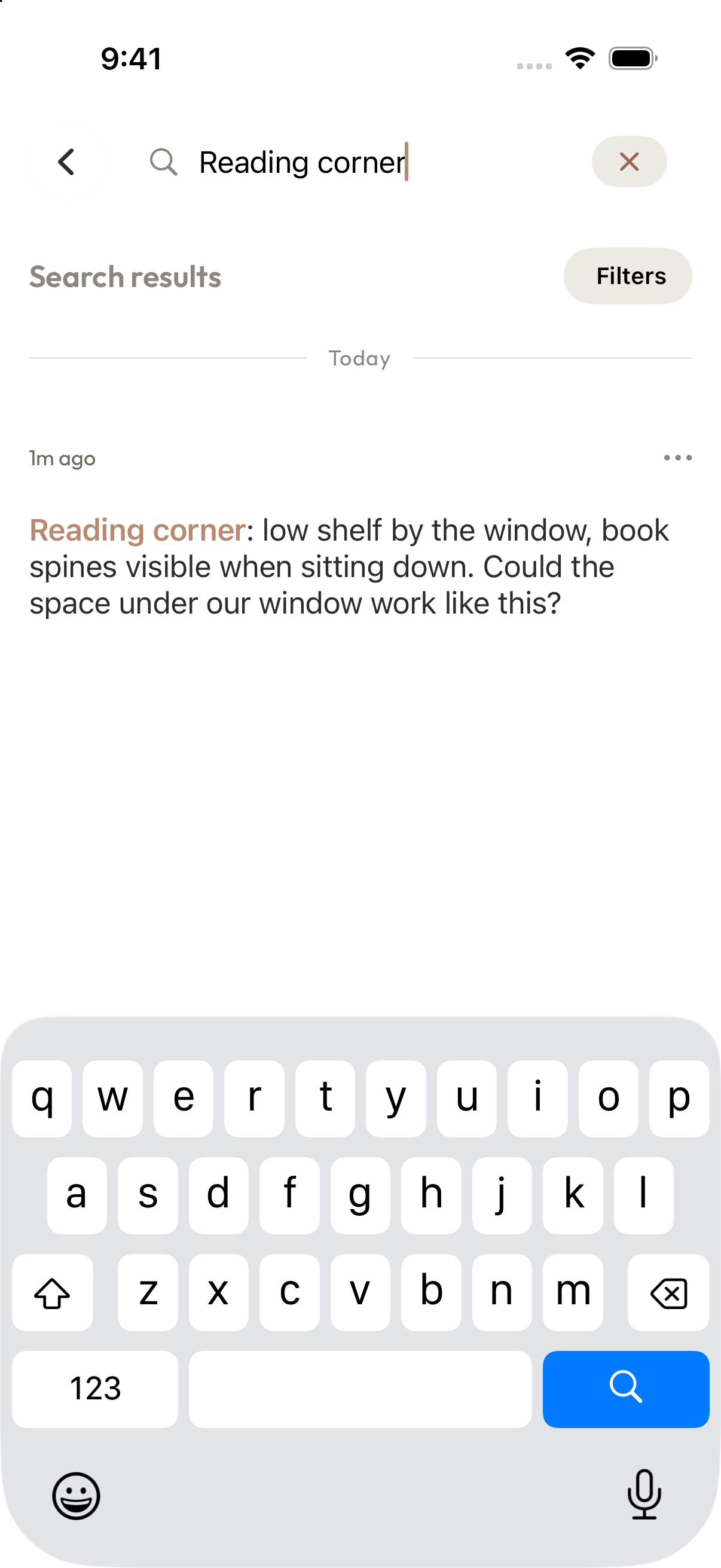
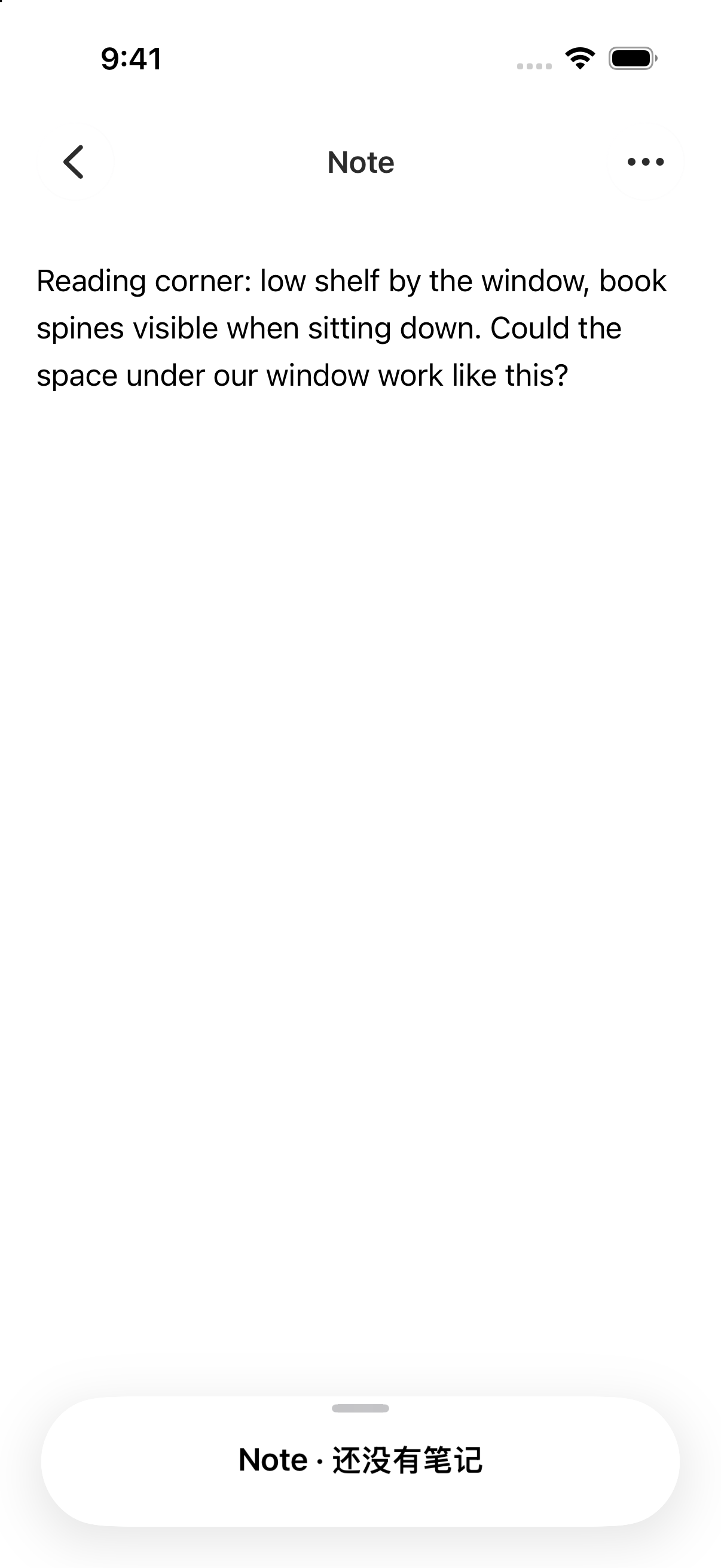
Tap the result to reopen the note. The words “book spines visible when sitting down” bring back the detail you noticed.
Suppose you're now wondering whether there's enough room. Return to the home screen, tap “+,” and open Quick Capture again. Make a separate note: “Picking up the reading corner idea. Would a low shelf fit with the existing desk and the space under the window?” Tap the upper-right checkmark to save.
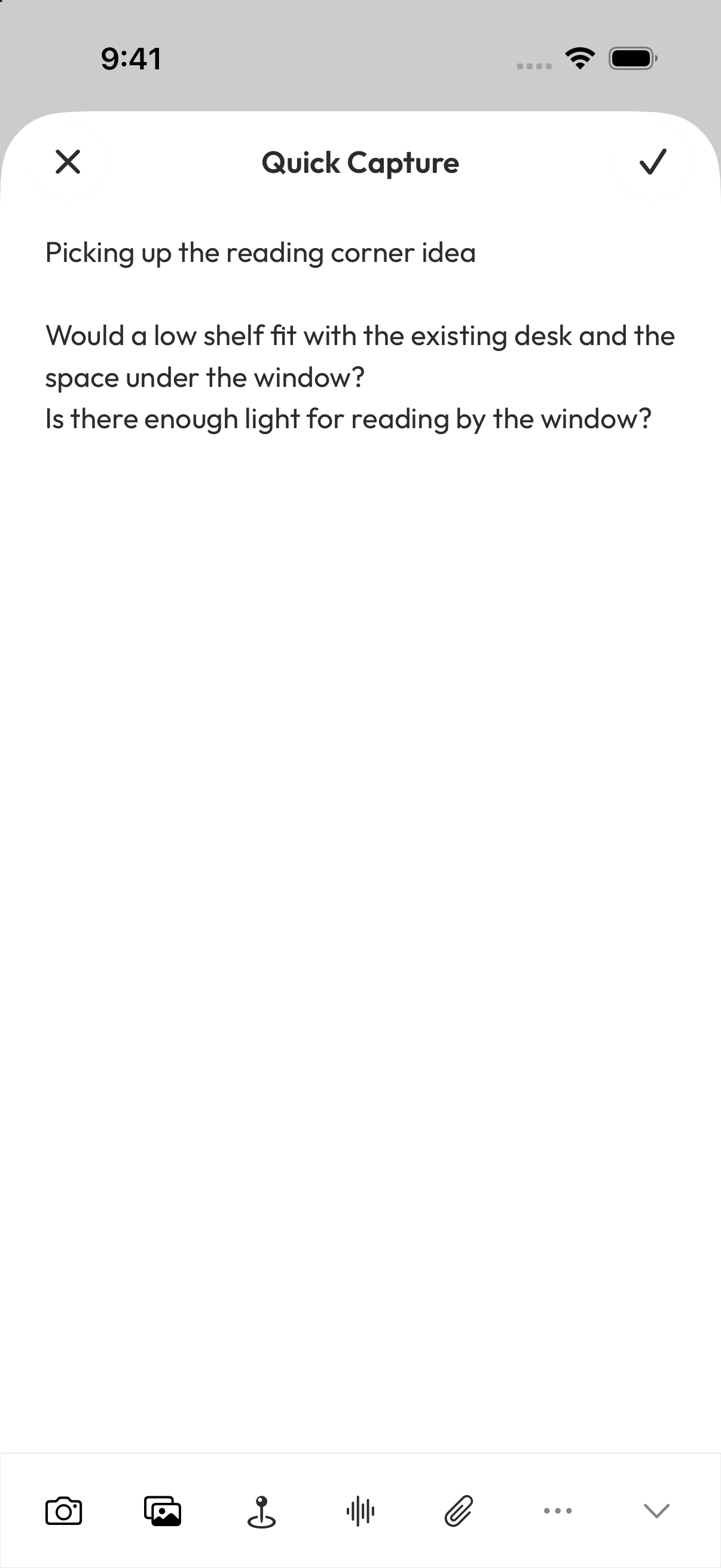
You type “reading corner” into both notes to make them recognizable and searchable. Aside doesn't automatically connect the notes because they share those words. The screenshot includes several questions; you can leave just one.
Next time something occurs to you, search for “reading corner” to revisit the earlier notes, then use “+” on the home screen to capture one new sentence. Each visit can add just what you have in mind that day.
Referenced here
Products
-
Aside
active
Collect the things that catch your attention and revisit them in collections.