AIGNE DocSmith has released a new beta that introduces two significant core features for developers and teams.
- AI Chart Generation: Streamlining Professional Chart Creation for Enhanced Document Readability and Visual Appeal
- Enhanced Evaluation Features: Global Context for Holistic Quality Analysis
Main Features#
1. AI Chart Generation#
Version Requirement: This feature requires AIGNE CLI version 1.57.2 or later. Please ensure your CLI version meets this requirement.
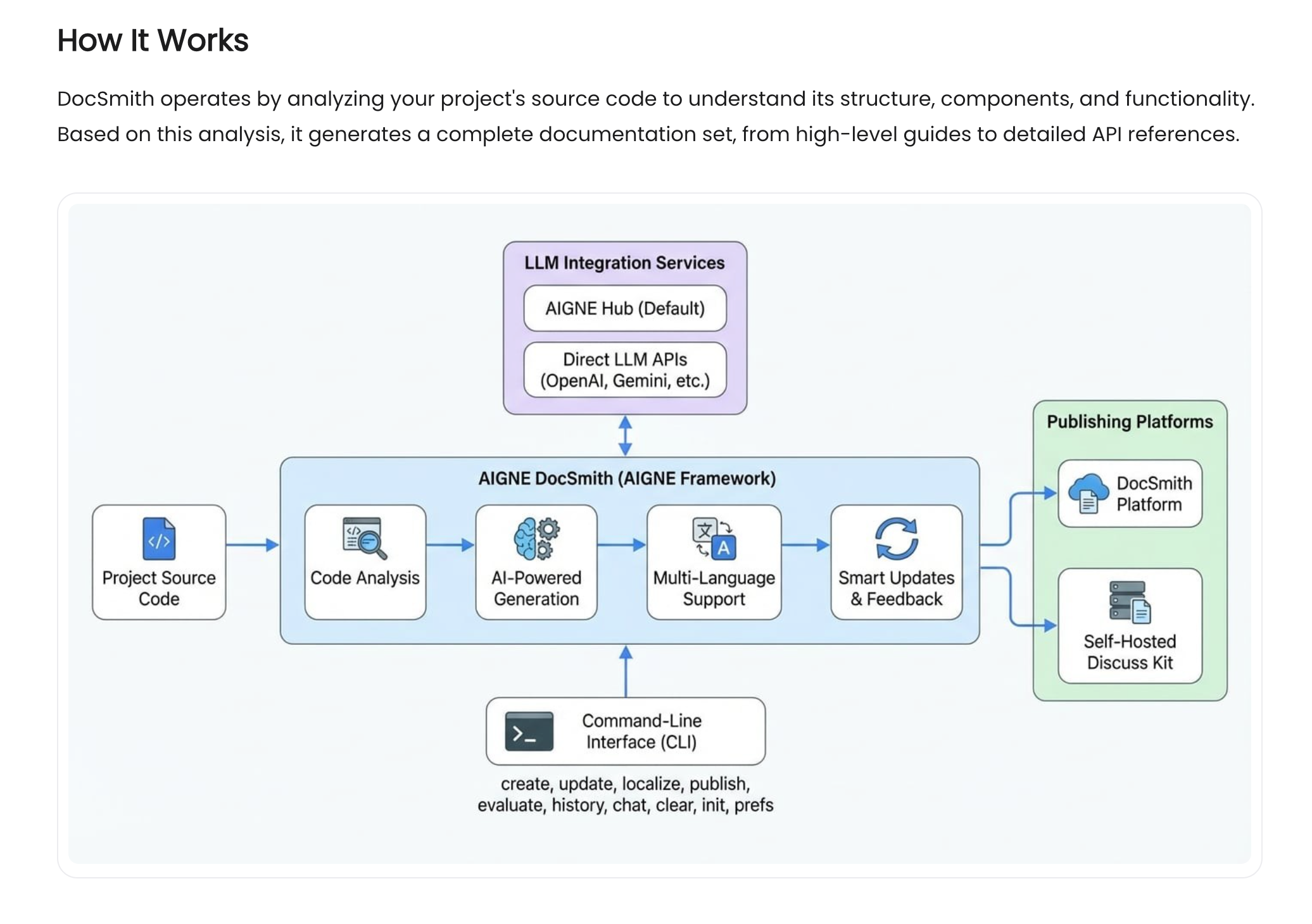
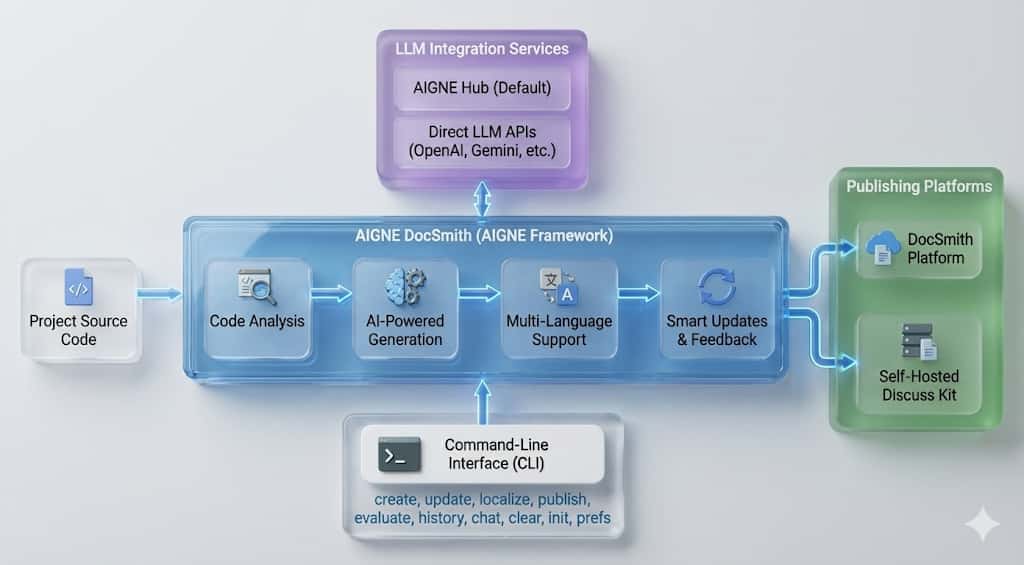
Below is a usage preview from the AIGNE DocSmith documentation:
Feature Description#
The AI analyzes document content, identifies where diagrams would improve comprehension, and generates them automatically. No manual positioning or content specification required.
Core Capabilities#
- Identifies suitable locations for charts based on content analysis
- Selects diagram type from context: flowcharts, architecture diagrams, concept maps, sequence diagrams, network diagrams
- Chooses visual style (modern, standard, hand-drawn, flat, minimalist, 3D) and aspect ratio
- Generates Material Design-compliant charts
- Optimizes image size and syncs across translated versions
Usage#
Goal | Command |
|---|---|
Update single doc with interactive feedback |
|
Select docs containing charts |
|
Update all charts across all docs |
|
Note: --diagram and --diagram-all are for batch operations. For single documents, use aigne doc update and provide feedback interactively.
Example: Interactive Feedback#
When running aigne doc update, you can request specific chart modifications:
Feedback: "Add architecture diagram to the deployment section"
Result: Diagram inserted at identified location, style: modern

Feedback: "Change the flowchart to hand-drawn style"
Result: Chart regenerated with hand-drawn style

Feedback: "Delete the diagram in section 3"
Result: Diagram removed
Updated charts sync automatically across all translated documentation.
Style Demo#
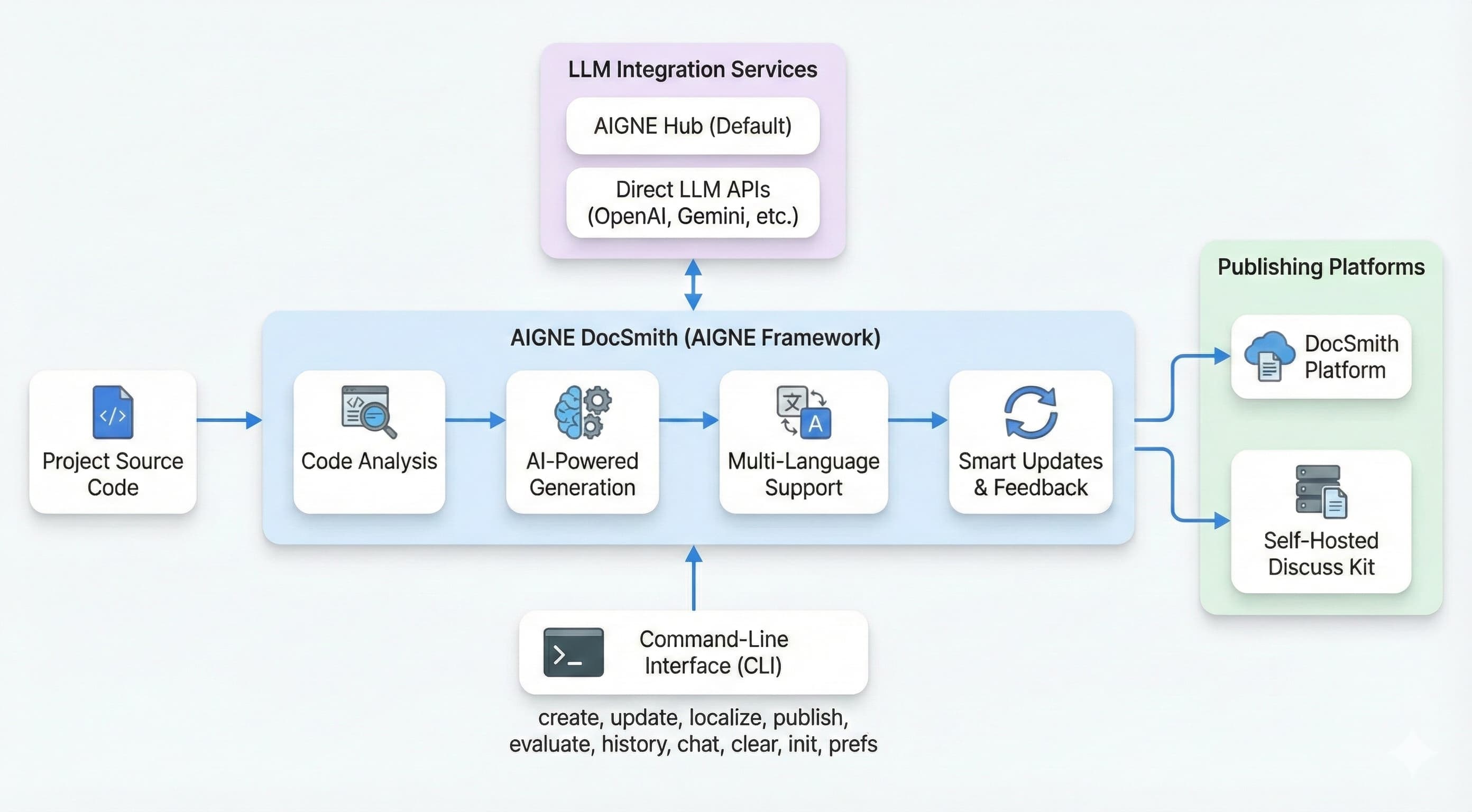
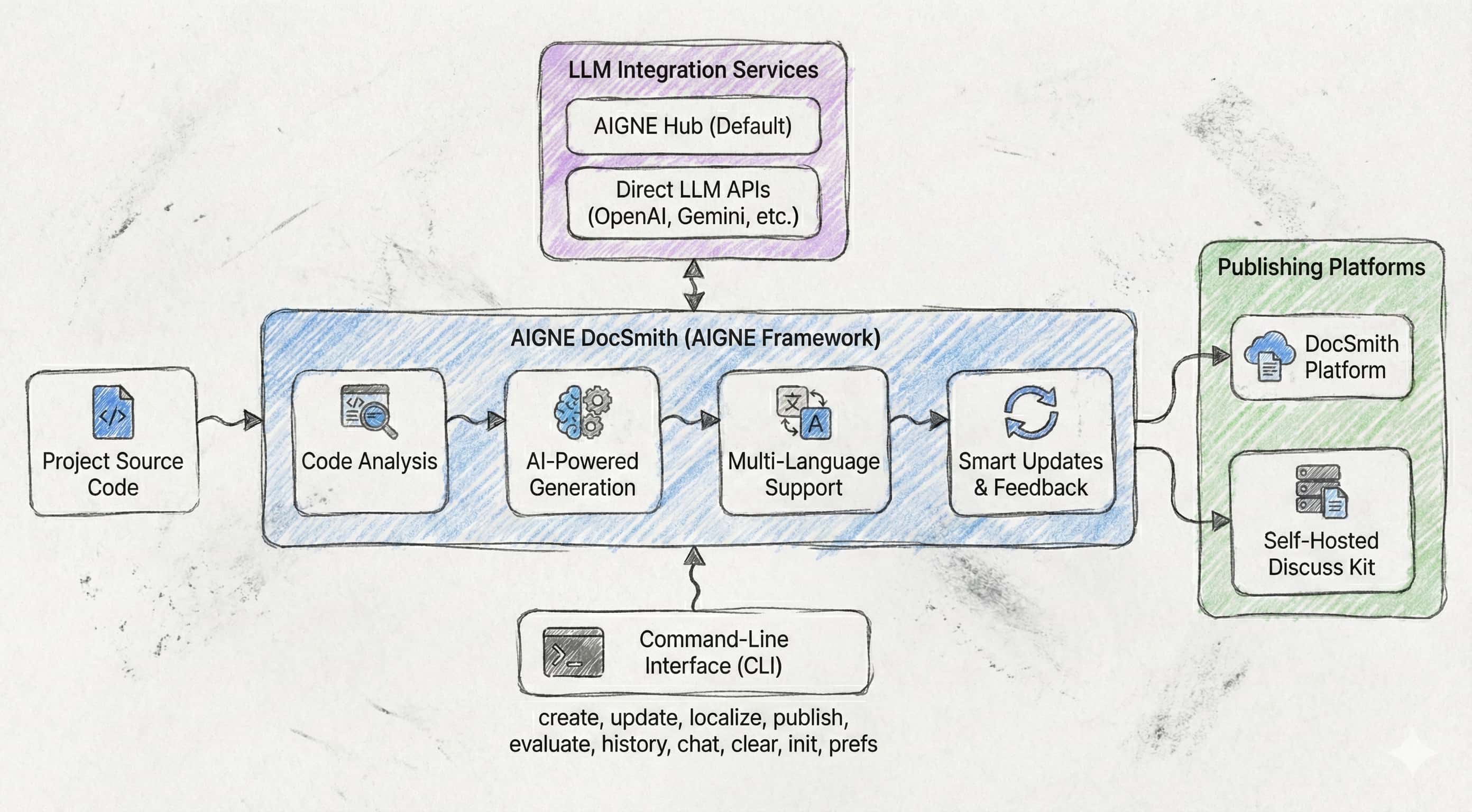
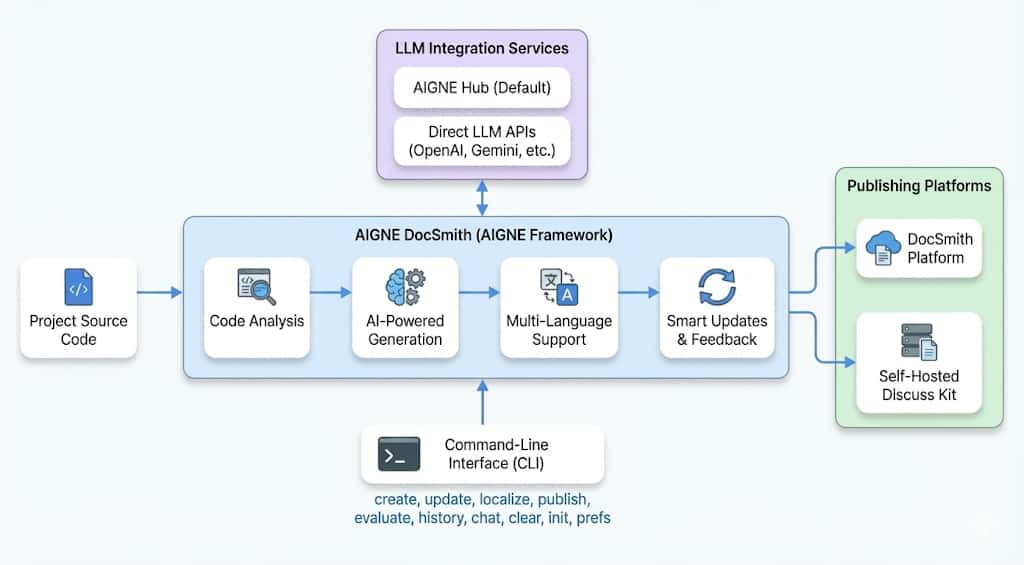
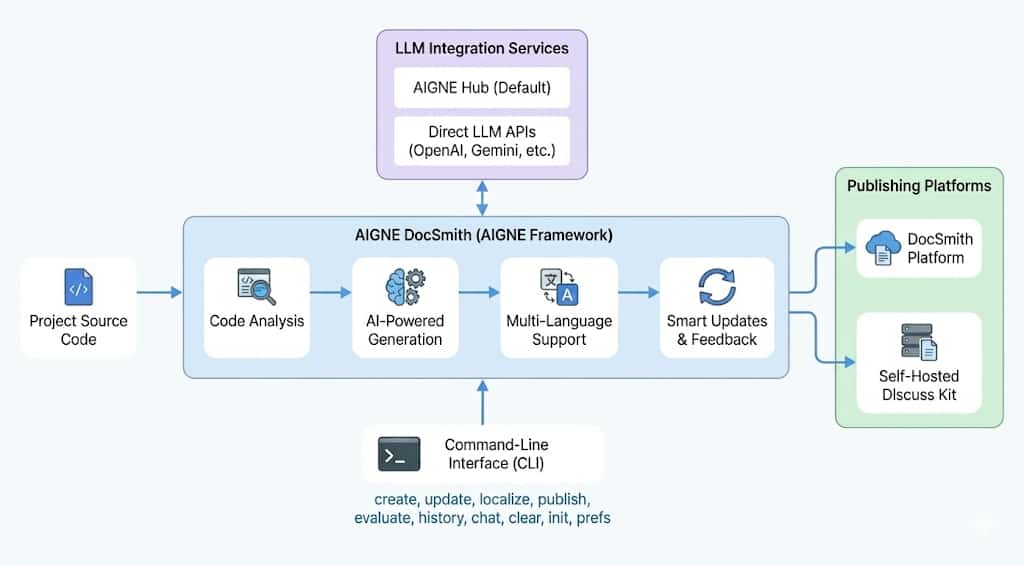
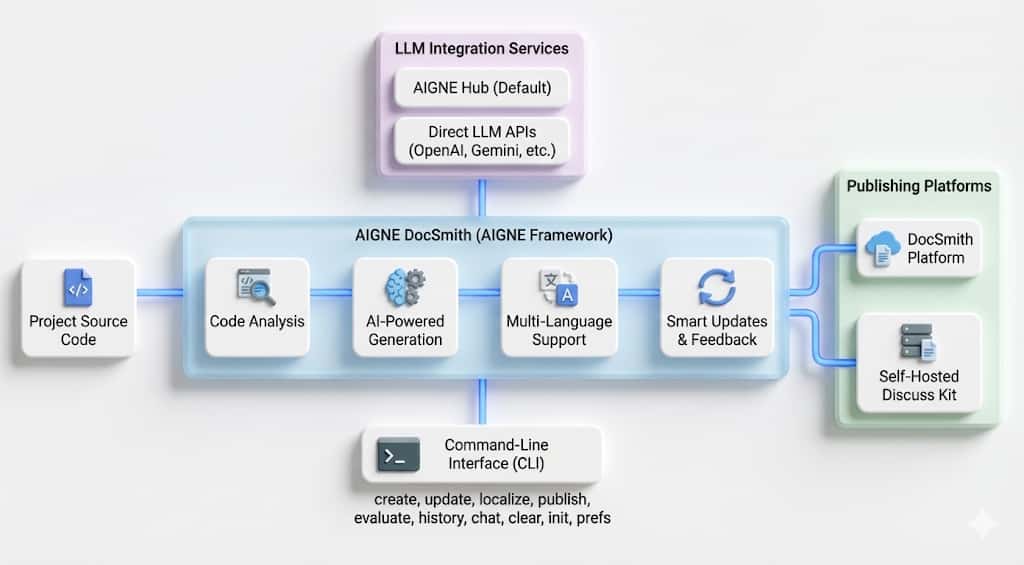
Listed below are some reference examples to illustrate the foundational styles available across diverse categories, with support for user-defined styles (e.g., "3D‑Glass").Please note that the final results are subject to the actual images generated. We are committed to progressively rolling out a wider array of enhanced features.
Modern Standard Hand-Drawn Anthropomorphic Flat Minimalist 3D 3D-Glass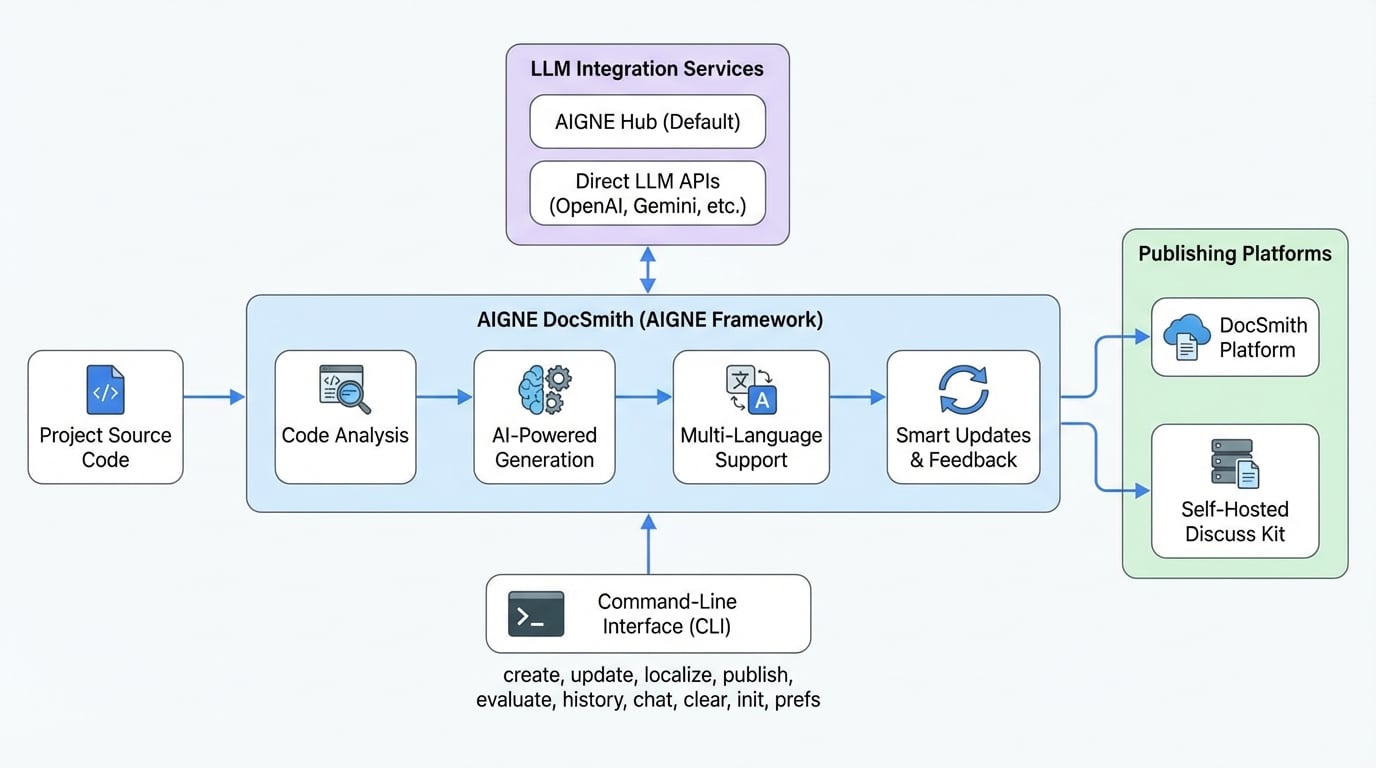

2. Enhanced Document Evaluation#
AIGNE DocSmith provides a dedicated agent to help you understand the quality of your documentation. The evaluator agent now considers the entire document set, not just individual files.
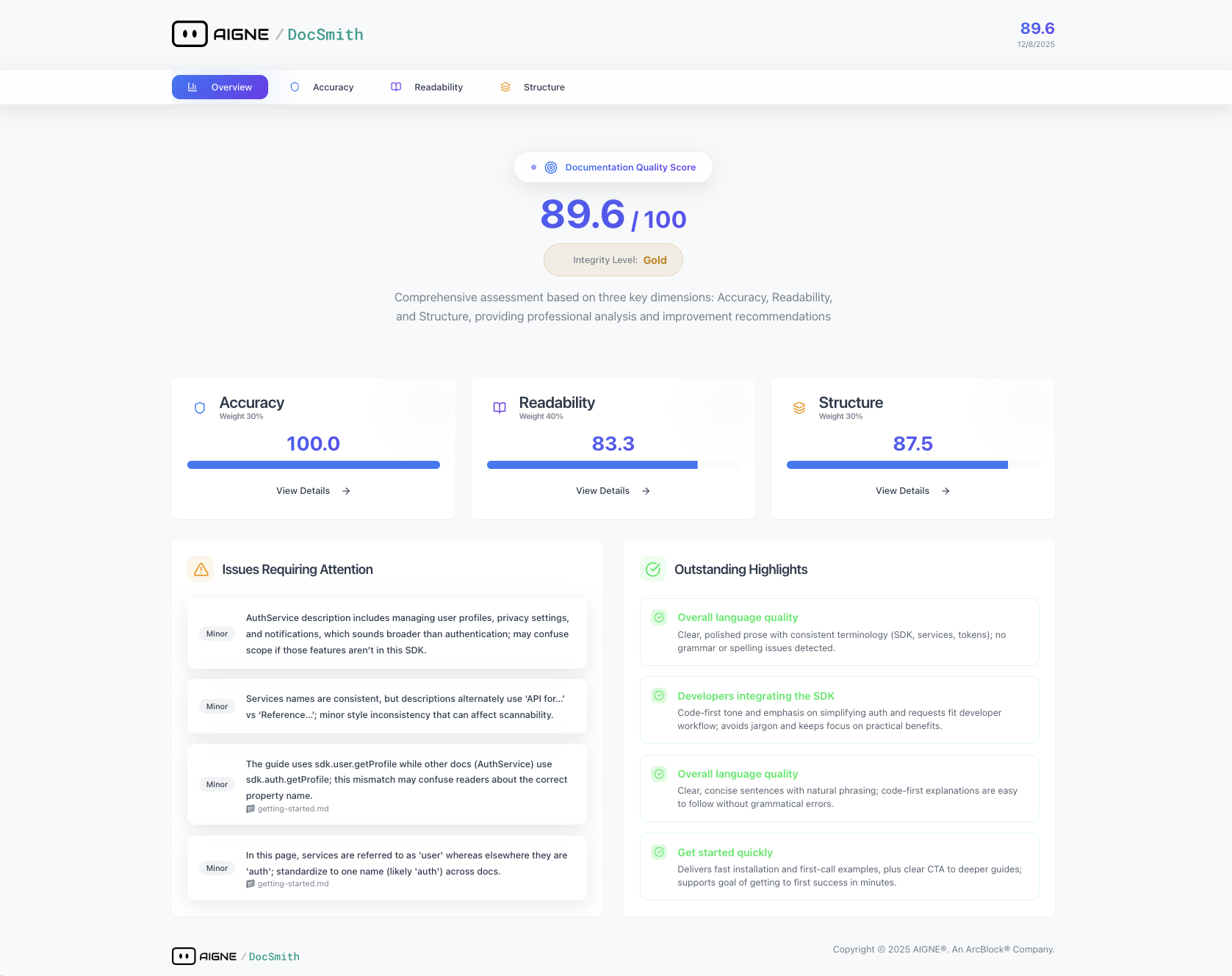
What it Analyzes:#
- Role and position of each document within the set
- Connections and consistency across documents
- Terminology, style, and format inconsistencies
- Duplicate content and missing cross-references
- Inter-document dependency issues
- Documentation organizational structure
Evaluation Dimensions:#
The system looks at several factors when reviewing docs including:
- Readability — Language clarity, grammar, spelling
- Coherence — Logic flow, transitions, consistency
- Content Quality — Coverage, accuracy, actionability
- Consistency — Terminology, style, formatting uniformity
- Goal Alignment — Content-to-goal match
- Audience Fit — Target audience appropriateness
- Knowledge Level Match — Alignment with reader's expected knowledge
Usage#
To start using the evaluator, simply use the command below which will generate an .html ready report.
aigne doc evaluateGlobal context is enabled by default. The system collects all document content, runs analysis, and generates an assessment report.
Upgrade Guide#
Version Requirements#
- AI Chart Generation Feature: Requires AIGNE CLI version >= 1.57.2
- Please ensure your CLI version meets the requirements; otherwise, the chart generation feature might not work as intended.
Upgrade Steps#
1. Check CLI Version#
aigne --versionEnsure the version is >= 1.57.2. If the version is too low, please upgrade the CLI first:
npm install -g @aigne/cli@latest
# 或
pnpm add -g @aigne/cli@latest
2. Get Started#
- Diagram Generation: Run
aigne doc update --diagramto get started (Requires CLI >= 1.57.2) - Enhanced Evaluation: Run
aigne doc evaluatefor a comprehensive global evaluation
3. Optional Configuration#
To customize chart styles, add the diagramming configuration in aigne.yaml(see the usage guide above).
Summary#
Version 0.9.8 adds:
- AI Chart Generation — Automatic diagram creation and placement (requires CLI ≥1.57.2)
- Enhanced Evaluation — Cross-document analysis with global context
Update your CLI to access chart features. Check out https://docsmith.aigne.io to try it now and see live doc sites.