AIGNE upgrades support of Gemini
With Google's recent announcement of its Gemini 2.0 models, ArcBlock has worked quickly to ensure that developers can take advantage of Google's latest models to build agents or for content generation. Gemini's newest models offer a reduced price and faster output compared to previous models and now include multimodal input processing and extended context understanding.

Similar to our recent xAI update, AIGNE's unique design enables our engineering team to extend support for new LLMs and AI content generation models. Starting today, developers can now use Google Gemini's more advanced models inside of AIGNE.
How to use Gemini in AIGNE
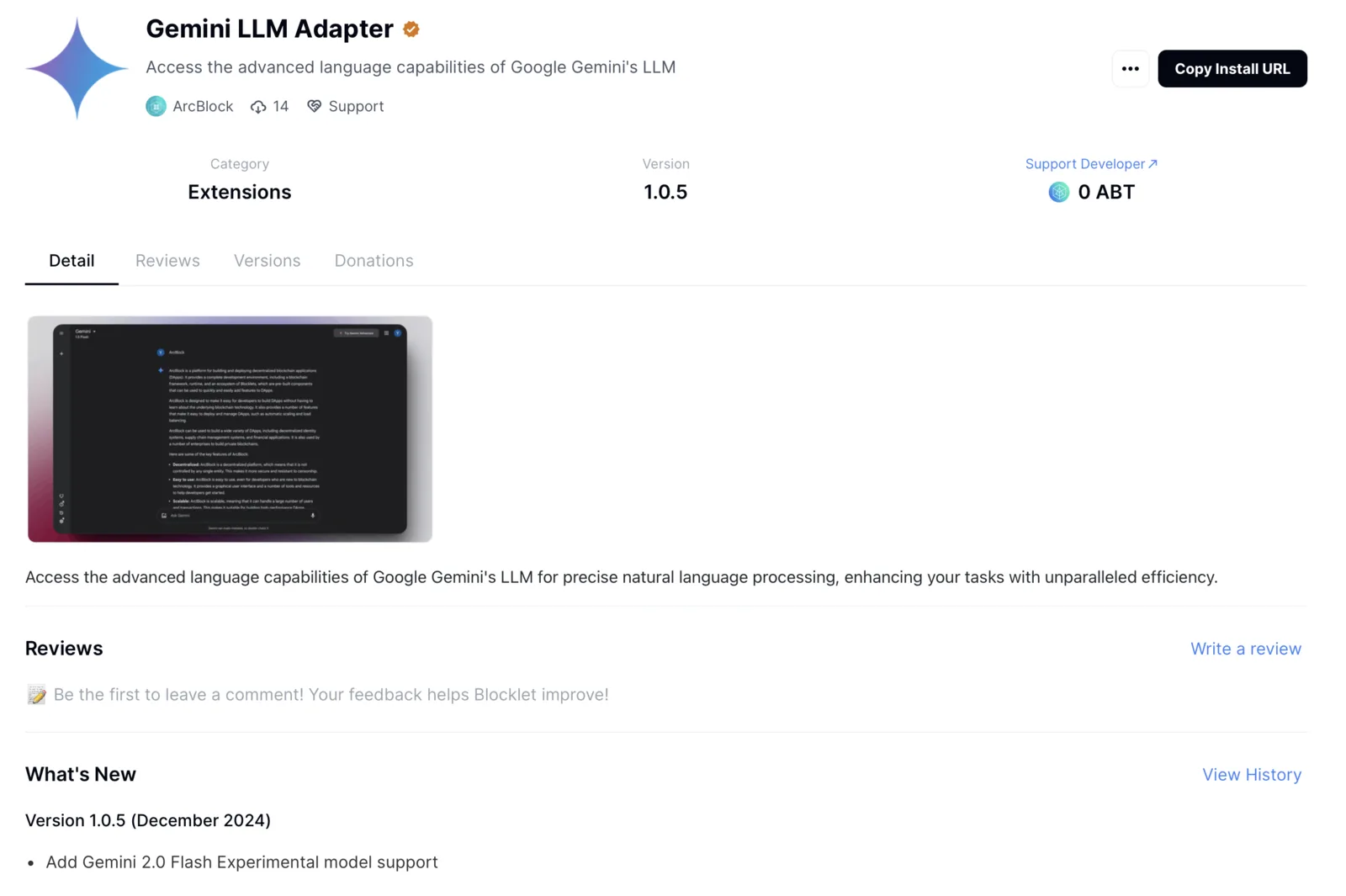
Install the Gemini adapter Blocklet
The adapter Blocklet we developed for Gemini is already available in the Blocklet Store. However, you only need to install these adapters if you are running an independent instance of AIGNE. If you are using the online service of AIGNE, you can skip this step.
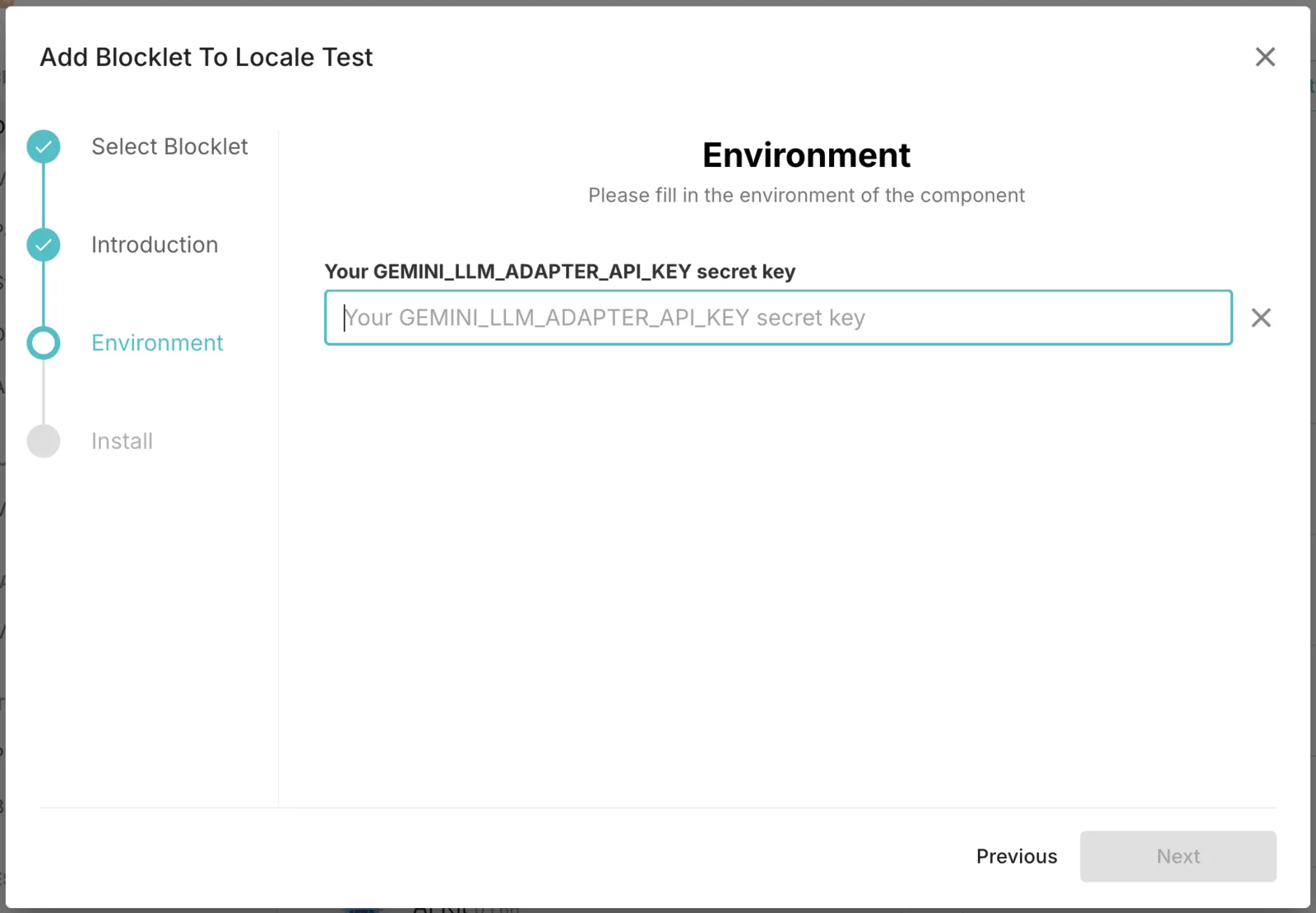
In a standalone AIGNE setup, installing the Gemini LLM adapter requires the user to provide their own Gemini API key.
Use Gemini in AIGNE Project
In the AIGNE project, clicking the model selection configuration button for any Agent powered by a large language model enables you to choose from various model providers and add more models.
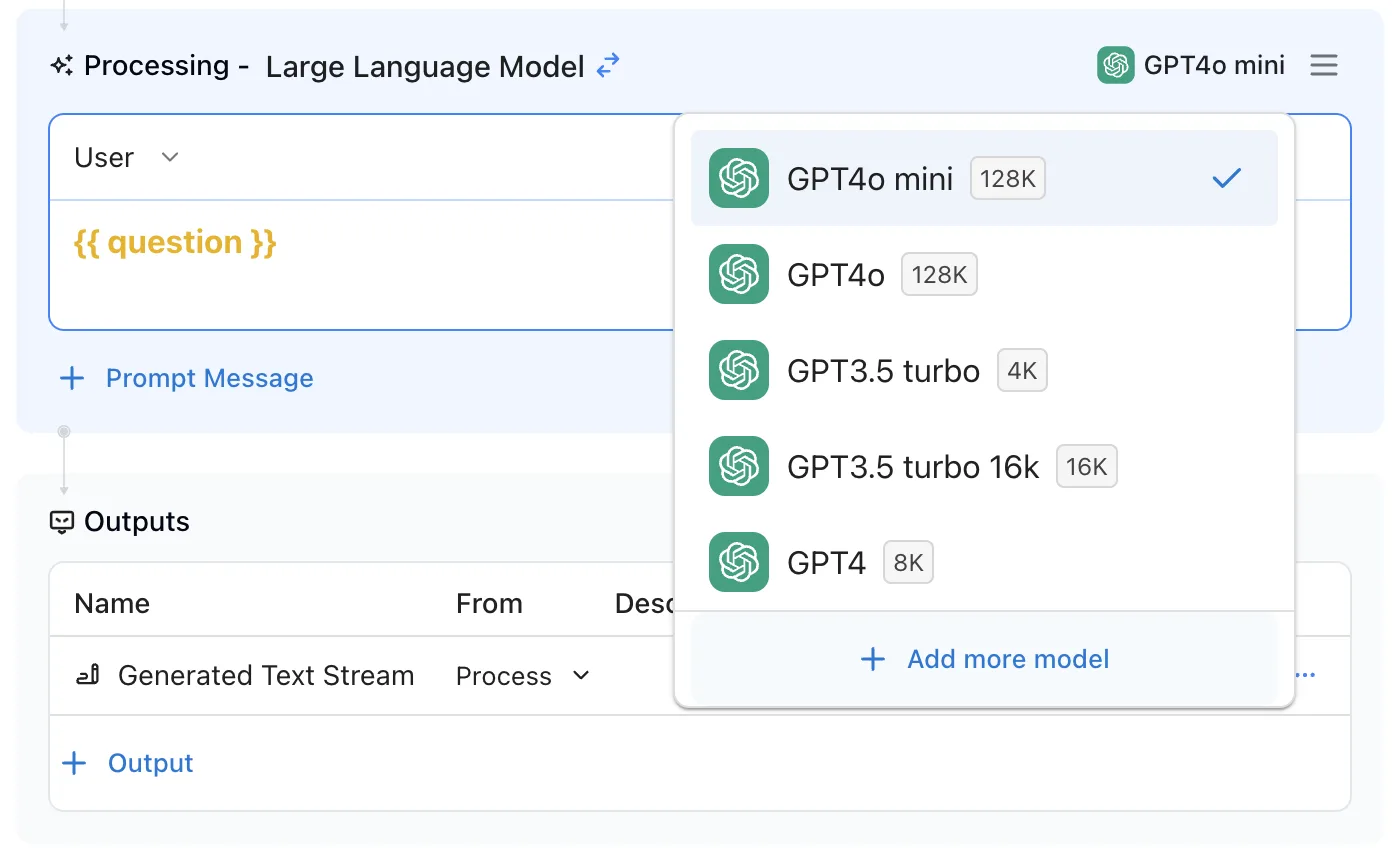
In the dialog, you will see a list of LLM adapters. You can click the Gemini tag to filter and display only Gemini models. This functionality is provided by the Gemini adapter Blocklet mentioned earlier. In the online version of AIGNE, this Blocklet is already installed, allowing you to use it directly. If you are running your own instance of AIGNE, you will need to install the Gemini adapter first to access this option.
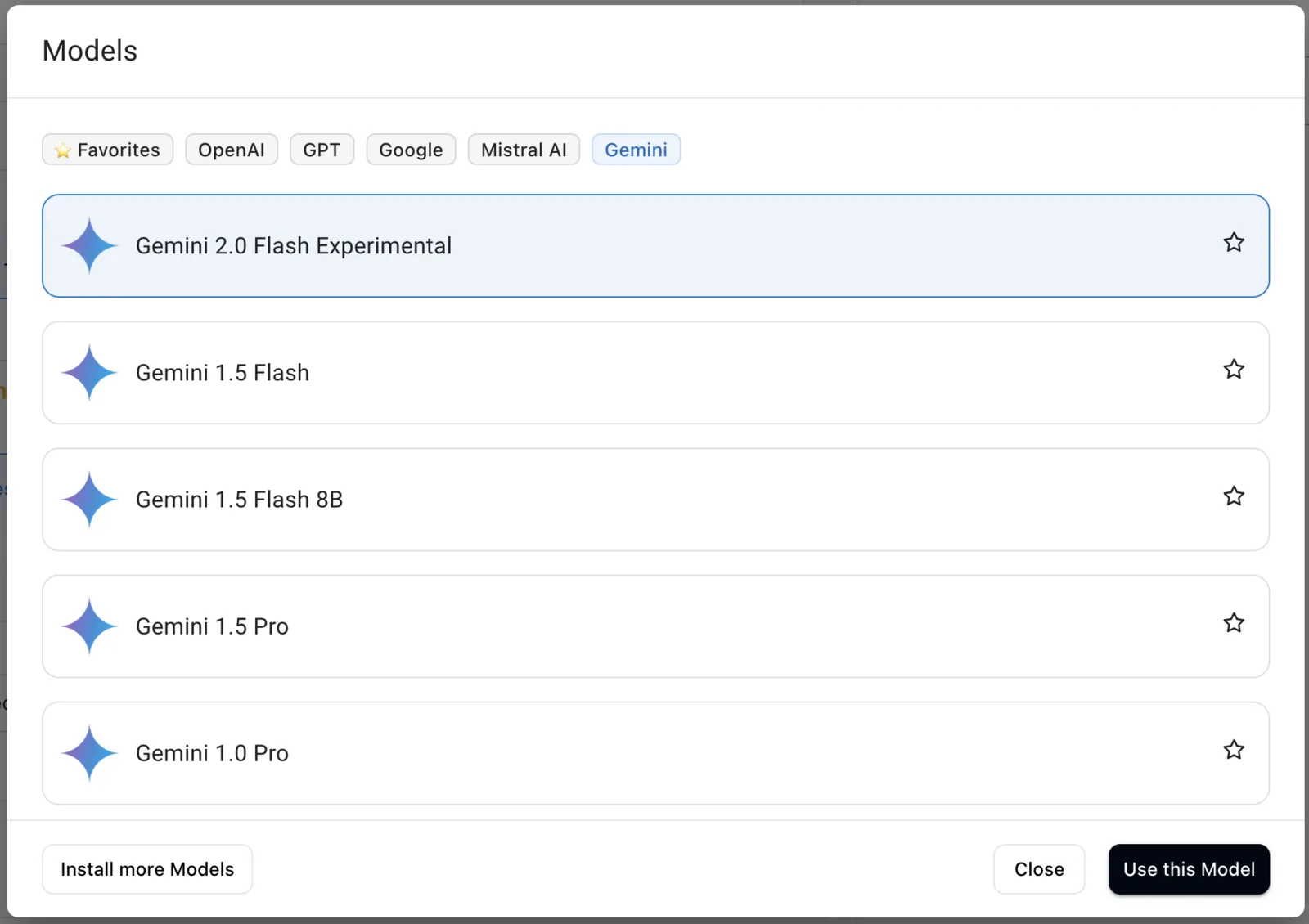
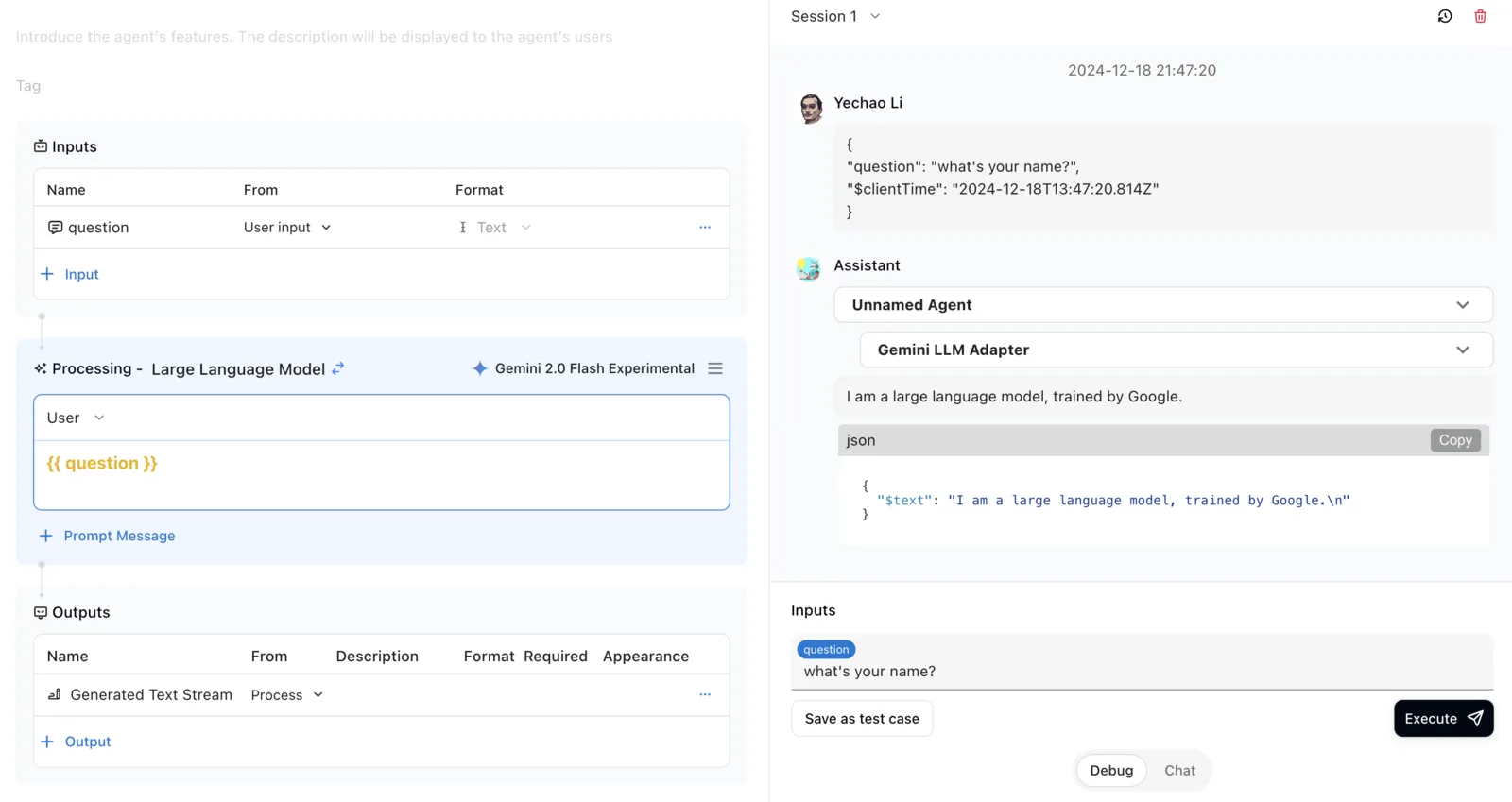
Once configured, Gemini becomes available in the Agent and works just like the models you’re already accustomed to. You can explore its capabilities by trying out different prompts. AIGNE allows you to combine multiple models within the same project and effortlessly switch between various large language models.
In the following example, Gemini is successfully integrated and responds by providing its basic information.
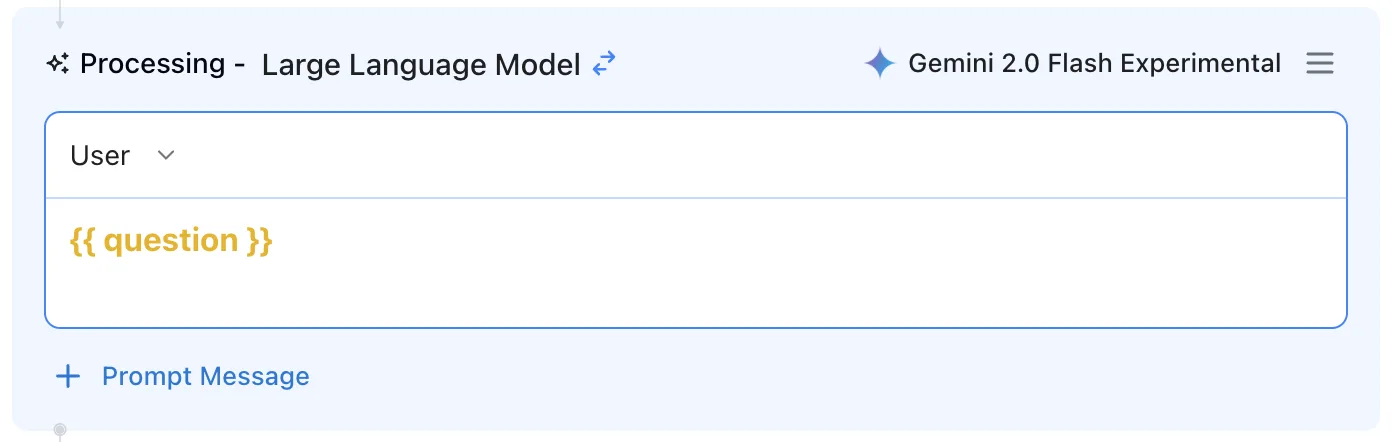
Additionally, you can click the "Menu" button next to the model to adjust its parameters.
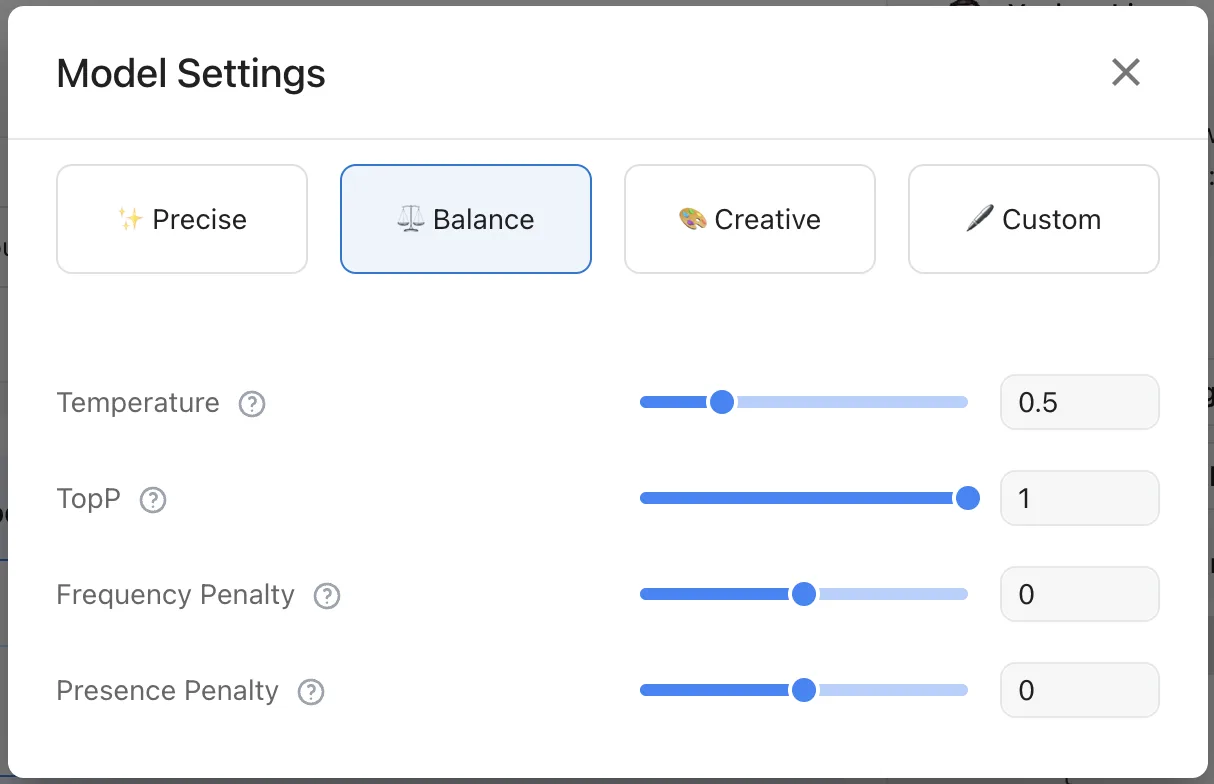
There are three preset parameter options available: Precise, Balanced, and Creative. Of course, custom parameters are also supported.
You can use Google Gemini's latest models by following the steps above. We will continue to make updates, and as new models are brought online, we will make them available for our developers.
Referenced here
Products
-
AIGNE
active
A framework for developers building agents. Start from the command line to create and run a project; use the framework documentation for the parts that need detail.